ManageEngine vs Freshservice: Which ITSM Platform Should Your Business Choose?

Choosing the right IT service management platform shapes how your IT team responds to incidents, fulfills requests, manages assets, and ultimately supports the rest of the business. Two platforms consistently appear at the top of that decision process: ManageEngine ServiceDesk Plus and Freshservice. Both offer robust ITSM capabilities, competitive pricing, and strong integrations — yet they serve meaningfully different organizational profiles, and picking the wrong one wastes budget, slows adoption, and creates technical debt that compounds over time.
This guide cuts through the marketing noise to deliver a direct, evidence-based comparison across every dimension that matters: pricing, automation, scalability, ITIL alignment, asset management, integrations, reporting, and user experience. By the end, you will know which platform fits your organization — and when it makes sense to call in expert help to implement it correctly.
Table of contents
Quick Summary
| Category |  |  |
|---|---|---|
| Best for | Mid-to-large enterprises, complex IT environments | SMBs to mid-market, fast-growing SaaS companies |
| Deployment | Cloud and on-premises | Cloud only |
| Pricing model | Technician-based + asset tiers | Agent-based tiered plans |
| ITIL alignment | Deep — full ITIL v3/v4 suite | Moderate — core ITIL processes |
| Automation depth | Advanced — workflow builder + AI | Strong — scenario automations + AI |
| Asset management | Enterprise-grade, built-in CMDB | Good — simpler CMDB |
| Reporting | Highly customizable | Polished, easier out-of-the-box |
| Setup complexity | Higher — more configuration required | Lower — faster time-to-value |
| Ideal company size | 200+ employees | 50–2,000 employees |
How Do ManageEngine and Freshservice Connect to the World of ITSM?
IT service management sits at the operational core of every technology-dependent organization. ITSM platforms provide the structured processes, workflows, and tooling that IT teams use to deliver and support services reliably — from handling a password reset to managing a company-wide software rollout.
What Is ManageEngine ServiceDesk Plus and Who Built It?

ManageEngine is a division of Zoho Corporation, one of the largest enterprise software companies in the world with over 100 million users globally. ManageEngine’s ServiceDesk Plus launched in 2003, making it one of the longest-standing ITSM platforms on the market. The platform targets organizations that need deep ITIL process coverage, on-premises deployment options, granular customization, and integration with ManageEngine’s broader IT management ecosystem — including network monitoring, endpoint management, and security tools.
ManageEngine ITSM particularly resonates with regulated industries, government organizations, and enterprises that manage complex IT environments with strict compliance requirements. Its deep feature set comes with a steeper configuration curve, but organizations that invest in proper setup gain a platform capable of handling virtually any ITSM scenario.
What Is Freshservice and Who Builds It?

Freshservice is Freshworks’ enterprise ITSM product, launched in 2014 as a cloud-native alternative to traditional, complex ITSM tools. Freshworks — publicly listed on NASDAQ since 2021 — built Freshservice specifically for organizations that want modern, intuitive ITSM without the configuration overhead of legacy platforms. The product emphasizes fast deployment, consumer-grade user experience, and AI-assisted service delivery through its Freddy AI engine.
Freshservice appeals strongly to fast-growing technology companies, mid-market organizations scaling their IT operations, and businesses migrating away from email-based IT support toward structured ITSM for the first time. Its cloud-only architecture means zero infrastructure management but also zero flexibility for organizations that require on-premises deployment.
Why Does This Comparison Matter for Businesses Today?
According to Gartner’s 2025 Magic Quadrant for IT Service Management Platforms, both ManageEngine and Freshservice appear as recognized solutions, with organizations increasingly evaluating them side-by-side. The ITSM market reached $10.5 billion in 2023 and continues growing as remote work, cloud adoption, and digital transformation drive demand for structured IT service delivery. Choosing between ManageEngine and Freshservice is therefore not just a software decision — it is a strategic choice that affects IT team efficiency, employee satisfaction, and operational resilience.
How Do ManageEngine and Freshservice Compare on Pricing?

Pricing represents one of the most decisive factors in the ManageEngine versus Freshservice comparison — and it is also one of the most misunderstood, because both platforms use different pricing models that make direct comparison non-obvious.
How Does ManageEngine ServiceDesk Plus Price Its Plans?
ManageEngine structures its pricing around technician licenses (the IT staff using the platform) combined with asset tiers (the number of managed assets or nodes). It offers three main editions:
| Plan | Key Features | Pricing Model |
|---|---|---|
| Standard | Incident management, self-service portal, knowledge base | Per technician/month |
| Professional | Standard + change management, asset management, CMDB | Per technician + per asset/month |
| Enterprise | Professional + project management, service catalog, advanced analytics | Per technician + per asset/month |
ManageEngine publishes starting prices publicly — the Standard edition begins around $10–$14 per technician per month for cloud deployments, making it one of the most competitively priced full-featured ITSM platforms available. However, the total cost grows as you add assets to the inventory, which means large asset-heavy organizations see prices scale significantly.
On-premises licensing follows a perpetual license model with annual maintenance fees — a cost structure that appeals to organizations with existing infrastructure investments and long planning horizons.
How Does Freshservice Structure Its Pricing?
Freshservice uses agent-based tiered plans, where pricing depends on the number of IT agents (technicians) and the plan tier rather than asset counts:
| Plan | Key Features | Target Customer |
|---|---|---|
| Starter | Incident, problem, change management, basic automation | Small IT teams |
| Growth | Starter + SLA management, custom roles, analytics | Growing IT departments |
| Pro | Growth + AI features, alert management, project management | Mid-market IT teams |
| Enterprise | Pro + sandbox, audit logs, IP whitelisting, advanced AI | Enterprise IT departments |
Freshservice’s Starter plan begins around $19 per agent per month (billed annually), with Pro tier reaching $95+ per agent per month. The absence of per-asset fees makes Freshservice more predictable in cost for asset-heavy environments, though the higher per-agent cost can disadvantage organizations with large IT teams.
Which Platform Offers Better Value for Money?
The value comparison depends heavily on your specific profile:
- Small IT teams (under 10 agents), asset-light: Freshservice Starter frequently wins on simplicity and faster ROI.
- Mid-size IT teams with significant asset inventories: ManageEngine Professional often delivers more features per dollar, especially with asset management included.
- Large enterprises with complex ITIL needs: ManageEngine Enterprise provides deeper functionality at lower per-user cost than Freshservice Enterprise.
- Organizations needing on-premises: ManageEngine is the only choice — Freshservice does not offer on-premises deployment.
How Do ManageEngine and Freshservice Compare on Automation?

Automation capabilities directly determine how much your IT team can scale without adding headcount. Both platforms invest heavily in automation, but they approach it differently.
What Automation Capabilities Does ManageEngine Offer?
ManageEngine ServiceDesk Plus delivers automation through several interconnected mechanisms:
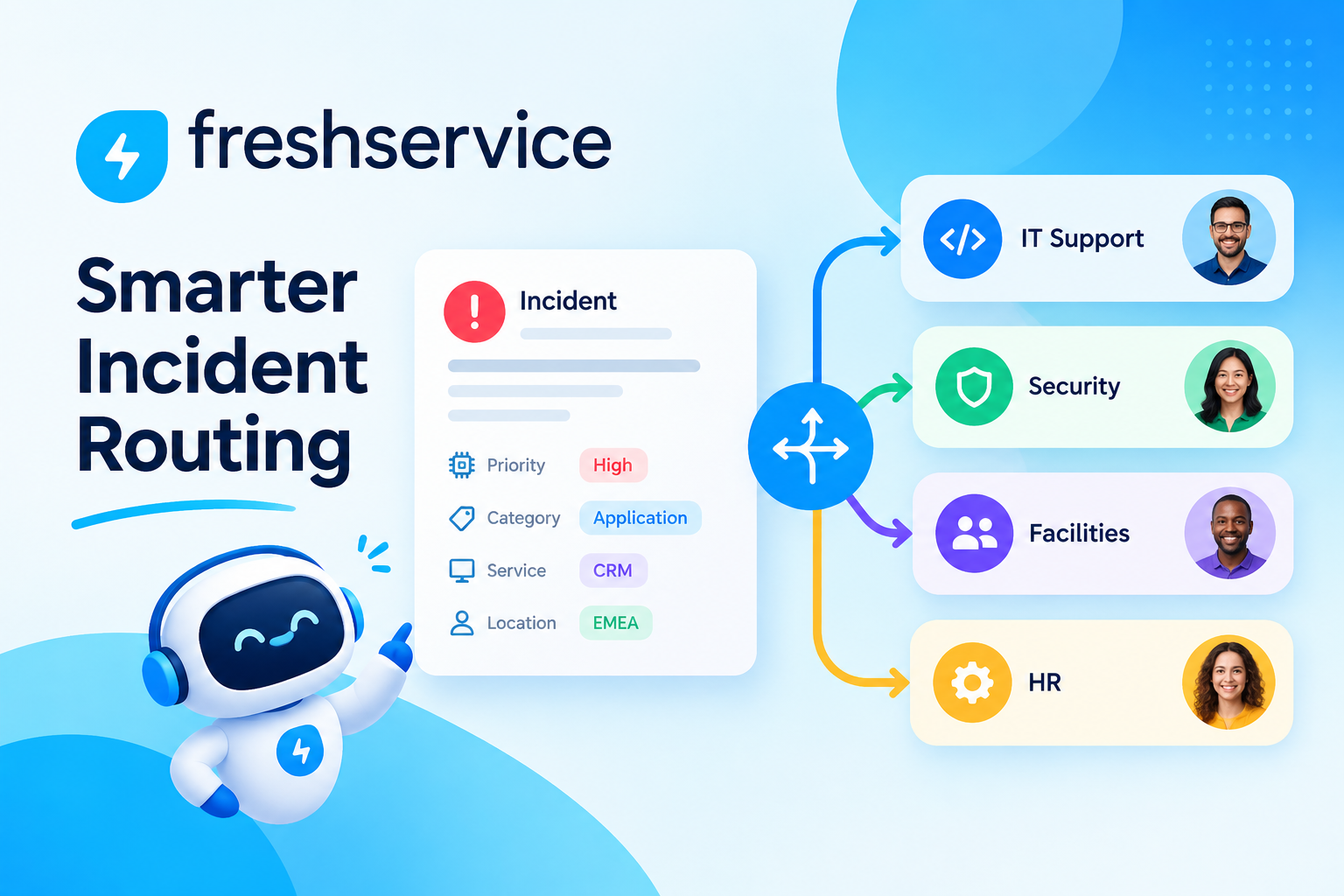
Business Rules: Trigger actions automatically when tickets are created or updated — assigning tickets based on keywords, escalating based on priority, categorizing by department, or sending notifications to specific teams. Business rules execute sequentially and support complex conditional logic.
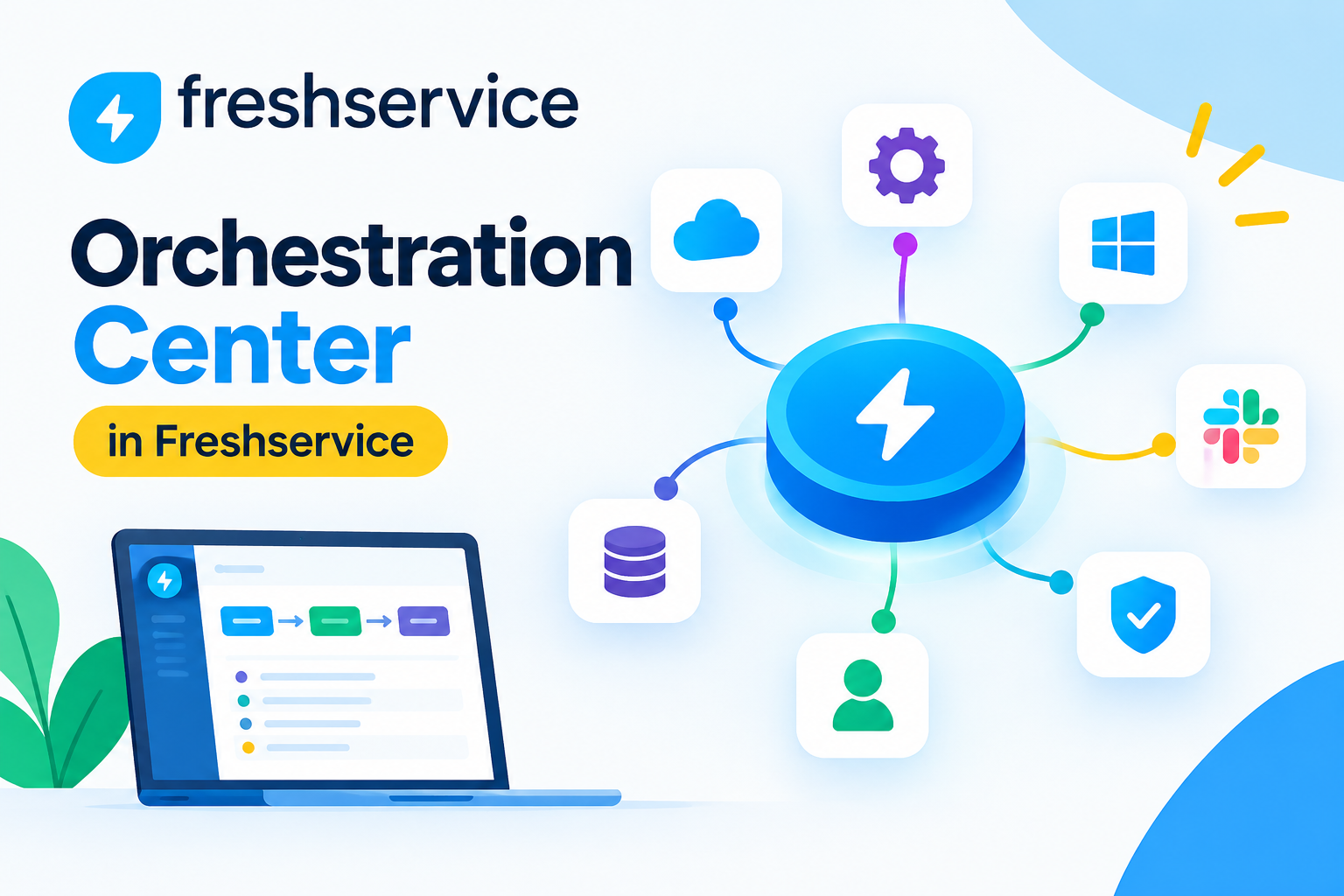
Workflow Automator: A visual drag-and-drop workflow builder that handles multi-step automation across incident, change, and service request processes. IT teams build workflows that span departments, trigger external API calls, or integrate with third-party tools like Active Directory, Jira, or ServiceNow.
Timer-Based Automations: ManageEngine fires automations based on time conditions — escalating tickets that remain unassigned after 30 minutes, sending reminder notifications before SLA breaches, or closing resolved tickets after a defined waiting period.
AI-Powered Suggestions: ManageEngine’s AI layer suggests ticket categorization, recommends knowledge base articles to agents, and predicts ticket resolution time based on historical patterns.
What Automation Does Freshservice Deliver?
Freshservice builds automation around its Scenario Automations, Workflow Automator, and Freddy AI engine:
Scenario Automations: Pre-built automation sequences that agents trigger with one click during ticket handling — applying a group of actions (assign, tag, prioritize, notify) simultaneously rather than executing each step manually.
Workflow Automator: Freshservice’s visual workflow builder handles event-triggered and time-triggered automations with a clean, intuitive interface. Non-technical administrators typically master Freshservice’s workflow builder faster than ManageEngine’s equivalent.
Freddy AI: Freshservice’s AI engine handles ticket classification, suggested responses, agent assist recommendations, and — on higher tiers — automated ticket deflection through the self-service portal. Freddy AI’s natural language capabilities make it particularly effective at reducing first-contact escalations.
Which Platform Automates More Effectively?
| Automation Feature | ManageEngine | Freshservice |
|---|---|---|
| Visual workflow builder | ✅ Advanced | ✅ Intuitive |
| AI-powered classification | ✅ Yes | ✅ Yes (Freddy AI) |
| Multi-step cross-department flows | ✅ Strong | ✅ Strong |
| Time-triggered escalations | ✅ Granular | ✅ Available |
| API-based external triggers | ✅ Extensive | ✅ Good |
| No-code setup ease | ⚠️ Moderate learning curve | ✅ Easier for non-technical admins |
| Chatbot integration | ✅ Available | ✅ Stronger out-of-the-box |
ManageEngine edges ahead on raw automation depth and API extensibility. Freshservice wins on ease of setup and AI-driven user experience. For organizations with dedicated IT administrators who can invest configuration time, ManageEngine’s automation ceiling is higher. For organizations prioritizing fast deployment and self-service AI, Freshservice delivers more immediately.
How Do ManageEngine and Freshservice Scale With Business Growth?
Scalability involves more than handling more tickets — it means supporting organizational complexity, geographic distribution, multiple IT teams, and evolving ITSM maturity over time.
How Does ManageEngine Handle Enterprise Scale?
ManageEngine ServiceDesk Plus handles enterprise scale through several architectural strengths:
- Multi-site support: Manage separate IT operations for different offices, regions, or business units within a single instance, with distinct SLA policies, escalation paths, and reporting for each site.
- Role-based access control (RBAC): Granular permission structures control what each technician, team lead, and department manager can view, edit, or approve — essential for large organizations with complex IT governance.
- Technician groups and tiers: Build multi-tier support structures (L1, L2, L3) with automated escalation between tiers based on ticket complexity, time, or category.
- Enterprise integrations: Native connectors to Active Directory, LDAP, Microsoft SCCM, Intune, and ManageEngine’s own endpoint management and network monitoring tools create a unified IT operations platform.
ManageEngine also supports deployments serving tens of thousands of end users and hundreds of technicians without architectural changes — a scale that Freshservice matches in theory but with less battle-tested on-premises experience.
How Does Freshservice Support Scaling Organizations?
Freshservice scales through its cloud infrastructure and feature progression across plan tiers:
- Multi-group support: Organize IT teams into functional groups with separate queues, SLAs, and reporting — sufficient for most mid-market organizations.
- Service catalog scaling: Build extensive service catalogs with approval chains, custom forms, and automated provisioning workflows as service complexity grows.
- Project management module: Freshservice includes native IT project management, allowing IT teams to manage infrastructure projects alongside day-to-day service delivery without switching tools.
- Freshworks ecosystem: Freshservice integrates natively with Freshdesk (customer support), Freshsales (CRM), and Freshteam (HR) — creating a connected business operations platform for organizations already using Freshworks products.
Freshservice‘s cloud-only architecture means Freshworks manages all infrastructure scaling automatically — organizations never worry about server capacity or database performance. However, this also means less control for organizations with specific data residency or performance requirements.
How Do ManageEngine and Freshservice Compare on Asset Management and CMDB?
Asset management and Configuration Management Database (CMDB) capabilities separate entry-level helpdesk tools from genuine ITSM platforms. Both ManageEngine and Freshservice include these capabilities, but at meaningfully different depths.
What Asset Management Does ManageEngine Provide?
ManageEngine ITSM delivers enterprise-grade asset management as a core competency:
- Automated discovery: Agent-based and agentless discovery scans networks to inventory hardware, software, and configurations automatically — updating the CMDB without manual entry.
- Software license management: Track software licenses, monitor compliance, identify unused licenses, and receive alerts before licenses expire or exceed purchased quantities.
- Purchase and contract management: Manage the full asset lifecycle from procurement through retirement, including vendor contracts, warranty tracking, and depreciation calculations.
- CI relationships in CMDB: Map relationships between configuration items (CIs) — showing how servers, applications, network devices, and services depend on each other. This relationship mapping enables root cause analysis and impact assessment during incidents.
ManageEngine’s asset management depth reflects decades of development and makes it the stronger choice for organizations running complex IT environments with significant hardware and software inventories.
What Does Freshservice Offer for Asset Management?
Freshservice provides solid asset management capabilities that meet the needs of most mid-market organizations:
- Asset inventory: Track hardware and software assets with custom fields, location tagging, and assignment to users or departments.
- Discovery integrations: Connect Freshservice to discovery tools like Freshservice Discovery Agent, Jira Assets, or third-party scanners to populate the CMDB automatically.
- CMDB with impact mapping: Freshservice’s CMDB supports CI relationships and impact visualization — showing which services a failing server affects before the incident escalates.
- SaaS management: Freshservice’s SaaS management module tracks cloud application subscriptions, usage, and spend — a modern capability that reflects the shift toward SaaS-heavy IT environments.
Freshservice’s asset management works well for organizations with primarily SaaS and cloud-based environments. However, organizations managing large on-premises hardware inventories, complex licensing environments, or ITIL-mature asset lifecycle processes typically find ManageEngine’s depth more appropriate.
How Do ManageEngine and Freshservice Approach ITIL Alignment?
ITIL (Information Technology Infrastructure Library) provides the framework that ITSM platforms organize their processes around. The depth of ITIL alignment determines how fully a platform supports incident management, problem management, change management, release management, and service catalog delivery.
How Deeply Does ManageEngine Follow ITIL Processes?
ManageEngine ServiceDesk Plus implements the full ITIL v3 process suite and supports ITIL 4 practices in its Enterprise edition:
- Incident Management: Full lifecycle from logging through resolution, with SLA tracking, escalation matrices, and parent-child ticket relationships for major incidents.
- Problem Management: Dedicated problem records linked to related incidents, root cause analysis workflows, and known error database (KEDB) integration.
- Change Management: Multi-stage change advisory board (CAB) approval workflows, change calendar, rollback planning fields, and post-implementation review tracking.
- Release Management: Plan, schedule, and track software and infrastructure releases with dependency mapping and deployment checklists.
- Service Catalog: Configurable service request catalog with multi-level approvals, custom forms, and automated fulfillment workflows.
ManageEngine’s ITIL implementation suits organizations pursuing formal ITIL certification or operating under regulatory requirements that mandate documented process adherence.
How Does Freshservice Implement ITIL Practices?
Freshservice covers the core ITIL practices that most organizations actually use:
- Incident and Service Request Management: Clean separation between incidents (something broken) and service requests (something needed), with distinct SLA policies and workflows for each.
- Problem Management: Problem records link to incidents, and the problem management module supports root cause analysis and workaround documentation.
- Change Management: Freshservice’s change management module includes CAB review, risk assessment, and approval workflows — streamlined compared to ManageEngine but sufficient for most organizations.
- Service Catalog: One of Freshservice’s strongest features — building and managing service catalogs is significantly faster and more intuitive than in ManageEngine.
Freshservice intentionally simplifies some ITIL processes to reduce complexity, which works well for organizations adopting ITSM for the first time but may feel limiting for ITIL-mature teams needing granular process control.
ManageEngine vs Freshservice: Full Feature Comparison Table

| Feature | | |
|---|---|---|
| Deployment | Cloud + On-Premises | Cloud Only |
| Starting Price | ~$10/technician/month | ~$19/agent/month |
| Free Trial | 30 days | 14–21 days |
| Incident Management | ✅ Full ITIL | ✅ Full ITIL |
| Problem Management | ✅ Advanced | ✅ Standard |
| Change Management | ✅ Full CAB workflow | ✅ Streamlined CAB |
| Release Management | ✅ Enterprise edition | ✅ Pro/Enterprise |
| Service Catalog | ✅ Customizable | ✅ Excellent UX |
| Asset Management | ✅ Enterprise-grade | ✅ Mid-market grade |
| CMDB | ✅ Deep relationship mapping | ✅ Standard mapping |
| Software License Mgmt | ✅ Full lifecycle | ⚠️ Limited |
| Network Discovery | ✅ Agent + agentless | ✅ Via integrations |
| SaaS Management | ⚠️ Limited | ✅ Dedicated module |
| AI Features | ✅ Available | ✅ Freddy AI (stronger) |
| Workflow Automation | ✅ Advanced | ✅ Intuitive |
| Reporting & Analytics | ✅ Highly customizable | ✅ Polished dashboards |
| Mobile App | ✅ Available | ✅ Stronger UX |
| Active Directory Integration | ✅ Native, deep | ✅ Available |
| REST API | ✅ Extensive | ✅ Extensive |
| G2 Rating (2024) | 4.2/5 | 4.6/5 |
| Gartner Peer Insights | 4.3/5 | 4.4/5 |
Conclusion: Which ITSM Platform Should Your Organization Choose?
Both ManageEngine and Freshservice are strong, mature ITSM platforms that serve meaningfully different organizational profiles. Neither is universally better — the right choice depends entirely on your specific situation.
Choose ManageEngine ServiceDesk Plus when your organization needs on-premises deployment, manages a large and complex IT asset inventory, requires deep ITIL process coverage with granular customization, operates in a regulated industry with strict compliance requirements, or already uses other ManageEngine tools and wants a unified IT operations stack. The platform rewards configuration investment with exceptional depth and long-term flexibility.
Choose Freshservice when your organization operates entirely in the cloud, prioritizes fast deployment and intuitive user experience, manages a predominantly SaaS-based IT environment, values AI-assisted service delivery through Freddy AI, or is scaling an IT team that needs modern ITSM without the overhead of complex configuration. Freshservice delivers strong ITSM capabilities with significantly lower implementation friction.
Regardless of which platform you choose, the implementation quality determines whether you realize its full potential. Solution for Guru provides the expertise, process design, and ongoing support to ensure your ManageEngine or Freshservice investment delivers the productivity, efficiency, and service quality improvements your IT team and business deserve.
Frequently Asked Questions
Both platforms handle enterprise scale, but with different strengths. ManageEngine ServiceDesk Plus has a longer track record in large enterprise environments — particularly those with complex on-premises infrastructure, multi-site operations, and stringent ITIL process requirements. Its technician-based pricing model also becomes proportionally more cost-effective at scale compared to Freshservice’s per-agent plans. Freshservice, however, demonstrates strong enterprise capability in cloud-native organizations and has gained traction in companies with 2,000–10,000 employees that prioritize user experience and AI-driven automation over deep ITIL customization. Gartner notes that both platforms receive strong reviews from enterprise customers, with ManageEngine scoring higher on customization flexibility and Freshservice scoring higher on ease of use and implementation speed. Your organization’s specific complexity, compliance requirements, and IT team size ultimately determines which platform scales more effectively for your context.
Migrating between ITSM platforms is technically feasible but operationally disruptive — and the difficulty scales with how deeply you have configured and integrated the original platform. Ticket history migration requires careful field mapping, since ManageEngine and Freshservice use different data structures for incidents, problems, and changes. Knowledge base content typically migrates cleanly through export/import, though formatting often requires manual cleanup. CMDB and asset data migration is the most complex component, particularly if ManageEngine’s asset relationships need to translate into Freshservice’s simpler CI structure. Configuration items like workflows, SLA policies, and custom roles do not migrate automatically — they require full reconfiguration in the new platform.
What Are the Benefits of Working with Solution for Guru for Your ITSM Implementation?
Selecting ManageEngine or Freshservice is only the first decision. Implementing the chosen platform correctly — configuring workflows, migrating data, training teams, and integrating with existing tools — determines whether you realize the platform’s full value or spend months troubleshooting a poorly set-up system.
That is where Solution for Guru delivers exceptional, measurable value.

How Does Solution for Guru Help Organizations Implement ITSM Platforms?
Solution for Guru provides end-to-end ITSM implementation services for both ManageEngine and Freshservice, combining technical expertise with change management experience to drive adoption and ROI from day one.
Here is what working with Solution for Guru delivers:
- Implementation and configuration: Their certified consultants handle the full setup — ITIL process mapping, workflow configuration, SLA structure, escalation matrices, user roles, and custom fields — following implementation best practices that prevent the configuration mistakes that plague self-implemented ITSM projects.
- Data migration: Moving from a legacy helpdesk or spreadsheet-based ticketing system to ManageEngine or Freshservice requires careful data mapping and migration. Solution for Guru manages this process to preserve historical ticket data, asset records, and knowledge base articles without data loss or corruption.
- Custom reporting and dashboards: Out-of-the-box reports rarely answer the specific questions IT leaders need to manage their teams. Solution for Guru builds custom dashboards that surface the metrics your organization actually tracks — mean time to resolution, SLA compliance by team, first-call resolution rate, and more.
- User training and adoption programs: Both ManageEngine and Freshservice require deliberate training investment to reach strong adoption. Solution for Guru delivers role-specific training for end users, IT agents, team leads, and administrators — building competence and confidence across the organization.
- Ongoing optimization: After go-live, Solution for Guru provides structured reviews that identify automation opportunities, process bottlenecks, and underutilized features — continuously improving your ITSM ROI as your organization evolves.
What Results Do Organizations Achieve with Solution for Guru?
| Implementation Area | Self-Implementation Outcome | With Solution for Guru |
|---|---|---|
| Time to go-live | 3–6 months average | 6–10 weeks for mid-market |
| Workflow configuration accuracy | Frequent rework required | Correct from first deployment |
| User adoption rate at 90 days | 40–60% | 75–90% |
| Data migration completeness | 70–85% (data loss common) | 98%+ with validation |
| SLA compliance improvement | 10–15% in first 6 months | 25–40% in first 6 months |
Furthermore, Solution for Guru’s vendor-neutral positioning means their recommendation always reflects your best interest — they implement both ManageEngine and Freshservice with equal expertise, so their platform recommendation carries genuine credibility.
Recommended:
- Top ITSM Best Practices Using ManageEngine
- Improving IT Governance and Compliance with ManageEngine ITSM
- Cloud vs On-Premise ManageEngine ITSM: Which Should You Choose?
- Integrating ManageEngine with Microsoft 365
- Automating IT Approvals in ManageEngine Using Workflows
- Designing an Effective ITSM Model for Modern IT Environments
- Common Implementation Mistakes in ManageEngine ITSM (and How to Avoid Them)
- API Automation in ManageEngine: Practical Use Cases
- How ManageEngine Supports ITIL 4 Framework?
- ITSM — How to Start Implementation?
- Core ITSM Processes: A Comprehensive Guide to Service Management Excellence
- How Knowledge Management Enhances ITSM Quality?
- ITSM Integration: Streamlining IT Service Management for Modern Enterprises
- ITSM Jobs: Your Guide to a Thriving Career in IT Service Management