Top ITSM Best Practices Using ManageEngine

IT service management (ITSM) defines how technology teams deliver, support, and continuously improve services for the rest of the business. When organisations implement ITSM best practices correctly, they reduce downtime, accelerate service delivery, and create a culture of accountability that spans every department. ManageEngine provides one of the most comprehensive ITSM platforms available today — and in this guide, we walk through the top best practices that turn ManageEngine from a ticketing tool into a full strategic advantage.
Table of contents
Quick Summary: What Are the Top ITSM Best Practices With ManageEngine?
The table below provides a snapshot of every best practice covered in this article, paired with the ManageEngine module that supports it and the primary business outcome each practice delivers.
| ITSM Best Practice | ManageEngine Module | Key Business Outcome |
| Incident Management | ServiceDesk Plus – Incident Module | Faster mean time to resolution (MTTR) |
| Problem Management | ServiceDesk Plus – Problem Module | Reduction in recurring incidents |
| Change Management | ServiceDesk Plus – Change Module | Fewer change-related outages |
| Asset Management (ITAM) | AssetExplorer / ServiceDesk Plus | Full IT asset visibility and cost control |
| Self-Service Portal & Knowledge Base | ServiceDesk Plus – Self-Service | Lower ticket volume, faster end-user resolution |
| SLA Management | ServiceDesk Plus – SLA Engine | Consistent service quality and compliance |
| Automation & Workflow Orchestration | ServiceDesk Plus – Automation Rules | Reduced manual effort, faster routing |
| Monitoring & Event Management | ManageEngine OpManager | Proactive issue detection before users notice |
| Reporting & ITSM Analytics | Analytics Plus / ServiceDesk Plus Reports | Data-driven continuous improvement |
| ITIL-Aligned Service Catalog | ServiceDesk Plus – Service Catalog | Standardised request fulfillment |
How Does ManageEngine ITSM Relate to These Best Practices?

ManageEngine, a division of Zoho Corporation, develops a suite of IT management products used by more than 280,000 organisations across 190 countries. Its flagship ITSM product, ServiceDesk Plus, aligns directly with the IT Infrastructure Library (ITIL) framework — the globally recognised set of best practices for IT service management published by Axelos.
ManageEngine brings ITSM best practices to life through tightly integrated modules. Rather than purchasing separate tools for incident tracking, asset management, change control, and analytics, organisations can manage all of these within a single ManageEngine environment. This integration reduces platform sprawl, improves data consistency, and makes cross-functional ITSM processes far easier to enforce.
Furthermore, ManageEngine supports both cloud and on-premises deployment, making it a practical choice for organisations with strict data residency requirements as well as those prioritising scalability. According to Gartner’s IT Service Management Tools Magic Quadrant, ManageEngine consistently earns recognition as a strong performer, particularly for mid-market and enterprise organisations looking for ITIL-aligned capabilities at a competitive price point.
In short, ManageEngine is not simply a help-desk ticketing system. It is an end-to-end ITSM platform that operationalises the best practices described throughout this article — turning ITIL theory into daily IT operations that measurably improve service quality.
Why Do ITSM Best Practices Matter for Modern IT Teams?
ITSM best practices exist because IT service delivery, left unstructured, produces inconsistent outcomes. Without standardised processes, different technicians handle the same type of incident in different ways, leading to unpredictable resolution times, lost institutional knowledge, and frustrated end users.
The business impact of poor ITSM is significant. According to the Ponemon Institute, the average cost of IT downtime reaches $5,600 per minute for large enterprises. Moreover, IDC research shows that unplanned application downtime costs North American businesses approximately $1.55 trillion annually. These are not abstract figures — they represent real revenue losses, productivity degradation, and reputational damage.
Consequently, organisations that adopt structured ITSM best practices — and implement them using a capable platform like ManageEngine — deliver measurably better outcomes. They resolve incidents faster, prevent problems from recurring, manage change without disruption, and demonstrate compliance with regulatory frameworks. In other words, ITSM best practices translate directly into competitive advantage.
What Are the Best Practices for Incident Management in ManageEngine?
How Should Teams Structure Incident Logging and Categorisation?
Effective incident management begins the moment a user reports an issue. ManageEngine ServiceDesk Plus allows IT teams to capture incidents through multiple channels — email, web portal, phone, and even monitoring tool alerts — and automatically categorise them based on predefined rules.
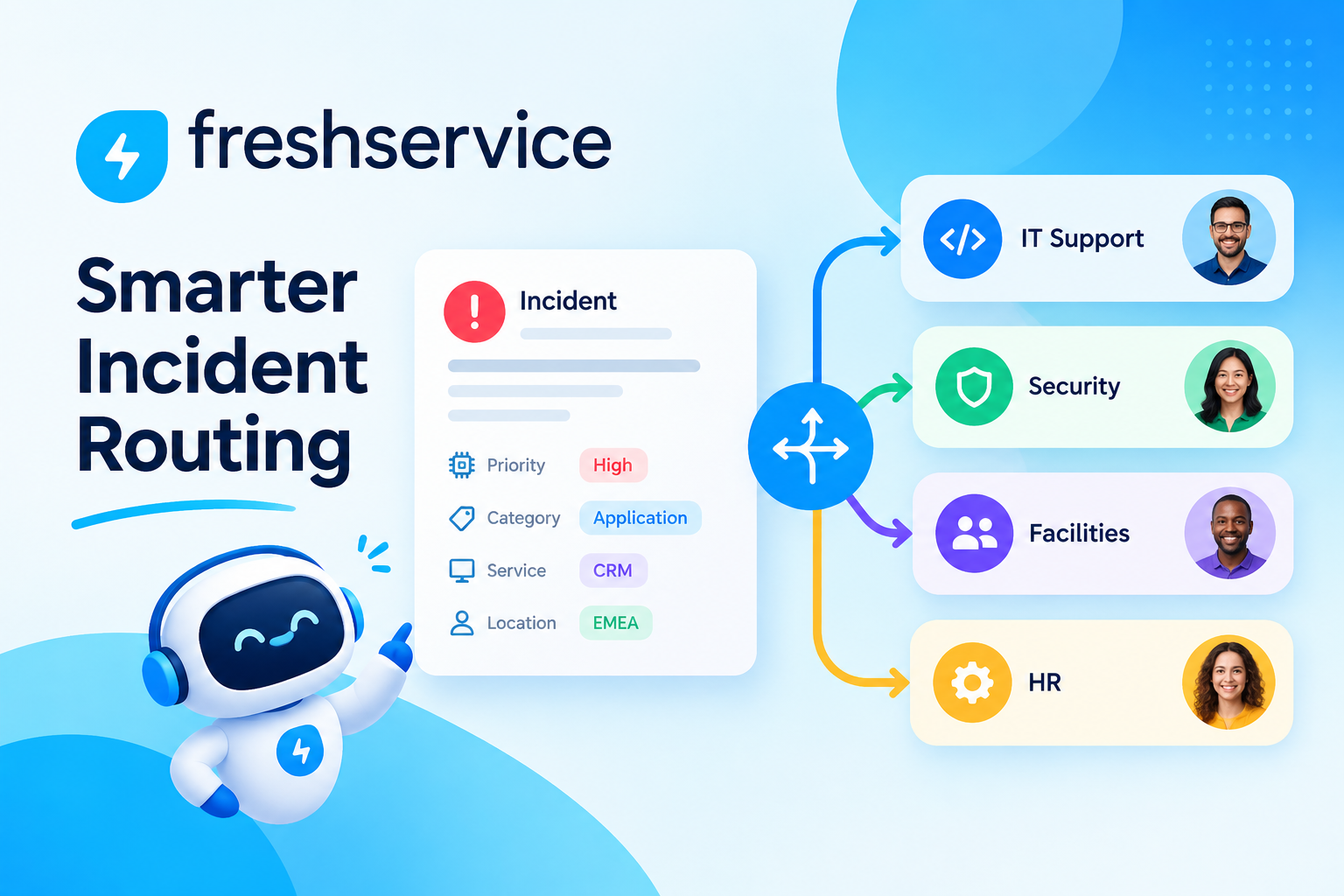
The best practice here is to define a consistent categorisation taxonomy before you configure ManageEngine. Categories should reflect the services and technology layers your organisation operates: for example, Network, Hardware, Software, Security, and Cloud Services. Within each category, add sub-categories for common incident types. This taxonomy enables ManageEngine’s routing rules to assign incidents to the right team automatically, cutting first-response time significantly.
Additionally, teams should enforce mandatory fields at the point of submission — such as impact, urgency, and affected service — to ensure every incident record contains the data needed for analysis. ManageEngine‘s customisable intake forms make this straightforward to enforce without overwhelming end users.
How Does ManageEngine Help Teams Achieve Faster Mean Time to Resolution?
Mean time to resolution (MTTR) is the single most important metric in incident management. ManageEngine reduces MTTR through several mechanisms working in parallel. First, its automation engine routes incidents to the correct resolver group instantly, eliminating manual triage delays. Second, its knowledge base integration surfaces related solution articles directly on the incident record, so technicians access proven fixes without searching separately.
Third, ManageEngine’s escalation rules automatically alert senior technicians or managers when an incident approaches its SLA deadline without resolution. This proactive escalation prevents breaches and keeps stakeholders informed without requiring manual follow-up. According to HDI’s Technical Support Practices & Salary Report, organisations that automate escalation reduce average resolution time by up to 23% compared to teams relying on manual oversight.
What Are the Best Practices for Problem Management in ManageEngine?

How Do You Build an Effective Problem Management Process?
Incident management fixes symptoms. Problem management eliminates root causes. ManageEngine ServiceDesk Plus separates these two disciplines clearly, allowing IT teams to link multiple related incidents to a single problem record and investigate the underlying cause without disrupting ongoing incident response.
The best practice for problem management starts with trigger criteria: define the thresholds at which the team creates a problem record. Common triggers include three or more incidents from the same category within 30 days, a high-severity incident affecting more than 50 users, or a monitoring alert indicating a degraded infrastructure component. By codifying these triggers inside ManageEngine’s workflow engine, teams initiate problem investigations consistently rather than reactively.
Furthermore, ManageEngine‘s problem module supports root cause analysis (RCA) documentation directly on the problem record. Teams should use structured RCA methodologies — such as the Fishbone Diagram or the 5 Whys — and capture findings inside ManageEngine so the organisation builds institutional knowledge over time. When a similar pattern emerges later, the team can reference previous investigations rather than starting from scratch.
How Does Known Error Management Reduce Future Incidents?
A known error is a problem with an identified root cause and a documented workaround, even if the permanent fix has not yet been deployed. ManageEngine allows IT teams to formally classify problem records as known errors and publish workaround instructions to the self-service knowledge base.
This practice delivers immediate value. End users and first-line technicians can resolve future occurrences of the same issue using the documented workaround, without waiting for a full fix. As a result, incident volume and escalation rates both decline. Moreover, when the permanent fix becomes available, ManageEngine links the change request directly to the known error record — creating full traceability from root cause to resolution.
What Are the Best Practices for Change Management in ManageEngine?
How Should IT Teams Classify and Assess Changes?
Change management is one of the highest-risk ITSM processes because poorly managed changes cause a disproportionate share of IT outages. According to the IT Process Institute’s Visible Ops Handbook, 80% of unplanned downtime comes from poorly planned or undocumented changes. ManageEngine ServiceDesk Plus helps teams apply rigorous change management without creating bureaucratic bottlenecks.
The best practice starts with a three-tier change classification: Standard changes (pre-approved, low-risk, repeatable), Normal changes (require full review and approval), and Emergency changes (fast-tracked but still documented). ManageEngine lets you configure separate workflows for each change type, so low-risk tasks do not clog the approval pipeline while high-risk changes receive appropriate scrutiny.
Teams should also configure ManageEngine’s change advisory board (CAB) workflow to automatically notify relevant stakeholders based on the change category and affected services. This removes the manual effort of emailing CAB members individually and ensures no approvals fall through the cracks.
How Does ManageEngine Support Post-Implementation Change Reviews?
After every significant change, teams should conduct a post-implementation review (PIR) to evaluate whether the change achieved its intended outcome and identify lessons learned. ManageEngine supports this by allowing technicians to update the change record with implementation results, user feedback, and follow-up action items.
Over time, PIR data inside ManageEngine builds a change history that informs future risk assessments. If certain change types consistently produce incidents, ManageEngine‘s reporting module will surface that pattern — allowing the change management team to tighten approval criteria or require additional testing before similar changes go live.
What Are the Best Practices for IT Asset Management in ManageEngine?
How Does ManageEngine Help Teams Achieve Full Asset Visibility?
IT asset management (ITAM) answers a deceptively simple question: what IT assets does the organisation own, where are they, who uses them, and what do they cost? Without accurate answers, IT teams cannot plan capacity, manage software licences, or respond effectively to security vulnerabilities.
ManageEngine AssetExplorer and the asset module within ServiceDesk Plus provide automated discovery across the network, scanning endpoints, servers, virtual machines, and network devices to build a real-time configuration management database (CMDB). The best practice is to run discovery scans on a scheduled basis — daily for high-change environments, weekly for more stable infrastructure — and to configure ManageEngine to alert the IT team whenever an unrecognised device appears on the network.
Additionally, teams should link asset records to incident, problem, and change records inside ManageEngine. This relationship data reveals which assets generate the most incidents, which are approaching end-of-life, and which carry the highest operational risk — enabling proactive investment decisions rather than reactive emergency replacements.
How Should Organisations Manage Software Licences With ManageEngine?
Software licence management sits within ITAM and carries both financial and legal implications. Organisations that under-licence their software risk audit penalties. Those that over-licence waste budget on unused seats. ManageEngine’s licence management module tracks purchased licences against installed software across every managed device.
The best practice is to establish licence baselines immediately after initial asset discovery, then configure ManageEngine to alert the procurement team when licence utilisation crosses 80% or when installations exceed the purchased count. These proactive alerts prevent compliance gaps and give the team time to negotiate renewals before licences expire. Furthermore, ManageEngine’s software usage tracking identifies rarely-used licences that organisations can reclaim and reallocate, directly reducing software spend.
What Are the Best Practices for Self-Service and Knowledge Management in ManageEngine?

How Do You Build a Self-Service Portal That Users Actually Use?
A self-service portal reduces ticket volume, accelerates end-user resolution, and frees IT staff to focus on complex issues. However, many organisations deploy self-service portals that users ignore because they are difficult to navigate or contain outdated information. ManageEngine ServiceDesk Plus offers a fully customisable self-service portal that organisations can brand, organise, and populate with targeted content.
The best practice for portal adoption starts with design simplicity. Organise the portal around user tasks — ‘Reset my password,’ ‘Request new software,’ ‘Report a problem’ — rather than IT’s internal organisational structure. ManageEngine’s service catalog feature lets IT teams publish pre-built request forms for the 20 most common service requests, reducing the cognitive effort required to submit a ticket correctly.
Furthermore, prominently feature the knowledge base on the portal homepage. ManageEngine displays suggested articles automatically as users type their issue description, intercepting tickets before they reach the queue. Organisations that implement this effectively typically reduce first-contact ticket volume by 15–30%, according to Forrester Research benchmarks on self-service adoption.
How Should Teams Structure the ManageEngine Knowledge Base?
The knowledge base only delivers value if technicians and end users can find what they need quickly. Therefore, the best practice is to apply a consistent article structure: problem description, root cause (if applicable), step-by-step resolution, and any known limitations or prerequisites. ManageEngine supports article templates that enforce this structure across every contribution.
Teams should also implement a knowledge article review cycle. Articles older than six months should trigger a review workflow in ManageEngine, requiring the original author or a subject-matter expert to confirm accuracy. Outdated articles erode user trust quickly — once a user follows incorrect guidance, they rarely return to the knowledge base voluntarily.
What Are the Best Practices for SLA Management in ManageEngine?
Service level agreements (SLAs) define the quality commitments IT makes to the business. ManageEngine’s SLA engine lets teams configure response and resolution targets by priority, category, and business hours, then tracks performance automatically against every active ticket.
The most important best practice in SLA management is to align SLA tiers with genuine business impact rather than technical complexity. A P1 incident should reflect actual business disruption — such as a core system outage affecting revenue — not simply the difficulty of the fix. ManageEngine allows teams to define priority matrices based on impact and urgency, ensuring that SLA tiers consistently reflect business risk.
Additionally, ManageEngine‘s SLA reporting dashboard gives service desk managers real-time visibility into SLA compliance rates. The best practice is to review SLA performance weekly, identify the categories with the highest breach rates, and investigate root causes. If the same category breaches SLAs repeatedly, the issue usually reflects a staffing, tooling, or process gap — not simply a difficult ticket — and ManageEngine’s data makes that pattern visible.
What Are the Best Practices for Automation in ManageEngine?

Which Routine Tasks Should IT Teams Automate First?
Automation in ManageEngine delivers the highest return when applied to high-volume, rule-based tasks that currently consume significant technician time. The following tasks represent the strongest starting points for ITSM automation:
- Incident auto-assignment: Route tickets to the correct team based on category, keyword, or affected asset.
- SLA escalation alerts: Notify managers automatically when tickets approach breach thresholds.
- Password reset fulfillment: Integrate ManageEngine with Active Directory to resolve password tickets without technician involvement.
- Onboarding request orchestration: Trigger a multi-step workflow that provisions accounts, assigns hardware, and enrolls the new employee in training automatically.
- Preventive maintenance scheduling: Create recurring maintenance tickets for critical infrastructure at defined intervals.
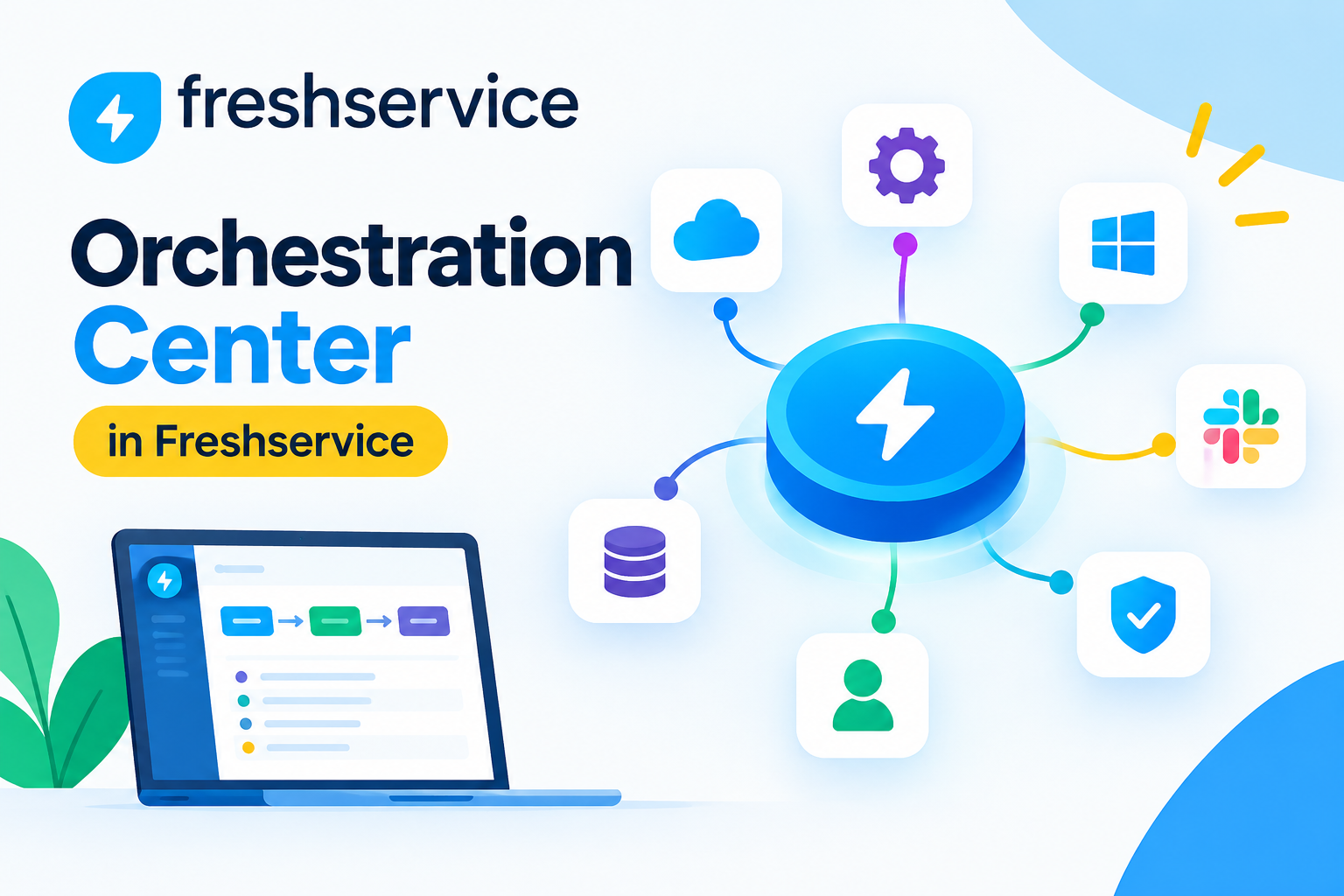
After implementing these foundational automations, teams can move toward more sophisticated orchestration. ManageEngine’s integration with Zoho Flow and REST API capabilities enables connections to HR systems, identity platforms, and monitoring tools — creating end-to-end automated workflows that span multiple enterprise systems.
What Are the Best Practices for Monitoring and Event Management in ManageEngine?
Reactive IT support — waiting for users to report problems — is fundamentally inefficient. Proactive monitoring with ManageEngine OpManager enables IT teams to detect infrastructure issues before they generate user-facing incidents, dramatically reducing both incident volume and business impact.
The best practice is to configure ManageEngine OpManager to monitor the health metrics that most directly correlate with service degradation: CPU utilisation, memory consumption, disk I/O, network latency, and application response times. Set thresholds that trigger alerts at warning levels — not just critical levels — so the team has time to investigate before performance degrades visibly.
Furthermore, integrate ManageEngine OpManager with ServiceDesk Plus so that monitoring alerts automatically create incident records. This integration eliminates manual ticket creation from monitoring alerts and ensures every infrastructure event enters the ITSM workflow with appropriate categorisation, priority, and assignment. Over time, the correlation between monitoring alerts and incident records also surfaces the infrastructure components most frequently associated with service disruption.
What Are the Best Practices for ITSM Reporting in ManageEngine?
Data without analysis drives no improvement. ManageEngine’s reporting capabilities — including built-in ServiceDesk Plus reports and the advanced Analytics Plus module — give IT leaders the metrics they need to identify trends, justify investments, and demonstrate service value to business stakeholders.
The best practice is to define a core set of ITSM KPIs before building reports, then create dashboards that track those KPIs consistently. Key metrics to monitor include: first-call resolution rate, MTTR by category, SLA compliance percentage, ticket volume by channel, change success rate, and asset utilisation. ManageEngine’s scheduling feature automatically emails these dashboards to IT managers and business leaders on a weekly or monthly basis.
Additionally, use ManageEngine‘s trend analysis to compare performance across periods. A spike in incident volume during a particular week often correlates with a specific change, a software update, or a seasonal business event. Identifying these correlations allows IT teams to anticipate demand and pre-position resources before problems escalate.
How Do ManageEngine ITSM Practices Compare Across Maturity Levels?
The following table maps each ITSM best practice to three maturity levels — Basic, Intermediate, and Advanced — to help organisations benchmark their current state and plan their improvement roadmap:
| ITSM Practice | Basic | Intermediate | Advanced |
| Incident Mgmt | Manual logging, email-based | Auto-routing, SLA tracking | AI-assisted triage, predictive escalation |
| Problem Mgmt | Ad hoc investigations | Linked incidents, RCA docs | Proactive problem identification from trends |
| Change Mgmt | Spreadsheet approvals | CAB workflows, 3-tier classification | Automated risk scoring, PIR analytics |
| Asset Mgmt | Manual inventory spreadsheet | Automated discovery, CMDB | Full lifecycle management, licence optimisation |
| Self-Service | Basic portal, low adoption | Branded portal, curated KB | AI-suggested articles, chatbot integration |
| Automation | Email notifications only | Auto-assignment, escalation | End-to-end orchestration, API integration |
| Monitoring | User-reported incidents | Threshold alerts from OpManager | Predictive alerting, auto-remediation |
| Reporting | Manual monthly reports | Scheduled KPI dashboards | Real-time analytics, business impact mapping |
What Are the Key Conclusions About ManageEngine ITSM Best Practices?
ManageEngine provides every technical capability an organisation needs to implement world-class ITSM best practices — but technology alone does not deliver results. The organisations that gain the most from ManageEngine are those that combine strong platform configuration with disciplined process design, consistent adoption, and data-driven continuous improvement.
Throughout this guide, we explored ten core ITSM best practices and showed how ManageEngine’s modules — from ServiceDesk Plus incident management to OpManager proactive monitoring to Analytics Plus reporting — bring each practice to life operationally. Together, these practices build a service delivery engine that reduces downtime, prevents recurring problems, manages change safely, and demonstrates IT’s value to the broader business.
Moreover, the maturity model outlined in this article gives IT leaders a clear progression path. Organisations do not need to implement every advanced capability on day one. Instead, they can start with foundational practices — structured incident management, basic automation, and SLA tracking — then advance systematically as the team builds confidence and the platform data accumulates.
Ultimately, ManageEngine ITSM success depends on three factors working together: the right platform configuration, the right processes, and the right people. Working with a certified partner like Solution for Guru ensures all three align from the start — turning ManageEngine into a genuine strategic asset rather than just another IT tool.
Frequently Asked Questions
The timeline depends on the scope of implementation and the organisation’s current ITSM maturity. A focused deployment covering incident management, SLA configuration, and self-service portal setup typically goes live within four to six weeks. A full implementation covering problem management, change management, asset discovery, automation, and monitoring integration usually takes three to five months. Working with a certified partner like Solution for Guru compresses these timelines significantly because their teams use pre-built implementation frameworks that skip common configuration errors and accelerate testing cycles.
Yes — ManageEngine offers deployment options and licensing models that serve organisations from 10-person IT teams to global enterprises with hundreds of technicians. ServiceDesk Plus, for example, offers a cloud-hosted version with per-technician pricing that scales easily as the team grows. Small IT teams benefit particularly from ManageEngine’s automation capabilities, which effectively multiply team capacity by handling high-volume repetitive tasks without additional headcount. Larger enterprises benefit from the platform’s CMDB depth, multi-site support, and advanced analytics. In both cases, Solution for Guru tailors the implementation scope and configuration to match the team’s size, budget, and specific service delivery requirements.
Measuring ITSM success requires establishing baseline metrics before implementation begins, then tracking improvement over time. The most important metrics to monitor include: mean time to resolution (MTTR), first-call resolution rate, SLA compliance percentage, ticket volume by category, change success rate, and end-user satisfaction scores. ManageEngine’s Analytics Plus module makes tracking all of these metrics straightforward through automated dashboards and trend reports. Solution for Guru includes a KPI framework as part of every implementation, defining success criteria upfront and scheduling quarterly reviews to assess progress against those goals — ensuring the organisation always knows precisely what its ManageEngine investment is delivering.
How Can Solution for Guru Help You Implement ManageEngine ITSM Best Practices?
Knowing ITSM best practices and successfully implementing them inside ManageEngine are two very different challenges. Configuration errors, poorly designed workflows, incomplete asset discovery, and low user adoption all undermine even the most well-intentioned ITSM programmes. That is precisely where Solution for Guru delivers transformative value.
Solution for Guru is a certified ManageEngine partner with deep expertise in ITSM implementation, process design, and platform optimisation. Their team works with organisations across industries to deploy ManageEngine ServiceDesk Plus, AssetExplorer, OpManager, and Analytics Plus in configurations that reflect ITIL best practices while fitting the specific operational context of each client.

What Specific Benefits Does Partnering With Solution for Guru Provide?
Organisations that work with Solution for Guru gain concrete advantages at every phase of their ManageEngine ITSM journey:
| Benefit | What It Means in Practice |
| ITSM Process Design | Solution for Guru maps your existing IT processes to ITIL best practices and designs ManageEngine workflows that reflect how your team actually works — not a generic template. |
| Accelerated Deployment | Their implementation frameworks reduce go-live time significantly, deploying core modules in weeks rather than months, with pre-tested configurations that avoid common setup errors. |
| CMDB and Asset Discovery Setup | Solution for Guru configures automated discovery scans, defines asset classification schemas, and populates your CMDB accurately from day one — eliminating the manual effort that causes most CMDB initiatives to fail. |
| Custom Automation and Integration | Beyond standard workflows, Solution for Guru builds custom automation rules and REST API integrations that connect ManageEngine to your HR, identity management, and monitoring platforms. |
| User Adoption and Training | Every implementation includes role-based training for service desk agents, IT managers, and end users, ensuring the platform is actually used correctly after launch. |
| SLA and KPI Configuration | Solution for Guru defines SLA tiers aligned to your business priorities, configures the full reporting suite, and establishes the KPI dashboards your IT leaders need to demonstrate service value. |
| Ongoing Managed Services | Post-launch, Solution for Guru provides ongoing optimisation reviews, version upgrade support, and proactive recommendations as your ITSM maturity grows. |
In short, Solution for Guru accelerates the entire journey from ManageEngine installation to a fully mature, ITIL-aligned ITSM programme — delivering measurable improvements in resolution time, SLA compliance, and IT operational efficiency from the very first month.
Recommended:
- Improving IT Governance and Compliance with ManageEngine ITSM
- Cloud vs On-Premise ManageEngine ITSM: Which Should You Choose?
- Integrating ManageEngine with Microsoft 365
- Automating IT Approvals in ManageEngine Using Workflows
- Designing an Effective ITSM Model for Modern IT Environments
- Common Implementation Mistakes in ManageEngine ITSM (and How to Avoid Them)
- API Automation in ManageEngine: Practical Use Cases
- How ManageEngine Supports ITIL 4 Framework?
- ITSM — How to Start Implementation?
- Core ITSM Processes: A Comprehensive Guide to Service Management Excellence
- How Knowledge Management Enhances ITSM Quality?
- ITSM Integration: Streamlining IT Service Management for Modern Enterprises
- ITSM Jobs: Your Guide to a Thriving Career in IT Service Management