Riverside vs Adobe Podcast: AI Audio Enhancement Compared for Creators
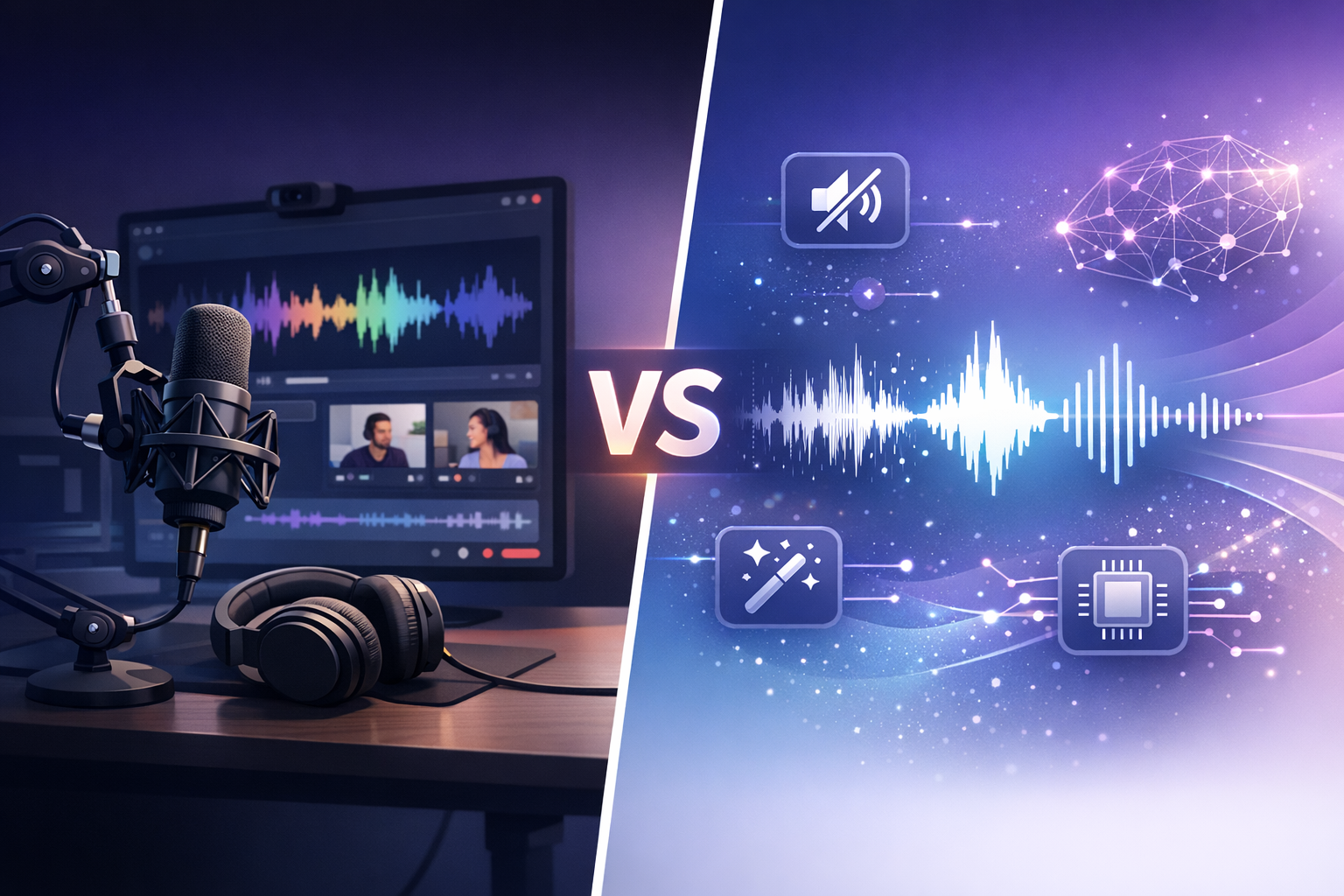
Choosing the right AI audio tool isn’t just about features — it’s about selecting a workflow that scales with your content strategy. When comparing Riverside – AI Content Editing Software with Adobe Podcast, creators are choosing between a full production ecosystem and a specialized audio enhancement tool.
This in-depth comparison explores recording quality, AI editing features, pricing, and real-world use cases to help you decide which platform delivers the best ROI.
Brought to you by www.solution4guru.com
What Is Riverside? (AI Content Editing Software Overview)
Riverside – AI Content Editing Software is an all-in-one platform for recording, editing, enhancing, and publishing audio and video content. It captures uncompressed local recordings from each participant, ensuring studio-quality results even with unstable internet connections.
Unlike standalone enhancement tools, Riverside – AI Content Editing Software combines AI-powered editing, transcription, clip generation, and branding in one unified workflow.
What Is Adobe Podcast?
Adobe Podcast is a specialized AI audio enhancement tool focused on cleaning and improving recorded voice audio. Powered by Adobe Sensei, it excels at transforming low-quality recordings into professional-sounding audio with minimal effort.
Riverside vs Adobe Podcast: AI Features Comparison
| Feature | Riverside | Adobe Podcast |
|---|---|---|
| Local Recording | ✅ Yes (uncompressed) | ❌ No |
| AI Audio Enhancement | ✅ Studio Sound AI | ✅ Speech Enhancement AI |
| Video Recording | ✅ Up to 4K | ❌ No |
| Text-Based Editing | ✅ Yes | ❌ No |
| Transcription | ✅ Built-in AI | ❌ No |
| Social Media Clips | ✅ Automatic AI clips | ❌ No |
| Multi-Speaker Support | ✅ Separate tracks | ⚠️ Limited |
| Best Use Case | Podcasts, video content, teams | Audio cleanup & rescue |
Why Creators Choose Riverside Over Adobe Podcast
Creators who need reliable recording, AI editing, and publishing in one place consistently choose Riverside – AI Content Editing Software.
- Studio-quality local recordings
- AI-powered text-based audio & video editing
- Built-in transcription and clip creation
- Ideal for remote interviews and video podcasts
For creators building long-term content pipelines, Riverside – AI Content Editing Software reduces tool sprawl and simplifies production.
When Adobe Podcast Is the Better Choice
- You already have recorded audio
- The recording quality is poor or noisy
- You need fast, automatic audio enhancement
- You’re already using Adobe Creative Cloud
Riverside Pricing vs Adobe Podcast Pricing
Riverside – AI Content Editing Software offers tiered pricing based on recording hours, AI features, and collaboration needs.
Adobe Podcast offers a generous free tier, with advanced features included in Adobe Creative Cloud subscriptions.
Final Verdict: Best AI Content Editing Software in 2026
If you want a complete content creation platform that handles recording, editing, enhancement, and distribution, Riverside – AI Content Editing Software is the clear winner.
If your primary need is fixing poor-quality audio after recording, Adobe Podcast remains a powerful specialized tool.
Many professionals combine both — recording with Riverside – AI Content Editing Software and enhancing final audio with Adobe Podcast.
Frequently Asked Questions
Is Riverside better than Adobe Podcast?
For full production workflows, yes. Riverside – AI Content Editing Software offers recording, AI editing, and publishing in one platform, while Adobe Podcast focuses only on enhancement.
Can I use Riverside and Adobe Podcast together?
Yes. Many creators record with Riverside – AI Content Editing Software and then process the audio through Adobe Podcast for additional cleanup.
Is Riverside good for video podcasts?
Absolutely. Riverside – AI Content Editing Software supports up to 4K video and separate audio tracks for each participant.
Does Adobe Podcast record audio?
No. Adobe Podcast enhances audio recorded with other tools.