
How Does monday CRM Help Manage Customer Relationships?
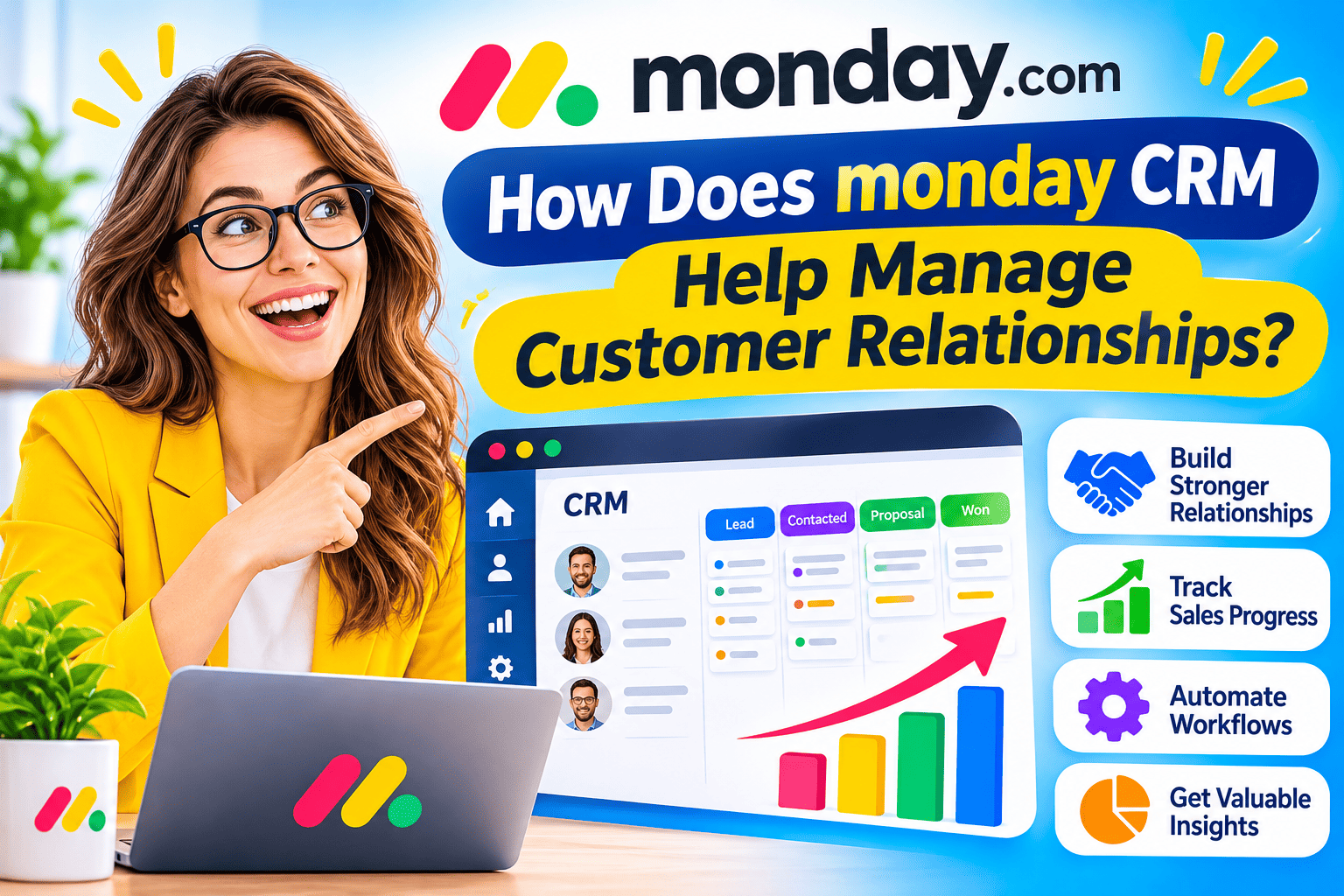
Most businesses do not lose customers because of one big mistake. They lose them through small gaps: a missed follow-up, a forgotten promise, or a handover that left the new owner without context. A customer relationship management (CRM) system closes those gaps. This guide explains how monday CRM helps teams organise leads, track deals, communicate consistently, and keep customer data in one place. It also covers the limits you should know before you buy.
Table of contents
What Is the Quick Summary?
- monday CRM is a customer relationship management product built on the monday.com Work OS platform.
- It centralises contacts, accounts, deals, emails, and tasks on customisable boards.
- Visual pipelines, no-code automations, email sync, and dashboards support daily sales and account work.
- Features vary by pricing tier, so confirm which plan includes the functions you need.
- Strong results depend on clean data, clear processes, and team training, not on software alone.
How Does monday.com CRM Relate to Managing Customer Relationships?

monday.com CRM is a cloud-based CRM from monday.com, a company best known for its work management platform. A CRM system stores information about customers and prospects, tracks every interaction, and helps teams act on that information. The goal is simple: every person who talks to a customer should know the history.
This topic sits at the centre of monday.com CRM. Managing relationships means more than storing phone numbers. It means knowing where each lead stands, who owns the next step, what the customer last said, and when to follow up. monday.com CRM turns those questions into visible boards, status columns, and automated reminders.
In addition, the product runs on the same platform that many teams already use for projects. Independent reviewers describe this as a major advantage for companies that want sales, delivery, and operations to share one workspace. However, the same design can feel less specialised than a dedicated CRM, as we explain later.
What Is the Work OS Foundation?
The Work OS is monday.com’s underlying platform. It consists of boards, columns, views, automations, and dashboards that users configure to match their processes. monday.com CRM uses these building blocks for sales. As a result, you can adjust fields, pipeline stages, and views without a developer.
Why Do Businesses Need a CRM to Manage Customer Relationships?

Before we look at specific features, it helps to understand the problems a CRM solves.
What Goes Wrong Without a CRM?
Teams that rely on spreadsheets, inboxes, and memory often face the same issues:
- Scattered information: Notes live in personal inboxes and private files.
- Missed follow-ups: Nobody reminds the rep to call back.
- Unclear ownership: Two people contact the same lead, or nobody does.
- Poor forecasting: Managers cannot see how many deals will close.
- Painful handovers: A new account manager starts without history.
For example, a small agency might track leads in a shared spreadsheet. When one salesperson goes on holiday, nobody knows which proposals await replies. A CRM prevents that by recording each step in a shared system.
What Does a CRM Do for Customers?
Customers notice the result even if they never see the software. They repeat themselves less, receive faster answers, and get consistent service from different team members. Therefore, a CRM supports both internal efficiency and customer experience.
How Does monday CRM Organise Contacts, Accounts, and Deals?
Organised data underpins every other CRM benefit. monday CRM structures it with connected boards.
How Does Contact Management Work?
The platform stores individual contacts with details such as name, company, email, phone number, and role. Reviewers also note the option to log activities against each contact. Teams can add custom columns, such as industry, region, or lead source.
Lead capture is another important point. Reviews mention web forms that feed new leads into the system automatically. As a result, enquiries from your website don’t sit in an inbox.
How Do Accounts and Deals Connect?
An account represents a company, and a deal represents a potential sale. One account can have several contacts and several deals. monday CRM links these records so users can open an account and see everyone involved, along with every open opportunity. That view helps account managers prepare for meetings and avoid duplicate outreach.
Does monday CRM Handle Duplicates?
Duplicate data creates confusion. According to review sites, merge and duplicate-management functions appear on higher plans and are not available on the lowest tier. Check this point if you import large contact lists.
How Does monday CRM Visualise the Sales Pipeline?
The visual pipeline is the feature that reviewers praise most. A sales pipeline is the series of stages a deal passes through, from first contact to closed deal.
What Does a Pipeline Board Look Like?
A typical board shows deals as cards or rows organised by stage, such as New lead, Qualified, Proposal sent, Negotiation, and Won. Users change a deal’s stage by dragging it or updating a status column. Independent reviews describe the Kanban-style view, which shows deals as cards in stage columns, making it easy to understand at a glance.
Why Does Visibility Improve Relationships?
Visibility reduces forgotten leads. When a manager sees ten deals stuck in Proposal sent for three weeks, the manager can ask why. In contrast, spreadsheet rows hide that pattern. A shared view also helps the team coordinate. Sales can see which deals the delivery team must prepare for, and finance can see which invoices to expect.
How Can You Customise the Stages?
You can rename stages, add columns, and create separate pipelines for different products or customer types. For instance, a software company might use one pipeline for new business and another for renewals. This flexibility lets you match the CRM to your process instead of changing your process to match the CRM.
How Does monday CRM Support Communication With Customers?

Customer relationships depend on timely, relevant communication. monday CRM supports this through email features and activity tracking.
How Does Email Sync Work?
The platform can connect to Gmail and Outlook. With two-way email sync, messages you send and receive appear on the related contact or deal record. Reviews report that this feature requires a plan above the lowest tier, so verify availability before you purchase.
This function helps in several ways:
- Teammates can read the email history without asking the original sender.
- Managers can review conversations when a deal stalls.
- Reps avoid copying and pasting messages into the CRM.
What About Email Templates and Tracking?
Higher plans add features such as templates, email tracking, and mass emails. Review sites describe alerts when a lead opens or clicks a message, which helps reps follow up at the right moment. On the other hand, reviewers note that email campaign tools are less advanced than dedicated marketing platforms. As a result, many teams connect a specialist tool such as Mailchimp for large campaigns.
Can monday CRM Log Calls and Meetings?
According to review sites, the platform supports activity logging and integrations with calendars and communication tools such as Google Calendar and Zoom. Some reviewers note that it lacks native calling features. If your team relies on phone sales, check whether your phone system integrates with the CRM.
Which Automations Does monday CRM Offer for Relationship Management?

Automation reduces manual work and keeps processes consistent. A no-code automation is a rule you create by selecting conditions and actions, without writing software.
What Are Examples of Useful Automations?
Teams commonly use recipes such as:
- When a web form arrives, create a lead and assign it to the next available rep.
- When a deal moves to Proposal sent, create a task to follow up in three days.
- When a deal moves to Won, notify the delivery team and create an onboarding board.
- When a deal sits in one stage for 14 days, alert the manager.
- When a contact’s status changes to At risk, notify the account owner.
These rules prevent the small gaps described earlier. For example, the follow-up task appears even if the rep forgets.
How Do Automation Limits Work?
monday.com measures automation and integration usage in monthly actions, and the number varies by plan. Review sites list figures such as 250 actions on a mid-level plan and far higher numbers on upper tiers. Because plan details change, estimate your monthly volume before you choose. A team that processes hundreds of leads each week can reach limits faster than expected.
Does monday CRM Include AI Features?
Reviewers mention an AI email generator and AI-assisted formula building on some plans. These features can speed up drafting. However, a person should still read and edit AI-written messages before they reach customers.
How Do Dashboards and Reports Improve Customer Relationship Management?
Reports turn records into decisions. monday CRM uses dashboards, which are customisable screens that combine charts and numbers from one or more boards.
What Can Managers See on a Dashboard?
Dashboards can show:
- Deals by stage and value.
- Win and loss rates.
- Activity levels by rep.
- Expected revenue by month.
- Leads by source.
Reviews also describe sales forecasting and analytics on higher plans, along with limits on how many boards a dashboard can combine. Check those limits if you plan to report across many boards.
How Do Reports Help You Treat Customers Better?
Data shows where relationships weaken. For example, if one lead source produces many leads but few wins, the team can adjust its qualification questions. If renewal deals regularly slip, the account team can start conversations earlier. Therefore, reporting supports proactive relationship management, not only sales tracking.
Are the Reports Enough for Complex Analysis?
Some reviewers note that native reporting is more limited than in large enterprise platforms such as Salesforce. Many small and mid-sized teams find the dashboards sufficient. Larger organisations may need a business intelligence tool in addition.
How Does monday CRM Help Teams Collaborate Around Customers?

Customer relationships rarely belong to one person. Sales, support, finance, and delivery all contribute.
How Do Teams Share Context?
Each record includes an update area where team members add comments, mention colleagues, and attach files. A salesperson can tag a solutions engineer to answer a technical question, and the answer stays on the deal record. This habit builds a searchable history.
How Does It Connect Sales and Delivery?
Because monday CRM runs on the Work OS, a won deal can trigger a delivery project board. That connection narrows the gap between selling and doing. For instance, an agency can create a client onboarding board automatically when a contract is signed. The delivery team then sees the promises made during the sale.
Can You Control Who Sees What?
The platform offers permissions that restrict access to boards and data. Upper tiers add features such as multi-level permissions and governance controls, according to review sites. Customer data can be sensitive, so define access rules early and review them regularly.
Which Integrations Support monday CRM?
A CRM works best when it connects to the tools your team already uses.
| Category | Examples named in reviews | Benefit |
|---|---|---|
| Gmail, Outlook | Keeps communication history in the CRM | |
| Messaging | Slack | Sends deal alerts to team channels |
| Calendar and meetings | Google Calendar, Zoom | Connects meetings to deals |
| Marketing | Mailchimp, HubSpot | Moves leads from campaigns into the CRM |
| Accounting | QuickBooks | Links deals with invoices and payments |
| Automation platforms | Zapier | Connects thousands of other apps |
| Other CRMs | Salesforce | Supports data sharing or migration |
Reviewers cite figures ranging from 150 to more than 500 compatible apps, depending on how they count. Therefore, check the monday.com marketplace for the specific tools you use.
What Are the Strengths and Limits of monday CRM?

No CRM suits every business. An honest comparison helps you decide.
| Area | Strengths | Limits to check |
|---|---|---|
| Ease of use | Visual boards and drag-and-drop interface | Some users find the number of options overwhelming |
| Customisation | Flexible columns, stages, and views | Heavy customisation needs planning to avoid messy boards |
| Automation | No-code rules and templates | Monthly action limits by plan |
| Pricing | Tiered plans for small teams | Per-seat pricing and a minimum seat count can raise costs |
| Features by tier | Core tools on lower plans | Email sync and duplicate tools need higher plans |
| Communication | Email sync and tracking | No native calling; campaign tools less advanced |
| Reporting | Flexible dashboards | Less depth than enterprise platforms |
Who Is monday CRM Best For?
It suits small and mid-sized teams that value visual workflows, want to customise their process, and plan to connect sales with project delivery. It also works for service businesses, agencies, and teams moving away from spreadsheets.
Who Might Need a Different Tool?
Companies with complex telesales, advanced marketing automation, or deep enterprise reporting needs should compare specialised alternatives. Teams that want a simple contact list may also find a lightweight CRM easier to run.
How Do You Set Up monday CRM to Manage Customer Relationships Well?
Setup quality determines results. Follow a structured approach.
What Steps Should You Take First?
- Define your process. Write down the stages from lead to customer, and describe what must happen at each stage.
- Clean your data. Remove duplicates and fix inconsistent fields before you import.
- Choose a template. Start from a CRM template, then adjust columns and stages.
- Import contacts and deals. Map fields carefully so information lands in the right columns.
- Connect email and calendar. Sync communication so records stay current.
- Build core automations. Start with lead assignment and follow-up tasks.
- Create dashboards. Include a pipeline view, a lead source view, and an activity view.
- Train the team. Show reps how to update records in two minutes or less.
How Do You Encourage Adoption?
A CRM fails when people avoid it. To encourage use, make data entry short, remove unused fields, and review pipeline meetings directly from the dashboard. Furthermore, reward accurate updates, and avoid asking staff to enter the same information twice.
Which Metrics Show That It Works?
| Metric | What it tells you |
|---|---|
| Lead response time | How quickly your team replies to new enquiries |
| Lead-to-customer conversion rate | How well your pipeline turns interest into sales |
| Average deal cycle length | How long deals take to close |
| Follow-up completion rate | Whether reps complete planned tasks |
| Customer retention rate | Whether relationships last |
| CRM data completeness | Whether the team keeps records current |
Record these numbers before launch. Then compare them after three and six months.
How Should You Protect Customer Data in monday CRM?

Customer information carries legal and ethical duties. Regulations such as the General Data Protection Regulation (GDPR) in Europe require careful handling of personal data.
What Practices Reduce Risk?
- Limit access by role, so staff see only what they need.
- Remove former employees from the workspace promptly.
- Store only the personal data you need.
- Review which integrations can read or write customer data.
- Document how you handle customer requests to view or delete data.
Check monday.com’s security and compliance documentation for current certifications and data location options. Your legal team should confirm that the setup meets your regulatory obligations.
What Are the Key Conclusions About monday CRM and Customer Relationships?
monday CRM helps manage customer relationships by keeping information, tasks, and conversations in one visible place. Its pipeline boards show where each deal stands. Its email sync and activity tracking preserve context. Moreover, its automations prevent missed follow-ups. Its dashboards help managers spot problems early.
However, the platform works best with good preparation. Define your process, clean your data, and select a plan that includes the features you need. Check automation limits, per-seat costs, and integration options before you commit. Then train your team and measure results.
If you want help with design, integration, or data migration, a specialist partner such as Solution for Guru can shorten the path. With the right setup, monday CRM gives small and mid-sized teams a flexible way to build stronger, more consistent customer relationships.
Frequently Asked Questions
Yes, many reviewers recommend it for small and mid-sized teams because the visual interface is easy to learn and the plans are tiered. However, reviews note a minimum seat requirement on paid plans, and some features require higher tiers. Calculate the total cost for your team size before you decide.
In most cases, yes. It centralises contacts, deals, tasks, and email history, and it can import data from spreadsheets. Success depends on clean imports and consistent use. Plan time to map fields and train your team.
Reviews report two-way email sync with both Gmail and Outlook, but the feature appears on plans above the lowest tier. Confirm the current plan details on the monday.com pricing page before you purchase.
How Can Solution for Guru Help You Get More From monday CRM?
Solution for Guru is a technology consultancy that offers web development, CRM and SaaS integration, AI and automation solutions, cybersecurity and data protection, and tech consulting. Its published services match the work that surrounds a CRM project.
A partnership can add value in several areas:
- Integration: Specialists can connect monday CRM with your website, email, accounting, and support tools so data moves without manual entry.
- Process design: Consultants can map your sales process, define pipeline stages, and build automations that fit your team.
- Data migration: An experienced team can clean and import records from spreadsheets or an old CRM.
- Security: Reviewing permissions, integrations, and data handling reduces risk.
- Custom development: Developers can build connectors or tools when standard features fall short.
An outside partner also brings perspective from many implementations. That experience helps you avoid common problems, such as over-complicated boards, unused fields, and automations that nobody maintains. You can contact the company through its website to request a consultation.
Recommended:
- Top Integrations for Bigin by Zoho CRM
- Why Startups Choose Bigin Over Complex CRM Platforms
- How Can You Improve CRM Proficiency Across Your Organization in 7 Ways?
- How to Track Sales KPIs in monday CRM: What Should You Measure and How Do You Set It Up?
- How can monday.com CRM Improve Sales Team Productivity?
- Email Integration in Bigin: Gmail and Outlook for Small Business Sales
- How Does monday CRM Work?
- How Do Bigin’s Automation Features Save Time for Growing Teams?
- What Is monday CRM? A Complete Guide to monday.com CRM
- Bigin Mobile App Review: Managing Sales on the Go
- CRM Proficiency Is the New Digital Literacy: Do You Agree?
- Bigin by Zoho CRM Pricing Explained: Is It Worth It?
- Using Creatio to Standardize Business Processes Across Departments
- Best Pipedrive Reports for Sales Managers
- Pipedrive Insights Explained: How Sales Reporting Works
- Pipedrive Automation Examples for Sales Teams
- Pipedrive Sales KPIs: 15 Metrics Every Team Should Track
- How Pipedrive AI Helps Sales Teams Save Time
- CRM Roles 101: From CRM Administrator to CRM Developer
- Pipedrive MCP Explained: How AI Assistants Connect to Your CRM
- Sales Forecasting and Pipeline Management in Creatio CRM
- Pipedrive Sales Dashboard: How to Track Performance