UX Design Best Practices for Designers and Product Managers

TL;DR:
- Effective UX design relies on evidence-based research, consistent systems, and early iteration to improve user satisfaction. Incorporating accessibility and performance considerations from the start helps reduce errors, lower costs, and expand market reach. Continuous user testing and integration into product workflows ensure designs meet human cognitive and usability standards effectively.
UX design best practices are proven methods that align digital interfaces with human cognitive patterns to produce intuitive, efficient, and satisfying user experiences. The field draws from usability heuristics established by researchers like Jakob Nielsen, cognitive load theory, and accessibility standards such as WCAG 2.1. Applied correctly, these principles reduce user errors, lower support costs, and directly improve product retention. This article presents the most impactful practices, explains the science behind them, and shows how to embed them into real product workflows.
1. What are the most impactful UX design best practices?

The nine practices below represent the highest-leverage areas for UX designers and product managers working on web and app interfaces.
2. Prioritize validated user research
User-centered design starts with evidence, not assumptions. Designs informed by user research see up to 30% less user frustration than those built on internal guesses. That reduction comes from removing features users never wanted and fixing friction points they actually encounter. Techniques like contextual inquiry, diary studies, and moderated usability sessions each surface different categories of insight. Use at least two methods per research cycle to triangulate findings.
3. Maintain visual and functional consistency
Consistency is one of the most underrated UX design principles. Maintaining consistency reduces user errors by up to 25% across interfaces. When buttons behave the same way, labels use the same vocabulary, and layouts follow predictable patterns, users build accurate mental models faster. A design system, whether built in Figma or a comparable tool, enforces this consistency at scale. Without one, individual designers make divergent decisions that compound into a confusing product.
4. Build for accessibility from the start
Accessible designs increase market reach and improve SEO performance. Accessibility is not a feature added at the end of a project. It is a structural decision made during information architecture and component design. WCAG 2.1 Level AA is the accepted baseline for most commercial products. Color contrast ratios, keyboard navigation, and screen reader compatibility all fall under this standard. Treating accessibility as a constraint rather than a principle produces brittle designs that fail audits and exclude real users.
5. Provide clear, immediate feedback
Every user action needs a visible system response. Clear feedback can lower support tickets related to usability by 15–20%. Progress indicators, inline validation, success confirmations, and descriptive error messages all serve this function. The error message “Something went wrong” tells users nothing. The message “Your session expired. Please log in again.” tells users exactly what happened and what to do next. Specificity in feedback is a direct measure of design quality.
Pro Tip: Write error messages in plain language and always include a recovery action. Test them with real users who have no context about the system.
6. Simplify navigation with familiar UI patterns
Users find familiar navigation structures 40% faster than novel or scrambled ones. Familiarity here is not a lack of creativity. It is a deliberate choice to respect the mental models users bring from other products. Top navigation bars, hamburger menus on mobile, breadcrumb trails, and persistent search fields are conventions because they work. Breaking them requires a strong, research-backed reason. When in doubt, test a novel pattern against the convention before shipping it.
7. Reduce cognitive load at every touchpoint
Cognitive load is the mental effort required to use an interface. High cognitive load causes errors, frustration, and abandonment. The most effective way to reduce it is to remove choices and information that do not serve the user’s current goal. Hick’s Law states that decision time increases logarithmically with the number of options. Apply this by limiting menu items, progressive disclosure of advanced features, and single-purpose screens on mobile. Each screen should answer one question or complete one task.
8. Optimize for performance, not just aesthetics
Improved site speed can decrease bounce rates by up to 20%. Performance is a UX problem, not just a technical one. Perceived speed matters as much as actual speed. Skeleton screens, optimistic UI updates, and lazy loading all improve how fast an interface feels even before the data arrives. Product managers should include Core Web Vitals targets in sprint acceptance criteria, not just visual design specs. A beautiful interface that loads slowly will still lose users.
For a deeper look at how performance connects to product success, Solution4guru’s guide on website performance optimization covers the technical and experiential dimensions together.
9. Apply emotional design to build trust
Aesthetics affect trust, and trust affects conversion. Users form first impressions of a digital product within milliseconds, and those impressions influence whether they complete a task or leave. Emotional design, as defined by Don Norman, operates at three levels: visceral (visual appeal), behavioral (ease of use), and reflective (meaning and identity). A product that scores well on all three levels earns user loyalty beyond functional utility. Micro-interactions, thoughtful typography, and intentional white space all contribute to this layer of experience.
10. Test iteratively with real users
Iterative testing with at least five users uncovers most major usability issues early in a project. This finding, originally from Nielsen Norman Group research, remains one of the most practical guidelines in the field. Five users per round is not a statistical sample. It is a cost-effective threshold for identifying the most common failure patterns before they reach production. Run short, focused sessions after each major design iteration, not just at the end of a project.
How foundational UX principles connect to human cognition
Core usability heuristics remain stable because they reflect fundamental human cognition patterns, not passing design trends. Nielsen’s ten heuristics, published in 1994, still describe the failure modes of most modern interfaces. Visibility of system status, error prevention, and recognition over recall each map directly to how working memory and attention function. Designers who understand the cognitive science behind these heuristics apply them more accurately than those who treat them as a checklist.
“Evidence-based UX design improves task success rates and user satisfaction measurably across industries. Grounding design decisions in cognitive science and human-computer interaction research produces better outcomes than subjective aesthetic choices.” — UXPin, 2026
The economic case for usability is equally clear. Reduced error rates lower support costs. Faster task completion increases conversion. Higher satisfaction scores drive referrals. Product managers who frame UX improvements in these terms get faster stakeholder buy-in than those who argue on aesthetic grounds alone.
| Heuristic | Cognitive basis | Business impact |
|---|---|---|
| Visibility of system status | Reduces uncertainty in working memory | Fewer support tickets |
| Recognition over recall | Lowers memory retrieval demand | Faster task completion |
| Error prevention | Matches interface to user mental models | Reduced error recovery costs |
| Consistency and standards | Supports schema formation | Lower relearning time |
What common UX pitfalls undermine best practices?
The most damaging UX mistakes are not obscure edge cases. They are predictable failures that appear in project after project.
Overloading interfaces with options. Too many choices paralyze users. Apply progressive disclosure: show only what users need for the current step, and reveal advanced options on demand.
Breaking established conventions without evidence. Novel navigation patterns feel creative in design reviews and confuse users in production. Validate any departure from convention with a comparative usability test before shipping.
Neglecting accessibility compliance. WCAG 2.1 Level AA is a legal requirement in many jurisdictions, not just a best practice. Audit color contrast, focus states, and ARIA labels before every major release.
Writing vague error messages. Generic errors like “An error occurred” force users to guess what went wrong. Every error message needs a plain-language description and a clear next step.
Skipping iterative testing. UX should be integrated early in the product development process to minimize user frustration. Waiting until launch to test means fixing expensive problems instead of cheap ones.
Pro Tip: Audit an existing design by running five users through three core tasks with no guidance. Every point of hesitation, misclick, or confusion is a violation of a best practice. Document each one against the relevant heuristic.
How to embed UX best practices in product development workflows
Effective UX integration is a process decision, not just a design decision. The following practices make UX principles operational across the full product lifecycle:
- Start UX research before wireframes. Conduct user interviews and task analysis during the discovery phase. Research findings should shape the information architecture, not validate a design that already exists.
- Build and maintain a design system. A shared component library enforces consistency across teams and products. It also speeds up design and development by eliminating redundant decisions.
- Use low-fidelity prototypes for early feedback. Paper prototypes and clickable wireframes surface navigation and flow problems before any code is written. They are faster and cheaper to change than high-fidelity mockups.
- Set measurable UX goals. Define success metrics before a project starts: task completion rate, time on task, error rate, and satisfaction score. These metrics give product managers objective criteria for evaluating design decisions.
- Monitor post-launch with session recording and analytics. Tools like heatmaps and session replays reveal how real users interact with a shipped product. Use this data to prioritize the next iteration cycle.
The future of web development increasingly integrates UX principles directly into development frameworks, making early adoption of these workflows a competitive advantage.
Key Takeaways
The most effective UX design approach combines evidence-based research, consistent design systems, accessibility compliance, and continuous iterative testing to produce measurable improvements in user satisfaction and product performance.
| Point | Details |
|---|---|
| Research before design | User research reduces frustration by up to 30% and prevents feature bloat. |
| Consistency reduces errors | A shared design system cuts user errors by up to 25% across interfaces. |
| Accessibility is structural | WCAG 2.1 Level AA compliance expands market reach and improves SEO. |
| Performance is a UX metric | Faster load times reduce bounce rates by up to 20% and retain more users. |
| Test early and often | Five-user sessions per iteration uncover most major usability issues before launch. |
What I have learned from applying UX principles on real projects
The single biggest mistake I see product teams make is treating UX as a phase rather than a discipline. They schedule a “UX review” after the product is mostly built, find problems, and then argue about what is too expensive to fix. By that point, the architecture of the interface has already encoded the bad decisions.
The practices that deliver the most measurable results are not the sophisticated ones. Consistent feedback messages, familiar navigation, and accessible color contrast account for the majority of usability failures I have audited. Teams that fix these three areas first see faster improvement than teams that invest in complex personalization or animation before the fundamentals are solid.
The other pattern I keep encountering is the gap between what designers think users understand and what users actually do. I have watched experienced designers sit in usability sessions for the first time and be genuinely surprised that users cannot find a feature the team considered obvious. Real user feedback is not a validation exercise. It is a correction mechanism. The teams that build it into every sprint, not just the launch cycle, produce consistently better products.
How Solution4guru supports better UX in digital products
Building a product with strong UX requires more than design principles. It requires a development process that treats usability as a first-class requirement from day one.
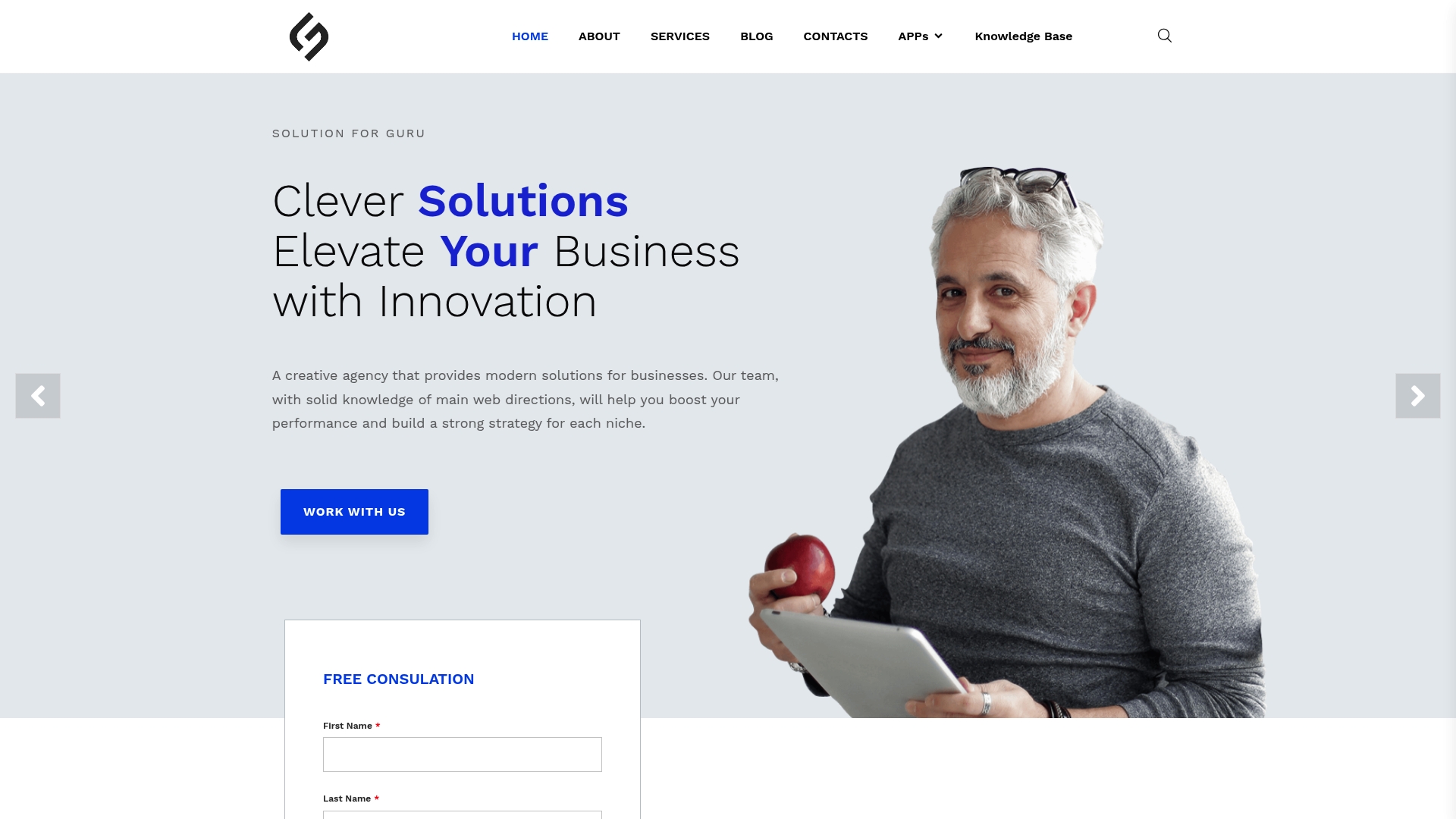
Solution4guru works with product teams to integrate UI/UX design directly into web development workflows, so usability decisions get made at the architecture level rather than patched in at the end. Whether you are building a new product or auditing an existing one, the foundation matters. Start with web development basics to understand how development decisions shape the user experience your designers are trying to create. Solution4guru’s team brings both the design thinking and the technical depth to make those decisions correctly the first time.
FAQ
UX design best practices are evidence-based methods for creating digital interfaces that align with human cognitive patterns, accessibility standards, and usability heuristics. They include user research, consistent design systems, clear feedback, and iterative testing.
Testing with five users per iteration uncovers most major usability issues. This threshold comes from Nielsen Norman Group research and applies to focused, task-based sessions rather than large-scale surveys.
Accessible designs benefit all users, not just those with disabilities. WCAG 2.1 compliance expands market reach, improves SEO performance, and meets legal requirements in many jurisdictions.
Performance is a core UX metric because slow load times increase bounce rates and reduce task completion. Improved site speed can decrease bounce rates by up to 20%, making it as important as visual design.
UX research should begin during the discovery phase, before wireframes or prototypes are created. Early research shapes information architecture and prevents expensive redesigns later in the development cycle.