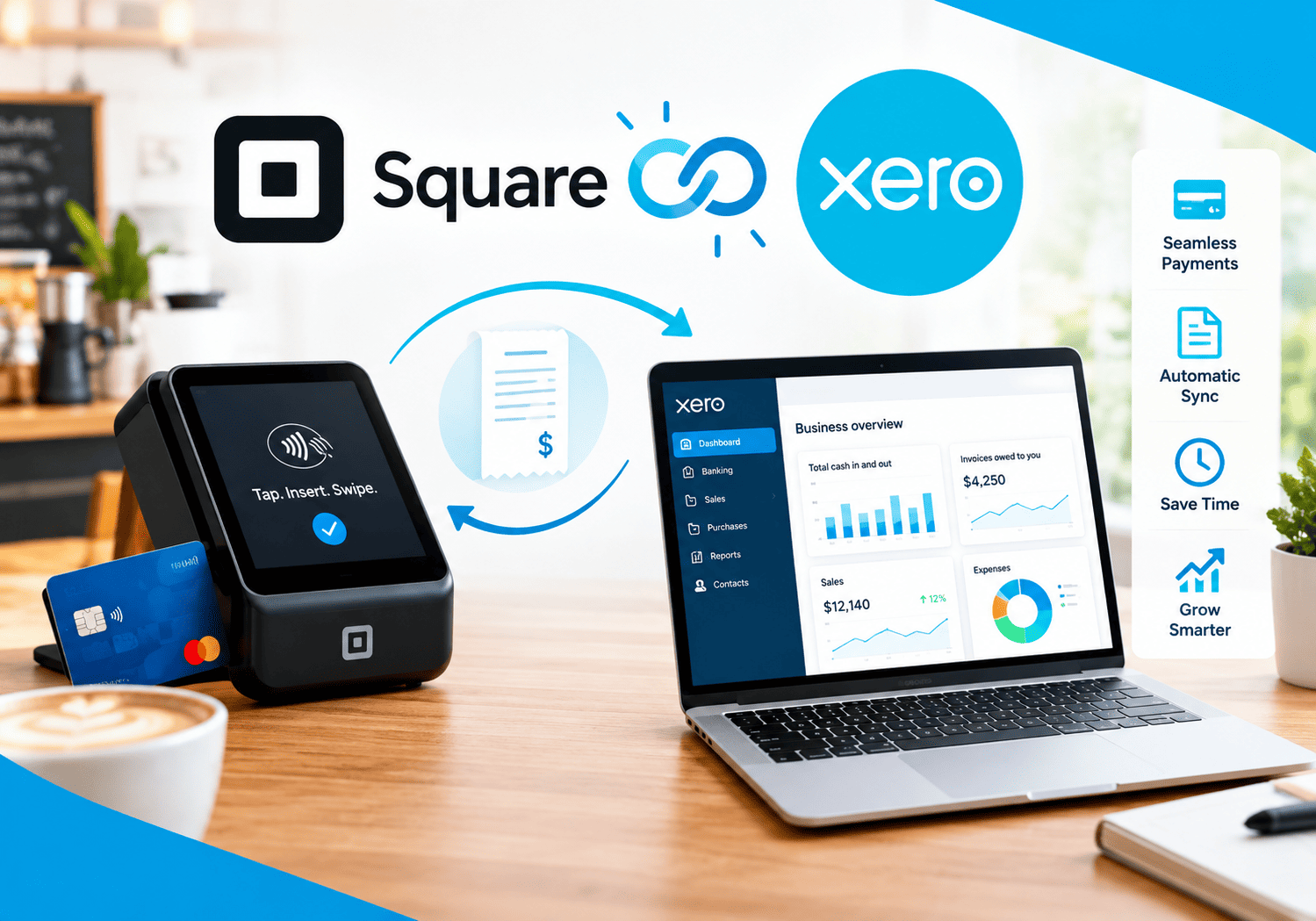
Square for Restaurants and Cafes

Running a restaurant or cafe means juggling orders, payments, staff schedules, and inventory, often all at the same time and often during a single lunch rush. The point-of-sale system a business chooses can either ease that pressure or add to it, which is why so many small food service operators eventually land on Square – Credit Card Processing as their go-to platform.
This article explains what Square for Restaurants actually offers, how its payment processing ties everything together, and whether it makes sense for your specific type of food business. By the end, you’ll have a clear picture of the pricing, the standout features, and the trade-offs worth considering before you commit.
Table of contents
Quick Summary: What Should You Know About Square Before You Read Further?
Square for Restaurants is a cloud-based point-of-sale system built specifically for food service businesses, ranging from food trucks and coffee shops to full-service dine-in restaurants. It combines order management, table and floor plan tools, kitchen display integration, and built-in payment processing into a single platform, and it does so without locking businesses into long-term contracts.
Here’s the quick-reference version:
| Category | Details |
|---|---|
| Best for | Small to mid-sized restaurants, cafes, food trucks, bars |
| Pricing model | Free plan, plus Plus ($49/mo) and Premium ($149/mo) tiers |
| Processing rate | 2.6% + $0.10 per tap, dip, or swipe on the Free plan |
| Contracts | No long-term contracts or termination fees |
| Standout feature | Built-in payment processing paired with restaurant-specific tools |
| Hardware | Works with existing tablets, plus dedicated Square hardware |
Restaurant owners researching POS systems often get overwhelmed by feature checklists and vendor marketing pages that all start to sound the same after a while. Instead, real pricing breakdowns, documented feature sets, and firsthand usage reports tend to tell a much clearer story about how a system performs once it’s actually running a busy service. That’s the approach this article takes.
Now, let’s look at how payment processing fits into the bigger picture.
How Does Square’s Credit Card Processing Tie Into Square for Restaurants?

At its core, Square – Credit Card Processing is the engine that powers every transaction inside Square for Restaurants. Rather than pairing a POS system with a separate, third-party payment processor, Square built its restaurant software directly on top of its own payments infrastructure. This means every tap, dip, or swipe flows through the same account that handles menu management, table tracking, and reporting.
Consequently, restaurants avoid the common headache of reconciling data between a POS vendor and a payment processor, since Square handles both under one roof. Funds typically deposit quickly, transaction fees stay transparent and published upfront, and disputes or chargebacks get managed through a single support channel instead of two.
This tight integration also explains why Square can offer a genuinely free POS tier. Instead of charging a software subscription fee, the company earns revenue primarily through processing fees, so a small cafe with modest transaction volume can run its entire front-of-house operation without paying a monthly software bill at all.
Why Does Unified Payment Processing Matter for Food Service Businesses?
Restaurants and cafes operate on thin margins, and every extra fee or reconciliation headache eats into that margin further. When payment processing and POS software come from separate vendors, owners often end up paying two support teams, reviewing two sets of statements, and troubleshooting two systems whenever a transaction fails to sync correctly. Square removes that friction by keeping everything in a single ecosystem, which means a manager checking yesterday’s sales report is looking at the exact same numbers that show up in the payment processing dashboard.
This unified approach also simplifies tax season. Because Square automatically ties every transaction to its corresponding menu item, discount, and tip, generating accurate sales reports for an accountant becomes far less time-consuming than manually cross-referencing a separate payment processor’s statements against POS records.
What Key Features Does Square for Restaurants Offer?
Square for Restaurants packs a wide range of food-service-specific tools into its platform. The sections below break down the most important ones.
How Does Table and Floor Plan Management Work?
Square gives restaurants full control over their floor plans, letting managers build custom table maps that mirror the actual dining room layout. Users get full control over their floor plans, with the ability to customize table maps and assign checks to seats or tables. This matters for full-service restaurants where servers need to track multiple tables at once, since staff can see exactly which tables are occupied, which are ready for the next party, and which checks belong to which seats.
What Does Menu and Coursing Management Include?
Restaurants can build multiple menus for different locations, dayparts, or seasonal specials, which helps businesses that run a lunch menu, a dinner menu, and rotating specials without juggling separate systems.Coursing functionality allows servers to drag-and-drop items between courses, and hold or fire courses with a single tap, which keeps multi-course meals synchronized with the kitchen and prevents appetizers and entrees from arriving at the table at the wrong time.
How Does Online Ordering and Delivery Management Work?
Beyond in-house dining, Square gives restaurants tools to manage pickup, delivery, and online orders from the same dashboard used for table service. Food businesses needing a straightforward POS with digital ordering and delivery management often find Square’s online-driven tools particularly useful, including simple online storefronts and easy link-to-order flows. This matters for cafes and quick-service spots that increasingly rely on off-premise sales, since orders placed online flow directly into the same kitchen queue as walk-in orders, without requiring staff to manually re-enter details from a third-party app.
What Does Kitchen Display System Integration Offer?
Restaurants that want to eliminate paper tickets can use Square’s dedicated Kitchen Display System to route orders directly to the kitchen as soon as customers place them. This approach reduces the miscommunication that often occurs when staff lose, smudge, or misread handwritten or printed tickets during busy service. Kitchen staff can mark items as in progress or complete with a single tap, which in turn updates the front-of-house system automatically so servers know exactly when a dish is ready to deliver.
What Employee Management Tools Are Included?
Square also includes tools for scheduling, time tracking, and permission management, letting owners control which staff members can issue refunds, apply discounts, or access sensitive reporting. Combined with Square Payroll, timesheets captured at the POS can flow directly into payroll runs, reducing the manual data entry that often introduces errors when hours are tracked in one system and paid out through another.
How Does Square Handle Discounts and Bill Splitting?
Square supports a wide range of promotional tools, including happy hour discounts, buy-one-get-one offers, and friends-and-family deals, all configurable directly inside the POS. On the payment side, bills can be split in half, thirds, quarters, or other fractions with a single tap, and payments can be processed even when connection is lost. That offline resilience matters a great deal for restaurants in areas with unreliable internet, since a dropped connection during a busy service no longer means turning away paying customers.
What Reporting Tools Does Square Provide?
Square’s reporting suite goes beyond basic sales totals. Managers can review labor versus sales reports to compare staffing costs to revenue, menu performance reports to see which items drive profit, and close-of-day reports with detailed shift summaries and tip payouts. Daily email summaries also deliver an automatic performance snapshot straight to a manager’s inbox, so owners don’t need to log in every morning just to check yesterday’s numbers.
What Pricing Plans Does Square Offer?

Square structures its restaurant pricing around three tiers, and processing fees decrease as businesses move up the ladder. This tiered approach lets a brand-new food truck start for free and upgrade only once its volume and feature needs actually justify the cost.
| Plan | Monthly Cost | Processing Rate | Best For |
|---|---|---|---|
| Free | $0/month | 2.6% + $0.10 per tap, dip, or swipe | New businesses, food trucks, pop-ups |
| Plus | $49/month | Lower than Free plan | Growing restaurants needing tip splitting, custom modifiers |
| Premium | $149/month | Lowest tier rate | High-volume, full-service restaurants |
Square also offers a 30-day free trial for the Plus and Premium plans, and high-volume restaurants processing over $250,000 per year may qualify for custom pricing by contacting Square’s sales team directly. On top of the software plans, hardware costs run separately, and businesses should budget accordingly.
What Hardware Options Work With Square?
Square supports both its own dedicated hardware and many existing tablets, which keeps upfront costs flexible.The Square Stand costs $169, though it requires a separate iPad, while the Square Terminal runs $299 and includes a built-in printer that works over WiFi without needing an iPad at all. For businesses that want a countertop backup option, a Square Reader is available for $59, and larger operations can add a Kitchen Display System for around $299 per screen with a monthly software subscription on top.
What Are the Advantages of Using Square?
Square consistently earns praise from restaurant owners and independent reviewers for several reasons.
| Advantage | Why It Matters |
|---|---|
| No long-term contracts | Businesses can leave anytime without termination fees, reducing financial risk |
| Genuinely functional free tier | New or small operations can run a full POS without a monthly software bill |
| Fast, simple setup | The tablet-based POS is easy to set up and works on existing hardware |
| Short staff learning curve | Square’s interface is intuitive enough that most floor staff can handle basic order-taking after a 30-minute walkthrough |
| Built-in payroll integration | Square Payroll connects directly to the POS, reducing manual data entry |
| Transparent pricing | Processing rates and plan costs are published clearly, without hidden hardware bundles |
Moreover, because payments and POS software live under one account, restaurant owners get a single support line to call whenever an issue comes up, rather than bouncing between two vendors trying to figure out who’s responsible.
What Are the Drawbacks of Using Square?
Despite its strengths, Square isn’t the perfect fit for every restaurant, and a few limitations show up consistently across reviews.
| Drawback | Why It Matters |
|---|---|
| Fewer industry-specific features | Square’s restaurant plans have fewer industry-specific features than some competitors |
| Free plan limitations | Businesses need to upgrade to the Plus plan for features like auto 86-ing, custom floor plans, and advanced modifiers |
| Account holds during fraud checks | Square has been known to place holds on funds or suspend accounts when its fraud detection system flags unusual activity |
| Feature depth at scale | Full-service restaurants above roughly $500K in annual revenue may eventually need a more specialized system |
| Add-on costs | Kitchen display systems and some advanced tools carry separate monthly fees beyond the base plan |
That said, most of these drawbacks affect larger or more complex operations rather than the small cafes and quick-service spots Square was originally built for.
Which Restaurants and Cafes Get the Most Value From Square?
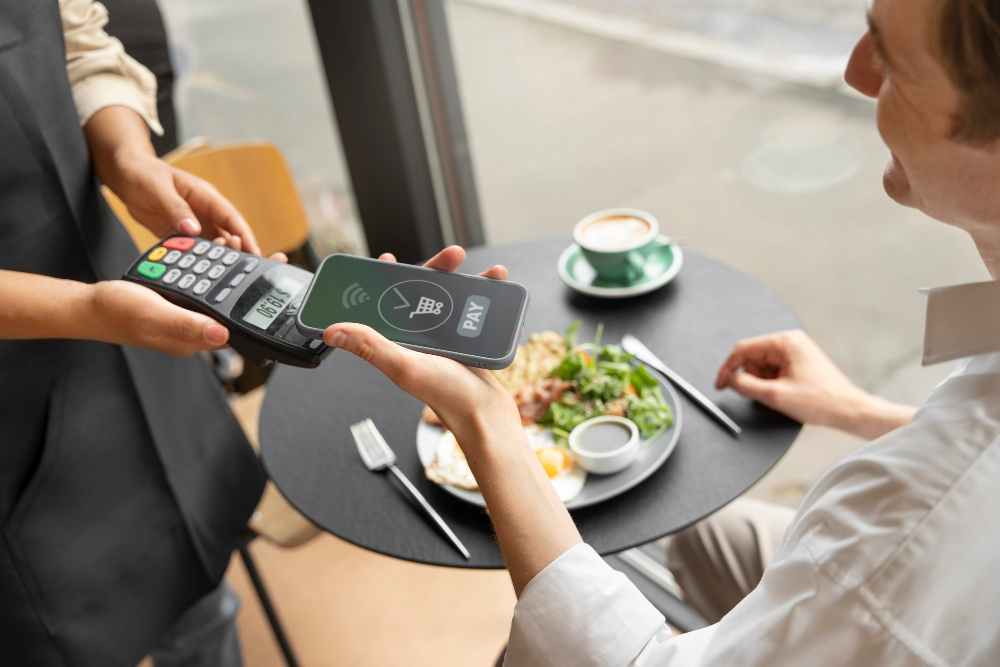
Square’s feature set and pricing structure make it a stronger fit for certain business types than others. Based on independent research and real-world usage patterns, the businesses below tend to benefit the most:
- Food trucks and pop-ups that need a low-risk, no-commitment POS they can set up in a day and cancel just as easily.
- Coffee shops and cafes that prioritize fast transactions and simple menu management over complex table service tools.
- New or small restaurants that want to avoid upfront software costs while they’re still validating their concept.
- Bars that need quick tab management, easy bill splitting, and flexible modifier options for drink customization.
- Catering and events-based businesses that rely on invoicing, mobile payment acceptance, and flexible order management away from a fixed location.
- Restaurants with retail add-ons, such as a bakery counter or merchandise section, that want a single unified system for both dining and retail sales.
On the other hand, full-service restaurants with complex table service, high check volumes, and deep customization needs may eventually outgrow Square’s feature depth and should evaluate more specialized systems as they scale past roughly $500,000 in annual revenue.
Why Do Food Trucks and Pop-Ups Prefer Square?
Mobile and temporary food businesses need a system that sets up quickly, works reliably on cellular data, and doesn’t tie them into a long-term commitment they might outgrow or abandon within months. Square’s offline payment processing means a food truck parked in an area with weak signal can still complete transactions, syncing the data once connectivity returns. Combined with the zero-cost Free plan, this makes Square an especially low-risk choice for operators still testing whether a concept has staying power.
How Does Square Support Cafes With High Transaction Volume but Simple Menus?
Cafes typically process a high number of small, fast transactions rather than fewer, larger dine-in checks, so speed at the register matters more than deep table management tools. Square’s streamlined checkout flow and quick modifier selection help baristas move through a morning rush efficiently, while integrated loyalty and gift card programs give cafe owners an easy way to bring customers back without adding a separate marketing platform.
Is Square a Good Fit for Catering and Events-Based Restaurants?
Yes, particularly because catering businesses often need to accept payments away from a fixed location. Catering businesses and events-based restaurants that need invoicing, mobile payment acceptance, and flexible order management can rely on Square’s mobile card readers and invoicing tools to collect deposits, final payments, and event-day charges without needing a separate payment system for off-site work.
How Does Square Compare to Competitors Like Toast?
Compared to restaurant-specific competitors such as Toast, Square generally wins on affordability, contract flexibility, and ease of setup, while Toast tends to offer deeper restaurant-specific functionality for complex, high-volume operations. In practice, this means smaller and newer food businesses often start with Square, then reassess their options once their transaction volume and operational complexity grow significantly. Choosing between the two ultimately comes down to whether a business values low upfront cost and simplicity, or deeper industry-specific depth right from day one.
Conclusion: Is Square the Right POS for Your Restaurant or Cafe?
Square for Restaurants stands out as one of the most accessible point-of-sale options available to small and mid-sized food service businesses today. Its combination of built-in payment processing, a genuinely useful free tier, and restaurant-specific tools like coursing, floor plans, and bill splitting make it easy to adopt without a steep learning curve or a long-term contract weighing the business down.
At the same time, restaurants should go in with realistic expectations. Feature depth on the free plan is limited, and larger, high-volume operations may eventually need to reassess whether Square still meets their needs as complexity grows. Therefore, testing the free plan first, comparing it against at least one competitor, and mapping out future growth needs remain smart steps before fully committing.
Ultimately, the restaurants that get the most value from Square tend to treat it as an evolving operational hub rather than a one-time purchase. That means revisiting menu structures as seasonal items rotate, adjusting staff permissions as the team grows, and reviewing reporting regularly to catch underperforming items before they quietly drag down margins. Owners who build these habits into their routine typically see the platform’s value compound well beyond the initial setup.
For food trucks, cafes, bars, and small to mid-sized restaurants that value flexibility and transparent pricing over deep customization, Square – Credit Card Processing paired with Square for Restaurants remains one of the strongest entry points in the market. And pairing that choice with an experienced implementation partner like Solution for Guru can help a restaurant get more value out of the platform faster, rather than spending months figuring it out alone.
Frequently Asked Questions
The Free plan genuinely charges no monthly software fee, and Square makes money instead through its processing rate of 2.6% plus $0.10 per transaction. However, businesses should budget separately for hardware, since items like the Square Terminal or Kitchen Display System carry their own upfront and, in some cases, ongoing costs. Reading the plan comparison carefully before choosing helps avoid surprises once a business starts processing higher volumes.
Yes. The platform supports a unified setup that lets a single business manage both food service and retail sales under one dashboard, which is useful for restaurants with a merchandise counter, a bakery case, or a retail add-on alongside their dining operation. This consolidation simplifies reporting since owners don’t need to reconcile two separate systems at the end of each day.
Setup is generally fast, especially compared to more complex restaurant POS systems. Most restaurants can configure their menu, floor plan, and staff accounts within a day or two, and staff typically need only a short walkthrough before they’re comfortable taking orders. Running a soft opening with a limited menu before the official launch remains a smart way to catch printer routing issues or modifier problems while the stakes are still low.
Why Partner with Solution for Guru for Your Square Implementation?
Signing up for Square is only the first step toward running an efficient restaurant. Configuring the platform correctly, connecting it to the rest of a business’s software stack, and training staff properly all make a meaningful difference in how much value a restaurant actually gets from the system.
Solution for Guru helps restaurants and cafes get the most out of Square by managing the setup and integration work that owners often don’t have time for during a busy launch. Partnering with Solution for Guru offers several concrete benefits:
- Faster, smoother onboarding, reducing the trial-and-error many owners experience when configuring menus, modifiers, and floor plans on their own.
- Custom integration support, connecting Square to accounting, payroll, or inventory systems a restaurant already relies on.
- Ongoing optimization, refining reporting, discount rules, and kitchen display workflows as the business grows past its initial setup.
- Vendor-neutral guidance, helping owners confirm Square is genuinely the right long-term fit before scaling further, or advising on when it’s time to consider an alternative.
In short, Solution for Guru helps restaurants move past the basic setup phase and start using Square as a genuine growth tool, rather than just a checkout screen.

How Does an Implementation Partner Reduce Setup Mistakes?
Many restaurant owners configure their POS system themselves during the chaotic weeks before opening, which often leads to avoidable mistakes: printer routing errors, missing modifiers, or discount rules that don’t behave as expected during a live rush. Solution for Guru helps catch these issues before opening night by testing the full order flow, from menu entry through kitchen ticket to final payment, rather than discovering problems in front of paying customers. This kind of dry run mirrors the soft-opening approach many successful restaurants already use, but with an experienced set of eyes reviewing the configuration beforehand.
Additionally, because Solution for Guru works across CRM, accounting, and operational software beyond just POS systems, restaurants gain a partner capable of connecting Square’s sales and labor data into the broader financial picture, rather than leaving that data isolated inside a single app.
Recommended:
- How Businesses Use Square to Accept Payments Online and In-Store
- What Is Square Credit Card Processing and How Does It Work?
- Xero for Small Business: Is It the Right Accounting Software for You?
- What is Xero — Overview of the Cloud Accounting Platform’s Features
- How Does FreshBooks Integrate with CRM, Payroll, and Project Management Tools?
- Financial Reporting Architecture in Zoho Books
- Zoho Books Architecture: Cloud Accounting Explained — How Does It All Work?
- FreshBooks for IT Consulting Firms: Managing Projects, Invoices, and Client Billing
- FreshBooks Review: Features, Pricing, Pros, and Cons
- Real-Time Financial Dashboards with Zoho Books
- How Can You Connect Zoho Books with Payment Gateways to Streamline Your Business Finances?