FreshBooks Reporting Features: What Financial Insights Can You Actually Get?
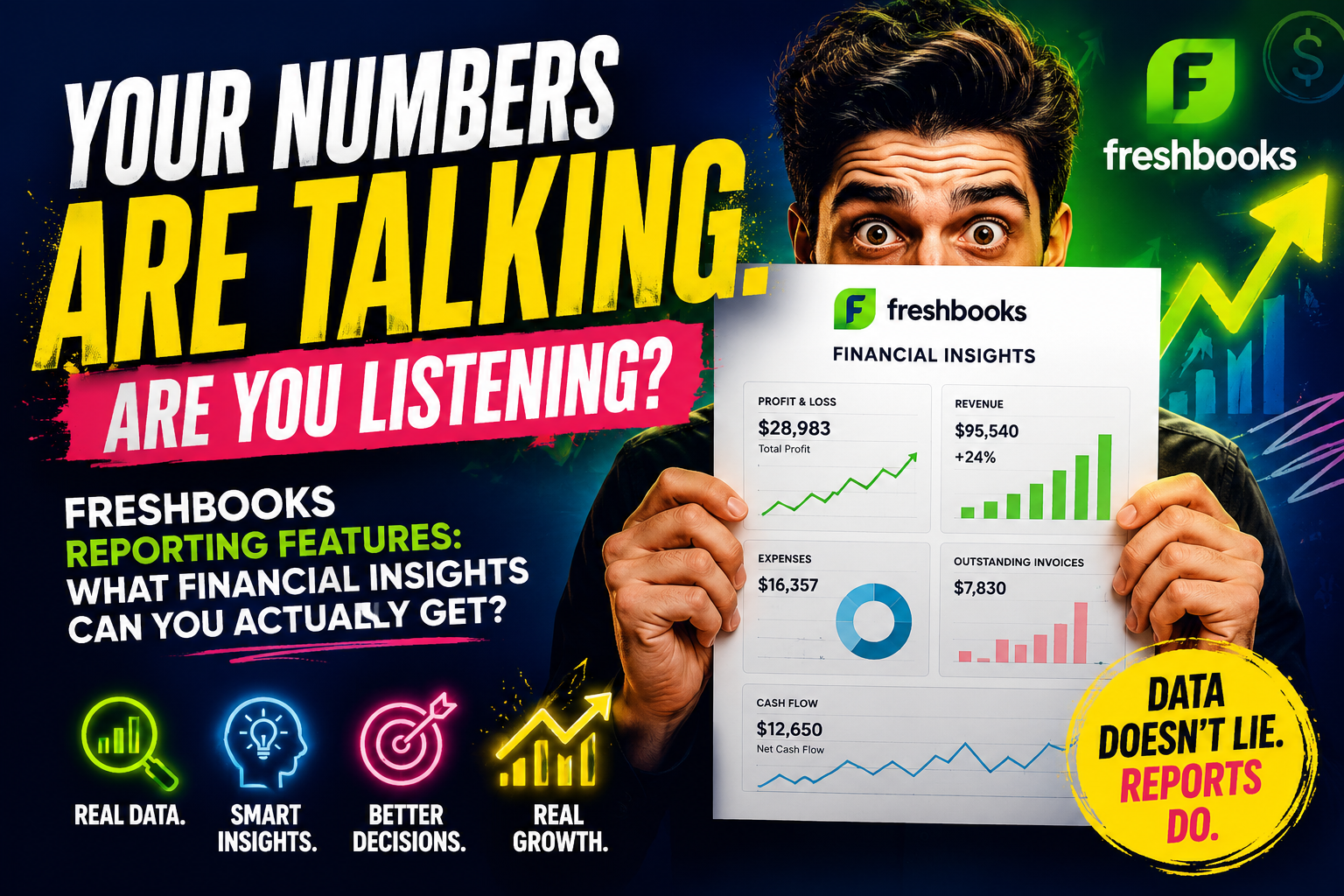
Most small business owners can tell you whether they made money last month. Far fewer can tell you why, or what is likely to happen to their cash position three months from now. That gap between knowing your numbers and understanding them is exactly what financial reporting is supposed to close, and it is also where a lot of accounting software quietly falls short, either burying useful data behind confusing menus or never collecting it accurately in the first place. This article breaks down the actual reports available inside FreshBooks, what each one tells you, who actually needs to read it, and where the platform’s reporting suite reaches its limits.
Table of contents
Quick Summary
| Quick takeaway: FreshBooks built its reputation on simple invoicing, but its reporting suite has grown into a genuinely useful set of financial statements, including Profit and Loss, Balance Sheet, Cash Flow, Trial Balance, General Ledger, and Accounts Aging reports, depending on which plan you are on. This article walks through what each report actually shows, how the double-entry accounting reports differ from the simpler ones available on every plan, which reports unlock revenue and project-level insights, where FreshBooks’ reporting reaches its ceiling for more complex businesses, and how Solution for Guru can help you get more out of the numbers FreshBooks is already collecting. |
Why Does Financial Reporting Matter More Than Most Business Owners Realize?

Financial reports often get treated as something to hand off to an accountant once a year rather than something to read regularly, and that habit carries real risk. A widely cited U.S. Bank study found that poor cash flow management contributes to roughly eighty-two percent of small business failures, not because these businesses were unprofitable on paper, but because nobody was watching the timing of money coming in against money going out closely enough to react before it became a crisis. Meanwhile, Federal Reserve survey data shows that more than half of small businesses describe uneven cash flow as a recurring challenge, which suggests this is not a rare problem limited to poorly run companies.
Reports exist precisely to surface these patterns before they turn into emergencies. Therefore, the real value of a reporting suite is not the report itself, it is whether a business owner actually opens it often enough to notice a problem while there is still time to do something about it.
What Is the Profit and Loss Report, and What Does It Actually Tell You?
The Profit and Loss report, often called the P&L or income statement, is the report most business owners check first, and for good reason. It lists every dollar of revenue earned and every expense incurred over a chosen period, then subtracts one from the other to show whether the business turned a profit or a loss. Inside FreshBooks, this report can be generated for a custom date range, compared against a prior period, and broken down by category, which makes it useful for spotting whether a particular expense line is creeping up faster than revenue. Because FreshBooks frames much of its platform around invoicing and expense tracking already, the data feeding this report tends to be current rather than something assembled after the fact from scattered receipts.
However, it is worth remembering that a profitable P&L does not guarantee healthy cash flow, since revenue counted on this report may still be sitting in an unpaid invoice rather than in the bank. That distinction is exactly why the Profit and Loss report works best alongside the Cash Flow report rather than in isolation.
How Does the Balance Sheet Differ From the Profit and Loss Report?
While the Profit and Loss report covers a period of time, the Balance Sheet captures a single moment, showing what the business owns, what it owes, and the resulting equity as of one specific date. FreshBooks organizes this into assets, liabilities, and equity, giving a snapshot of overall financial position rather than a story about performance over the last quarter. Investors, lenders, and accountants tend to lean on the Balance Sheet more than any other report, since it answers a more fundamental question: if the business stopped operating today, what would be left over after every obligation got paid? This report is only available on FreshBooks’ Plus, Premium, and Select plans, since it depends on the double-entry accounting structure those tiers support, unlike the simpler cash-basis tracking available on entry-level plans.
For businesses that have outgrown basic invoicing and need to satisfy a lender’s documentation requirements or prepare for a serious valuation conversation, access to a real Balance Sheet often becomes the deciding factor in which plan to choose.
What Can the Cash Flow Report Reveal About Your Business That Profit Numbers Cannot?
Profit and cash are not the same thing, and the Cash Flow report exists specifically to expose that gap. It tracks money actually moving in and out of bank accounts, which means a business can show a healthy profit on paper while still struggling to cover payroll if too much revenue is parked in unpaid invoices. FreshBooks’ Cash Flow report groups this movement into operating, investing, and financing activities, the same structure accountants use in formal financial statements, so the numbers translate cleanly if the report ever needs to go to a lender or outside accountant.
Businesses that review this report regularly, rather than relying solely on the Profit and Loss statement, can often identify cash-flow problems before they become serious. Businesses that ignore it, by contrast, frequently discover cash shortages only after they have created significant challenges. Because cash-flow issues contribute to the vast majority of small business failures, this report may provide more practical value than any other report FreshBooks generates.
What Are the Trial Balance and General Ledger Reports Used For?
Both reports exist mainly for accountants and bookkeepers rather than for a quick glance during a busy week, but they matter enormously when it is time to close the books or prepare a tax return. The Trial Balance lists the debit and credit totals for every account in the business as of a specific date, acting as a checkpoint to confirm that the books actually balance before financial statements get finalized. Inside FreshBooks, this report is available on the Plus, Premium, and Select plans, alongside the General Ledger and Chart of Accounts, since all three depend on the same double-entry accounting foundation.
What Is the Difference Between a Trial Balance and a General Ledger?
The distinction comes down to snapshot versus detail. The Trial Balance shows account totals at one point in time, confirming that debits and credits match, while the General Ledger shows every individual transaction that built up to those totals, including invoices sent, expenses logged, and payments accepted. When something does not balance, the General Ledger is where an accountant actually goes looking for the transaction causing the discrepancy, since the Trial Balance alone only confirms that a problem exists without explaining where it came from. FreshBooks also lets users match the General Ledger against a bank statement directly, which turns what used to be a tedious manual reconciliation process into something closer to a quick cross-check.
How Does the Chart of Accounts Organize Everything Behind the Scenes?
Every report described so far ultimately pulls from the same underlying structure: the Chart of Accounts. This is the master list of every category FreshBooks uses to classify money moving through the business, from specific expense types to different revenue streams, and keeping it organized has a direct effect on how useful every other report turns out to be. A messy Chart of Accounts, with duplicate categories or vague labels like “miscellaneous,” quietly degrades every report built from it, since a Profit and Loss statement is only as informative as the categories feeding it. FreshBooks allows businesses to customize this structure while still keeping it standardized enough to satisfy accounting conventions, which matters because an accountant reviewing the books later will need the categories to follow recognizable patterns rather than a system only the original bookkeeper understood.
What Do Accounts Aging Reports Show About Receivables and Payables?
Knowing that clients owe money is one thing; knowing exactly how overdue that money is changes how urgently you act on it. The Accounts Aging report, covering both receivables and, on supported plans, payables, breaks outstanding balances into buckets such as current, thirty days overdue, sixty days overdue, and ninety-plus days overdue. This view turns a vague sense that “some invoices are late” into a specific list of which clients need a follow-up call this week versus which ones are still within normal terms.
On the payables side, the same logic applies in reverse, helping a business avoid late fees or damaged vendor relationships by surfacing bills approaching their due date before they become a problem. Reviewing this report on a weekly basis, rather than only when cash feels tight, tends to catch overdue invoices while a polite reminder is still enough to resolve them, rather than waiting until a more uncomfortable collections conversation becomes necessary.
How Can Revenue by Client and Item Sales Reports Sharpen Pricing Decisions?
Not all revenue is created equal, and these reports make that visible. The Revenue by Client report ranks customers by how much they have actually paid, which often reveals a different picture than gut instinct alone, since the client who calls most often is not always the one generating the most income. Item Sales, meanwhile, breaks down revenue by the specific products or services sold, exposing which offerings are quietly carrying the business and which ones consume time without contributing much financially.
Together, these two reports support pricing decisions in a way a single revenue total never could. A business might discover that a service it considers a core offering actually generates less revenue than a smaller add-on service it barely promotes, which is exactly the kind of insight that should influence where marketing effort and pricing adjustments go next. FreshBooks surfaces both reports without requiring any separate analytics tool, which keeps this level of analysis accessible to businesses that would otherwise skip it entirely.
What Insights Do Time Tracking and Project Profitability Reports Provide?

For service-based businesses that bill by the hour, understanding how employees spend their time matters just as much as tracking cash flow. FreshBooks’ time tracking reports show how many hours team members dedicate to each client or project, while Project Profitability compares project revenue with the time and expenses required to generate it. This allows business owners to determine whether a project that appeared successful on an invoice actually delivered a profit. This combination often surfaces uncomfortable truths, such as a long-standing client whose project scope has quietly expanded far beyond what the original price covers. Catching that pattern early gives a business owner room to renegotiate scope or pricing before the relationship becomes a net loss, rather than discovering the problem only after months of underpriced work have already happened.
How Does the Sales Tax Summary Report Simplify Tax Season?
Sales tax compliance is one of the more tedious parts of running a small business, particularly for anyone selling across multiple states or regions with different rates. The Sales Tax Summary report consolidates everything collected over a chosen period into one view, broken down by tax rate and jurisdiction where applicable, so preparing a tax filing no longer means digging back through every invoice from the period one at a time. This report is available across FreshBooks’ plans, reflecting how central tax compliance is to nearly every small business regardless of size. While it does not replace the judgment of an accountant familiar with your specific tax obligations, it removes most of the manual data-gathering work that used to make tax season disproportionately stressful compared to the rest of the year.
How Do FreshBooks Reports Compare to Building Reports Manually in Spreadsheets?
Before software like FreshBooks made these reports a few clicks away, most small businesses built their own version in a spreadsheet, and that approach carries more risk than it appears to on the surface. Raymond Panko, a researcher who has spent decades auditing real-world spreadsheets, has found across numerous field studies that the overwhelming majority of operational spreadsheets, often more than eighty percent, contain at least one error, ranging from a simple typo to a formula referencing the wrong cell range entirely. A single broken formula in a hand-built Profit and Loss spreadsheet can silently overstate or understate revenue for months before anyone notices, particularly if the same template gets copied forward every reporting period.
Reports generated inside FreshBooks pull directly from the same transaction data feeding invoices and expenses, which removes the manual re-entry step where most spreadsheet errors actually originate. This does not prevent all bookkeeping mistakes, because a transaction that someone miscategorizes at the source can still produce a misleading report. However, it eliminates an entire category of errors that stem not from the business itself but from incorrectly entered formulas. For businesses currently relying on a homemade spreadsheet for their financial picture, switching to software-generated reports often surfaces small but persistent inaccuracies that had been quietly skewing decisions for longer than anyone realized.
How Does the FreshBooks Mobile App Change When and How You Check These Reports?

Financial reports are far more useful when checking them does not require sitting down at a desktop computer. The FreshBooks mobile app brings core reports like Profit and Loss, Accounts Aging, and revenue summaries onto a phone, which matters for business owners who spend more time on a job site, in client meetings, or traveling than behind a desk. Checking an overdue invoice list while waiting for a meeting to start, or glancing at this month’s revenue before deciding whether a new expense fits the budget, becomes a thirty-second task rather than something that waits until the end of the day.
This accessibility tends to change reporting habits more than the reports themselves do. A business owner who only encounters their financial reports once a month because checking them required a desktop session behaves very differently from one who glances at cash position between client calls throughout the week. The mobile experience will not replace deeper analysis best done on a larger screen, but it lowers the barrier to the kind of frequent, small check-ins that catch problems early.
What Reports Are Available on Each FreshBooks Plan?
Not every report sits behind the same plan tier, and the difference matters when choosing which subscription level actually fits the business. The table below summarizes which reports unlock at which level.
| Report | Available On |
|---|---|
| Profit and Loss | All plans |
| Sales Tax Summary | All plans |
| Accounts Receivable Aging | All plans |
| Revenue by Client / Item Sales | All plans |
| Balance Sheet | Plus, Premium, and Select |
| Cash Flow | Plus, Premium, and Select |
| Trial Balance | Plus, Premium, and Select |
| General Ledger | Plus, Premium, and Select |
| Chart of Accounts | Plus, Premium, and Select |
What Are the Limitations of FreshBooks Reporting Compared to Larger Platforms?
FreshBooks earns consistent praise for usability, but its reporting suite is not built to compete with enterprise-grade platforms, and pretending otherwise would do readers a disservice. Several independent reviews note that reporting can feel basic once a business grows past straightforward service-based operations, particularly around inventory-heavy businesses or those needing deeply customized report layouts. Client limits on lower plans also mean some businesses outgrow the platform’s invoicing side before they outgrow its reporting side, which forces an upgrade decision sooner than the reporting needs alone would suggest.
Multi-entity consolidation, advanced budgeting tools, and granular custom report builders, common in platforms built for larger finance teams, are simply not part of what FreshBooks offers. For a freelancer, consultant, or small service business, this is rarely a problem. For a company juggling inventory, multiple subsidiaries, or a finance team that wants to slice data a dozen different ways, FreshBooks’ reports will likely need to be supplemented with another tool eventually.
How Can You Turn These Reports Into Actual Business Decisions?
Having access to a report and actually using it are two different things. A few habits make the difference:
- Review the Cash Flow and Accounts Aging reports weekly rather than waiting for a monthly close, since overdue invoices are easiest to resolve while still recent
- Compare the current Profit and Loss report against the same period last year, not just last month, to separate seasonal patterns from genuine trends
- Cross-check Project Profitability against your hourly rate periodically to catch scope creep before it erodes a client relationship’s profitability
- Share the Balance Sheet with your accountant before any major decision, such as taking on debt or making a large purchase, rather than only at tax time
- Use Revenue by Client data when planning where to invest marketing and account management time, rather than relying on which clients simply call most often
Conclusion
FreshBooks was built around simple invoicing, but its reporting suite has matured into a genuinely useful toolkit for understanding what is actually happening inside a business financially, not just how much revenue came in last month. From the Profit and Loss and Balance Sheet that satisfy lenders and accountants, to the Cash Flow and Accounts Aging reports that catch problems while they are still manageable, to the Revenue by Client and Project Profitability reports that sharpen pricing decisions, FreshBooks gives small businesses access to insights that used to require a dedicated finance team, or a risky homemade spreadsheet, to produce.
The platform does have a ceiling, particularly for inventory-heavy or rapidly scaling businesses, but for the freelancers, consultants, and service businesses it was designed for, these reports cover nearly everything needed to run the financial side of the business with confidence. The real opportunity most businesses miss is not access to the reports, it is building the habit of actually reading them, ideally on a weekly or monthly rhythm rather than only when tax season forces the issue.
Frequently Asked Questions
These double-entry accounting reports, along with Trial Balance and General Ledger, are only available on FreshBooks’ Plus, Premium, and Select plans, since they depend on double-entry bookkeeping rather than the simpler cash-basis tracking available on entry-level plans.
Yes. FreshBooks supports export options for reports including the Chart of Accounts, expenses, invoices, items, and services, which lets you hand off clean data to an accountant or import it into spreadsheet tools without manually rebuilding the report.
Business owners should review Cash Flow and Accounts Aging reports weekly because overdue invoices and cash-flow gaps can escalate quickly. They typically review Profit and Loss and Balance Sheet reports monthly and conduct a more detailed analysis with an accountant during tax season or before making major financial decisions.
What Are the Benefits of Partnering With Solution for Guru for FreshBooks Reporting?

Reading a report and knowing what to do with it are not the same skill, and that gap is exactly where Solution for Guru adds value. The team specializes in CRM and software implementation, helping businesses configure their Chart of Accounts correctly from the start, set up the right reports for their specific industry, and build a regular review habit around Cash Flow, Accounts Aging, and Project Profitability rather than letting these reports sit unopened between tax seasons. For businesses approaching the ceiling of what FreshBooks’ reporting can support, Solution for Guru can also help plan a transition to a more advanced platform without losing historical data or disrupting day-to-day invoicing in the process.
Rather than treating financial reporting as a once-a-year scramble before tax season, businesses should use these numbers to guide decision-making throughout the year. This is where outside expertise often delivers significant value, especially for businesses that have never established a formal bookkeeping process and do not know where to begin.
Recommended:
- Xero for Small Business: Is It the Right Accounting Software for You?
- What is Xero — Overview of the Cloud Accounting Platform’s Features
- How Does FreshBooks Integrate with CRM, Payroll, and Project Management Tools?
- Financial Reporting Architecture in Zoho Books
- Zoho Books Architecture: Cloud Accounting Explained — How Does It All Work?
- FreshBooks for IT Consulting Firms: Managing Projects, Invoices, and Client Billing
- FreshBooks Review: Features, Pricing, Pros, and Cons
- Real-Time Financial Dashboards with Zoho Books
- How Can You Connect Zoho Books with Payment Gateways to Streamline Your Business Finances?
- Financial Data Migration to Zoho Books
- Zoho Books for Finance Teams: Automation and Financial Control
- How Zoho CRM Works: Data Model, Modules, and Relationships