What ROI Can Businesses Expect From Expense Automation Software?

Manual expense reports drain hours every month: chasing receipts, re-keying numbers, and waiting on approvals that sit in someone’s inbox. Expense automation software promises to fix that, but a subscription fee only makes sense if the time and money saved actually outweigh the cost.
Many finance teams evaluate this decision backward, comparing price tags first and asking about value second. However, a better approach starts with understanding exactly what gets automated and how much manual effort that removes from your week. Once that’s clear, the subscription cost stops looking like an expense and starts looking like a productivity investment. This article breaks down what expense automation software really delivers, how to calculate the return for your own business, and what to look for in a platform, using Moss, HoorayHR, and Whitevision as real-world examples along the way.
Table of contents
Quick Summary
If you’re short on time, here’s the condensed version:
- Expense automation software typically pays for itself through time saved on data entry, faster reimbursements, fewer errors, and better spend visibility.
- Pricing varies widely: per-user HR-style tools like HoorayHR start at a low monthly fee per employee, while full spend management platforms like Moss and document-processing specialists like Whitevision price around company size, invoice volume, or feature set.
- Businesses that automate receipt capture and approvals commonly report significant reductions in processing time per expense claim or invoice.
- The strongest ROI shows up in companies that previously relied on spreadsheets, paper receipts, or email approval chains.
- Working with an implementation partner such as Solution4Guru can accelerate the payback period by making sure the software is configured correctly from day one.
Therefore, whether expense automation software is “worth it” comes down to how much manual, repetitive work it eliminates for your specific team, and how consistently you use the automation once it’s live.
How Do Platforms Like Moss, HoorayHR, and Whitevision Relate to Expense Automation?
Before diving into the numbers, it helps to understand what this category of software actually does. Expense automation platforms emphasize a consistent set of capabilities: automation of repetitive data entry, mobile receipt capture, configurable approval workflows, accounting integrations, and centralized visibility into company spending. Instead of an employee filling out a spreadsheet and emailing a manager for sign-off, the software captures the expense digitally, routes it through a pre-set approval chain, and syncs it directly with the company’s accounting or ERP system.
Three platforms illustrate different angles on this same problem, which is exactly why they’re useful reference points for this article.

Moss is a spend management platform built for small and mid-sized businesses. It combines corporate cards, invoice processing, and employee reimbursements into a single system, using AI-driven receipt recognition and automated approval routing to give finance teams real-time visibility into spending.

HoorayHR approaches expense automation from the HR side. It’s an all-in-one HR platform for small and medium-sized businesses that includes an expense reimbursement app alongside leave management, personnel files, and workflows, letting employees photograph a receipt and submit it for approval directly from their phone.

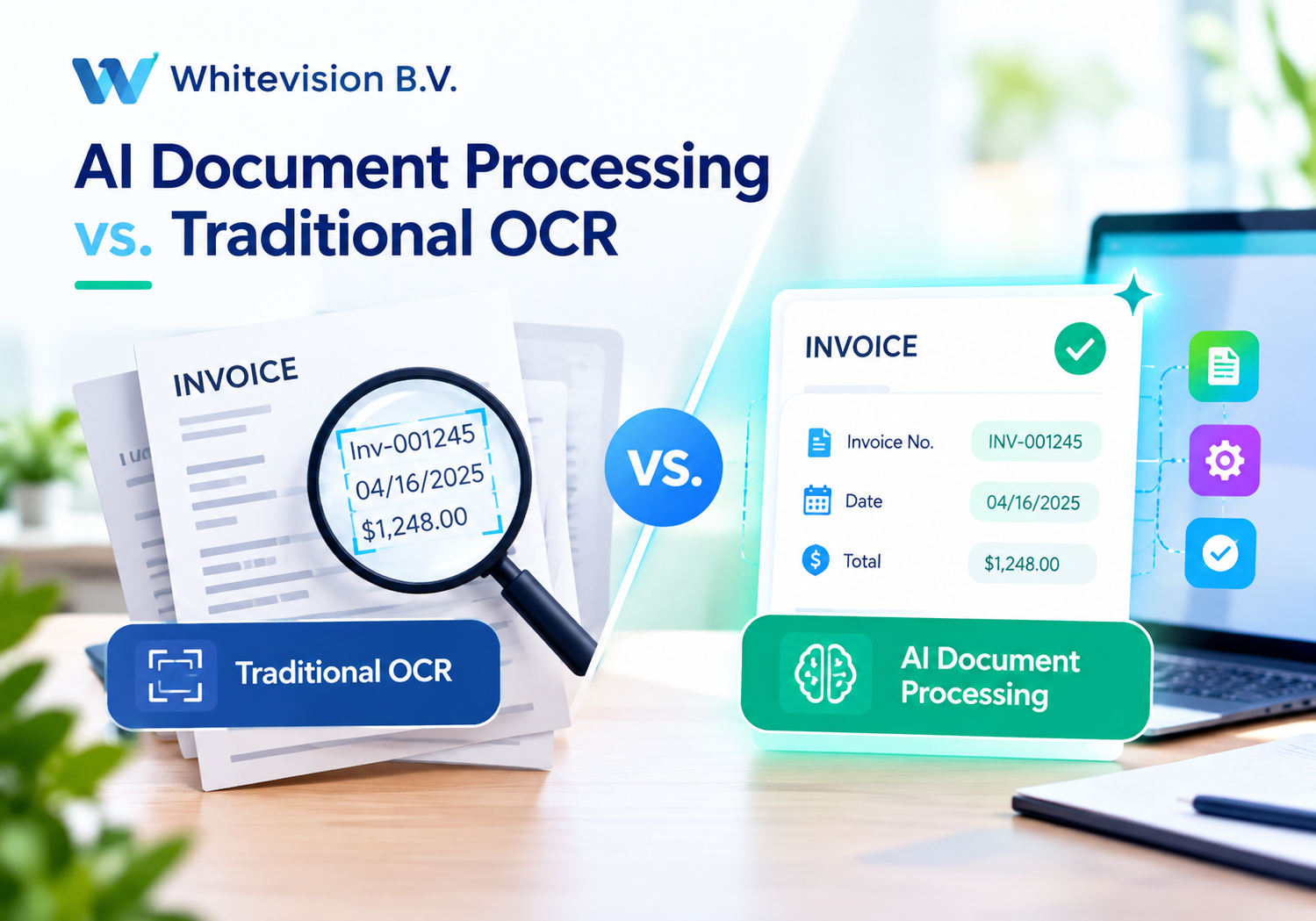
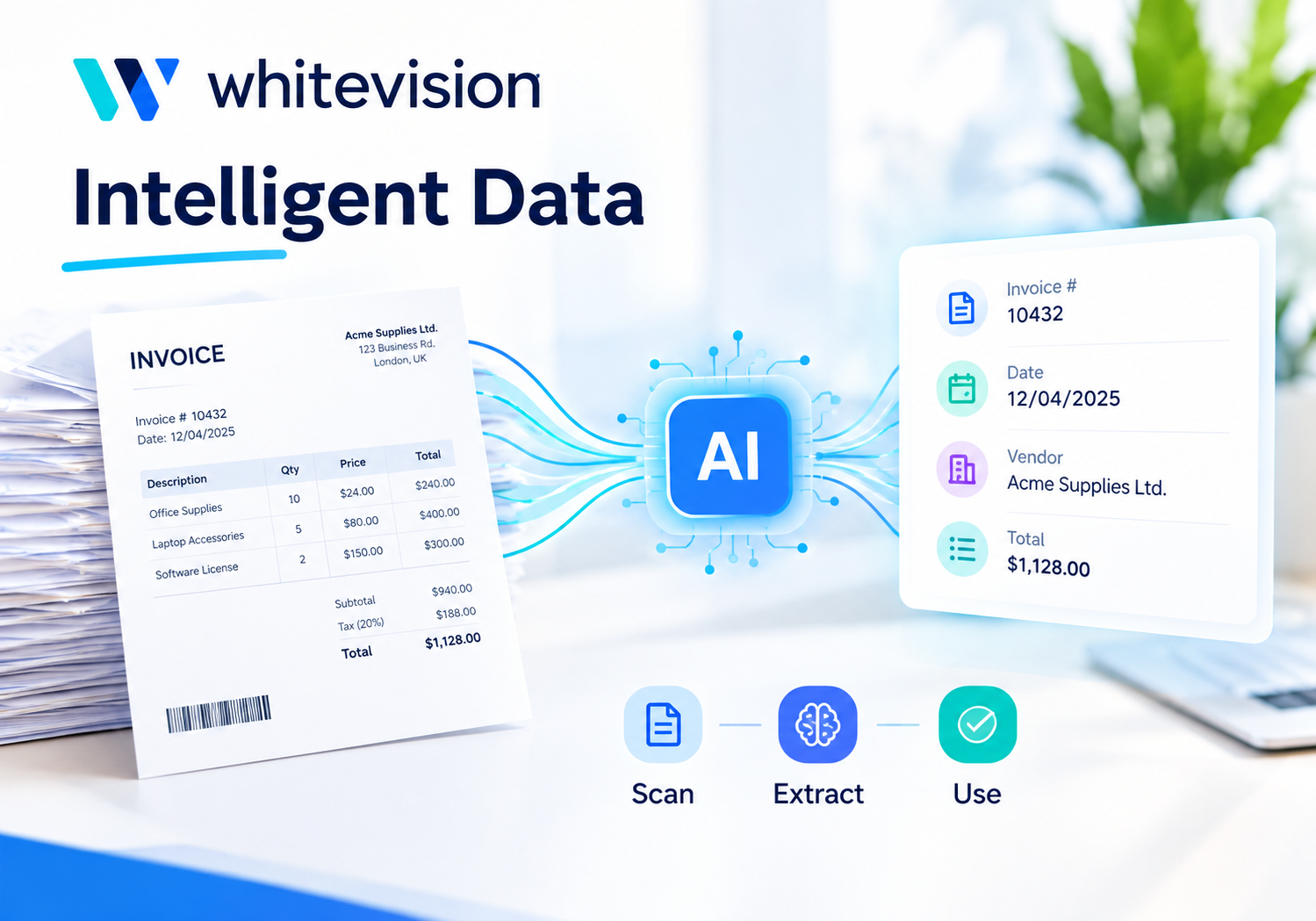
Whitevision B.V. focuses specifically on document and invoice processing automation. Using OCR and AI-based data recognition, it reads incoming purchase invoices and expense documents, matches them against orders and receipts, and routes them through digital approval workflows into an organization’s ERP system.
Because these three platforms tackle expense automation from different starting points, comparing them gives a clearer, more complete picture of what “ROI from expense automation software” can actually look like across different business needs.
What Does Expense Automation Software Actually Cost?
Before calculating any return, you need an honest picture of what you’re paying. Pricing models in this category differ significantly depending on whether the platform is built around headcount, invoice volume, or feature tiers.
How Are These Platforms Typically Priced?
Most expense automation tools fall into one of three pricing patterns:
| Pricing Model | How It Works | Example |
|---|---|---|
| Per-employee, per-month | A flat monthly fee multiplied by the number of users | HoorayHR (starting from roughly €6.75 per employee, per month) |
| Custom, based on company size and features | Quote-based pricing tied to spend volume, card usage, and modules needed | Moss (custom plans scaled to company size) |
| Volume or module-based | Pricing tied to invoice volume and which automation modules are activated | Whitevision (modular pricing based on document volume and ERP integration) |
Because none of these platforms publish a single universal price list, it’s worth requesting a tailored quote before assuming a specific number. Still, this structure alone tells you something important: the more transactions, employees, or documents you process, the more the total cost scales, which is exactly why ROI needs to be calculated per business rather than assumed from a headline price.
What Hidden Costs Should You Budget For?
Beyond the base subscription, a few line items commonly affect the total cost of ownership:
- Implementation and onboarding: Document-heavy platforms like Whitevision often require several days of setup to connect properly with your ERP system.
- Additional modules: Features like line-item recognition, invoice matching, or advanced controlling are sometimes priced as add-ons rather than included by default.
- Card issuance and transaction fees: Spend management platforms that include corporate cards may charge for card issuance or international transactions.
- Per-user scaling: HR-style tools priced per employee become more expensive as headcount grows, even if expense volume stays flat.
- Integration costs: Connecting the platform to your existing accounting software may require a technical setup fee, particularly for less common ERP systems.
Mapping out these costs across a full year, rather than looking only at the advertised starting price, gives you a much more reliable number to measure ROI against.
How Should You Budget for a Full Year of Expense Automation?
Instead of anchoring on a single monthly figure, model your total spend across twelve months. Start with the base subscription or per-user fee, add any modules you expect to need (invoice matching, advanced controlling, or additional integrations), and factor in onboarding time. For instance, a 30-person company evaluating HoorayHR should multiply the per-employee rate by headcount and account for any growth expected over the year, while a business evaluating Whitevision should estimate based on projected invoice volume rather than current volume alone, since document processing needs tend to scale with growth. Building this out in advance prevents budget surprises and gives you a clean number to compare against the value calculations covered later in this article.
What Financial Benefits Does Expense Automation Deliver?
Cost is only half of the equation. The other half is the measurable value these platforms generate, and that value tends to show up in a few consistent places.
How Does Automation Save Time on Data Entry?
Manually entering expense data is slow and repetitive: someone has to read a receipt or invoice, type the amount, assign a category, and attach it to the right cost center. Platforms like Whitevision automate this almost entirely through OCR and AI-based recognition, extracting header and line-item data automatically instead of requiring manual retyping. Moss applies similar automation to receipts and card transactions, recognizing suppliers, VAT rates, and cost centers on its own. For a finance team processing dozens of invoices weekly, this alone can reclaim several hours that would otherwise go toward manual data entry.
Can Automation Speed Up Approvals and Reimbursements?
Approval bottlenecks are one of the most common complaints about manual expense processes. Configurable approval workflows, available across Moss, HoorayHR, and Whitevision, let a manager approve a claim from a phone in seconds rather than waiting until they’re back at a desk. HoorayHR, for instance, allows employees to submit an expense claim and get manager sign-off through the same app used for leave requests, so approvals don’t get lost between different tools. Faster approvals mean employees get reimbursed sooner, which improves satisfaction and reduces the administrative back-and-forth finance teams deal with.
Does Expense Automation Reduce Errors and Compliance Risk?
Manual data entry introduces mistakes: wrong VAT codes, duplicate reimbursements, or missing receipts that create problems during an audit. Automated matching features, like the one Whitevision uses to reconcile invoices against purchase orders and receipts, flag discrepancies automatically instead of relying on someone to catch them line by line. Consequently, businesses that adopt this kind of automation typically see fewer compliance issues and smoother audits, since every transaction has a clear digital trail attached to it.
How Does Centralized Visibility Improve Financial Decisions?
When expense data is scattered across spreadsheets, email threads, and paper receipts, it’s difficult to know what the business is actually spending in real time. Centralized dashboards, a core feature of Moss’s spend management platform, give finance teams live visibility into spend by category, department, or cost center. That visibility makes it easier to catch overspending early, negotiate better vendor terms, and make more accurate budget decisions instead of discovering problems weeks later during month-end close.
What Do Real Users Say About These Efficiency Gains?
Independent reviews reinforce these benefits with specific numbers. Users of platforms like Moss have described automatic receipt recognition saving ten to fifteen minutes per receipt compared to manual entry, which adds up quickly across a team submitting dozens of claims weekly. Similarly, businesses that previously relied on manual month-end processes report needing far fewer hours to close the books once approvals and data entry are automated. These aren’t isolated claims; they reflect a consistent pattern across review platforms: the more repetitive and high-volume the task, the more dramatic the time savings tend to be once automation takes over.
How Do You Calculate ROI From Expense Automation Software?

Numbers make the abstract concrete. Here’s a simple framework for building your own ROI calculation.
What Formula Should You Use to Measure ROI?
A straightforward ROI formula looks like this:
ROI (%) = [(Value Gained − Subscription Cost) ÷ Subscription Cost] × 100
“Value Gained” should include:
- Hours saved per month on data entry and approvals, multiplied by the relevant hourly wage
- Reduction in reimbursement delays and the administrative friction they cause
- Fewer compliance errors and the cost of correcting them
- Lower risk of duplicate payments or fraudulent claims
Once you tally these figures, plug them into the formula above to see whether the software is generating more value than it costs each month.
What Does a Sample ROI Calculation Look Like?
Consider a 40-person company processing around 150 expense claims and 80 supplier invoices monthly. Here’s a simplified example:
| ROI Factor | Estimated Monthly Value |
|---|---|
| Time saved on data entry (25 hours × $35/hr) | $875 |
| Faster approvals and reimbursements | $150 |
| Reduced compliance errors and rework | $200 |
| Total Value Gained | $1,225 |
| Estimated Subscription Cost | $350 |
| ROI | ~250% |
Naturally, your own numbers will vary based on transaction volume, team size, and how deeply you integrate the software into daily workflows. Even so, this framework shows how the math tends to favor automation once time savings and error reduction are properly accounted for.
What Should You Track to Keep the Calculation Accurate Over Time?
ROI from expense automation isn’t a one-time calculation; it’s worth revisiting quarterly. Track how many hours your team spends on data entry and approvals before and after implementation, note how much faster reimbursements and invoice payments process, and log any compliance issues avoided. Keeping this data in a simple dashboard or spreadsheet makes it easy to justify the subscription internally, and it also flags early if usage is dropping off. If your ROI percentage starts trending downward, that usually signals either declining employee adoption or features that your plan already includes but your team doesn’t use.
How Do Moss, HoorayHR, and Whitevision Compare?
Since each platform approaches expense automation from a different angle, a side-by-side comparison makes the differences clearer.
| Feature | |  |  |
|---|---|---|---|
| Primary focus | Spend management (cards, invoices, reimbursements) | All-in-one HR with expense claims | Purchase invoice and document automation |
| Mobile receipt capture | Yes, with AI-driven recognition | Yes, via the self-service app | Yes, via the mobile app for scanning |
| Approval workflows | Multi-step, rules-based, customizable | Simple one-click manager approval | Fully configurable, ERP-aligned workflows |
| Accounting integrations | Xero, QuickBooks, DATEV, MS Dynamics, and more | Exact Online, AFAS, Moneybird, Yuki | Deep ERP integrations (Exact, AFAS, and others) |
| Best suited for | SMBs needing full spend visibility and cards | SMEs that want expense claims bundled with HR | Organizations with high invoice volume needing OCR-driven processing |
| Centralized visibility | Real-time dashboards across cards, invoices, reimbursements | HR-centric overview alongside leave and contracts | Document-centric dashboard tracking processing status |
As the table shows, the “right” platform depends heavily on what your organization already struggles with most. A company drowning in paper invoices will get more value from Whitevision‘s document-processing strength, while a growing SMB that wants corporate cards and reimbursements in one place may lean toward Moss. Meanwhile, a small business that wants expense claims handled inside the same tool as leave requests and contracts will likely find HoorayHR‘s bundled approach more efficient.
It’s also worth noting that these platforms aren’t always mutually exclusive. Some organizations pair a document-processing specialist like Whitevision for high-volume invoice handling with a lighter HR tool like HoorayHR for day-to-day employee expense claims, since the two solve different parts of the same broader problem. Before deciding, it helps to map out which specific tasks currently consume the most time in your finance or HR workflow, then match that pain point to the platform built to solve it, rather than choosing based on brand recognition alone.
Who Gets the Best ROI From Expense Automation Software?

Not every business will see identical returns. Company size, transaction volume, and existing processes all shape the outcome.
Is Expense Automation Worth It for Small and Growing Businesses?
Generally, yes. Small businesses transitioning away from spreadsheets or paper receipts tend to see the fastest, most visible time savings because the platform automates almost every manual step at once. HoorayHR’s low per-employee pricing, for example, makes it accessible even for teams under 50 people, while Moss scales its spend management features as the company grows. Because the baseline (spreadsheets and manual approvals) is so inefficient, the ROI threshold is easy to clear quickly.
Is Expense Automation Worth It for Larger Organizations With High Invoice Volumes?
Yes, though the value shows up differently. Larger organizations processing hundreds of invoices monthly benefit most from document-heavy automation like Whitevision‘s OCR and matching capabilities, since the time saved scales directly with volume. For these businesses, ROI often comes less from headcount savings and more from faster month-end closes, fewer payment errors, and stronger audit trails across a much larger number of transactions.
When Might Expense Automation Not Deliver Strong ROI?
Automation delivers the least value when transaction volume is very low or when a business fails to adopt the workflows consistently. A company with only a handful of expenses per month may not save enough time to offset the subscription cost, and any platform, no matter how capable, underperforms if employees keep submitting paper receipts instead of using the app. Recognizing this upfront helps set realistic expectations before you commit to a plan, and it’s a good reason to lean on a trial period, demo, or a partner’s audit before signing a longer contract.
So, What ROI Can You Realistically Expect From Expense Automation Software?
For most businesses moving away from manual processes, expense automation software delivers a strong, measurable return. Platforms like Moss, HoorayHR, and Whitevision each target a different pain point, whether that’s spend visibility, HR-bundled convenience, or high-volume invoice processing, but they share the same underlying value driver: replacing manual, error-prone work with automated, trackable workflows.
That said, ROI isn’t automatic. It depends on transaction volume, how consistently your team adopts the tools, and whether your organization configures the platform to match its actual approval structure. Before committing, it helps to walk through a short checklist:
- Estimate the hours your team currently spends on manual expense entry and approvals each month.
- Multiply that time by relevant hourly rates to establish a baseline value.
- Compare that figure against realistic pricing for Moss, HoorayHR, or Whitevision based on your company size and volume.
- Factor in a trial period or demo to validate your estimates before signing a contract.
- Decide whether professional onboarding support would help you reach full value faster.
Working through these steps turns a vague “is it worth it” question into a concrete, business-specific answer. Calculating your own numbers, staying aware of add-on costs, and considering expert implementation support through a partner like Solution4Guru all improve your odds of a strong, sustained return from Moss, HoorayHR, or Whitevision.
Frequently Asked Questions
Most businesses notice measurable time savings within the first month, since receipt capture and approval routing start automating almost immediately. A fuller financial ROI, including reduced errors and faster month-end close, usually becomes clear within one to three billing cycles, particularly for higher-volume users of platforms like Whitevision.
Small businesses can absolutely benefit, and often see faster payback than larger organizations because they’re moving away from the least efficient baseline, spreadsheets and paper receipts. Platforms like HoorayHR are specifically priced and designed for small and medium-sized teams, making the transition affordable even at low headcounts.
It depends on the platform and how complex your existing systems are. HR-centric tools like HoorayHR are typically usable within a day thanks to their simplicity, while document-heavy platforms like Whitevision may take one to four implementation days spread across several weeks to fully connect with an ERP system. Working with an experienced partner can shorten this timeline considerably.
How Can Solution For Guru Help You Maximize ROI From Expense Automation?
Even the best software underperforms when it’s configured poorly or adopted inconsistently. This is where a specialized implementation partner changes the equation. Solution For Guru helps businesses get the most out of platforms like Moss, HoorayHR, and Whitevision through hands-on setup, workflow design, and ongoing optimization.
Here’s what that partnership typically adds to your expense automation ROI:
- Faster, correct setup: Instead of spending weeks configuring approval workflows and accounting integrations through trial and error, expert onboarding gets everything right from the start.
- Tailored approval workflows: Solution For Guru can design multi-step approval chains that mirror your actual org chart, rather than relying on generic defaults that don’t fit your business.
- Smoother ERP and accounting integrations: Connecting tools like Whitevision or Moss to your existing accounting system often requires technical expertise that in-house teams don’t have time to develop.
- Higher employee adoption: Guided training increases the odds that employees actually use mobile receipt capture instead of falling back on old habits, which is often the biggest factor separating strong ROI from mediocre results.
- Ongoing optimization: As transaction volume grows or your business adds new cost centers, Solution4Guru can help reconfigure workflows and recommend plan or module upgrades before inefficiencies creep back in.
Ultimately, pairing any of these platforms with expert implementation support shortens the time it takes to reach positive ROI and helps sustain those returns as the business scales.

What Does the Solution For Guru Process Typically Involve?
Working with Solution For Guru generally starts with an audit of your current expense and invoice workflow to identify where the most time and money currently leak out. From there, the team configures the chosen platform, whether that’s Moss, HoorayHR, or Whitevision, to match your specific approval hierarchy and accounting setup, then trains employees and approvers on the new process. Ongoing support afterward means you’re not left troubleshooting alone as your business changes, whether that’s adding new departments, scaling invoice volume, or switching accounting systems. This structured approach turns expense automation software from a self-serve tool into a fully optimized part of daily operations, which is exactly where the strongest, most durable ROI tends to appear.
Recommended:
- Multi-Currency Expense Management with Zoho Expense
- What Is Zoho Expense and How Does It Work?
- What Are the Biggest Challenges in Multi-Entity Expense Management?
- Whitevision vs Traditional Invoice Processing: What Changes?
- What Is Whitevision and How Does It Work?
- What Is Expense Management Software and Why Do Companies Need It?