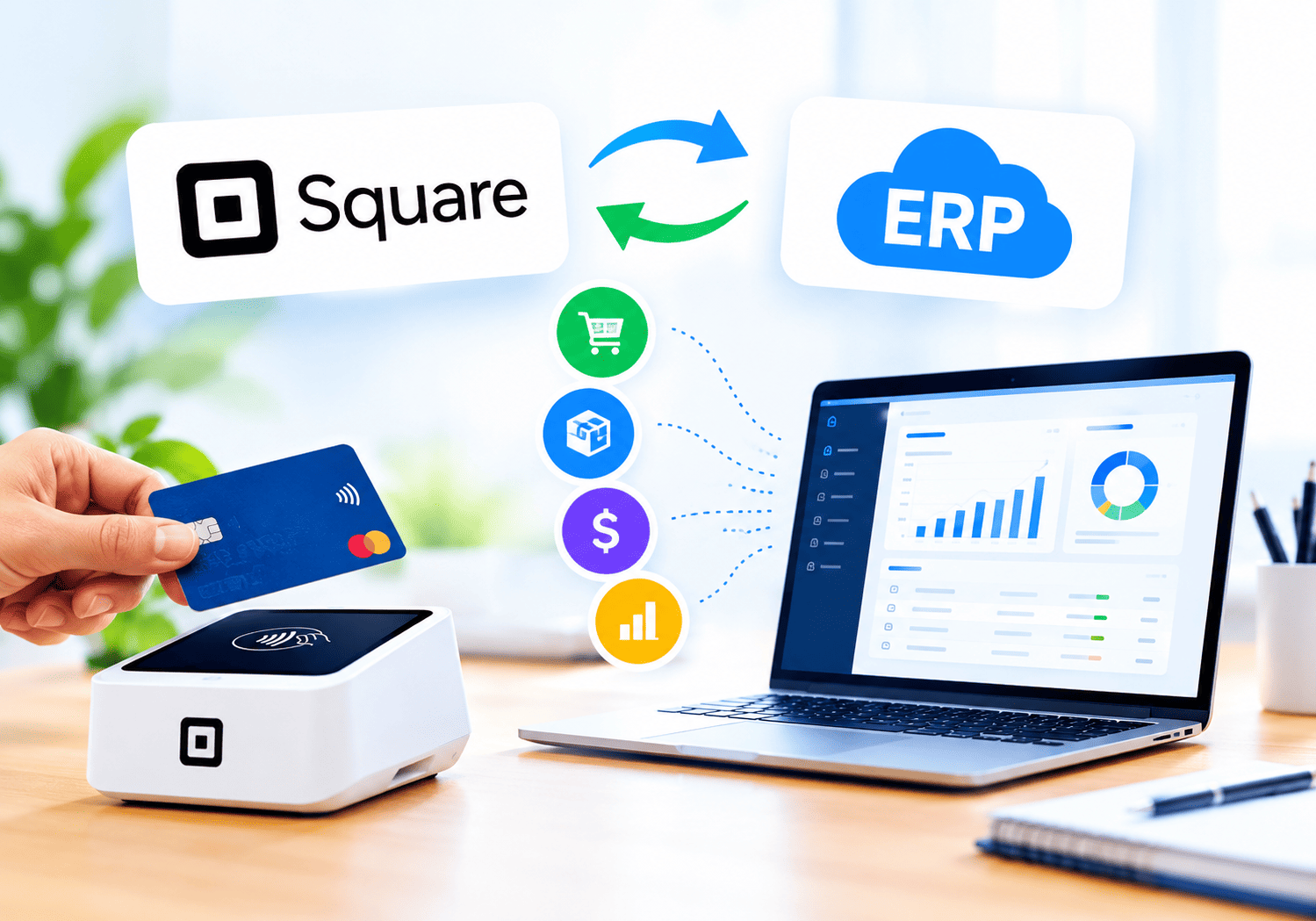
Mobile Payments Through Square

Customers increasingly expect to tap a card, wave a phone, or scan a code and walk away with their purchase in seconds. Meanwhile, small business owners need a way to accept those payments without investing in bulky hardware or navigating a maze of merchant account paperwork. That is exactly the gap that mobile payment platforms fill, and few names come up more often in that conversation than Square – Credit Card Processing.
This article explains how mobile payments through Square actually work, why so many small and mid-sized businesses rely on the platform, and how a technology partner can help a business set everything up correctly from the start.
Table of contents
Quick Summary
Here is a brief overview before diving into the details:
- The shift: customers now expect fast, flexible, card-free payment options both in-store and on the go.
- The solution: Square lets businesses accept mobile payments through a smartphone, card reader, or POS terminal without a traditional merchant account.
- The mechanics: transactions run through Square’s own processing infrastructure, with transparent, flat-rate pricing rather than hidden fees.
- The benefits: fast setup, next-business-day deposits, built-in POS tools, and support for major card networks and digital wallets.
- The trade-offs: flat-rate pricing can cost high-volume businesses more than a negotiated interchange-plus plan.
- The partner angle: working with a specialist like Solution for Guru helps businesses configure and integrate Square efficiently within their broader operations.
How Does Square Relate to Mobile Payments?

Square – Credit Card Processing sits at the very center of the modern mobile payments story because it was one of the first platforms to let a business accept card payments using nothing more than a smartphone and a small attachment or app. Rather than requiring a business to open a traditional merchant account through a bank, Square built its own processing infrastructure, which means a business owner can sign up, download the app, and start accepting payments within minutes.
This matters directly to the topic of mobile payments because Square removed the biggest historical barrier to accepting cards on the go: cost and complexity. Food trucks, market vendors, freelance service providers, and pop-up retailers can now accept credit cards, debit cards, and digital wallets anywhere they have a phone and an internet connection. The sections that follow explain exactly how this works in practice, what features make it effective, and where the platform’s limitations show up as a business scales.
What Exactly Counts as a Mobile Payment?
Before exploring how Square handles mobile payments, it helps to define the term clearly, since it covers more ground than many people assume.
How Do Mobile Payments Differ From Traditional Card Payments?
Traditional card payments typically involve a customer physically swiping, inserting, or tapping a card into a fixed terminal wired into a business’s point-of-sale system. Mobile payments, by contrast, happen through a smartphone, tablet, or portable card reader that a business can carry anywhere, and they often let the customer pay using a digital wallet instead of a physical card at all.
What Payment Types Fall Under the Mobile Payments Umbrella?
The mobile payments category includes several distinct methods that a business might use interchangeably depending on the situation:
- Tap to Pay, where a customer holds a contactless card or phone near a reader.
- Digital wallet payments, such as Apple Pay and Google Pay, processed through NFC technology.
- Card reader payments, using a small device attached to or paired with a smartphone.
- QR code payments, where a customer scans a code to complete a transaction.
- Invoice and link-based payments, sent remotely and completed on the customer’s own device.
Square supports all of these formats, which is part of why it has become a default choice for businesses that need flexibility rather than a single fixed way to collect payment.
How Does Square Process a Mobile Payment Step by Step?
Understanding the mechanics behind a Square transaction helps explain why the platform feels so simple from the business owner’s side.
What Happens Between the Tap and the Deposit?
When a customer taps a card or phone against a Square reader, the device captures the encrypted payment data and sends it through Square’s processing network rather than routing it through a separate bank-issued merchant account. Square then handles authorization with the card network, confirms the transaction, and settles the funds on the business’s behalf. Because Square owns this entire pipeline, it can typically deposit funds into a linked bank account within one business day, and businesses that need money faster can pay an additional fee for instant or same-day transfers.
Why Does Owning the Full Payment Stack Matter for Speed?
Many traditional processors rely on multiple third parties strung together, including an acquiring bank, a payment gateway, and a separate hardware provider. Square consolidates these functions under one roof, which reduces the points of failure in a transaction and speeds up both the checkout experience and the eventual deposit. For a business owner juggling daily operations, this consolidation means fewer support numbers to call and fewer places where a payment can get stuck.
What Does Square Actually Cost a Business?

Pricing is often the deciding factor for small businesses weighing whether to adopt Square, and the structure is more nuanced than a single flat number.
Square uses transparent, published transaction fees rather than the custom quotes many traditional processors rely on. The table below summarizes the standard rate structure across Square’s core plans.
| Plan | Monthly Fee | In-Person Rate | Online Rate | Manually Keyed Rate |
|---|---|---|---|---|
| Free | $0 | 2.6% + 15¢ | 3.3% + 30¢ | 3.5% + 15¢ |
| Plus | ~$49/month | 2.5% + 15¢ | 2.9% + 30¢ | 3.5% + 15¢ |
| Premium | ~$149/month | 2.4% + 15¢ | 2.9% + 30¢ | 3.5% + 15¢ |
Beyond these core rates, a few additional costs are worth understanding upfront. Instant and same-day transfers carry an extra fee, typically around 1.75% to 1.95% per transfer, while standard next-business-day deposits remain free. International cards add a surcharge as well, and Square notably does not charge chargeback fees, which sets it apart from processors that charge a flat fee per dispute regardless of the outcome.
Why Does Flat-Rate Pricing Work Well for Some Businesses and Not Others?
Flat-rate pricing bundles interchange fees, card network assessments, and Square’s own markup into one simple number, which makes budgeting easy for a small or seasonal business. However, as transaction volume grows, that simplicity can become expensive, since high-volume merchants often qualify for interchange-plus pricing elsewhere that separates out the actual card network costs from the processor’s markup. Consequently, a growing business benefits from periodically reevaluating whether its processing costs still make sense at its current scale.
Why Do Small Businesses Choose Square Over Traditional Merchant Accounts?
Several concrete advantages explain why Square remains a popular entry point for businesses accepting mobile payments for the first time.
How Does Setup Speed Compare to a Traditional Merchant Account?
Traditional merchant accounts often require a credit check, extensive paperwork, and days or weeks of underwriting before a business can process its first transaction. Square, by comparison, lets a business sign up online and begin accepting payments almost immediately, since it operates as a payment facilitator rather than requiring each merchant to establish an individual account with a card network.
What Hardware Options Does Square Provide?
Square offers a range of affordable hardware that scales with a business’s needs, from a free mobile card reader that attaches to a smartphone to standalone terminals and full point-of-sale stations for busier retail environments. This flexibility means a food truck owner and a multi-register retail store can both use the same underlying platform, simply choosing different hardware to match their volume and setting.
What Software Comes Bundled With the Payment Processing?
Square does not stop at payment processing. The platform bundles POS software, inventory tracking, invoicing, and basic customer relationship tools into the same ecosystem, and it increasingly includes AI-assisted features that help generate menus, product descriptions, and marketing content. Because these tools live inside the same account as the payment processing, businesses avoid the friction of stitching together separate software from multiple vendors.
How Does Square Support Payments Beyond the Point of Sale?
Mobile payments through Square extend well past a single in-person tap, covering several scenarios that modern businesses regularly encounter.
Square supports remote and online payments through invoicing tools, an online store builder, and payment links that a business can send directly to a customer. This matters for service-based businesses, such as contractors or consultants, who need to collect payment without a customer ever visiting a physical location. Additionally, Square accepts buy-now-pay-later options like Afterpay, ACH bank transfers, and a broad range of digital wallets, giving customers flexibility in how they choose to pay.
The list below summarizes the primary payment channels Square supports:
- In-person card-present payments through Tap to Pay, card readers, or terminals.
- Online payments through an integrated online store or payment links.
- Invoicing, allowing businesses to bill clients and accept payment digitally.
- Digital wallets, including Apple Pay and Google Pay.
- Alternative payment methods, including ACH transfers and buy-now-pay-later services.
Because all of these channels report into the same dashboard, business owners get a single, consolidated view of sales regardless of how the customer chose to pay.
Where Does Square Reach Its Limits?
No payment platform fits every business perfectly, and it is worth being direct about where Square’s model creates friction rather than glossing over the trade-offs.
High-risk industries often struggle to get approved on Square, since the platform can freeze accounts or hold funds when it detects unusual activity, and it typically avoids working with businesses in categories it considers higher risk. Additionally, businesses processing very large transaction volumes may find that Square’s flat-rate pricing costs more over time than a negotiated interchange-plus arrangement with a traditional processor, since flat rates do not adjust downward automatically as volume grows beyond a certain threshold. Recent rate increases on Square’s online processing fees have also pushed some merchants to reconsider whether the platform still represents their best option.
However, for the majority of small and mid-sized businesses, particularly those just starting to accept mobile payments or those with moderate transaction volume, these limitations rarely outweigh the benefits of fast setup, bundled software, and predictable pricing.
How Secure Are Mobile Payments Through Square?

Security concerns often hold business owners back from adopting new payment technology, so it is worth examining exactly how Square protects both the business and the customer during a mobile transaction.
What Security Measures Protect Each Transaction?
Square encrypts payment data at the moment a card or phone touches the reader, which means sensitive card details never sit unprotected on the merchant’s device. The platform is also built to meet PCI compliance standards automatically, sparing individual business owners from having to manage that certification process themselves, unlike some traditional merchant account setups that push compliance responsibility onto the business. Additionally, because Square does not charge chargeback fees, businesses facing a dispute do not face an extra penalty on top of losing the disputed funds, which reduces the financial sting when a customer contests a charge.
How Does Fraud Monitoring Work Behind the Scenes?
Square actively monitors transaction patterns across its entire network, and it can flag or hold funds when it detects activity that looks unusual for a given business. While this sometimes frustrates merchants who experience a sudden spike in legitimate sales, the same monitoring system protects the broader platform from fraud that would otherwise raise costs for every merchant using the service. Businesses that expect a seasonal spike, a large one-time sale, or a shift in their typical sales pattern can often avoid unnecessary holds simply by contacting Square support in advance to flag the expected change.
Which Industries Benefit Most From Mobile Payments Through Square?
While Square works across nearly every retail and service category, certain industries have adopted mobile payments through the platform particularly quickly, since their operations depend heavily on flexibility and speed.
How Do Food and Beverage Businesses Use Mobile Payments?
Food trucks, farmers market vendors, and pop-up food stalls represent some of the earliest and most enthusiastic adopters of Square’s mobile payment tools. These businesses move locations frequently and cannot rely on a fixed, wired point-of-sale terminal, so a smartphone-based reader that works anywhere with a cellular or WiFi connection solves a real operational problem. Restaurants with a fixed location also benefit, particularly for tableside payment, where a server can bring a mobile reader directly to the customer rather than requiring them to walk to a register.
How Do Service-Based Businesses Use Square Differently?
Contractors, freelance consultants, personal trainers, and similar service providers rely more heavily on Square’s invoicing and payment link features than on physical card readers, since much of their work happens at a client’s location or remotely. For these businesses, the ability to send a professional invoice and receive payment digitally, without asking a client to mail a check or coordinate a bank transfer, meaningfully speeds up cash flow and reduces the administrative burden of chasing payments.
How Do Retail Businesses Combine Multiple Payment Methods?
Retail businesses, particularly those with both a physical storefront and an online presence, benefit from Square’s ability to unify in-person and online sales data in one dashboard. A boutique that sells inventory both in-store and through an online shop can track total revenue, inventory levels, and customer purchase history across both channels without maintaining two separate systems, which simplifies both bookkeeping and customer service.
What Trends Are Shaping the Future of Mobile Payments?
Mobile payment technology continues to evolve quickly, and understanding where the broader industry is heading helps explain why platforms like Square keep expanding their feature sets.
Contactless payments have moved from a convenience to an expectation, driven largely by customer familiarity with tapping cards and phones rather than inserting or swiping. Buy-now-pay-later options have also grown rapidly, and Square’s support for services like Afterpay reflects a broader shift toward giving customers flexible payment timing directly at checkout rather than forcing them toward a single payment method. Additionally, artificial intelligence is increasingly woven into payment platforms, not just for fraud detection, but for helping business owners generate marketing content, manage inventory, and even draft customer communications, all from within the same tool they use to accept payments.
Because these trends point toward payment platforms becoming broader business management hubs rather than narrow transaction processors, businesses that choose a platform like Square today are effectively betting on a tool that will keep expanding its capabilities over time, rather than one that will remain a single-purpose payment terminal.
How Should a Business Decide Whether Square Is the Right Fit?

Given the trade-offs discussed throughout this article, a few practical questions help clarify whether Square makes sense for a particular business.
What Transaction Volume Justifies Which Plan?
A business processing a modest monthly volume, especially one still testing a new sales channel or seasonal offering, typically benefits most from Square’s Free plan, since there is no monthly commitment. As volume grows and the savings from lower per-transaction rates start to outweigh the subscription cost, upgrading to Plus or Premium becomes worth evaluating. The break-even point depends on the mix of in-person versus online sales, since online rate discounts on paid plans tend to produce faster payback than in-person rate discounts alone.
When Does It Make Sense to Look Beyond Square?
Businesses processing very high monthly volumes, or those in industries Square considers high-risk, often benefit from exploring interchange-plus processors that offer transparent, itemized pricing instead of a bundled flat rate. That said, switching processors is not always the right move simply because a competitor’s published rate looks lower on paper; the full picture includes software integrations, hardware costs, and the operational disruption of migrating a business’s entire payment infrastructure.
Conclusion
Mobile payments have become a baseline expectation rather than a nice-to-have feature, and Square – Credit Card Processing remains one of the most accessible ways for a small or mid-sized business to meet that expectation without a complicated setup process. From Tap to Pay and card readers to invoicing and online payment links, Square consolidates the tools a growing business needs into a single, transparent platform. The trade-offs around flat-rate pricing and high-risk industry restrictions are real, but for most businesses accepting payments on the go, Square continues to offer one of the fastest, most straightforward paths to getting paid.
Frequently Asked Questions
Not necessarily. Square supports Tap to Pay directly through its mobile app on compatible smartphones, which means a business can start accepting contactless payments without purchasing any additional hardware. That said, businesses that want a more traditional checkout experience, or that process higher volumes, often add a free or low-cost card reader, or invest in a full point-of-sale terminal, to speed up transactions and support additional payment types.
Square typically deposits funds into a linked bank account within one business day for standard transfers, and no additional fee applies for this standard timeline. Businesses that need faster access to funds can choose an instant or same-day transfer instead, though this option carries an additional fee, generally in the range of 1.75% to 1.95% per transfer, on top of the standard processing rate.
Yes, and this dual capability is one of the platform’s core strengths. A business can accept in-person payments through a card reader or terminal while simultaneously running an online store, sending invoices, or sharing payment links, all managed through the same Square dashboard. Working with an integration partner like Solution for Guru can further streamline this setup by connecting Square’s online and in-person sales data with a business’s broader accounting and inventory systems.
What Are the Benefits of Partnering With Solution for Guru?
Setting up mobile payments is only the first step; getting full value out of the platform requires proper configuration, integration, and ongoing optimization, and this is where Solution for Guru adds real value.
Solution for Guru specializes in CRM, SaaS, and e-commerce integrations, which means the team can connect Square’s payment data with the other systems a business already relies on, such as accounting software, inventory management, or customer relationship platforms. Instead of payment data sitting isolated inside Square’s dashboard, it becomes part of a connected workflow that supports faster, better-informed business decisions.

Working with Solution for Guru offers several concrete advantages:
- Faster, cleaner implementation, ensuring Square is configured correctly for a business’s specific sales channels from day one.
- Custom integrations between Square and existing accounting, CRM, or inventory software.
- E-commerce development support, helping businesses build out an online store that connects seamlessly to Square’s payment processing.
- Ongoing technical guidance, helping business owners evaluate when to upgrade plans or explore additional payment features.
- Strategic advice on choosing the right mix of hardware and software as a business grows.
Because every business has a different combination of sales channels, existing software, and growth plans, a tailored setup consistently outperforms a generic, self-managed rollout. Partnering with a team that understands both the technical and operational sides of mobile payments helps a business start collecting revenue faster and with fewer costly missteps.
Recommended:
- Customer Loyalty Programs in Square
- How Secure Is Square for Payment Processing?
- Square for Restaurants and Cafes
- How Businesses Use Square to Accept Payments Online and In-Store
- What Is Square Credit Card Processing and How Does It Work?
- Xero for Small Business: Is It the Right Accounting Software for You?
- What is Xero — Overview of the Cloud Accounting Platform’s Features
- How Does FreshBooks Integrate with CRM, Payroll, and Project Management Tools?
- Financial Reporting Architecture in Zoho Books
- Zoho Books Architecture: Cloud Accounting Explained — How Does It All Work?
- FreshBooks for IT Consulting Firms: Managing Projects, Invoices, and Client Billing
- FreshBooks Review: Features, Pricing, Pros, and Cons
- Real-Time Financial Dashboards with Zoho Books
- How Can You Connect Zoho Books with Payment Gateways to Streamline Your Business Finances?