Zoho Expense Review: Pros, Cons, and Key Features

Manually chasing paper receipts, reconciling credit card statements, and approving expense reports one email at a time drains hours that finance teams could spend on more valuable work. As businesses grow and employees travel more, that manual process breaks down fast, leading to delayed reimbursements, policy violations that slip through, and messy month-end closes. Expense management software exists precisely to solve this problem, automating the entire journey from receipt capture to reimbursement.
This review takes a close look at Zoho Expense, one of the most widely used expense management platforms on the market today. We’ll walk through its core features, pricing structure, strengths, and drawbacks, so you can decide whether it fits your organization’s needs before committing to a subscription.
Table of contents
Quick Summary
- Zoho Expense automates receipt capture through AI-powered OCR scanning, expense categorization, and approval workflows, cutting down on manual data entry.
- The platform supports multi-currency transactions, mileage tracking, and a travel desk module, making it a strong fit for organizations with international or frequent travelers.
- Pricing starts with a free plan for very small teams and scales up through Standard, Premium, and Enterprise tiers, with per-active-user monthly billing.
- Zoho Expense integrates tightly with Zoho Books and other Zoho products, plus popular third-party accounting tools like QuickBooks Online.
- Common drawbacks include a learning curve during initial setup, occasional OCR misreads on damaged receipts, and rising costs as headcount scales.
- For businesses that want expert help configuring Zoho Expense or integrating it into a broader financial tech stack, working with a partner like Solution for Guru can streamline the rollout.
What Is Zoho Expense and How Does It Fit Into Expense Management?

Before diving into specific features, it’s worth understanding where Zoho Expense sits in the broader category of expense management software and who typically uses it.
What problem does Zoho Expense actually solve?
At its core, Zoho Expense replaces manual, paper-based, or spreadsheet-driven expense tracking with an automated digital workflow. Employees capture receipts through a mobile app, the software extracts the relevant data automatically, and the expense flows through a configurable approval chain before reimbursement. This reduces the administrative burden on finance teams while giving managers real-time visibility into spending as it happens rather than weeks later.
Who is Zoho Expense designed for?
Zoho Expense serves a wide range of company sizes, from freelancers and small teams up to large multinational enterprises. Global brands like Puma have used the platform across multiple regions, appreciating its flexibility in handling different expense policies and compliance requirements across countries. Because of this scalability, Zoho Expense works equally well for a five-person startup tracking a handful of monthly expenses and a multinational company managing travel and expense reporting across dozens of offices.
How does Zoho Expense relate to the rest of the Zoho ecosystem?
Zoho Expense doesn’t operate in isolation; it connects tightly with Zoho Books for accounting, Zoho People for HR data, and other applications within the broader Zoho suite. This means expenses recorded in Zoho Expense automatically sync with the company’s books, reducing double data entry and keeping financial records consistent across systems. For organizations already using other Zoho products, this native integration is often one of the strongest reasons to choose Zoho Expense over a standalone competitor.
What Key Features Does Zoho Expense Offer?
Zoho Expense packs a substantial feature set into its platform, covering everything from receipt capture to detailed financial reporting.
How does receipt scanning and automation work?
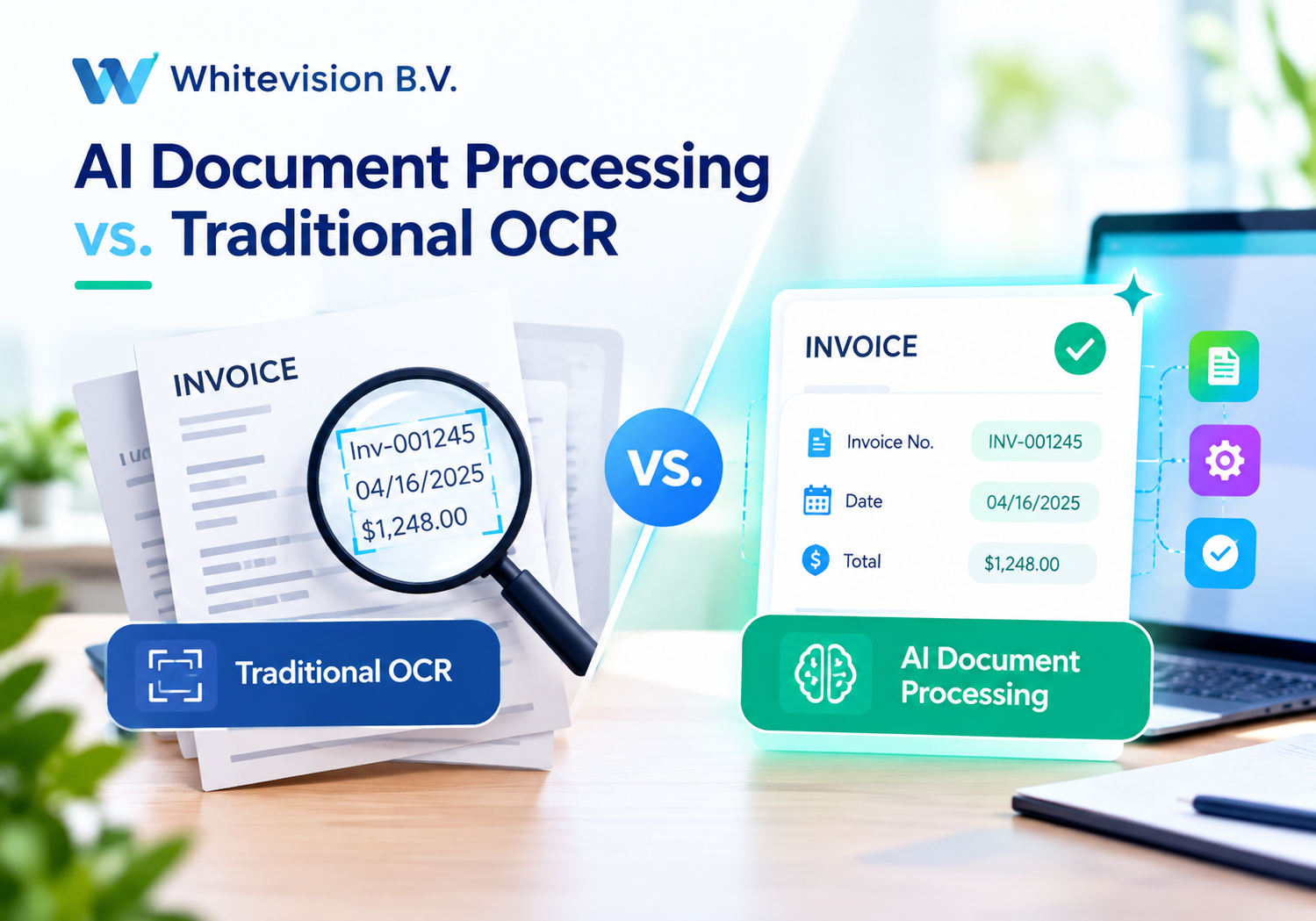
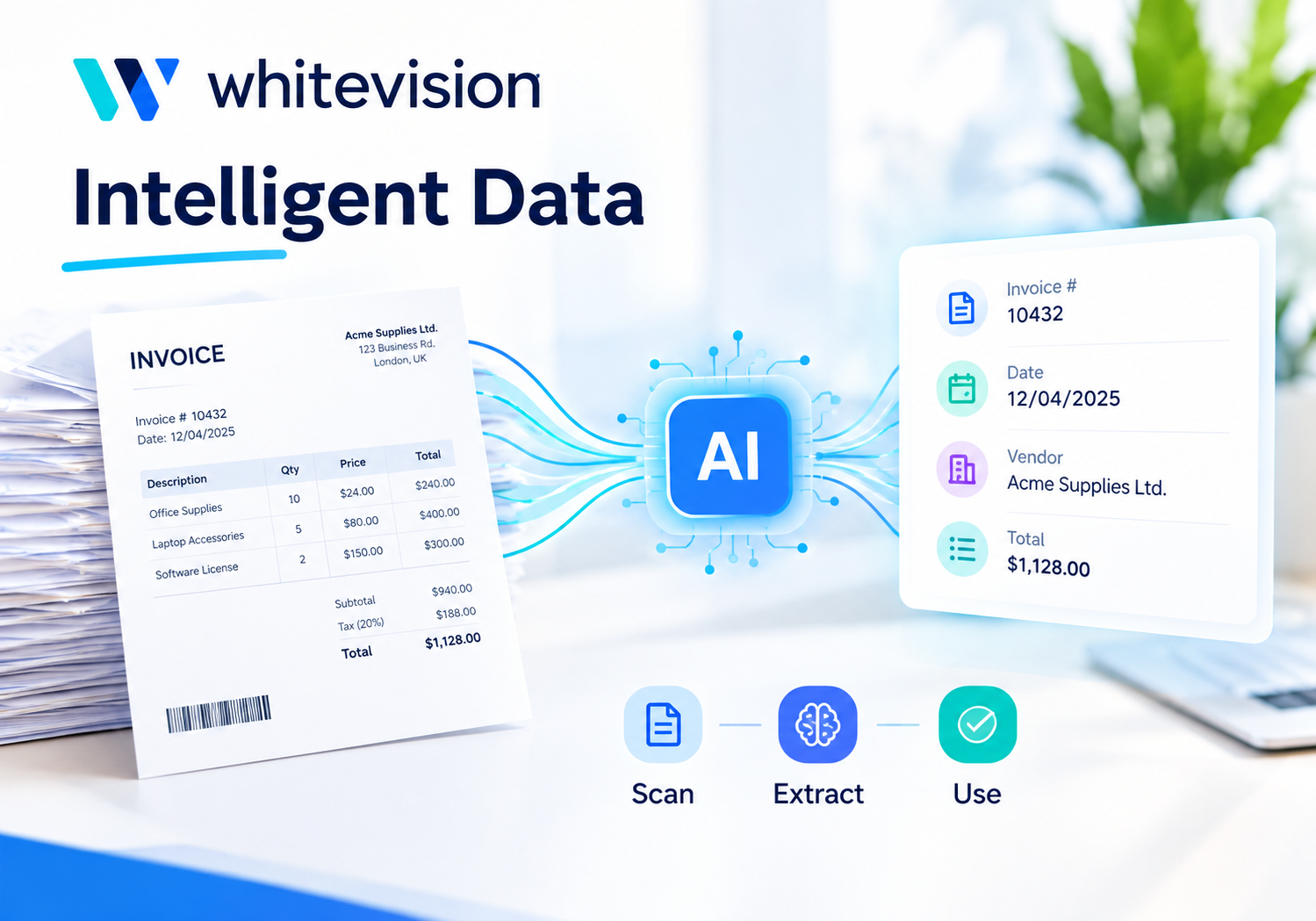
Zoho Expense includes AI-powered receipt scanning, called Autoscan, with every subscription plan. Employees simply photograph a receipt through the mobile app, and optical character recognition (OCR) technology extracts the vendor, date, amount, and category automatically. This automation significantly cuts down the time employees spend manually entering expense details, and it reduces the errors that come with handwritten or rushed data entry.
What does the approval workflow look like?
Finance leaders can design custom, step-by-step approval paths that mirror the actual structure of their organization, rather than forcing every expense through a single generic reviewer. This flexibility helps enforce spending policies consistently, since expenses automatically route to the right approver based on amount, department, or category. Streamlined approval automation also reduces the time managers spend manually reviewing every report, freeing them up for more strategic tasks.
How does Zoho Expense handle travel and mileage?
Beyond simple expense tracking, Zoho Expense includes a mileage tracker built into its mobile app, letting employees log business trips automatically rather than reconstructing them from memory later. For larger trips, a dedicated travel desk module allows employees to submit travel requests and estimated costs, giving managers the chance to review and approve expenses before money leaves the company’s accounts. This proactive approval step helps prevent budget surprises that often come from after-the-fact expense submissions.
What reporting and analytics capabilities are included?
Zoho Expense provides detailed reporting features that give finance teams visibility into spending patterns across departments, categories, and time periods. Reports can be scheduled and customized, helping organizations spot trends, catch policy violations early, and prepare more accurate budgets going forward. Because these reports pull from the same real-time data employees submit through the mobile app, they reflect current spending rather than outdated snapshots.
How does multi-currency and international support work?
For companies operating across borders, Zoho Expense supports multiple currencies and automatically converts them using current exchange rates. This feature proves particularly valuable for global teams managing travel expenses in different countries, since employees don’t need to manually calculate conversions or worry about outdated rates. Multi-language support further extends this international usability, helping distributed teams work comfortably in their preferred language.
How does Zoho Expense support policy compliance and spend control?
Beyond simply recording expenses, Zoho Expense lets finance leaders set customizable policy rules that automatically flag submissions exceeding preset limits or falling outside approved categories. When an expense violates a policy, the system can require additional justification or route it to a higher-level approver, rather than letting it pass through unnoticed. This proactive enforcement helps organizations catch problematic spending before reimbursement happens, which is considerably harder to correct after the fact than during the initial review.
What mobile app capabilities does Zoho Expense provide?
The Zoho Expense mobile app, available on both Android and iOS, lets employees capture receipts, submit reports, and track mileage directly from their phones without needing to sit down at a desktop later. This on-the-go functionality matters most for employees who travel frequently, since it eliminates the common problem of receipts piling up and getting lost before anyone gets around to entering them. Managers can also review and approve expenses from the mobile app, which keeps approval cycles moving even when decision-makers are away from their desks.
Can Zoho Expense support corporate card reconciliation?
Yes, Zoho Expense can integrate with corporate credit cards, automatically importing transactions and matching them against submitted receipts and expense reports. This reconciliation feature reduces the manual matching work finance teams traditionally handle at month-end, since the software flags discrepancies between card statements and submitted expenses automatically. For organizations issuing company cards to a large number of employees, this capability alone can save significant administrative time compared to manually cross-referencing statements against paper receipts.
How Much Does Zoho Expense Cost?

Pricing plays a major role in any software decision, and Zoho Expense structures its plans to accommodate businesses at very different stages of growth.
What pricing tiers does Zoho Expense offer?
Zoho Expense offers a free plan for very small teams, alongside paid Standard, Premium, and Enterprise tiers that unlock increasingly advanced features. Pricing is based on active users rather than every user added to the account, meaning organizations only pay for employees who actually submit expenses or reports in a given billing cycle.
| Plan | Approximate Starting Price | Best Suited For |
|---|---|---|
| Free | $0/month | Freelancers and very small teams with minimal expense volume |
| Standard | Around $4 per active user/month (billed annually) | Small to mid-sized businesses needing core automation |
| Premium | Around $7 per active user/month (billed annually) | Growing companies needing advanced workflows and travel management |
| Enterprise | Custom quote, typically requiring a minimum of 500 users | Large organizations with complex, multi-region requirements |
How does the “active user” billing model work in practice?
Rather than charging for every account created, Zoho Expense only bills for users who actively create expenses or expense reports during a billing period. If an organization has more active users in a given month than its subscribed limit, Zoho charges for the additional users at the current plan’s monthly rate rather than requiring an immediate plan upgrade. This flexible model can save money for organizations with fluctuating headcounts or seasonal staff, though it does require finance teams to monitor active usage closely to avoid unexpected charges.
Is Zoho Expense competitively priced compared to alternatives?
Independent research generally places Zoho Expense’s starting price below the typical cost of comparable expense management tools, making it an attractive option for budget-conscious small and mid-sized businesses. That said, some reviewers note that per-user subscription fees can add up quickly as headcount scales rapidly, so larger organizations should model out total costs carefully before committing to a plan, particularly if they expect significant hiring in the near future.
Does Zoho Expense offer a free trial before purchase?
Yes, Zoho Expense provides a free trial in addition to its permanently free plan for very small teams, giving prospective customers a chance to test workflows, integrations, and reporting before committing financially. Testing the trial with real expense scenarios, rather than sample data, tends to give a much clearer picture of whether the approval workflows and categorization options match how your organization actually operates. Because switching expense platforms later involves migrating historical data and retraining staff, taking full advantage of the trial period upfront is generally worth the extra time.

What Are the Pros of Using Zoho Expense?
Reviewing verified user feedback and independent analysis reveals a consistent set of strengths that make Zoho Expense a popular choice.
Why do users praise the interface and ease of use?
Zoho Expense is frequently praised for its intuitive design, which makes it easier for employees at every level to navigate expense reporting without extensive training. This matters because expense software adoption often fails when employees find the tool cumbersome, leading them to delay submissions or revert to manual tracking. A more approachable interface, therefore, translates directly into better compliance and faster reimbursement cycles.
How does automation save time for finance teams?
Because Zoho Expense automatically generates and submits expense reports from scanned receipts, it substantially cuts down the manual workload that once fell on both employees and finance staff. This automation doesn’t just save time; it also reduces the errors that come from manual data entry, which historically has been one of the biggest sources of reporting mistakes in expense management. Consequently, finance teams can close monthly books faster and with greater confidence in the underlying data.
What makes the integration ecosystem a strong selling point?
Zoho Expense integrates smoothly with other Zoho products and widely used accounting or ERP systems, including QuickBooks Online and Zoho Books specifically. Reviewers highlight that this integration keeps data consistent across systems and simplifies client billing and time management, since expenses update automatically in the accounting system rather than requiring a separate export and import process. For organizations already invested in the Zoho ecosystem or QuickBooks, this interoperability significantly reduces the friction of adopting a new expense tool.
How strong is customer support and overall satisfaction?
Based on hundreds of reviews across independent software review platforms, Zoho Expense consistently receives positive feedback, particularly from finance managers, accountants, and executives at small and mid-sized companies. Reviewers highlight the platform’s affordable pricing, comprehensive feature set, and responsive customer support as standout strengths. This consistent satisfaction across a large sample of verified reviews suggests the platform delivers reliably on its core promises rather than just performing well in cherry-picked testimonials.
What Are the Cons of Using Zoho Expense?
No software is perfect, and understanding Zoho Expense’s limitations helps set realistic expectations before implementation.
Why do some users find initial setup challenging?
Several reviewers note that the initial setup process can feel complex, particularly when configuring custom approval workflows and expense policies that mirror a specific organizational structure. Because getting this configuration right matters for long-term compliance, businesses should expect to invest real time upfront rather than assuming the platform will work perfectly out of the box. Solo business owners and very small teams sometimes find the multi-step approval process feels unnecessarily redundant for their simpler needs, suggesting the platform’s depth can occasionally outpace what smaller organizations actually require.
How reliable is the OCR receipt scanning in practice?
While Autoscan generally performs well, some users report that the OCR engine occasionally misreads wrinkled or damaged receipts, forcing staff to manually correct extracted fields. This isn’t unique to Zoho Expense, since OCR technology across the industry still struggles with poor-quality source images, but it does mean the “fully automated” experience sometimes requires a manual double-check step. Organizations with employees who frequently submit crumpled or faded receipts should factor in this occasional friction when evaluating the platform’s time savings.
What cost-related concerns should businesses be aware of?
As mentioned earlier, per-user subscription costs can become expensive as a company scales headcount quickly, which is an important consideration for fast-growing organizations. Additionally, international card spend on third-party cards can incur foreign exchange markups that Zoho Expense itself has no ability to control or reduce, since that cost originates from the card issuer rather than the software. Businesses with significant international spending should budget for this reality rather than assuming Zoho Expense eliminates all currency-related costs.
Are there any interface or reporting limitations worth noting?
Some reviewers mention that the reporting dashboard can feel dense and less intuitive than newer, more modern fintech-focused tools, which may slow down users trying to extract quick insights. Additionally, a subset of G2 reviewers specifically flagged limited customization options and a learning curve around advanced features, even though the overall interface earns praise for everyday use. This suggests that while Zoho Expense handles core expense tracking smoothly, power users seeking highly customized dashboards may need to adjust their expectations or supplement with additional reporting tools.
Who Should Consider Zoho Expense, and Who Might Want to Look Elsewhere?

Understanding the type of organization that gets the most value from Zoho Expense helps clarify whether it’s worth a closer look for your specific situation.
What kind of business benefits most from Zoho Expense?
Organizations already using Zoho Books, Zoho People, or other applications in the Zoho ecosystem tend to see the strongest return, since expense data flows automatically into accounting and HR systems without extra configuration work. Small and mid-sized businesses with growing but not yet massive headcounts also benefit from the platform’s affordable entry-level pricing and straightforward automation. Additionally, companies with international operations or frequent business travel find real value in the multi-currency support and dedicated travel desk module, since these features address pain points that purely domestic tools often overlook.
When might a business want to consider an alternative?
Very large enterprises with highly complex, deeply customized approval hierarchies sometimes find that Zoho Expense’s Enterprise tier, while capable, requires a substantial minimum user commitment that may not align with a smaller pilot rollout. Organizations that prioritize a sleek, modern reporting dashboard over deep automation might also find competitors with more visually polished analytics tools a better fit for their specific reporting culture. Finally, businesses already deeply invested in a different accounting ecosystem, such as Xero or Sage, should weigh how well their existing tools integrate with Zoho Expense before assuming the switch will be frictionless.
How does Zoho Expense handle onboarding for new organizations?
Getting started with Zoho Expense typically involves setting up organizational categories, currency preferences, and approval workflows before rolling the platform out company-wide. While the platform provides guided setup steps and a free trial to test functionality beforehand, several reviewers note that getting policies configured correctly the first time takes real planning rather than a quick, ad hoc setup. Businesses that invest this upfront time tend to report smoother adoption and fewer policy exceptions down the road, reinforcing that a rushed rollout often creates more cleanup work later.
How Does Zoho Expense Compare on the Metrics That Matter Most?
Pulling together the strengths and weaknesses covered above, here’s a condensed view of how Zoho Expense performs across the factors businesses typically weigh most heavily.
| Factor | Assessment |
|---|---|
| Ease of use | Strong; intuitive for day-to-day use, though initial setup takes effort |
| Automation | Strong; AI-powered receipt scanning and automated report generation |
| Pricing | Competitive at entry level; costs can rise significantly at scale |
| Integrations | Strong; deep Zoho ecosystem ties plus popular third-party accounting tools |
| International support | Strong; multi-currency and multi-language capabilities |
| Reporting depth | Moderate; comprehensive but can feel dense for quick insights |
| Customer support | Strong; consistently positive feedback across review platforms |
| Best fit | Small to mid-sized businesses, especially those in or adjacent to the Zoho ecosystem |
Conclusion
Overall, Zoho Expense delivers a well-rounded expense management solution that automates the tedious parts of expense reporting, from receipt scanning to multi-step approval workflows. Its strengths lie in ease of use, strong automation, competitive entry-level pricing, and tight integration with the wider Zoho ecosystem and popular accounting tools like QuickBooks Online. On the other hand, businesses should go in with realistic expectations about initial setup time, occasional OCR hiccups on damaged receipts, and the way per-user costs can climb as headcount grows. For most small to mid-sized organizations, and especially those already using other Zoho products, Zoho Expense offers a genuinely strong balance of features, usability, and value.
Choosing the right expense management platform is only the first step; configuring it properly, integrating it with your existing financial and HR systems, and training your team to use it consistently is where the real return on investment gets realized. Solution for Guru specializes in CRM and SaaS integrations, tech consulting, and digital strategy, helping businesses set up platforms like Zoho Expense correctly from day one rather than settling for default configurations that don’t fit their actual workflows. Whether you need help designing approval chains that mirror your organizational structure, connecting Zoho Expense with your broader tech stack, or simply deciding whether it’s the right fit for your business, partnering with a team that understands both the platform and your operational needs can save considerable time and prevent costly missteps.
Frequently Asked Questions
Yes, Zoho Expense offers a free plan tailored to very small teams and freelancers with minimal expense volume, alongside affordable paid tiers as the business grows. Reviewers consistently note that the platform’s ease of use and automated receipt scanning save meaningful administrative time even for organizations with just a handful of employees. That said, solo users sometimes find the multi-step approval process more elaborate than they actually need, so it’s worth testing the free plan first to see if the workflow fits.
Yes, Zoho Expense integrates with widely used third-party accounting platforms, including QuickBooks Online, in addition to its native connection with Zoho Books. Reviewers highlight that this integration keeps financial data consistent, since expenses update automatically in the connected accounting system rather than requiring manual export and import. This makes Zoho Expense a viable option even for businesses that aren’t otherwise using Zoho products for their core accounting.
Zoho Expense supports multi-currency transactions and automatically converts amounts using current exchange rates, which proves especially useful for companies with international employees or frequent overseas travel. However, it’s worth noting that foreign exchange markups applied by third-party card issuers remain outside the software’s control, so businesses should still expect some variability in international transaction costs regardless of the expense platform they use.
Recommended:
- HoorayHR ROI: How Businesses Save Time with HR Automation
- How Long Does It Take to Implement HoorayHR?
- HoorayHR Review: Features, Pros, Cons, and Best Use Cases
- What Is HoorayHR? A Complete Overview
- Best Expense Automation Software: Which Platform Fits Your Business?
- What ROI Can Businesses Expect From Expense Automation Software?
- Multi-Currency Expense Management with Zoho Expense
- What Is Zoho Expense and How Does It Work?
- What Are the Biggest Challenges in Multi-Entity Expense Management?
- Whitevision vs Traditional Invoice Processing: What Changes?
- What Is Whitevision and How Does It Work?
- What Is Expense Management Software and Why Do Companies Need It?