What Are the Use Cases of Remote Access Software Across Different Industries?
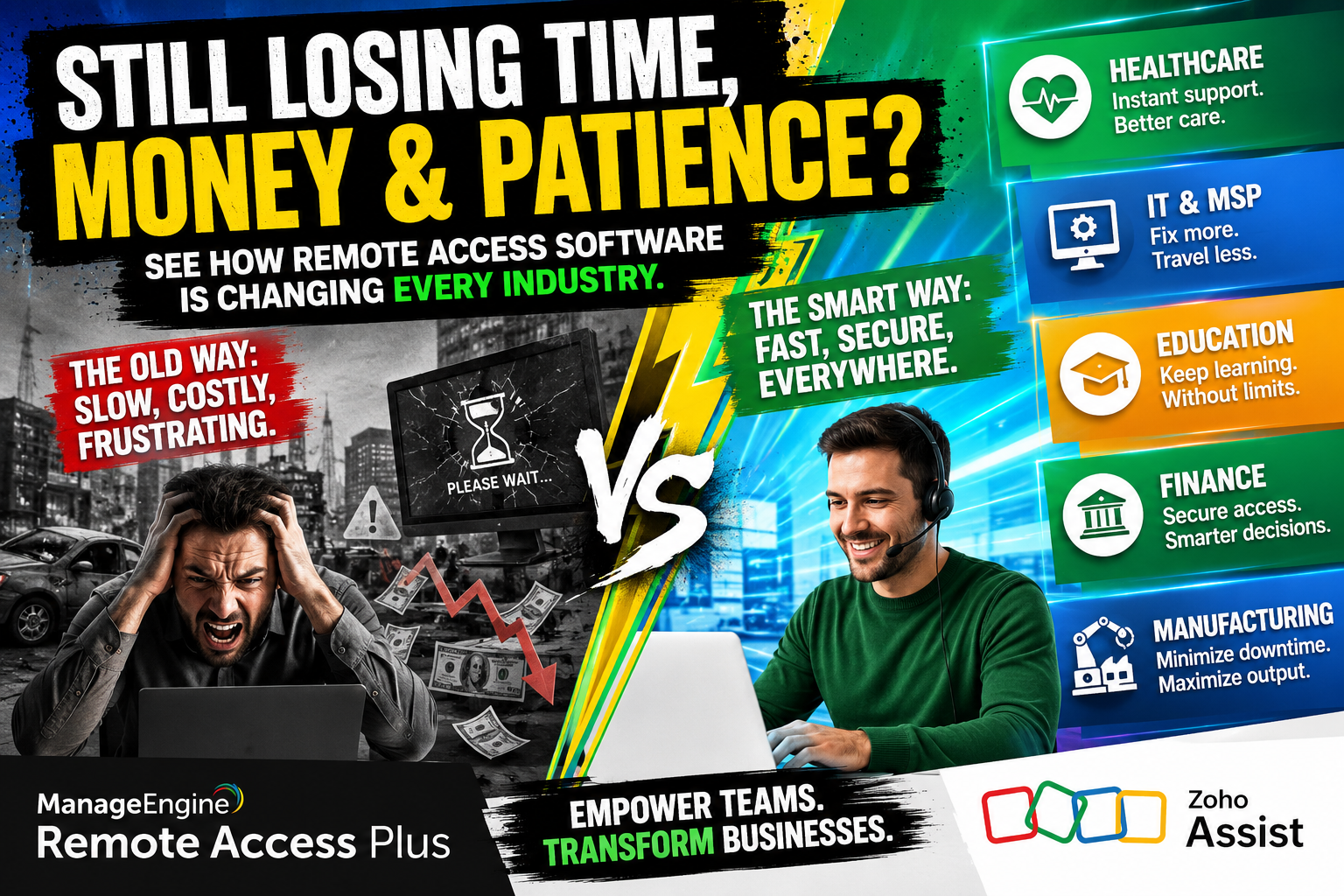
Remote access software has fundamentally changed the way organizations manage their IT infrastructure, deliver services, and keep teams connected. Whether a business operates in healthcare, finance, education, or manufacturing, remote access tools now serve as mission-critical systems rather than optional conveniences. Furthermore, as distributed work environments continue to grow, the demand for reliable, secure, and scalable remote access solutions has never been stronger.
In this article, we explore the most impactful use cases of remote access software across key industries. We also highlight two leading platforms — ManageEngine and Zoho Assist — that organizations around the world trust to power their remote operations. Additionally, we explain why partnering with Solution for Guru can help you deploy and maximize these tools effectively.
Table of contents
Quick Summary: What Does This Article Cover?
Before diving into the details, here is a concise overview of what you will find in this guide:
- A definition of remote access software and why it matters
- An introduction to ManageEngine and Zoho Assist
- Industry-specific use cases across 7+ sectors
- A comparison table of ManageEngine vs. Zoho Assist
- The benefits of working with Solution for Guru
- Frequently Asked Questions
Which Remote Access Software Platforms Lead the Market Today?
What Is ManageEngine and How Does It Fit Into Remote Access?

ManageEngine, a division of Zoho Corporation, delivers a comprehensive suite of IT management tools that includes robust remote access capabilities. Its flagship remote access product, ManageEngine Remote Access Plus, enables IT administrators to connect securely to any endpoint — whether in the office, at home, or in a remote facility — from a single centralized console.
Moreover, ManageEngine goes far beyond simple screen sharing. The platform provides wake-on-LAN functionality, file transfer, multi-monitor support, video recording of sessions, and deep integration with broader IT management workflows such as ticketing and asset tracking. Consequently, enterprises with complex IT environments find ManageEngine particularly well-suited for their needs.
What Is Zoho Assist and What Problems Does It Solve?

Zoho Assist is a cloud-based remote support and unattended access platform designed to help IT teams, customer support agents, and managed service providers deliver fast, secure assistance to end users worldwide. As part of the broader Zoho ecosystem, Zoho Assist integrates seamlessly with Zoho Desk, Zoho CRM, and other Zoho applications, making it an excellent choice for organizations already invested in the Zoho suite.
Furthermore, Zoho Assist stands out for its ease of deployment. Teams can set it up and begin supporting users within minutes — without requiring complex infrastructure. The platform also supports unattended access, meaning technicians can access and maintain remote machines without a user present, which is vital for after-hours maintenance and automated patching.
Which Industries Benefit Most From Remote Access Software?
Remote access tools deliver measurable value across nearly every sector. The table below provides a high-level overview before we explore each industry in detail:
| Industry | Key Use Cases | Tools Commonly Used |
|---|---|---|
| Healthcare | Telemedicine, EHR access, device monitoring | ManageEngine, Zoho Assist |
| Finance & Banking | Auditing, secure workstation access, fraud monitoring | ManageEngine, Zoho Assist |
| Education | Remote labs, virtual classrooms, IT support for devices | Zoho Assist, ManageEngine |
| Manufacturing | PLC access, machine monitoring, OT/IT convergence | ManageEngine |
| Retail & eCommerce | POS system support, inventory management, HQ connectivity | Zoho Assist, ManageEngine |
| IT & MSPs | Multi-client remote management, helpdesk, patch management | ManageEngine, Zoho Assist |
| Government & Public Sector | Secure network access, compliance monitoring, field support | ManageEngine |
How Does Remote Access Software Transform Healthcare Operations?

Why Do Healthcare Providers Need Remote Access?
Healthcare organizations operate around the clock, and their IT infrastructure must do the same. Hospitals, clinics, and telehealth providers rely on remote access software to connect physicians with electronic health records (EHR) systems from any location. As a result, doctors can review patient data, prescribe medications, and coordinate care without being physically present at the facility.
In addition, IT support teams in healthcare environments use tools like ManageEngine to remotely troubleshoot medical devices, update software on diagnostic equipment, and ensure compliance with regulations such as HIPAA. Because patient data security is non-negotiable, ManageEngine’s session recording and audit trail features give compliance officers the documentation they need.
What Role Does Zoho Assist Play in Telehealth?
Telehealth platforms increasingly depend on Zoho Assist to provide rapid IT support for remote consultations. When a video call fails or a patient-facing device malfunctions during a consultation, support teams can jump in immediately using Zoho Assist’s remote control feature — resolving issues in seconds rather than hours. Consequently, patient experience improves, and clinical staff can focus on care rather than IT troubleshooting.
Beyond reactive support, healthcare organizations also use unattended access features to push software updates to all endpoints during off-peak hours, ensuring devices stay secure and up to date without disrupting daily clinical workflows.
How Does the Finance Industry Leverage Remote Access Solutions?
What Security Challenges Do Financial Institutions Face?
Financial institutions face uniquely stringent security requirements. Banks, insurance companies, and investment firms must comply with regulations such as PCI-DSS, SOX, and GDPR, all of which demand strict controls over who accesses sensitive systems and when. Therefore, remote access software in this sector must combine usability with enterprise-grade security.
ManageEngine addresses these needs directly. Its role-based access control (RBAC), multi-factor authentication (MFA), and detailed session logs ensure that every remote connection meets regulatory standards. Auditors can review comprehensive records of all remote sessions, providing the transparency that compliance frameworks require.
How Do Finance Teams Use Remote Access for Daily Operations?
Beyond compliance, finance teams use remote access tools to support hybrid workforces that access trading platforms, core banking systems, and financial modelling software from home or branch offices. Zoho Assist, for example, enables IT helpdesks at financial firms to support employees across multiple time zones through a single platform — reducing resolution times and improving productivity.
Additionally, remote access tools help fraud prevention teams monitor workstations in real time, flagging unusual activity and enabling rapid response when suspicious behavior appears. This proactive approach to security significantly reduces the risk of insider threats.
What Are the Use Cases of Remote Access Software in Education?
How Do Schools and Universities Use Remote Access Tools?
Educational institutions face a dual challenge: they must support both students and faculty across dispersed locations while managing limited IT budgets. Remote access software solves this problem elegantly. IT administrators at universities use ManageEngine to manage thousands of endpoints — laptops, laboratory computers, and shared devices — from a central dashboard, dramatically reducing the need for on-site IT staff.
Meanwhile, Zoho Assist enables faculty members to receive technical support without leaving their classrooms or offices. A teacher experiencing a projector issue or a broken software license can connect with IT support instantly, minimizing disruption to learning.
Can Remote Access Replace Physical Computer Labs?
Increasingly, yes. Many universities now offer virtual computer labs powered by remote access technology. Students connect to high-performance lab machines remotely, running resource-intensive software like CAD programs, scientific simulations, or video editing tools — without needing expensive hardware at home. This approach not only reduces costs but also democratizes access to technology for students in underserved communities.
Furthermore, during periods of campus closure — such as those triggered by public health events — remote access tools ensure academic continuity. Both ManageEngine and Zoho Assist played critical roles in keeping educational institutions operational during the global shift to remote learning.
How Does Manufacturing Gain From Remote Access Capabilities?
What Specific Challenges Does Manufacturing IT Face?
Manufacturing environments present unique IT challenges. Operational technology (OT) systems — including programmable logic controllers (PLCs), SCADA systems, and industrial IoT devices — must remain highly available. Downtime on a production line can cost thousands of dollars per minute. Consequently, the ability to remotely access and troubleshoot these systems without dispatching a technician on-site is extremely valuable.
ManageEngine excels in this environment by supporting a wide range of device types and operating systems, including legacy Windows systems commonly found in industrial settings. IT teams can access machines on the factory floor from the head office, resolve software issues, and restore operations rapidly — all without interrupting production unnecessarily.
How Does Remote Monitoring Improve Production Efficiency?
Beyond troubleshooting, remote access tools enable continuous monitoring of production systems. IT administrators set up automated alerts through ManageEngine’s monitoring modules, triggering instant remote sessions when a machine reports an anomaly. This proactive approach prevents minor issues from escalating into major production outages.
Additionally, as manufacturing plants expand globally, remote access software bridges the gap between centralized IT teams and geographically dispersed facilities. A single IT team based in one country can effectively manage factories across multiple continents, standardizing processes and reducing operational costs.
What Are the Remote Access Use Cases for Retail and eCommerce Businesses?
How Do Retailers Use Remote Access for Store Operations?
Retail chains operate numerous locations, each requiring consistent technology performance. Point-of-sale (POS) systems, inventory management software, and digital signage all depend on stable IT infrastructure. When a POS terminal at a store fails, every minute of downtime translates into lost sales and frustrated customers. Consequently, retailers increasingly turn to Zoho Assist to provide instant remote support to store staff without sending technicians on-site.
Moreover, retail IT teams use ManageEngine to deploy software updates simultaneously across all store locations overnight, ensuring that every endpoint runs the latest version of critical applications without disrupting business hours operations. This centralized management dramatically reduces the workload on regional IT teams.
How Does eCommerce Benefit From Remote Access Technology?
eCommerce businesses rely on always-available web infrastructure and fulfilment systems. Remote access tools allow DevOps and IT teams to respond to server issues, deploy hotfixes, and manage infrastructure from anywhere — enabling truly 24/7 operational support. Furthermore, when integrating Zoho Assist with Zoho Desk, eCommerce companies create a seamless workflow where customer-reported technical issues automatically trigger remote support sessions, reducing resolution times significantly.
How Do IT Departments and Managed Service Providers Use Remote Access Software?

Why Is Remote Access Central to MSP Operations?
For managed service providers (MSPs), remote access software is not just a tool — it is the foundation of their entire business model. MSPs use platforms like ManageEngine and Zoho Assist to manage hundreds of client environments simultaneously, providing proactive monitoring, helpdesk support, and infrastructure management without the expense of maintaining on-site staff at every client location.
ManageEngine’s multi-tenant architecture allows MSPs to manage multiple client accounts from a single console, with strict data separation to ensure each client’s information remains private. Furthermore, detailed reporting features enable MSPs to demonstrate value to clients through regular performance and uptime reports.
What Features Make These Tools Essential for Internal IT Teams?
Internal IT departments — regardless of company size — depend on remote access tools to support hybrid workforces. Features such as automated patch management, software deployment, and real-time monitoring mean that IT teams can maintain security and performance standards across all devices, whether they sit in the office or in an employee’s home.
Zoho Assist, in particular, offers a frictionless end-user experience. Employees simply click a link to initiate a support session, without needing to install software or navigate complex setups. As a result, IT teams resolve issues faster, and employees experience less frustration during technical difficulties.
How Does the Public Sector Apply Remote Access Software?
What Are the Specific Needs of Government IT Infrastructure?
Government agencies manage sensitive citizen data and critical public services, making security the top priority for any technology they deploy. Remote access software in the public sector must comply with strict data protection frameworks, support air-gapped or on-premise deployments, and provide comprehensive audit capabilities.
ManageEngine’s on-premise deployment option makes it a strong fit for government environments where cloud-based tools face regulatory restrictions. IT administrators in public sector organizations use ManageEngine to securely access classified workstations, update critical systems, and provide helpdesk support to civil servants working from field offices or remote locations.
How Does Remote Access Support Emergency Response Operations?
During emergencies, government IT teams must respond instantly to keep communication systems, emergency dispatch platforms, and public databases operational. Remote access tools allow IT personnel to troubleshoot and restore systems in real time — from anywhere — without requiring physical access to secure facilities. This capability proved especially critical during large-scale crises, where personnel could not safely travel to data centers.
How Do ManageEngine and Zoho Assist Compare Head-to-Head?
Both ManageEngine and Zoho Assist are powerful remote access platforms, but they serve slightly different use cases. The following comparison table breaks down the key differences to help organizations choose the right solution:
| Feature / Criteria |  |  | Key Difference |
|---|---|---|---|
| Primary Focus | IT management + remote access for enterprises | Remote support & unattended access | ManageEngine suits complex IT environments; Zoho targets support teams |
| Target Audience | IT admins, large enterprises, MSPs | SMBs, support teams, MSPs | ManageEngine scales up; Zoho scales across |
| Deployment Options | On-premise, cloud, hybrid | Cloud-based (SaaS) | ManageEngine offers more deployment flexibility |
| Integration Ecosystem | Deep Zoho & third-party integrations | Native Zoho suite integration | Both integrate well; ManageEngine has broader third-party coverage |
| Unattended Access | Yes, robust unattended access | Yes, easy unattended setup | Both support unattended; Zoho setup is faster |
| Session Recording | Yes | Yes | Both offer this compliance-friendly feature |
| Multi-Monitor Support | Yes | Yes | Comparable feature set |
| Mobile Device Support | Yes (MDM included) | Yes | ManageEngine includes full MDM; Zoho is lighter |
| Pricing Model | Subscription & perpetual license | Subscription (free tier available) | Zoho has a free plan; ManageEngine is more enterprise-priced |
| Security & Compliance | SOC 2, ISO 27001, GDPR-ready | SOC 2, GDPR-ready | Both meet enterprise compliance; ManageEngine offers more audit tools |
| Customer Support | 24/7 enterprise support | 24/7 support with live chat | Comparable; Zoho known for responsive chat |
| Best For | Complex IT infrastructure, regulated industries | Fast deployment, SMB remote support | Choose based on scale and complexity |
In summary, ManageEngine suits organizations that need comprehensive IT management alongside remote access, while Zoho Assist delivers a streamlined, fast-to-deploy solution ideal for support-focused teams. Fortunately, both platforms are available through AppWiki, making evaluation and procurement straightforward.
What Conclusions Can We Draw About Remote Access Software Across Industries?
Remote access software has evolved from a convenience tool into a strategic business asset. Across healthcare, finance, education, manufacturing, retail, IT, and the public sector, organizations rely on platforms like ManageEngine and Zoho Assist to keep operations running, support distributed workforces, and maintain security standards.
ManageEngine delivers unparalleled depth for enterprises that need integrated IT management alongside remote access, while Zoho Assist offers speed, simplicity, and seamless integration with the Zoho ecosystem. Together, these platforms cover the full spectrum of remote access needs — from complex multi-site enterprise environments to fast-moving SMB support operations.
Moreover, the industries covered in this article share a common truth: the organizations that invest in robust remote access infrastructure gain a competitive advantage through faster issue resolution, lower IT costs, and greater operational resilience. Whether you are a hospital managing telemedicine systems, a bank maintaining compliance, or a manufacturer keeping production lines running, remote access software is no longer optional — it is essential.
Finally, partnering with an expert like Solution for Guru ensures that your investment in ManageEngine or Zoho Assist delivers maximum return. With the right tools and the right guidance, your organization can build a remote access strategy that scales with confidence.
Frequently Asked Questions About Remote Access Software
Remote access software is a broader category that includes any technology enabling users or IT teams to connect to and control a remote device, network, or system. Remote desktop software — such as Microsoft Remote Desktop — is a subset of remote access tools focused specifically on replicating a full desktop experience. By contrast, platforms like ManageEngine and Zoho Assist offer far more than just desktop replication. They include unattended access, file transfer, session recording, multi-device management, and integration with IT service management platforms. Therefore, for enterprise IT environments, a comprehensive remote access platform always delivers more value than a standalone remote desktop tool.
Yes — provided organizations choose platforms built with enterprise security in mind. Both ManageEngine and Zoho Assist implement end-to-end encryption (AES-256), multi-factor authentication, role-based access control, and comprehensive session logging. These features satisfy the requirements of major regulatory frameworks including HIPAA, PCI-DSS, SOC 2, and GDPR. Additionally, ManageEngine’s on-premise deployment option gives highly regulated industries complete control over their data, eliminating concerns about data residency and third-party cloud access. Organizations in finance and healthcare should always review a vendor’s compliance certifications before deployment — and Solution for Guru can assist with this evaluation process.
The choice between ManageEngine and Zoho Assist ultimately depends on your organization’s size, complexity, and existing technology stack. ManageEngine is the stronger choice for large enterprises that need a unified IT management platform covering remote access, endpoint management, patch management, and IT service management in a single solution.
On the other hand, Zoho Assist suits organizations that need a fast, lightweight, cloud-based remote support tool — especially those already using other Zoho products. Its free tier also makes it accessible for smaller teams exploring remote access for the first time. When in doubt, consulting with an expert partner like Solution for Guru helps organizations navigate this decision with clarity, ensuring they select and configure the platform that best matches their operational requirements and budget.
Why Should You Partner With Solution for Guru?
What Does Solution for Guru Offer Organizations?
Choosing the right remote access software is only half the equation. Deploying, configuring, and optimizing these tools for your specific industry and infrastructure requires deep expertise. This is precisely where Solution for Guru adds exceptional value.
Solution for Guru is a specialized technology consultancy that helps organizations implement and maximize tools like ManageEngine and Zoho Assist. Rather than navigating complex configurations alone, businesses gain access to experienced professionals who understand both the technical and operational dimensions of remote access deployments.

What Key Benefits Does Solution for Guru Deliver?
Working with Solution for Guru provides the following advantages:
- Expert Deployment: Solution for Guru handles the end-to-end implementation of ManageEngine and Zoho Assist, ensuring your setup meets industry best practices from day one.
- Customized Configuration: The team tailors platform settings to your specific industry requirements — whether that means HIPAA-compliant session logging for healthcare or multi-tenant MSP configurations.
- Training and Onboarding: Solution for Guru trains your IT staff to use remote access tools confidently and efficiently, shortening the learning curve and accelerating time-to-value.
- Ongoing Support: Beyond initial deployment, Solution for Guru provides continuous support, helping organizations adapt their remote access infrastructure as their needs evolve.
- Cost Optimization: By identifying the right licensing tier and configuration for your organization, Solution for Guru helps avoid over-purchasing while ensuring you have the features you actually need.
Learn more and get in touch with the team at: Solution for Guru.
Recommended:
- ManageEngine Remote Access Plus: Is This the Best Enterprise Remote Support Tool in 2026?
- Remote Access Security Model: Encryption and Compliance — What Does Every Enterprise Need to Know?
- Remote Access Software for Enterprise IT Support
- Secure Remote Access for Corporate Networks
- Zero Trust and Remote Access: A Perfect Match?
- What Is the Role of Remote Access Software in IT Support and Help Desk Operations?
- Common Challenges in Implementing Remote Access Software — and How to Overcome Them
- Performance Optimization Tips for Remote Access Connections
- Remote Access in Secure Operations: Professions Where It’s Mission-Critical
- How AI and Automation Are Shaping the Future of Remote Access
- Remote Access in Action: Professions That Can’t Work Without It
- How Can Remote Access Software Meet GDPR, HIPAA, and ISO Compliance Requirements?
- What Is Windows Remote Access and How Can It Transform Your Business Operations?
- How Remote Access Software Is Reshaping Modern Professions?
- How Are Modern Careers Being Transformed by Remote Access Technology?