Square and Xero Integration
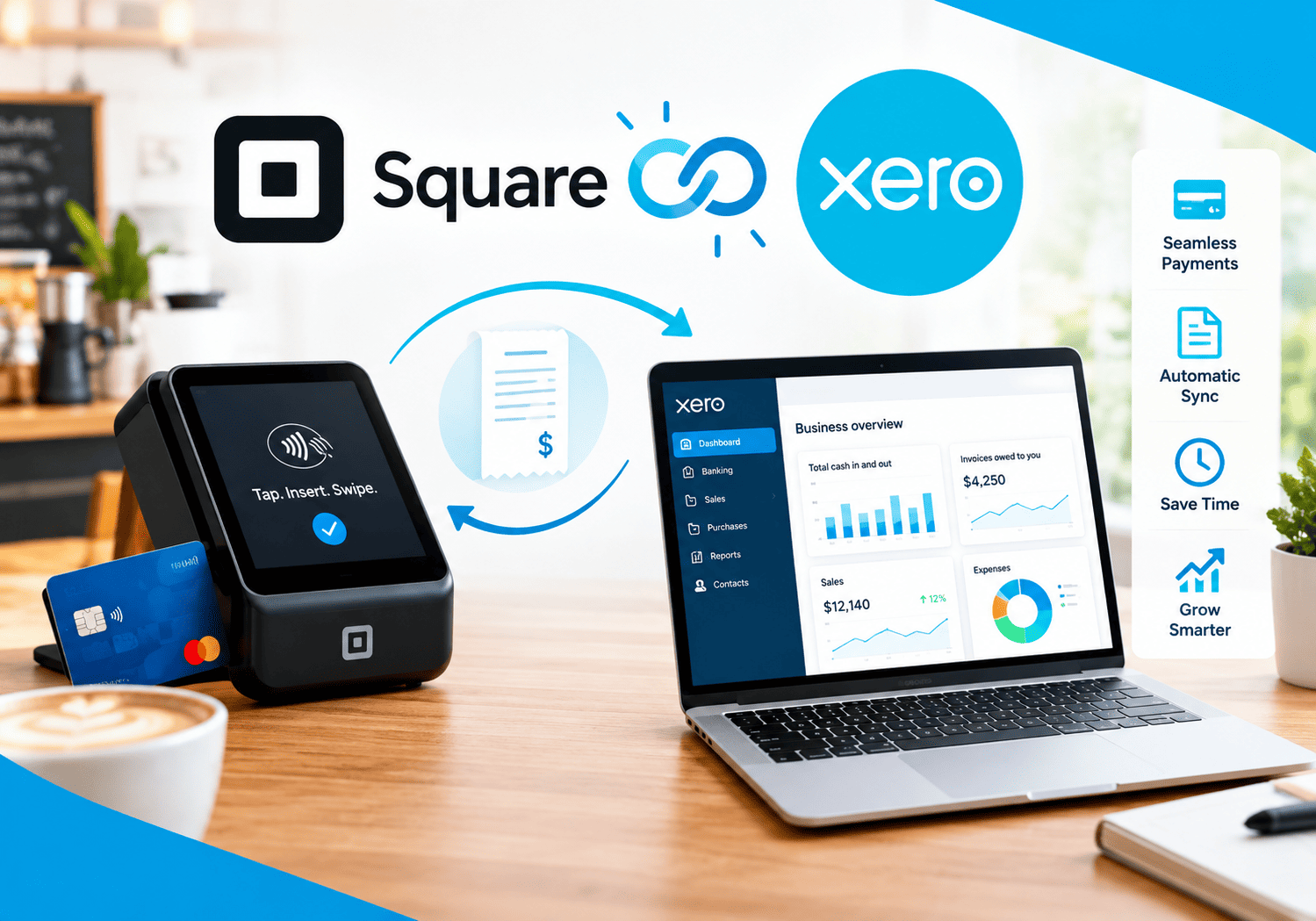
Every sale you take through a card reader or online store eventually needs a place in your accounts. When you copy those sales into your books by hand, you lose hours, make mistakes, and struggle to match bank deposits. Connecting Square with Xero solves much of this problem by sending sales, fees, refunds, and payouts into your accounting software automatically. This article explains how the Square and Xero integration works, what it can and cannot do, and how to set it up for clean, reliable books.
Table of contents
What Is the Quick Summary?
Here is the short version before we dig into the details.
- The topic: The Square and Xero integration links your payment and point-of-sale data with your accounting records.
- The problem: Square pays you a single net deposit, while your books need gross sales, fees, refunds, tips, and taxes recorded separately.
- The solution: An integration posts details to Xero, so reconciliation becomes faster and more accurate.
- The options: You can use a Square integration listed in the Xero App Store or a specialist reconciliation app, depending on your needs.
- The payoff: Less manual entry, clearer reports, and fewer end-of-month surprises.
- Implementation help: Solution for Guru can support setup, account mapping, and training.
What Is Square and How Does It Relate to Xero Integration?

Square – Credit Card Processing provides payment processing and point-of-sale tools for businesses of every size. Merchants use Square to accept card payments in person, online, and via invoices, and many also use it for inventory, tips, gift cards, and reporting. Because Square handles so many transaction types in one place, it generates the very data that bookkeepers must record.
Xero is cloud accounting software that stores your bank feeds, invoices, bills, tax codes, and financial reports. The integration connects the two: Square supplies the sales details, and Xero turns them into accounting entries. Consequently, this article focuses on the point where payments meet bookkeeping. Because features and regional availability change, always confirm the current details on the Square and Xero websites before you set anything up.
Why Do Square Sales Need to Reach Xero?
What Happens When You Enter Sales Manually?
Manual entry works for a handful of transactions, but it breaks down quickly. A busy shop may process hundreds of payments each week. Typing each one into Xero takes hours, and a single mistyped figure can throw off your reports. Furthermore, you may forget to record refunds or fees, which makes your profit look higher than it really is.
Which Business Problems Does Integration Solve?
A working integration addresses several recurring problems:
- Time loss: Staff stop retyping daily sales.
- Errors: Automated transfers avoid typos and missed entries.
- Missing fees: Processing costs appear in your expenses, not only in the net deposit.
- Reconciliation pain: Bank lines match recorded sales and payouts.
- Slow reporting: Profit and loss reports reflect current data.
Xero describes its Square integrations as a way to sync sales data from payment terminals, online, and in person to simplify bank reconciliation and reporting. That description captures the main value in a single sentence.
How Does the Square and Xero Integration Work?
What Data Moves Between the Two Systems?
The integration reads transaction data from Square and creates entries in Xero. Depending on the app you choose, the data can include:
- Gross sales and daily sales summaries
- Payment methods such as card, cash, and gift cards
- Tips and discounts
- Refunds and returns
- Processing fees
- Sales tax or VAT amounts
- Payouts to your bank account
Some setups also let customers pay Xero invoices through Square, which links the process in both directions.
What Is the Typical Flow From Sale to Ledger?
- A customer pays through a Square terminal, online store, or invoice.
- Square records the sale, fee, tip, and tax details.
- The integration summarizes that activity, often on a daily basis.
- Xero receives the summary and posts it to your chosen accounts.
- Square pays out the net amount to your bank, usually one to two business days after the sale.
- You match the bank line in Xero against the posted entries.
This sequence replaces a long manual routine with one automated flow.
Why Is Square Payout Reconciliation So Tricky?

How Do Net Payouts Create Confusion?
Square deposits a single payout that combines sales, refunds, fees, and tips. Your bank feed in Xero shows only that net amount. Without extra detail, you cannot tell how much came from sales and how much went to fees. Reconciliation specialists such as Link My Books point to this lump sum as the main reason Square reconciliation frustrates bookkeepers.
What Does the Integration Do About It?
A good integration records the gross sales and the fees as separate lines. As a result, the posted entries add up to the exact payout, and the bank line matches cleanly. You can then see true revenue, true costs, and the real effect of processing fees on your margin.
What Timing Issues Should You Expect?
Payouts arrive after the sale, so sales and deposits rarely land on the same day. For example, Friday’s sales may reach your bank on Monday or Tuesday. A well-configured setup handles this gap by posting sales on the sales date and matching the payout later.
Which Integration Options Exist for Square and Xero?
The Xero App Store lists several apps for connecting to Square, each with a slightly different approach. The table below summarizes the main approaches. Check each app’s listing for current features, regions, and pricing.
| Approach | How it works | Best for |
|---|---|---|
| Square‘s own Xero integration | Pushes daily sales summaries, fees, tips, and refunds to Xero | Merchants who want a simple, direct connection |
| Specialist reconciliation apps (for example, Link My Books) | Builds detailed summaries and matches payouts to bank deposits | Sellers with several channels or complex reconciliation needs |
| Sync tools (for example, PayTraQer) | Imports sales, refunds, and fees through an API connection | Businesses that want automated imports with transaction detail |
| Manual import | Exports reports from Square and uploads them to Xero. | Very small or occasional users |
The Xero App Store also notes that each Square integration with Xero can differ, so read the descriptions and user reviews before you choose.
How Do You Choose the Right Option?
Start with your volume and complexity. If Square is your only sales channel and you want a simple daily summary, the direct integration may be enough. If you also sell through Shopify, Amazon, or other channels, a specialist app can combine them in one reconciliation. Finally, if your accountant has a preferred tool, ask for advice before you commit.
How Do You Set Up the Square and Xero Integration Step by Step?

What Should You Prepare Before You Connect?
Preparation prevents most problems. Before you connect, complete these tasks:
- Review your chart of accounts: Create or confirm accounts for sales, Square fees, tips, refunds, gift cards, and clearing balances.
- Check your tax settings: Make sure Xero tax rates match the taxes you charge in Square.
- Note your locations: List each Square location that needs mapping.
- Choose a start date: Pick a clean date to begin syncing and avoid double entries.
- Back up your data: Export key reports before you change anything.
How Do You Connect the Two Platforms?
The exact screens differ by app, but the general sequence stays similar:
- Open the integration from the Xero App Store or from your Square dashboard.
- Log in to Square and authorize access.
- Log in to Xero and choose the organization to connect.
- Map Square categories to Xero accounts, including the fees account, which is usually a merchant fees or bank fees expense account.
- Set the start date and sync frequency.
- Run a test with a small sale and wait for the next sync.
- Check Xero for the new entry and confirm that the amounts, taxes, and fees look right.
What Should You Check After the First Sync?
Open the daily summary in Xero and compare it with Square’s own report for the same day. Then, match the corresponding payout against the bank feed. If the totals agree, your mapping works. If they differ, review your account and tax settings before you leave the integration running.
How Should You Map Square Data to Your Xero Accounts?
Account mapping decides whether your reports make sense. The table below shows a typical structure. Adapt the names to your own chart of accounts.
| Square item | Suggested Xero treatment | Why it matters |
|---|---|---|
| Gross sales | Revenue account such as Square Sales | Shows true income before fees |
| Processing fees | Expense account such as Merchant Fees | Reveals the real cost of taking cards |
| Refunds | Contra-revenue or sales returns | Keeps net sales accurate |
| Tips | Liability account or separate income, based on your policy | Separates staff money from revenue |
| Gift cards | Liability account until redeemed | Avoids overstating income |
| Sales tax or VAT | Tax account with the correct rate | Supports accurate returns |
| Payouts | Bank account via clearing account | Matches deposits to sales |
Ask your accountant to confirm treatments for tips, gift cards, and taxes, because rules differ by country and business type.
How Do Tax Rules Affect Mapping?
Tax treatment varies widely. For instance, some countries treat payment processing fees as exempt financial services, while others apply tax differently. Tax authorities such as HMRC in the UK, the Internal Revenue Service (IRS) in the United States, and the Australian Taxation Office publish guidance on record-keeping and sales tax. Review the rules that apply to your business, and consult a qualified adviser when in doubt.
What Are the Benefits of Connecting Square and Xero?

How Much Time Can You Save?
Time savings appear first. Instead of typing sales, exporting reports, and chasing mismatches, you review a short daily summary. Small business owners often spend their evenings on bookkeeping, so reclaiming those hours has real value. Moreover, your accountant or bookkeeper spends less time cleaning data, which can reduce fees.
How Does Integration Improve Accuracy and Reporting?
Automation reduces typing errors and missed entries. In addition, separate lines for fees, refunds, and tips give you a more honest picture of profit. You can then compare daily sales across locations, track fee trends, and spot unusual refunds.
How Does It Support Compliance?
Clean records make tax filing easier. When each sale, fee, and tax amount sits in Xero with a clear trail back to Square, you can answer questions from your accountant or tax authority quickly. Always keep supporting documents as your local rules require.
How Does It Help Cash Flow Visibility?
Because Xero shows both recorded sales and incoming payouts, you can see money that Square still owes you. This view helps you plan payments to suppliers and staff with more confidence.
What Limitations and Pitfalls Should You Watch For?
Which Limitations Do Merchants Report?
No integration solves every problem. Keep these points in mind:
- Daily totals instead of detail: Some integrations send summaries rather than individual transactions, so you may need Square reports for line-level questions.
- Location mapping: Each Square location may need its own mapping. A new location that you forget to map may not sync.
- Regional differences: Availability, features, and tax handling vary by country.
- Different apps, different behavior: Each integration handles refunds, tips, and fees in its own way.
- Subscription costs: Specialist apps usually charge a monthly fee.
Which Mistakes Cause the Most Trouble?
- Syncing without a clear start date, which creates duplicate entries
- Mapping fees to the wrong account, which distorts profit
- Ignoring gift card and tip treatment
- Skipping the first-sync check
- Forgetting to update mapping after changing tax rates or adding locations
How Can You Avoid Them?
Test with a small sale, compare totals after the first sync, and review the setup whenever your business changes. Document your mapping decisions in a short note, so a new bookkeeper can understand them.
Which Businesses Benefit Most from the Integration?

Several types of businesses gain the most:
- Retail shops: They process many small card sales every day.
- Cafes and restaurants: They handle tips, discounts, and busy daily volumes.
- Service providers: They send invoices and take payments by card.
- Online sellers: They combine online and in-person sales.
- Multi-location businesses: They need one consolidated view of sales and fees.
- Market and event vendors: They take payments in varied places and need simple records.
On the other hand, a business with only a few card payments per month may handle them manually without much trouble.
How Do You Keep Your Data Secure and Compliant?
Which Security Practices Matter Most?
Payment and accounting data deserve careful protection. Follow these practices:
- Limit access: Give staff only the permissions they need in Square and Xero.
- Use strong authentication: Turn on multi-factor authentication in both systems.
- Review connected apps: Remove integrations you no longer use.
- Choose reputable providers: Check an app’s reviews, security statements, and support quality.
- Respect privacy rules: Follow rules such as the GDPR when customer data is involved.
How Does Card Data Security Fit In?
The PCI Security Standards Council sets standards for protecting card data. Payment providers such as Square handle much of that burden, and accounting integrations usually receive summaries instead of full card numbers. Still, ask each vendor how it protects data, and avoid storing card details in spreadsheets or email.
How Do You Measure Whether the Integration Works?
Track a baseline before you connect, then compare results after a few months.
| KPI | What it measures | Desired direction |
|---|---|---|
| Bookkeeping hours per month | Time spent entering and fixing sales data | Down |
| Unreconciled bank lines | Number of bank items without a match | Down |
| Days to close the month | Time from month end to finished books | Down |
| Reconciliation errors | Corrections found by your accountant | Down |
| Fee visibility | Share of fees recorded accurately | Up |
| Report timeliness | How soon you can review profit and loss | Faster |
Share these numbers with your accountant and your team. They show the value of the project and point to the next improvement.
What Is the Bottom Line on the Square and Xero Integration?
Connecting Square with Xero turns a repetitive, error-prone chore into an automated process. Square processes the payments and records each sale, fee, tip, and refund. The integration then carries that detail into Xero, where it matches your bank deposits and feeds your reports. As a result, you save time, see your true costs, and close your books faster.
To get the best results, prepare your accounts, choose the integration that fits your volume, test the first sync, and review the setup whenever your business changes. Furthermore, consider cooperating with Solution for Guru for setup, mapping, and training. If you still copy Square sales into Xero by hand, now is a good time to explore what the integration can do for you.
What Questions Do Readers Ask Most About Square and Xero?
Yes, Square offers an integration that syncs sales data with Xero, and the Xero App Store lists additional apps that connect the two. Features and availability vary by country, so check the current options on both websites. Choose the approach that matches your volume and reporting needs.
Square pays out a net amount after fees, refunds, and tips, while your bank feed shows only that total. If the integration records gross sales and fees separately and you map them correctly, the entries add up to the payout. Check your account mapping, start date, and any unsynced locations if the numbers still differ.
Not always. Many integrations guide you through connection steps without coding. However, an accountant can help you design the chart of accounts and tax treatment, and an implementation partner such as Solution for Guru can handle complex or custom setups.
What Are the Benefits of Cooperating with Solution for Guru?
Why Add an Implementation Partner?
Integrations succeed when the technical setup matches your accounting process. Solution for Guru can act as that partner. An experienced technology team helps you review your chart of accounts, choose an integration approach, configure the connection, and avoid common mistakes such as wrong mapping or duplicate entries. Check the company’s website for its current services and references, and confirm the scope of any engagement in writing.

Which Benefits Can You Expect?
- Objective guidance: Specialists compare options and recommend what fits your volume and complexity.
- Faster setup: Experts configure mapping, tax settings, and sync rules quickly.
- Custom integrations: Technical partners can build connections when ready-made apps fall short.
- Data quality support: A partner helps clean historical data before you switch on syncing.
- Training and adoption: Guided onboarding builds confidence among your finance and sales staff.
- Ongoing support: A partner adjusts the setup as your business adds locations or channels.
How Does the Partnership Work with Square and Xero?
The roles complement each other. Square captures sales and processes payments. Xero holds the accounting records. Solution for Guru helps you connect them correctly, test the result, and maintain it over time. Together, they shorten the path from scattered payment data to reliable financial reports.
Recommended:
- Contactless Payments and NFC Processing in Square
- Understanding Square Credit Card Processing Fees
- Customer Loyalty Programs in Square
- How Secure Is Square for Payment Processing?
- Square for Restaurants and Cafes
- How Businesses Use Square to Accept Payments Online and In-Store
- What Is Square Credit Card Processing and How Does It Work?
- Xero for Small Business: Is It the Right Accounting Software for You?
- What is Xero — Overview of the Cloud Accounting Platform’s Features
- How Does FreshBooks Integrate with CRM, Payroll, and Project Management Tools?
- Financial Reporting Architecture in Zoho Books
- Zoho Books Architecture: Cloud Accounting Explained — How Does It All Work?
- FreshBooks for IT Consulting Firms: Managing Projects, Invoices, and Client Billing
- FreshBooks Review: Features, Pricing, Pros, and Cons
- Real-Time Financial Dashboards with Zoho Books
- How Can You Connect Zoho Books with Payment Gateways to Streamline Your Business Finances?