Zoho Books vs QuickBooks: Technical Comparison
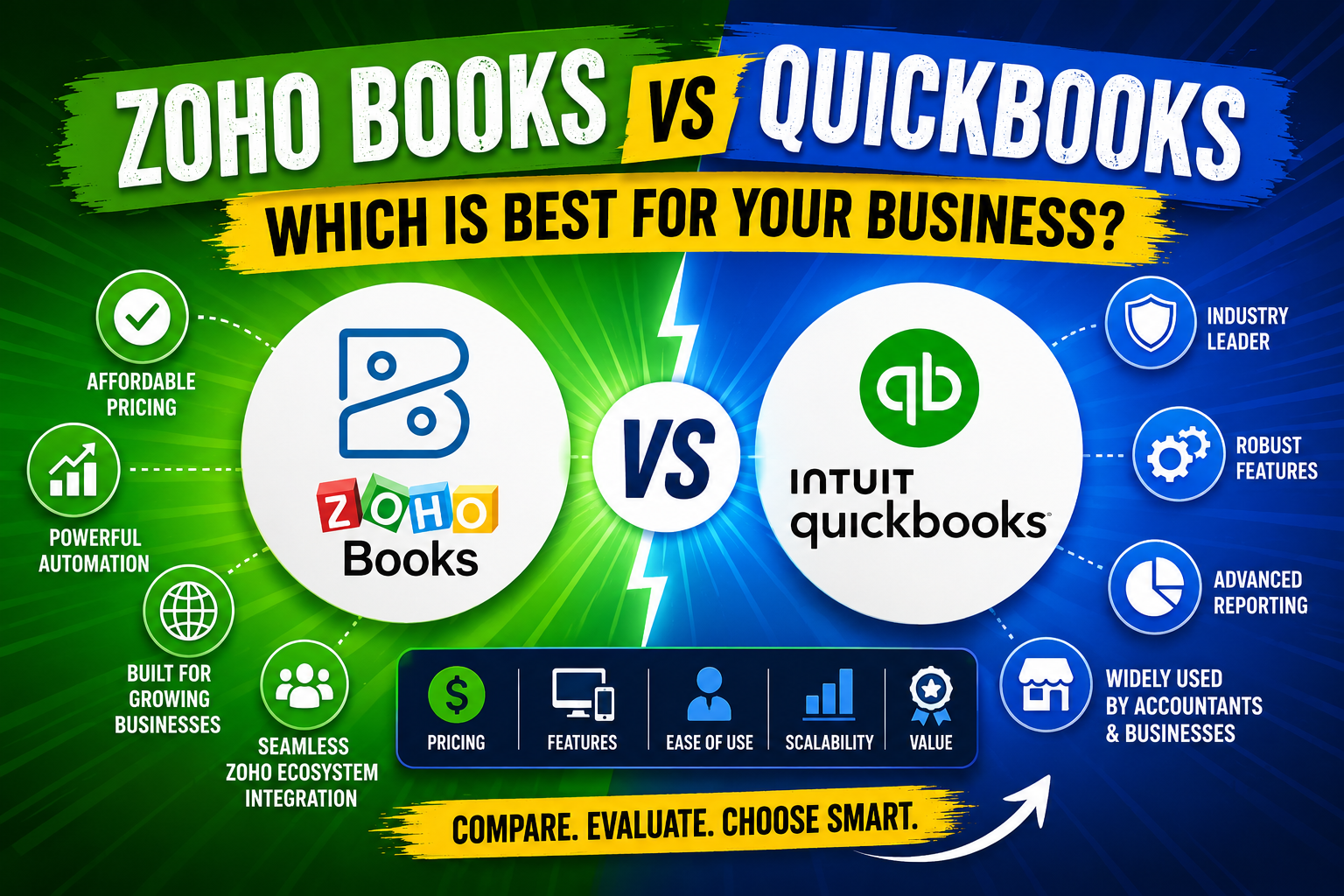
Choosing an accounting platform shapes how your finance team operates every single day — from bank reconciliation and invoice generation to multi-currency reporting and tax compliance. Both Zoho Books and QuickBooks occupy dominant positions in the cloud accounting market, yet they serve meaningfully different audiences, offer different technical architectures, and carry very different total cost of ownership. This technical comparison cuts through marketing language to show exactly where each platform excels, where it falls short, and which type of business genuinely benefits from each.
Table of contents
QUICK SUMMARY
This article delivers a head-to-head technical comparison of Zoho Books and QuickBooks across eight dimensions: core accounting engine, automation capabilities, integration ecosystem, multi-currency and tax compliance, reporting and analytics, API and developer access, pricing architecture, and platform scalability. Key finding: QuickBooks leads in accountant ecosystem depth and US-market integrations, while Zoho Books leads in automation breadth, pricing transparency, and native multi-app connectivity for teams already inside the Zoho ecosystem.
What Is QuickBooks and Why Does It Matter for This Comparison?

QuickBooks — available at QuickBooks — is Intuit’s flagship cloud accounting platform and the dominant small business accounting software in the United States. Launched in 1983 and migrated to a cloud-first model with QuickBooks Online in 2001, QuickBooks commands over 80% of the US small business accounting software market, according to Datanyze market share data.
QuickBooks Online offers four primary subscription tiers — Simple Start, Essentials, Plus, and Advanced — along with a separate QuickBooks Payroll add-on and a dedicated self-employed product. Its technical architecture revolves around a double-entry accounting engine, a bank feed reconciliation system, and a developer platform (QuickBooks Online API) that supports over 750 third-party integrations through the Intuit Marketplace.
For this technical comparison, QuickBooks represents the incumbent choice: the platform most US accountants know, most bookkeepers use, and most small business financial workflows already orbit. Understanding its technical strengths and limitations provides the baseline against which Zoho Books must be evaluated.
What Is Zoho Books and How Does It Fit Into This Technical Discussion?

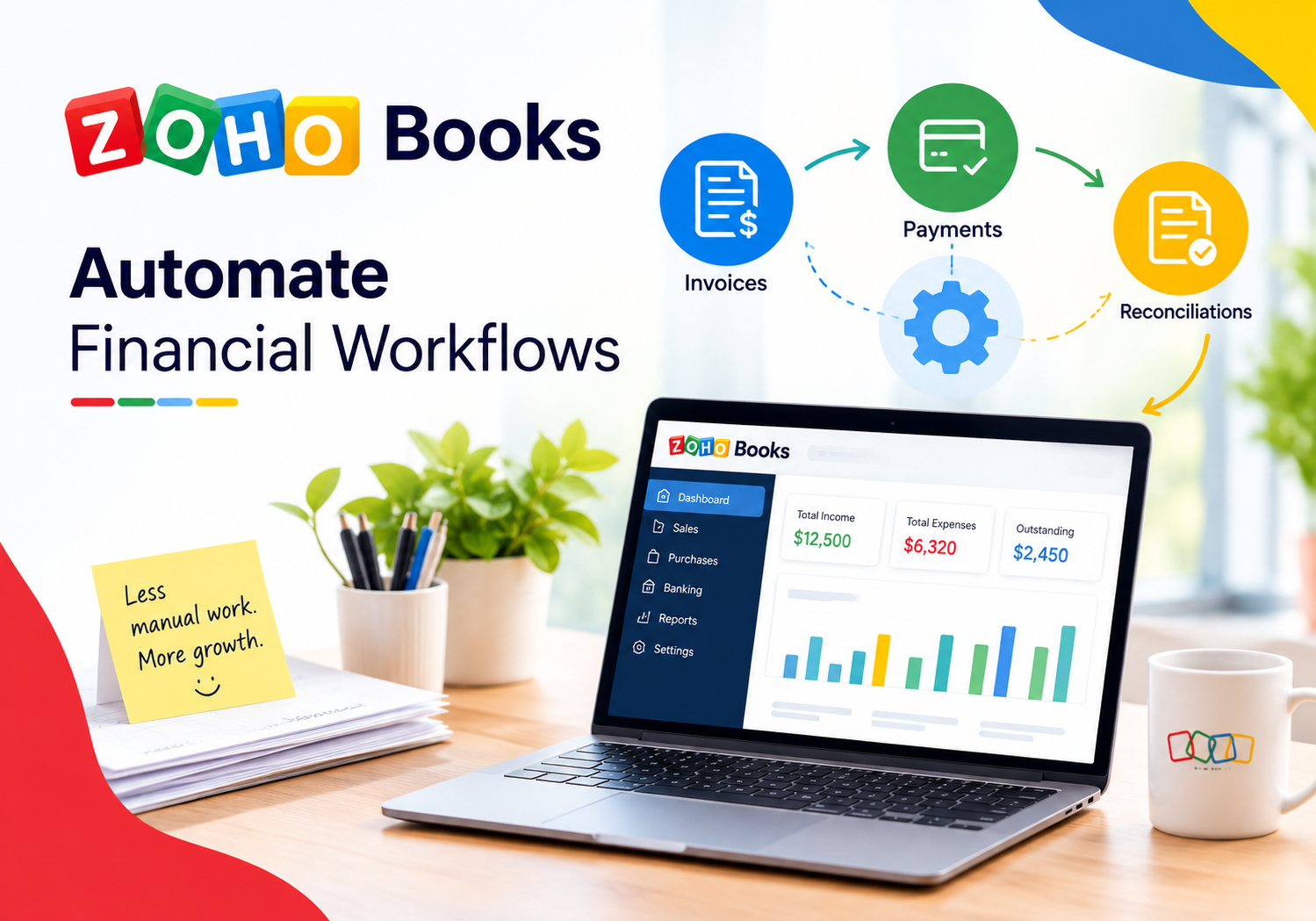
Zoho Books — available at Zoho Books — is the accounting module within Zoho’s broader 55-plus application business suite. Launched in 2011 and serving businesses in over 160 countries, Zoho Books builds its value proposition around deep native integration with other Zoho applications, aggressive automation capabilities, and a transparent pricing model that includes a free tier for businesses with annual revenue below $50,000.
Technically, Zoho Books operates on a multi-tenant cloud architecture hosted across Zoho’s owned data centers in the US, Europe, India, Australia, Canada, Japan, and China — a geographic distribution that carries direct implications for data residency compliance. Its accounting engine supports over 180 currencies, handles complex multi-tax scenarios, and connects natively to Zoho CRM, Zoho Inventory, Zoho Payroll, and Zoho Projects without requiring middleware.
For businesses already running Zoho CRM or planning to standardize on the Zoho ecosystem, Zoho Books functions as the financial backbone of an integrated business operating system rather than a standalone accounting tool. That distinction fundamentally shapes how the two platforms compare technically across every dimension below.
How Do the Core Accounting Engines of QuickBooks and Zoho Books Differ?
Both platforms run on double-entry accounting engines and support accrual and cash-basis accounting. However, the implementation details diverge in ways that matter for growing businesses and financial professionals.
What Does QuickBooks Deliver at the Engine Level?
QuickBooks Online’s accounting engine handles accounts payable, accounts receivable, bank reconciliation, journal entries, and chart of accounts management with considerable maturity. Its class and location tracking features let accountants segment financial data across departments or business units within a single QuickBooks subscription. The Plus and Advanced tiers extend this with project profitability tracking, budget management, and business performance dashboards powered by Fathom analytics.
One important technical limitation: QuickBooks Online handles inventory management adequately at the Plus tier and above, but businesses with complex inventory needs — assembly items, serial number tracking, or multi-warehouse operations — typically require QuickBooks Commerce (formerly TradeGecko) or a third-party inventory platform. The native inventory module does not match Zoho Books‘ counterpart in depth.
What Does Zoho Books Deliver at the Engine Level?
Zoho Books covers the same core accounting primitives with comparable accuracy but adds two notable technical differentiators. First, its recurring transaction engine handles complex billing schedules — including usage-based billing, tiered pricing rules, and automatic dunning sequences — natively without add-ons. Second, its workflow automation engine (discussed further below) sits at the accounting engine level rather than as a surface-layer feature, allowing field-level triggers on any transaction object.
Additionally, Zoho Books integrates with Zoho Inventory for genuine multi-warehouse inventory management, assembly builds, and serial and batch tracking — capabilities that QuickBooks Online handles only partially without external tools. This integration operates through shared data infrastructure rather than an API bridge, which eliminates sync delays and data mapping overhead.
Which Platform Offers Stronger Automation Capabilities?

Automation depth determines how much of your accounts receivable, payable, and reconciliation workflows your team handles manually versus how much the software handles independently. This dimension represents one of the sharpest technical differentiations between the two platforms.
How Powerful Are QuickBooks Automations?
QuickBooks Online supports rule-based bank feed categorization, recurring transactions, automatic payment reminders, and invoice automation through its Automated Workflows feature (available on Plus and Advanced tiers). The Advanced tier extends this with custom automation rules that trigger on specific transaction conditions — for example, automatically applying a discount when an invoice exceeds a certain value or sending an internal alert when an expense category exceeds budget.
QuickBooks also connects to Zapier and Make, extending automation reach to over 5,000 external applications. However, these connections operate at the integration layer rather than within QuickBooks’ core data model, which means complex conditional logic often requires multiple Zap steps and carries failure risk at each connection point.
How Powerful Are Zoho Books Automations?
Zoho Books delivers its automation capabilities through a native workflow engine that allows if-then rules, field updates, alerts, webhooks, and custom functions (written in Deluge, Zoho’s scripting language) on any transaction object. A business can, for example, automatically convert an approved purchase order to a bill, update a custom field when a payment clears, and push a Slack notification to the finance channel — all within a single Zoho Books workflow rule.
- Automatic payment reminders at custom intervals before and after due dates
- Auto-charge saved payment methods on recurring invoice due dates
- Workflow rules that update CRM deal stages when invoices reach paid status
- Custom functions that calculate tax scenarios based on customer-specific field values
- Webhook triggers that notify external systems on any transaction status change
Compared to QuickBooks, Zoho Books automation requires less reliance on third-party middleware for complex scenarios. For businesses with sophisticated billing workflows or cross-system automation requirements, this technical advantage translates directly into lower operational overhead.
Which Platform Wins on Integration Ecosystem Depth?
Integration ecosystem determines how seamlessly an accounting platform fits into a business’s existing and future technology stack. Both platforms offer substantial integration libraries, but they differ in architecture and target use cases.
What Does the QuickBooks Integration Ecosystem Look Like?
QuickBooks Online connects to over 750 applications through the Intuit App Store — the largest native accounting integration marketplace in the SMB segment. Key categories include payroll (QuickBooks Payroll, Gusto, ADP), e-commerce (Shopify, WooCommerce, Amazon), point-of-sale (Square, Clover), expense management (Expensify, Ramp), and CRM platforms (Salesforce, HubSpot). The QuickBooks Online API uses OAuth 2.0 and RESTful architecture, supporting both read and write operations across most core accounting objects.
QuickBooks’ accountant network represents a particularly important integration asset: the QuickBooks ProAdvisor program includes over 600,000 certified accountants globally who use the platform natively. This ecosystem means that businesses using QuickBooks benefit from immediate accountant familiarity, easier year-end handoffs, and faster audit support — advantages that carry real operational value even if they fall outside pure technical comparison.
What Does the Zoho Books Integration Ecosystem Look Like?
Zoho Books’ primary integration strength lies in its native connections to the Zoho suite. Businesses running Zoho CRM, Zoho Projects, Zoho Inventory, Zoho Payroll, and Zoho Analytics access unified data across all these platforms without API connectors or synchronization jobs. Customer records created in Zoho CRM appear instantly in Zoho Books as contacts. Project hours logged in Zoho Projects convert directly to billable line items in Zoho Books invoices.
Beyond the Zoho ecosystem, Zoho Books connects to Stripe, PayPal, Square, Razorpay, Shopify, WooCommerce, Slack, and G Suite. Its Zapier and Make compatibility extends the reach further. However, the third-party integration library does not match QuickBooks Online’s 750-plus connector catalog in breadth — a meaningful consideration for businesses running niche industry-specific tools that have QuickBooks integrations but no Zoho Books equivalent.
How Do QuickBooks and Zoho Books Handle Multi-Currency and Tax Compliance?
What Are QuickBooks’ Multi-Currency and Tax Capabilities?

QuickBooks Online supports multi-currency transactions on the Essentials tier and above. It handles foreign currency invoices, bills, and bank accounts with real-time exchange rate feeds from XE.com, and generates foreign currency gain/loss journal entries automatically at period close. Tax compliance in QuickBooks centers on its US-market strength: integrated sales tax calculation through QuickBooks Tax (powered by Avalara), 1099 contractor payment tracking, and payroll tax filing through QuickBooks Payroll.
For international businesses, QuickBooks Online’s tax compliance capabilities outside the US rely more heavily on local accountant configuration and third-party tax tools. Businesses operating across multiple tax jurisdictions with complex VAT, GST, or withholding tax requirements often need additional configuration work or supplemental software.
What Are Zoho Books’ Multi-Currency and Tax Capabilities?

Zoho Books supports 180-plus currencies with automatic exchange rate feeds, and its tax compliance engine handles VAT (UK, EU, GCC), GST (Australia, India, Canada), US sales tax, and withholding tax scenarios natively. Its tax group feature allows businesses to combine multiple tax components — state tax, county tax, and city tax — into a single line item on invoices, which simplifies compliance for businesses selling across multiple US jurisdictions.
For businesses operating internationally, Zoho Books’ regional compliance depth is a genuine technical advantage. It offers country-specific tax returns and compliance features for the UK, India, Australia, UAE, Saudi Arabia, South Africa, and Canada directly within the platform — without requiring country-specific add-ons. This makes Zoho Books particularly attractive for multinational SMBs that need a single platform to manage compliance across several markets.
Which Platform Provides Better Reporting and Analytics?
What Reporting Capabilities Does QuickBooks Offer?
QuickBooks Online generates over 65 standard reports covering profit and loss, balance sheet, cash flow, accounts receivable aging, accounts payable aging, sales by customer, expenses by vendor, and budget variance analysis. The Advanced tier adds Fathom business intelligence integration, enabling KPI dashboards, rolling forecasts, and comparative period analysis with visual charts. QuickBooks also allows report customization through column selection, filtering, and date range controls.
One technical constraint: QuickBooks’ native report export supports Excel and PDF formats, but building custom reports beyond the template library requires either the Advanced tier’s Fathom integration or an external BI tool connected through the API. Mid-market businesses frequently find the standard reporting sufficient but outgrow it when they need cross-subsidiary consolidation or segment-level P&L reporting.
What Reporting Capabilities Does Zoho Books Offer?
Zoho Books offers 50-plus standard reports and extends its analytics capabilities through native Zoho Analytics integration — available as a paid add-on — which provides drag-and-drop report building, cross-module data blending (combining accounting data with CRM, inventory, and project data), and scheduled report delivery. Even without Zoho Analytics, Zoho Books generates real-time financial dashboards with cash position, receivables summary, payables summary, and income vs. expense charts on the home screen.
For businesses inside the Zoho ecosystem, the Zoho Analytics integration delivers a level of cross-platform reporting depth that QuickBooks cannot match natively. A sales manager can pull a report combining Zoho CRM pipeline data with Zoho Books invoice collection rates — a query that would require custom API work in a QuickBooks environment.
How Do QuickBooks and Zoho Books Compare on Pricing Architecture?
| Plan Tier | QuickBooks Online | Zoho Books |
|---|---|---|
| Free / Entry | No free tier | Free (revenue < $50K/yr, 1 user) |
| Starter | Simple Start: $35/mo (1 user) | Standard: $20/org/mo (3 users) |
| Core | Essentials: $65/mo (3 users) | Professional: $50/org/mo (5 users) |
| Growth | Plus: $99/mo (5 users) | Premium: $70/org/mo (10 users) |
| Advanced | Advanced: $235/mo (25 users) | Elite: $150/org/mo (10 users) |
| Accountant Access | Included in all plans | Included in all plans |
| Annual discount | ~30% for annual billing | ~20% for annual billing |
| User pricing | Per-user cap per tier | Per-org pricing, user cap per tier |
The pricing architecture difference carries real cost implications at scale. QuickBooks Online‘s per-user-capped tiers mean that businesses hitting the user ceiling must upgrade the entire subscription. Zoho Books’ per-organization pricing makes per-seat cost predictable and lower at most tiers — a meaningful advantage for growing teams adding accounting staff without wanting to double their software spend.
How Do QuickBooks and Zoho Books Compare Across All Key Dimensions?
| Feature Category | QuickBooks Online | Zoho Books | Winner |
|---|---|---|---|
| Core accounting engine | Mature, deep US focus | Mature, strong global coverage | Tie |
| Automation depth | Rule-based, requires add-ons for complexity | Native workflow engine, Deluge scripting | Zoho Books |
| Integration ecosystem | 750+ apps, dominant accountant network | 55+ Zoho apps native, 500+ via Zapier | QuickBooks (breadth) |
| Multi-currency support | Yes, XE.com feeds (Essentials+) | Yes, 180+ currencies, native | Zoho Books |
| Tax compliance | Strong US (Avalara), limited global | VAT/GST/US sales tax, 10+ countries | Zoho Books (global) |
| Reporting & analytics | 65+ reports, Fathom (Advanced) | 50+ reports, Zoho Analytics add-on | Tie |
| API / developer access | RESTful, OAuth 2.0, mature SDK | RESTful, OAuth 2.0, Deluge custom functions | Tie |
| Pricing transparency | Annual increases common, complex tiers | Transparent per-org pricing, free tier | Zoho Books |
| Accountant familiarity | Industry-standard, 600K+ ProAdvisors | Growing but smaller accountant network | QuickBooks |
| Ecosystem synergy | Strong standalone + 3rd-party | Best when inside Zoho suite | Context-dependent |
| Mobile app quality | Full-featured iOS/Android | Full-featured iOS/Android | Tie |
| Customer support | Phone, chat, community (tier-dependent) | Phone, chat, email, community | Tie |
Which Platform Offers Better API and Developer Access?

Technical buyers and development teams often need to evaluate API quality as a first-class decision criterion, particularly when accounting data needs to feed custom dashboards, ERP systems, or data warehouses.
How Does the QuickBooks API Perform for Developers?
The QuickBooks Online API follows RESTful conventions with OAuth 2.0 authentication and returns JSON responses. It covers all major accounting objects — invoices, payments, customers, vendors, accounts, journal entries, and reports — with both read and write access. Intuit maintains official SDKs for Java, .NET, PHP, Python, and Ruby, and the developer documentation at developer.intuit.com is comprehensive and actively maintained. The API supports webhooks for real-time event notifications on entity changes.
One technical consideration: QuickBooks enforces rate limits of 500 requests per minute per company connection and 10 simultaneous connections. For high-volume data synchronization scenarios — such as a retail business pushing thousands of daily transactions — these limits require careful batching strategy. Additionally, the minor version system QuickBooks uses for API versioning requires developers to track version compatibility as Intuit rolls out updates.
How Does the Zoho Books API Perform for Developers?
Zoho Books’ API also follows RESTful conventions with OAuth 2.0 and returns JSON. It covers invoices, bills, contacts, items, banking, and reports, with full CRUD operations on most objects. Zoho provides SDKs for Java, Python, Node.js, PHP, and Ruby. A key technical differentiator: Zoho Books allows custom functions written in Deluge — Zoho’s low-code scripting language — that execute server-side within the Zoho platform, enabling complex business logic without external server infrastructure.
For businesses already using the Zoho ecosystem, the Zoho Books API connects directly to Zoho CRM, Zoho Analytics, and other Zoho apps through Zoho’s internal API fabric, which reduces the latency and authentication overhead of cross-platform calls. For businesses outside the Zoho ecosystem, the API is functionally comparable to QuickBooks Online with similar rate limits and documentation quality.
Which Businesses Should Choose QuickBooks and Which Should Choose Zoho Books?
When Does QuickBooks Make the Most Technical Sense?
- Your accounting team or external CPA already knows QuickBooks and switching would disrupt workflows
- Your business relies on US-specific industry integrations available only in the Intuit Marketplace
- Your sales tax compliance needs center on the US market and benefit from Avalara-powered calculation
- Your business uses QuickBooks Payroll and benefits from native payroll-to-accounting synchronization
- You operate a single-country business with straightforward tax requirements and prioritize accountant familiarity
When Does Zoho Books Make the Most Technical Sense?
- Your business already uses or plans to use Zoho CRM, Zoho Projects, or other Zoho applications
- You operate across multiple countries and need native multi-jurisdiction tax compliance without add-ons
- Your billing workflows involve subscription management, usage-based pricing, or complex dunning sequences
- Your team needs deep workflow automation at the transaction level without relying on middleware
- Your budget favors transparent per-organization pricing over per-user-capped tier upgrades
What Should You Take Away From This QuickBooks vs Zoho Books Comparison?
QuickBooks and Zoho Books are both technically capable cloud accounting platforms — but they win in different scenarios. QuickBooks dominates when accountant familiarity, US-market integration breadth, and Intuit’s payroll ecosystem matter most. Zoho Books wins when automation depth, multi-country tax compliance, Zoho ecosystem connectivity, and pricing transparency take priority.
For businesses evaluating this decision in 2025, the most important technical question is not which platform has more features — both have more than most SMBs will ever use. Instead, the right question is which platform’s architecture aligns with your existing tech stack, your team’s technical capacity, your geographic compliance requirements, and your growth roadmap over the next three years.
If your business already runs Zoho CRM or plans to build on the Zoho platform, Zoho Books delivers integration and automation advantages that justify the switch from day one. If your accountant, bookkeeper, and existing tool integrations center on the QuickBooks ecosystem, QuickBooks remains the lower-friction, lower-risk choice — and its continued product investment under Intuit ensures it stays technically competitive. Either way, the right implementation partner transforms the selection into a strategic advantage rather than a stressful migration.
Frequently Asked Questions
Yes — businesses can migrate historical data from QuickBooks to Zoho Books, though the process requires careful planning. Zoho Books supports direct import of QuickBooks data through its built-in migration wizard, which handles contacts, chart of accounts, open invoices, outstanding bills, and bank transactions up to a configurable historical date. Closed transactions from prior fiscal years typically require manual journal entry import or CSV file upload. A structured migration always begins with data export from QuickBooks in IIF or Excel format, cleanup of duplicate and archived records, field mapping between the two chart-of-accounts structures, a test import validated against known totals, and then the full production migration timed to a month-end close date to minimize reconciliation complexity.
Neither QuickBooks Online nor Zoho Books provides true multi-entity consolidated accounting within a single subscription at their standard tiers. QuickBooks handles multiple entities by maintaining separate QuickBooks Online companies with separate subscriptions, then using a third-party consolidation tool — such as Fathom or Syft Analytics — to combine financial statements. Zoho Books similarly requires separate organizations per entity but offers Zoho Analytics as a native consolidation reporting layer that can aggregate data across multiple Zoho Books organizations. For businesses with three or more entities requiring consolidated reporting, both platforms carry meaningful overhead compared to dedicated multi-entity accounting systems. However, Zoho Books’ analytics integration tends to handle cross-organization data blending more seamlessly for teams already inside the Zoho ecosystem.
Benefits of cooperation with Solution for Guru company
Selecting between QuickBooks and Zoho Books becomes considerably easier when you work with a team that has implemented both platforms for businesses across multiple industries and revenue bands. Solution for Guru is a CRM and software implementation consultancy that specializes in accounting platform selection, data migration, and system integration — helping finance teams deploy the right tool the right way.

When you partner with Solution for Guru, you gain: Platform-neutral selection support — honest guidance on which system fits your technical stack and growth trajectory, not a vendor preferenceEnd-to-end data migration services that preserve your chart of accounts, historical transactions, and vendor records with zero data lossIntegration architecture design connecting your accounting platform to CRM, payroll, e-commerce, and project management toolsCustom workflow and automation configuration that reduces manual finance team workload from day oneOngoing system administration support that keeps your accounting platform aligned with your business as it scales Visit solution4guru.com to discuss your accounting platform project with an experienced implementation partner.
Recommended:
- Xero Pricing Plans: Early/Starter, Growing/Standard, Established/Premium
- Overview of the Xero App Marketplace (1,000+ Integrations): What Are the Most Popular Ones?
- FreshBooks vs Xero for Technology Companies: Which One Should You Choose?
- FreshBooks Reporting Features: What Financial Insights Can You Actually Get?
- Xero for Small Business: Is It the Right Accounting Software for You?
- What is Xero — Overview of the Cloud Accounting Platform’s Features
- How Does FreshBooks Integrate with CRM, Payroll, and Project Management Tools?
- Financial Reporting Architecture in Zoho Books
- Zoho Books Architecture: Cloud Accounting Explained — How Does It All Work?
- FreshBooks for IT Consulting Firms: Managing Projects, Invoices, and Client Billing
- FreshBooks Review: Features, Pricing, Pros, and Cons
- Real-Time Financial Dashboards with Zoho Books
- How Can You Connect Zoho Books with Payment Gateways to Streamline Your Business Finances?
- Financial Data Migration to Zoho Books
- Zoho Books for Finance Teams: Automation and Financial Control
- How Zoho CRM Works: Data Model, Modules, and Relationships