How Can MSPs Deliver Remote IT Support with Zoho Assist?

Managed service providers (MSPs) support dozens of client networks with limited staff. Every on-site visit costs travel time, and every delayed fix risks a service-level agreement (SLA) breach. Remote support tools solve both problems, but only when they combine speed, security and simple management. This article explains how MSPs can use Zoho Assist, a cloud-based remote access platform, to deliver remote IT support. It covers core features, security controls, ticketing integrations, plan choices and a practical rollout plan.
Table of contents
What Should MSPs Know About Zoho Assist at a Glance?
Zoho Assist gives MSPs two ways to help clients: live sessions and always-on access. The key points are:
- Attended support: Technicians start on-demand sessions with screen sharing, chat and file transfer.
- Unattended access: An agent on each client device lets technicians connect at any time, including after hours.
- Security: Sessions use TLS and 256-bit AES encryption, and the platform supports multi-factor authentication, role-based permissions and session logs.
- Integrations: Technicians can launch sessions from tickets in ServiceNow, Freshdesk, Freshservice, Zendesk and Zoho Desk.
- Pricing model: Remote Support plans license technicians, while Unattended Access plans license computers. A free plan covers one technician and five unattended computers.
- Best rollout: Pilot with one client, deploy agents in bulk, then apply group permissions.
What Is Zoho Assist and How Does It Relate to MSP Remote Support?

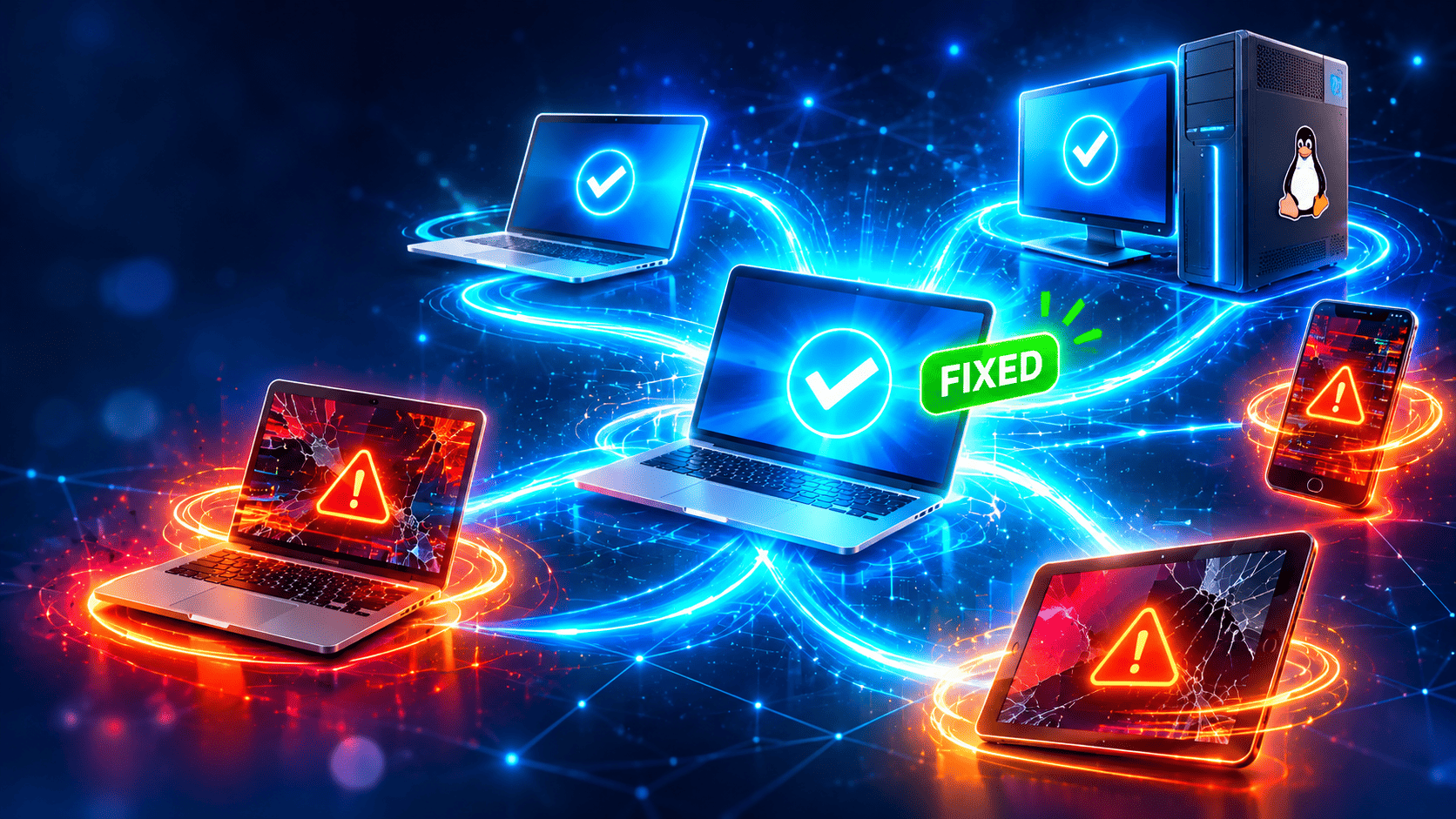
Zoho Assist – Remote Access Software is a cloud-based tool for remote support, screen sharing and unattended access. It serves organisations from MSPs managing 200 clients to enterprise IT teams supporting a global workforce. Technicians connect to client devices to troubleshoot problems, install software and run maintenance. Unattended access works on Windows, macOS, and several Linux distributions, covering the mixed environments MSPs usually inherit.
How Does Zoho Assist Match the MSP Business Model?
MSPs sell predictable outcomes: uptime, fast response and documented work. Zoho Assist supports each outcome in a specific way:
- Uptime: Unattended access lets technicians fix problems and apply updates outside business hours without disturbing users.
- Fast response: Technicians start a session from a ticket instead of travelling to the client.
- Documentation: Session logs and recording features create a record of work for client reviews and audits.
- Client separation: Device groups and technician permissions keep one client’s devices apart from another’s.
Why Do MSPs Need a Dedicated Remote Support Platform?

General-purpose screen sharing tools work for occasional help, but they strain under MSP workloads. An MSP needs repeatable access, clear accountability and low overhead per client.
What Problems Do MSPs Face Without the Right Remote Tools?
Teams that rely on improvised access methods run into the same four problems:
- Slow response: Technicians lose time travelling or waiting for end users to share access codes.
- Inconsistent access: Each client uses a different VPN, remote desktop setup or third-party tool, so technicians relearn the process on every call.
- Weak audit trails: Without session logs, the MSP cannot prove what a technician changed.
- Credential risk: Shared administrator passwords spread across notebooks and chat threads create an easy target for attackers.
What Should an MSP Look For in Remote Support Software?
A strong platform meets six practical criteria:
- Connects through firewalls without asking clients to change network settings. Zoho states that technicians can start sessions without waiting for customers to change proxy or firewall configurations.
- Deploys unattended agents to many devices at once.
- Limits each technician to the right client devices.
- Records session activity in logs.
- Connects to the MSP’s ticketing system.
- Prices technicians and devices in a way that scales with growth.
The next sections show how Zoho Assist – Remote Access Software addresses each criterion.
Which Zoho Assist Features Matter Most for MSPs?
Three capabilities carry most of the daily workload: attended sessions, unattended access and bulk deployment. Zoho Assist – Remote Access Software covers all three, although exact features vary by plan.
How Do Attended Remote Support Sessions Work?
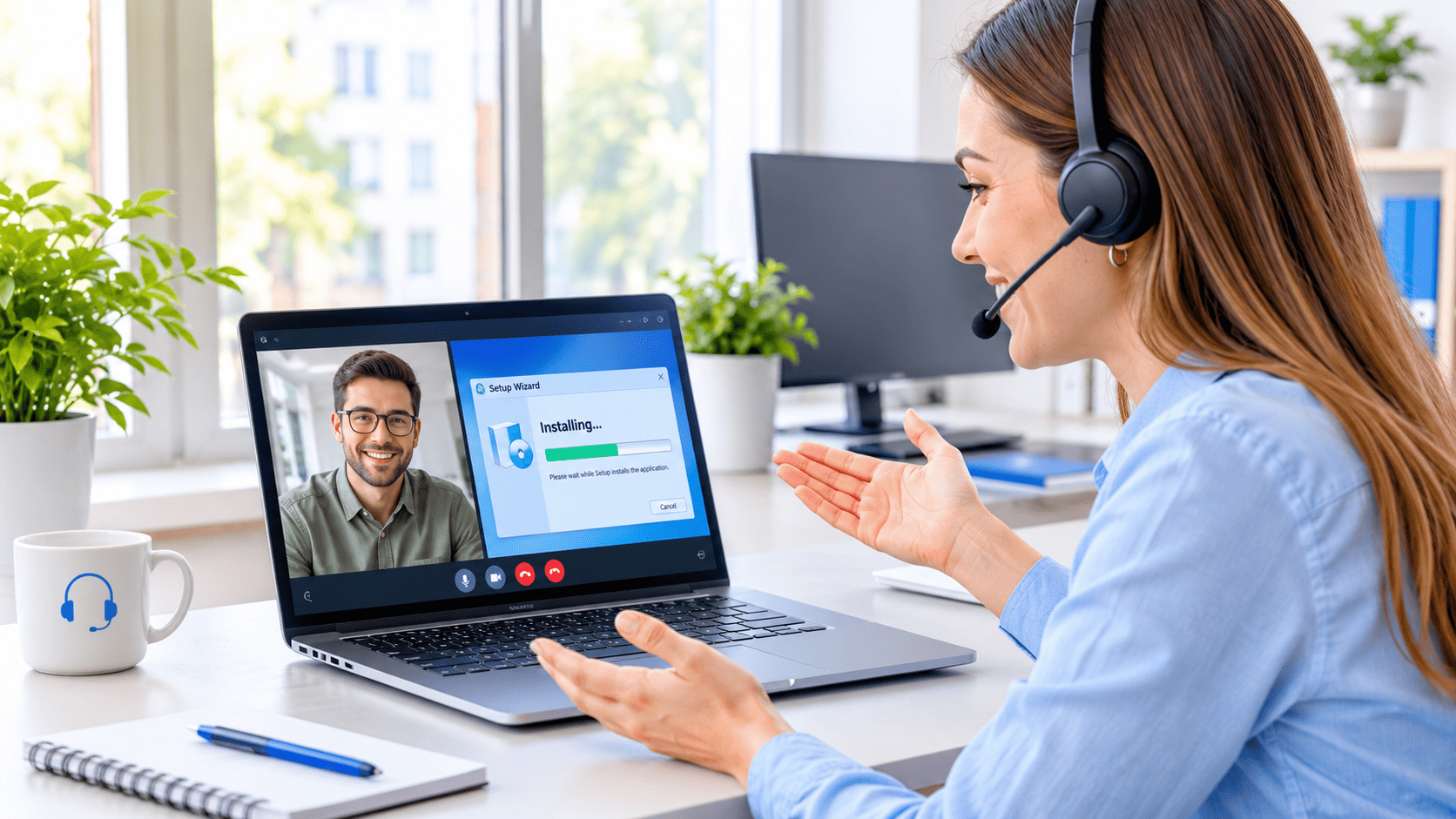
An attended session starts when a client asks for help, and a technician joins the same session. The core toolkit includes remote control, real-time screen sharing, file transfer and chat. By default, Zoho Assist asks the end user for consent before a technician takes control. For example, a technician can join a client’s accounting workstation, transfer a corrected configuration file and close the session within minutes. Higher plans add options such as voice and video chat, annotation and multi-monitor navigation, so compare plan details before you commit.
How Does Unattended Access Work for Managed Endpoints?
Unattended access lets a technician reach a device without anyone sitting at it. The device owner consents once during agent installation, and role permissions then govern later connections. Zoho Assist also supports Wake on LAN, remote shutdown and restart, and grouping, sorting and naming computers. To connect, technicians follow these steps:
- Log in to the Zoho Assist console.
- Open the Unattended Access tab.
- Locate the device in the list.
- Select Connect, or Connect As when the option appears.
Which Deployment Methods Suit Large Client Fleets?
MSPs rarely install agents one machine at a time. Zoho documents several routes, which the table summarises.
| Method | Best for | How it works |
|---|---|---|
| Distributor package | Onboarding a whole client site | Installs the unattended agent on many devices in bulk |
| Start-up script | Domain-joined or managed devices | Runs the installer automatically at device start-up |
| Setup during a live session | One-off fixes that become permanent access | Technician selects Setup Unattended Access inside an active session |
How Does Zoho Assist Protect MSP and Client Data?

An MSP holds the keys to many networks, so a compromised remote tool can harm every client at once. Security therefore deserves as much attention as speed. Zoho Assist – Remote Access Software applies several layers of protection.
What Encryption and Authentication Controls Does It Use?
Zoho states that sessions use TLS 1.2 with 256-bit AES encryption. The platform also encrypts data at rest: servers encrypt the screenshots and session recordings produced during sessions, and an in-house key management service protects the encryption keys. For account protection, Zoho Assist supports SMS and time-based one-time passcodes as a second login factor. In addition, Secure Connect requires every technician to verify identity with multi-factor authentication (MFA) before an unattended session begins, so stolen credentials alone cannot open a client device.
How Do Access Controls and Audit Logs Support Compliance?
Zoho lists IP restrictions, geolocation-based rules, role-based permissions and session recording among its layered controls. Administrators can assign each technician the device groups they may reach, and whether they can record sessions or transfer files. Zoho also says its encryption, access controls, session recording and audit logs help organisations align with standards such as GDPR and HIPAA. However, the tool alone does not make an MSP compliant. The MSP must configure it correctly and document its own procedures.
Data location can matter to clients too. Zoho stores user data in regional data centres, including the Netherlands and Ireland for the EU, as well as India, China, and Australia.
What Security Checklist Should MSPs Follow?
- Require MFA for every technician account.
- Use consent-based access whenever a user sits at the device, and limit unattended access by device group.
- Restrict logins by IP address or location where clients allow it.
- Review session logs on a fixed schedule, such as monthly.
- Match the data centre region to each client’s data residency requirements.
How Can MSPs Manage Technicians, Tickets and Workflows in Zoho Assist?
Tools only help when they fit the way a team already works. Zoho Assist – Remote Access Software offers user management, ticketing integrations and automation that match typical MSP routines.
How Do Roles, Groups and Departments Organise Large Teams?
Zoho’s user management feature lets administrators manage users, assign roles and privileges, and give technicians access to specific unattended groups. Departments add another layer of structure. A practical MSP model creates one device group per client and grants each technician only the groups on their client list. Consistent naming also helps at scale. For example, a name such as CLIENT-SITE-DEVICE tells a technician which client, location, and machine they are about to open, reducing the risk of connecting to the wrong computer.
Which Ticketing and Service Desk Tools Work with Zoho Assist?
Zoho integrates Assist with ServiceNow, Freshdesk, Zoho Desk, Zendesk, Freshservice, and LiveChat. The table shows what technicians can do in each tool.
| Platform | What technicians can do |
|---|---|
| ServiceNow | Launch remote support or screen sharing from incidents, then update the incident state and add session notes |
| Freshservice | Start instant or scheduled sessions from the ticket page, then update the status and add notes |
| Zoho Desk | Start remote support, screen sharing or unattended access directly from tickets |
| Freshdesk | Update the ticket status and add notes after a remote support session |
This linkage matters for billing and reporting. Each ticket then shows what the technician did and when, which supports SLA evidence and client invoices.
How Does Automation Reduce Manual Work?
MSPs can also connect Zoho Assist to other systems through Zoho Flow, a no-code builder that links apps without custom programming. In addition, Zoho says Assist can trigger remote commands based on alerts or user actions. As a result, repetitive tasks such as restarting a stalled service need less manual effort.
How Does Zoho Assist Pricing Work for an MSP?

Zoho Assist splits its pricing into two product lines with separate subscriptions: Remote Support for attended sessions and Unattended Access for persistent device management. MSPs often need both, so budget for each line.
| Plan line | Licensed by | Best MSP use |
|---|---|---|
| Free | One technician and up to five unattended computers | Testing and small pilots |
| Remote Support (Standard, Professional, Enterprise) | Per technician | Help desk staff who run live sessions |
| Unattended Access (Standard, Professional) | Per block of computers, with unlimited technicians | Managed workstations and servers |
Third-party listings show paid plans starting at about $10 per month, but figures differ by region, billing term and source. Therefore, confirm current prices on Zoho’s pricing page before you build a client quote.
What Hidden Costs Should MSPs Budget For?
CostBench highlights three cost drivers beyond the headline price:
- Exceeding the unattended computer limit of the chosen plan.
- Buying additional cloud storage for session recordings.
- Adding enterprise-level support.
How Can an MSP Roll Out Zoho Assist Step by Step?
A phased rollout limits risk and builds technician confidence. Follow these steps in order:
- Define the scope. List clients, devices, technicians and SLA targets.
- Run a pilot. Use the free plan on internal devices or one friendly client, since it covers one technician and five unattended computers.
- Build the structure. Create device groups per client, set a naming convention and assign technician roles.
- Deploy agents. Use the distributor package or start-up script for bulk installs, and set up stragglers during live sessions.
- Connect ticketing. Open Settings, choose Integrations and configure your service desk tool.
- Harden and train. Enforce MFA, apply IP restrictions, write a short runbook and train technicians on consent rules.
- Review after 30 days. Compare results with your baseline and adjust plans or permissions.
How Should MSPs Measure Success?
Track four indicators: mean time to resolve tickets, the share of tickets solved remotely, the number of after-hours fixes that avoided user disruption, and the completion rate of scheduled log reviews. Together, these figures show whether remote support saves travel time and protects SLA performance.
Key Takeaways
Zoho Assist – Remote Access Software gives MSPs a practical foundation for remote IT support. Attended sessions resolve live issues, unattended access handles after-hours maintenance, and ticketing integrations tie each session to a service record. Security controls such as encryption, multi-factor authentication, role permissions and session logs help MSPs protect client networks. However, each provider must configure those controls carefully and meet its own compliance duties.
On the cost side, separate Remote Support and Unattended Access plans let MSPs start small and grow. Therefore, the best path begins with a pilot, continues with bulk agent deployment, and ends with a review of resolution times. As a result, MSPs that plan the rollout carefully can reduce travel, speed up response and document every action.
Frequently Asked Questions
Yes. Unattended access lets technicians connect after an agent installs on the device. The device owner gives consent once during installation, and role permissions then control which technicians may connect. Zoho Assist also logs each unattended connection.
Zoho Assist uses TLS and 256-bit AES encryption, supports multi-factor authentication and offers role-based permissions, session logs and regional data centres. Zoho says these controls help organisations align with standards such as GDPR and HIPAA. Nevertheless, regulated clients should review their own requirements, and the MSP must configure the platform accordingly.
Yes. Zoho Assist offers a free plan with one technician and five unattended computers, and some listings also mention a free trial. A pilot with internal devices or one client shows how the tool fits your workflow before you commit to paid plans.
How Can Solution for Guru Help You Deliver Remote IT Support?
Solution for Guru is a technology consultancy offering CRM and SaaS integrations, AI and automation solutions, custom web development, and tech consulting. Its platform list includes Zoho, Freshservice, ManageEngine and Zendesk, which MSPs often pair with remote support tools. Working with Solution for Guru offers these benefits:
- Integration expertise: The team integrates and customises SaaS platforms to improve workflow, which helps when you connect Zoho Assist to a ticketing system.
- Automation: AI and automation services reduce repetitive manual work between support tools.
- Tailored strategy: The company builds a strategy for each niche, so your remote support model reflects your client mix.
- Technology consulting: Advisers guide decisions on IT infrastructure and optimisation, including tool selection and rollout planning.
- Security focus: Cybersecurity and data protection services help safeguard client data as you add remote access layers.
- Track record: The company reports more than 35 clients and keeps profiles on review platforms such as G2 and Clutch.
To discuss your remote support setup, contact Solution for Guru and ask for a free consultation.
Recommended:
- Using Zoho Assist During Employee Onboarding
- Remote Troubleshooting for Windows, Mac, Linux, and Mobile Devices with Zoho Assist
- How Does Zoho Assist Improve First-Call Resolution?
- Zoho Assist for Cross-Border Support: Cloud-Based Access Without Network Restrictions
- How Does Zoho Assist Help Reduce Support Costs?
- Supporting Hybrid Employees Using Zoho Assist
- What Are the Best Use Cases for ManageEngine Remote Access Plus in Enterprise IT?
- How Does Zoho Assist Support Android Endpoints Remotely for Mobile Device Support?
- How Does Zoho Assist Help Remote Customer Support Teams Run Attended Sessions Without Installations?
- What Are the Best Practices for MSPs Using ManageEngine Remote Access Plus?
- Why Businesses Choose ManageEngine Remote Access Plus Instead of Traditional Remote Desktop
- ManageEngine Remote Access Plus Review
- Why Businesses Choose Zoho Assist for Remote Support
- Zoho Assist – Review, Feedback, Price, Pros and Cons
- 12 Jobs You Wouldn’t Have Without Remote Access Software
- What Are the Use Cases of Remote Access Software Across Different Industries?
- ManageEngine Remote Access Plus: Is This the Best Enterprise Remote Support Tool in 2026?
- Remote Access Security Model: Encryption and Compliance — What Does Every Enterprise Need to Know?
- Remote Access Software for Enterprise IT Support