How Does BambooHR Work? Features, Modules, and Benefits Explained
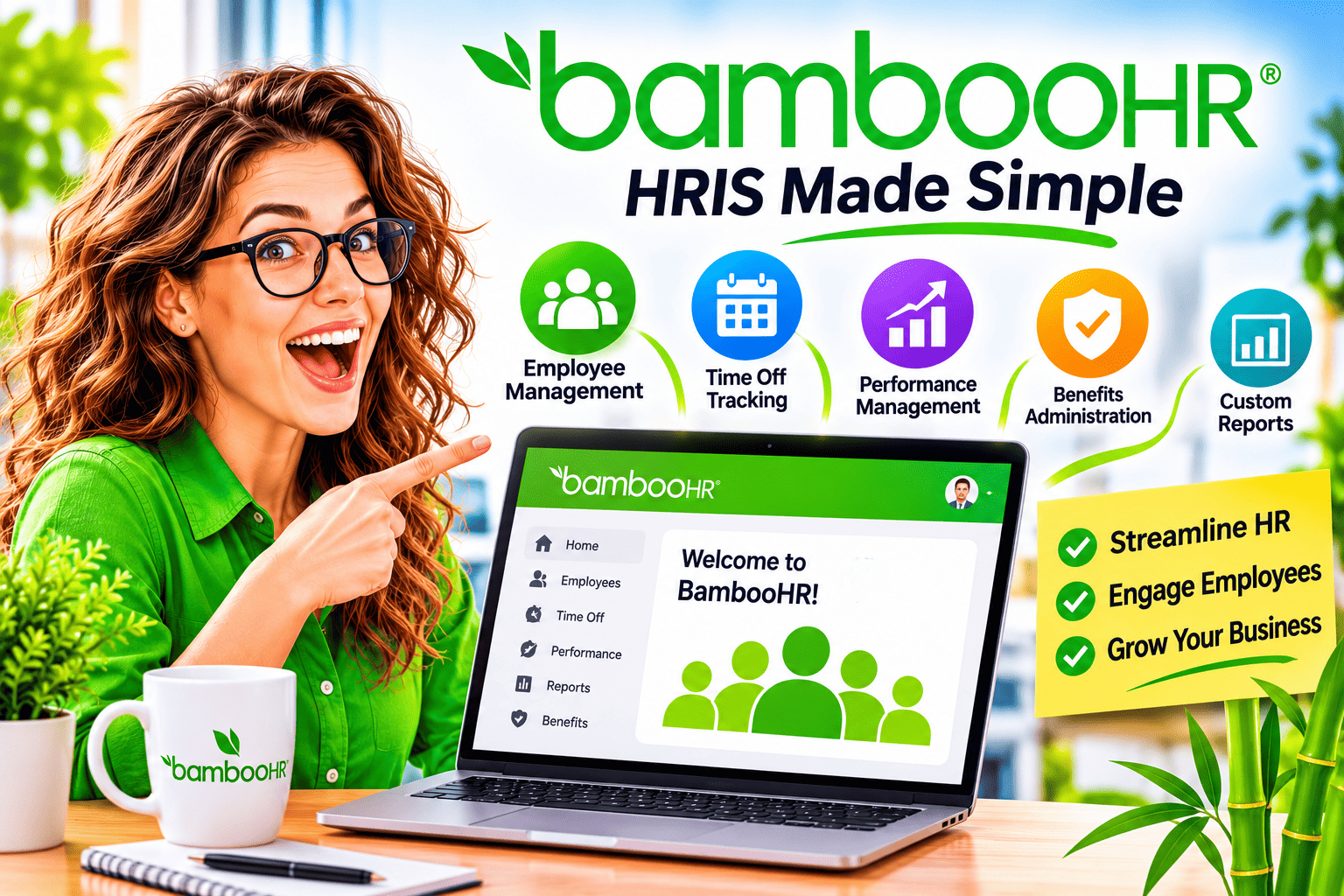
Managing people with spreadsheets and email chains works only while the team stays small. Once you grow, contracts go missing, time-off balances drift, and new hires wait days for their accounts and paperwork. Many small and mid-sized companies fix this problem with a human resources information system, or HRIS. BambooHR ranks among the best-known options in that category.
This guide explains how BambooHR works, which modules and features it offers, and what benefits and limits you should expect. It also shows how a technology partner such as Solution for Guru can connect an HRIS to the rest of your business systems.
Table of contents
What Should You Know in Brief About BambooHR?
Here is the short version before the details.
- What it is: BambooHR is a cloud-based HRIS built for small and mid-size businesses that want to manage the full employee lifecycle in one place.
- How it works: A central employee database feeds modules for hiring, onboarding, time off, reporting, and performance. Employees use self-service tools to view and update their own information.
- What it costs: Third-party reports list Core, Pro, and Elite plans at about $10, $17, and $25 per employee per month, with payroll, benefits administration, and time tracking sold as add-ons.
- What users say: Capterra shows about 96% positive reviews, and G2 lists a 4.4 out of 5 average across more than 5,700 reviews.
- Where it falls short: Payroll covers US employees only, add-ons raise the total bill, and reviewers call timesheet features limited.
- Who it suits: Small and mid-sized teams that want their first centralized HR system.
How Is BambooHR Related to HRIS Software?

BambooHR is an HRIS, so this article starts by explaining that category. The platform stores employee data, automates routine HR workflows, and gives managers and staff a shared workspace.
What Is an HRIS and Why Does It Matter?
An HRIS is a single system of record for people data. It holds employee profiles, job details, documents, leave balances, and reports in one database. As a result, HR teams stop copying information between files, and managers stop asking for the same details twice. As a result, the company makes fewer errors and answers employee questions faster.
Where Does BambooHR Fit in the HRIS Market?
BambooHR targets small and mid-size companies rather than large enterprises. Capterra’s analysts describe it as a fit for SMBs that want centralized HR workflows and fast setup. Meanwhile, a Technology Advice review notes that the base software covers nearly every stage of the employee life cycle, from recruitment to offboarding. That breadth helps explain why many growing teams choose BambooHR as their first HRIS.
How Does BambooHR Work From Setup to Daily Use?
BambooHR works as a central hub. Administrators configure the system once, employees keep their own data current, and managers handle approvals inside the same platform. Every action updates the same record, so the information stays consistent across teams.
What Is the Basic BambooHR Workflow?
Most companies follow the same sequence when they adopt the platform:
- Set up the company profile. Administrators define departments, job titles, locations, and the fields that appear on each employee profile.
- Import employee data. Teams load existing records, documents, and leave balances from spreadsheets.
- Assign access levels. Each person sees only the information that fits their role.
- Invite employees. Staff log in to view their details, request time off, and sign documents.
- Automate routine tasks. Workflows trigger onboarding steps, approvals, and reminders.
- Review reports. HR leaders check headcount, turnover, and absence data to guide decisions.
A Technology Advice review adds that administrators can customize profile tabs and fields to match their own HR processes.
Who Uses BambooHR Inside a Company?
Different roles use BambooHR for different jobs. The table below shows the typical split.
| Role | Typical use of BambooHR |
|---|---|
| HR administrator | Maintains records, configures policies, runs reports |
| Manager | Approves time off, reviews team information, tracks performance |
| Employee | Updates personal details, requests leave, views documents and benefits |
| Recruiter | Posts jobs, reviews candidates, moves hires into onboarding |
| Executive | Reads headcount and workforce analytics |
How Does BambooHR Handle Core HR Tasks?

Core HR is where BambooHR earns most of its praise. The Technology Advice review says the platform excels at core HR, including the employee database, document storage, and self-service features.
How Does BambooHR Store Employee Records?
BambooHR keeps profiles, job history, documents, and personal details in one database. HR staff searches the database instead of digging through shared drives. Employees can also update their own contact details, which removes a steady stream of small requests from the HR inbox. A Capterra reviewer says it is easy to find company and personal information in one place.
How Does BambooHR Manage Time Off?
Managers set time-off policies and accrual levels, then approve requests inside the platform, as described in an eLearning Industry directory entry. Employees see their balances and request leave from a computer or the mobile app. In addition, coworkers can see who is away, which helps teams plan around absences.
How Does BambooHR Simplify Onboarding?
Onboarding checklists guide each new hire through paperwork, introductions, and first-week tasks. Capterra reviewers highlight smooth onboarding tools and strong self-service features. One reviewer also reports that implementation took only a handful of one-hour sessions. As a result, small teams can launch quickly without a long project.
How Does Reporting Work in BambooHR?
BambooHR includes pre-built report templates and a custom report builder with filters and real-time previews. Technology Advice notes that more advanced dashboards and benchmarking sit in higher tiers. Consequently, small teams can start with simple reports and move up as their needs grow.
How Do Self-Service and Mobile Access Work in BambooHR?
Every employee receives a login, and the interface shows only what their role allows. Staff open their profile, review pay details, read company policies, and check signed documents. Capterra reviewers say BambooHR makes it easy for non-HR employees to review personal information, pay, signed documents, and policies. Managers use the same screens to approve requests, so no one has to switch between tools. Meanwhile, the mobile app lets field teams and remote workers handle quick tasks, such as leave requests, without a desktop. This design reduces questions for HR and gives employees control over their own data.
Which BambooHR Modules and Features Can You Use?
BambooHR follows a modular design. You start with the HR foundation and add modules as your needs grow. The Technology Advice review lists recruitment, onboarding, employee self-service, reporting and analytics, time tracking, payroll, benefits administration, and performance management as the main areas.
What Does Each BambooHR Module Do?
| Module | What it does | Cost note |
|---|---|---|
| Core HR and employee database | Stores profiles, documents, and job history | Included in base plans |
| Time off | Manages policies, accruals, requests, and approvals | Included in base plans |
| Onboarding and offboarding | Guides new hires and leavers through task lists | Base plans, with tier differences |
| Applicant tracking | Manages job openings, candidates, and interviews | Limits vary by plan |
| Performance management | Supports reviews, goals, and feedback | Higher tiers or add-on, depending on plan |
| Reporting and analytics | Builds standard and custom reports | Advanced views in higher tiers |
| Time tracking | Records hours worked | Paid add-on |
| Payroll | Processes pay for US employees | Paid add-on with custom quote |
| Benefits administration | Handles benefit enrollment for US employees | Paid add-on |
Plan contents change over time, so confirm the current inclusions with the vendor before you buy.
What Are Ask BambooHR and Global Hiring Tools?
BambooHR now includes an AI assistant called Ask BambooHR. The assistant answers HR data questions on Core, adds company policies and documents on Pro, and adds benchmark questions on Elite. The same source notes an embedded Employer of Record service, powered by Remote, that helps manage hiring and onboarding compliance across regions.
Which Limits Apply to Applicant Tracking and Training?
Software Finder also lists limits by plan. Core allows 5 job openings, Pro allows 25, and Elite allows 50. Compliance training grows from 1 course on Core to 15 on Pro and more than 300 on Elite. Therefore, a fast-growing company should check these limits before choosing a tier.
What Are the Main Benefits of Using BambooHR?
BambooHR‘s benefits show up in three places: HR time, employee experience, and decision quality. Each one matters more as headcount rises.
How Does BambooHR Save HR Time?

Self-service sits at the heart of the time savings. Employees update their own details and request leave without emailing HR. One Capterra reviewer says the self-service features significantly reduce HR ticket volume. In addition, automated onboarding tasks and approvals replace manual reminders. BambooHR’s pricing page also cites a customer who saved 7 hours a week with integrated applicant tracking, although that figure comes from the vendor.
How Does BambooHR Improve the Employee Experience?
Employees get one place for their personal information, pay details, documents, and time off. Capterra reviewers describe the interface as clean and easy to navigate. Moreover, they enjoy small cultural touches, such as seeing coworkers’ birthdays and work anniversaries. As a result, HR tools feel less like paperwork and more like part of everyday work.
How Does BambooHR Support Better Decisions?
Reporting turns stored data into insight. Leaders can track headcount, absence patterns, and turnover without building spreadsheets by hand. As a result, they spot problems earlier, such as a team with rising absence or an office with frequent exits.
Why Do Users Rate BambooHR Highly for Ease of Use?
Capterra reports an ease-of-use score of 4.7 and a customer service score of 4.5. The platform’s tab-based layout also earns praise from Technology Advice, which calls the interface one of its stronger features. Because people adopt easy tools faster, high usability often drives the real return on an HRIS.
How Do You Keep Employee Data Safe in an HRIS?
HR records hold some of the most sensitive information in a company, so security belongs on your checklist. First, give each user only the access their role needs, and review those rights regularly. Next, remove access the day someone leaves. Then ask the vendor how it stores data and how it supports your country’s privacy rules. Finally, keep documents inside the HRIS instead of in email attachments. BambooHR offers custom access levels on higher plans, which helps you apply these habits, and you should confirm the exact controls during your trial.
How Much Does BambooHR Cost, and How Does It Connect to Other Tools?

BambooHR charges per employee per month, and your final bill depends on your plan, headcount, and add-ons. Published figures differ between sources, so treat the numbers below as reported ranges.
What Do the BambooHR Plans Cost?
| Plan | Reported price (per employee, per month) | Focus |
|---|---|---|
| Core | About $10 | Employee records, time off, basic workflows |
| Pro | About $17 | Adds performance management, surveys, and engagement tools |
| Elite | About $25 | Adds deeper analytics, training, and support |
The Gusto guide also reports a flat minimum of about $250 per month for teams of 25 or fewer employees. For example, a 40-person company on Pro would pay about $680 per month for the base plan (40 × $17), before add-ons.
Which Extra Costs Should You Plan For?
Payroll, benefits administration, and time tracking cost extra. Payroll and benefits cover US employees only, and payroll pricing requires a custom quote. The vendor’s pricing page mentions a 15% bundle discount when you combine the Pro plan with Payroll and Benefits Administration. Additionally, Gusto’s guide reports month-to-month and extended contracts, and a 15% discount for not-for-profits. Ask for a bundled quote that includes every module you need.
How Well Does BambooHR Integrate With Other Systems?
Integration feedback varies. One Capterra reviewer calls integration with downstream tools straightforward, while a Merchant Maverick review lists clunky integrations among the cons. Capterra’s pros-and-cons summary also flags limited payroll integration and flexibility. Therefore, map your payroll, accounting, CRM, and identity tools before you commit, and test each connection during your trial.
How Long Does Implementation Take?
Setup time depends on data quality and complexity. One reviewer reports that implementation needed only a handful of one-hour sessions. Even so, plan extra time for data cleanup, access rules, and manager training. A clear plan helps you launch quickly and avoid rework.
How Can You Estimate Your Total BambooHR Cost?
A simple calculation keeps surprises away:
- Choose the plan that includes the features you must have.
- Multiply the per-employee price by your headcount.
- Compare the result with any minimum monthly fee.
- Request quotes for payroll, benefits, or time tracking if you need them.
- Subtract any bundle discount the vendor offers.
- Multiply the monthly total by 12 for the annual cost.
Remember that one required feature can push your whole headcount into a higher tier. List your must-have features first, then pick the plan.
What Are the Limitations of BambooHR, and Who Should Choose It?
No HRIS fits every company. A fair evaluation looks at both strengths and weak spots.
What Are the Common Drawbacks of BambooHR?
Reviewers and analysts raise several recurring issues:
- Add-on costs: Payroll, benefits administration, and time tracking raise the total price, as Merchant Maverick notes.
- Regional limits: Payroll is available only for US-based employees, according to Select Software Reviews.
- Support hours: The same source says customer support runs during US business hours.
- Timesheet depth: PeerSpot reviewers call timesheet functionality limited, especially for hourly employees.
- Performance flexibility: PeerSpot reviewers also want more flexible evaluation questions.
- Rising prices: Capterra’s summary lists high and escalating costs, and one reviewer says prices keep rising.
How Does BambooHR Compare With Other Types of HR Platforms?
| Criteria | BambooHR | Payroll-first platforms | Enterprise HR suites |
|---|---|---|---|
| Main strength | HR records, onboarding, ease of use | Pay processing and tax filing | Deep compliance and scale |
| Best for | Small and mid-sized teams | Teams that mainly need payroll | Large, complex organizations |
| Time tracking | Paid add-on | Often included in core plans | Usually included |
| Payroll scope | US only | Varies by provider | Broad |
Merchant Maverick notes that BambooHR is more HR-focused than payroll-focused, so companies that mainly need payroll may find cheaper alternatives. Meanwhile, Maqtoob’s comparison says ADP Workforce Now offers deeper compliance tools that BambooHR lacks.
Who Should Choose BambooHR?
BambooHR suits teams that match most of these points:
- You want your first centralized HRIS after spreadsheets.
- You value an intuitive interface and quick adoption.
- Most employees work in the US, or you can handle payroll elsewhere.
- You prefer to add modules step by step rather than buy a large suite.
What Mistakes Should You Avoid When Adopting an HRIS?

Several errors slow down HRIS projects:
- Skipping data cleanup. Messy spreadsheets create messy records in the new system.
- Ignoring add-on costs. The base price rarely shows the full bill.
- Leaving managers untrained. Managers decide whether approvals and reviews run smoothly.
- Delaying integrations. Payroll and accounting links cause the most late surprises.
- Choosing for a future you may never reach. Pick a tool for your next two years.
How Should You Evaluate a BambooHR Trial?
Treat the free trial as a real pilot. Load a small group of employees, run one onboarding, and process several time-off requests. Then build a report you actually need. Ask managers and employees for feedback after two weeks. Finally, compare your findings with your must-have list, and decide with data instead of impressions.
What Is the Final Verdict on How BambooHR Works?
BambooHR works as a central HRIS. It stores employee data in one database, lets employees help themselves, and connects hiring, onboarding, time off, reporting, and performance in one interface. Its modular design also lets you add payroll, benefits, and time tracking as your needs grow.
What Should You Remember About BambooHR?
- BambooHR suits small and mid-sized companies that want their first centralized HR system.
- Its ease of use drives strong ratings on Capterra and G2.
- Add-ons, US-only payroll, and limited timesheet depth can raise cost and complexity.
- Reported plan prices run from about $10 to $25 per employee per month, so confirm current quotes.
What Is the Best Next Step?
List the HR tasks that cost you the most time, then test BambooHR against that list during a trial. Check your payroll, accounting, and CRM connections early. If your stack is complex, bring in a technology partner before launch, so BambooHR supports your growth instead of slowing it.
What Are the Frequently Asked Questions About BambooHR?
Yes. Analysts describe BambooHR as a strong fit for small and mid-sized businesses that want fast setup and an intuitive interface. Small teams should still check the cost. Gusto’s guide reports a flat minimum of about $250 per month for teams of 25 or fewer, and Pin suggests comparing that floor with cheaper alternatives at low headcounts.
Not in the base plans. Core, Pro, and Elite cover HR features, and payroll is a paid add-on with a custom quote. Payroll also covers US-based employees only. Therefore, companies with staff in other countries need a separate payroll solution.
Usually, but experiences differ. Some reviewers find integrations straightforward, while others call them clunky. Ask the vendor about the exact tools you use, and test each connection during your trial. A technology partner can design and validate complex integrations for you.
What Are the Benefits of Cooperating With Solution for Guru?
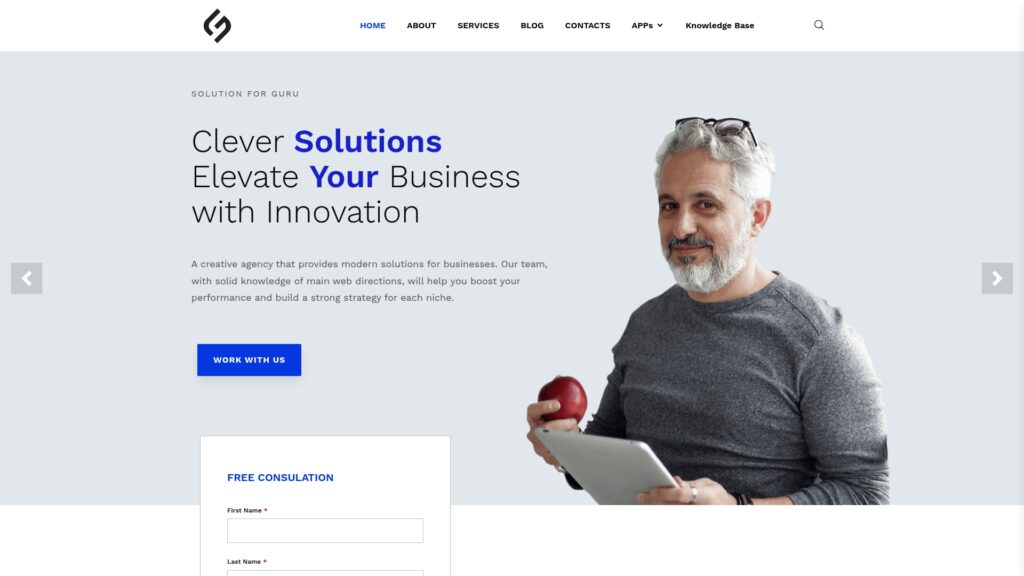
Solution for Guru is a tech solutions provider that specializes in web development, AI, and digital strategy. Its team also covers CRM and SaaS integrations, which matter when an HRIS must exchange data with the rest of your business.
How Can Solution for Guru Support Your HRIS Project?
An HRIS rarely works alone. It needs to share data with payroll, CRM, accounting, and service tools. Solution for Guru works with platforms such as Rippling, Sage, Deel, Zoho, Salesforce, Pipedrive, monday.com, Zendesk, and Freshservice. As a result, the team understands how business systems connect and can help you plan a clean integration around BambooHR or any comparable HR platform.
What Benefits Do You Gain From the Partnership?
- Integration expertise: The team integrates and customizes CRM and SaaS platforms to improve workflow and customer management.
- Automation: AI and automation services remove repetitive work beyond HR.
- Full digital coverage: Web development, UI/UX design, SEO, e-commerce, and cybersecurity sit under one roof.
- Strategic guidance: Tech consulting covers digital transformation, IT infrastructure, and business optimization.
- Proven track record: The company reports more than 35 clients and holds profiles on G2, Clutch, UpCity, and the HubSpot marketplace.
- Low-risk start: The website offers a free consultation, so you can discuss your needs before you commit.
How Do You Get Started?
Visit solution4guru.com, describe your HR and software goals, and book the free consultation. Then pair that advice with a BambooHR trial to build a people-operations setup that scales.
Recommended:
- Why Do Growing Businesses Choose HoorayHR?
- What Is BambooHR? A Complete Guide to This HRIS Platform
- HR Analytics in HoorayHR
- Digital HR Transformation with HoorayHR
- How Whitevision Helps Finance Teams Manage High Document Volumes
- Employee Onboarding Best Practices with HoorayHR
- Integrating Whitevision with Accounts Payable Software
- Whitevision AI Document Processing: Common Business Use Cases
- What KPIs Should You Track in Expense Management?
- Zoho Expense Pricing Explained: Plans, Features, and Costs
- Whitevision vs Moss: Which Platform Fits Your Finance Workflow Better?
- Key Features of HoorayHR
- Zoho Expense Review: Pros, Cons, and Key Features
- HoorayHR ROI: How Businesses Save Time with HR Automation
- How Long Does It Take to Implement HoorayHR?
- HoorayHR Review: Features, Pros, Cons, and Best Use Cases
- What Is HoorayHR? A Complete Overview
- Best Expense Automation Software: Which Platform Fits Your Business?
- What ROI Can Businesses Expect From Expense Automation Software?
- Multi-Currency Expense Management with Zoho Expense
- What Is Zoho Expense and How Does It Work?
- What Are the Biggest Challenges in Multi-Entity Expense Management?
- Whitevision vs Traditional Invoice Processing: What Changes?