Azuga Review: Features, Pros, Cons, and Best Use Cases
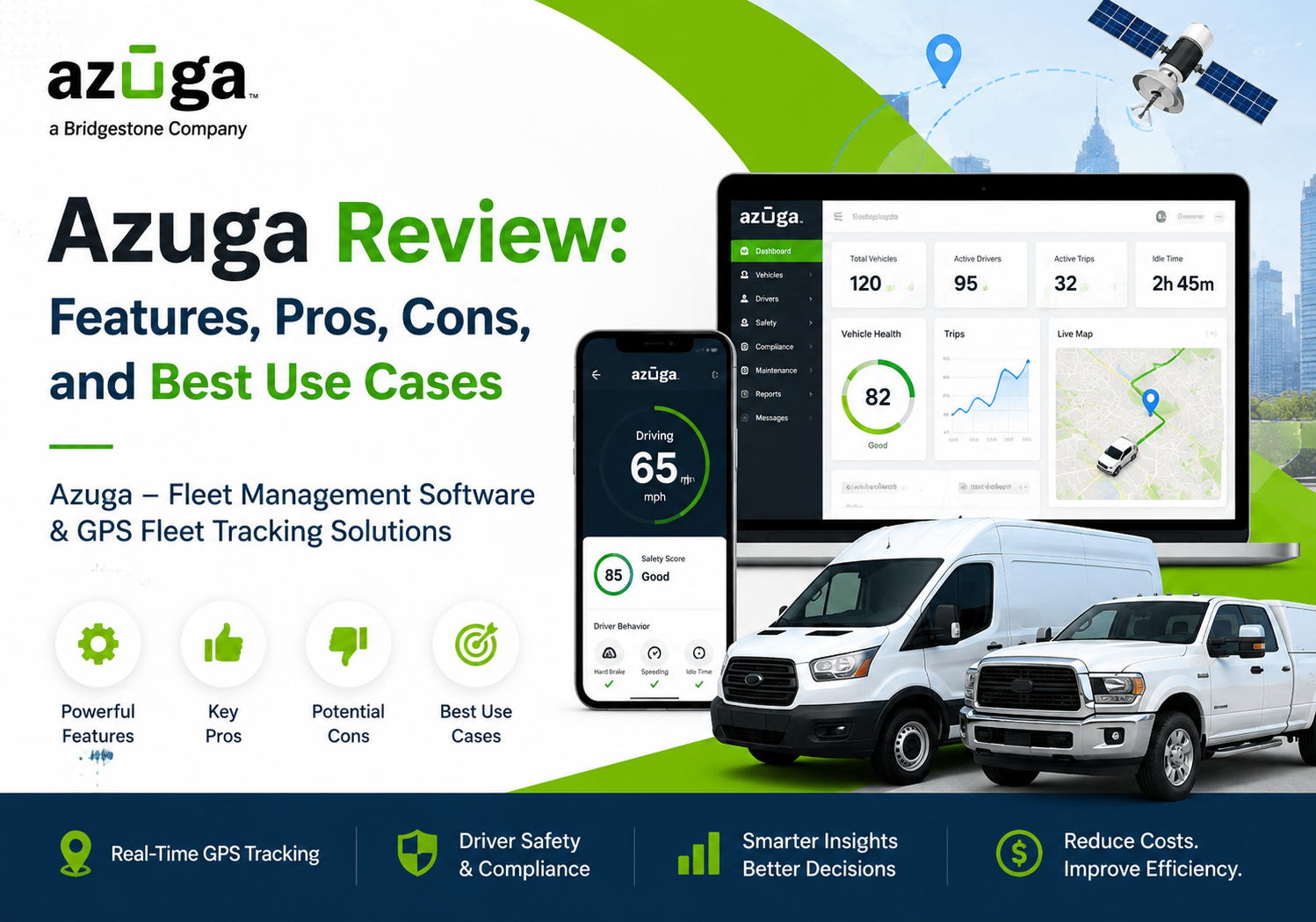
Choosing the right telematics platform can make or break a fleet’s bottom line. Fuel waste, unsafe driving, and unplanned maintenance quietly drain profits every single day, and a fleet manager without real-time visibility has almost no way to catch these problems before they escalate. That’s exactly the gap that Azuga – Fleet Management Software & GPS Fleet Tracking Solutions aims to close.
This review breaks down what Azuga actually does, where it shines, where it falls short, and which businesses get the most value from it. Whether you run three delivery vans or a three-hundred-vehicle enterprise fleet, this guide will help you decide if Azuga deserves a spot on your shortlist.
Table of contents
Quick Summary: What Should You Know About Azuga Before You Read Further?
Azuga is a cloud-based fleet management and GPS tracking platform built for businesses that need to monitor vehicles, drivers, and assets in real time. The platform combines plug-and-play GPS hardware, dash cameras, and driver-behavior analytics into a single dashboard, and it layers a gamified rewards system on top to encourage safer driving habits.
Here’s the quick-reference version:
| Category | Details |
|---|---|
| Best for | Small to mid-sized fleets, field service, delivery, construction |
| Deployment | Browser-based, iOS, Android |
| Pricing model | Quote-based, starting around $25/month per vehicle |
| Standout feature | Driver rewards and gamification |
| Setup | Plug-and-play OBD-II hardware, typically installed in seconds |
| Support | 24/7 phone, email, and ticketing, plus live training |
Businesses researching fleet telematics often compare dozens of vendors before narrowing the list down, and pricing pages alone rarely tell the full story. Instead, real user reviews, documented safety outcomes, and hands-on demos tend to reveal far more about how a platform performs once it’s actually installed on a moving vehicle. That’s exactly the approach this review takes.
Now, let’s dig into the details.
What Is Azuga and How Does It Work?

Azuga is a fleet telematics provider that pairs hardware devices with cloud software to give business owners a live view of their vehicles. Once a technician or driver plugs a small tracker into a vehicle’s OBD-II port, the device starts streaming location, speed, and diagnostic data straight to the Azuga dashboard.
From there, fleet managers can watch vehicles move on a map in real time, review historical routes, and pull reports on fuel use, idling, and driver behavior. Because the platform is cloud-based, managers can log in from a laptop in the office or check the mobile app from anywhere, which matters a great deal for teams that split their day between the road and the yard.
Azuga also differentiates itself with a rewards-based approach to safety. Instead of only flagging bad behavior, the platform scores each driver and lets top performers earn redeemable points. This turns compliance into a bit of a game, and many operators report that it improves buy-in compared to traditional monitoring-only systems.
Azuga was originally built around the idea that telematics data should do more than just record what happened. It should actively change behavior going forward. That philosophy shows up throughout the platform, from the way driver scores are displayed to the way alerts are worded, and it’s a big part of why the company continues to attract small and mid-sized fleets that previously found enterprise telematics tools too rigid or too punitive.
It’s also worth noting that Azuga positions itself as an end-to-end solution rather than a single-purpose GPS tracker. The company bundles fleet tracking, dash cameras, asset tracking, driver coaching, and gamification under one roof, so businesses don’t necessarily need to stitch together several separate vendors to cover these bases.
What Key Features Does Azuga Offer?
Azuga’s feature set covers the core pillars of fleet management: location tracking, driver safety, vehicle health, and reporting. The sections below walk through each pillar in more detail.
How Does Real-Time GPS Tracking Work?
Azuga’s GPS tracking updates vehicle locations frequently enough for dispatchers to make fast, informed decisions. Managers can see every vehicle on an interactive map, replay historical trips, and set up geofences around job sites, warehouses, or restricted zones. When a vehicle enters or exits a geofenced area, the system sends an automatic alert, which is particularly useful for confirming deliveries or catching unauthorized after-hours use.
Route history logs also help with customer disputes, since a manager can pull up exactly where a vehicle was at a given time and prove a delivery or service call actually happened.
What Does Driver Behavior Monitoring Include?
Driver safety sits at the center of Azuga’s value proposition. The platform tracks harsh braking, rapid acceleration, speeding, and excessive idling, then converts that raw data into an individual driver score. According to Azuga’s own data, businesses using the platform have seen a 57% reduction in driving citations, a 38% reduction in accidents, and a 53% reduction in fleet wear and tear.
Beyond scoring, the platform layers in gamification. Drivers can compare their scores against teammates, unlock rewards, and see tangible recognition for safe habits, which shifts safety from a top-down mandate into something drivers actively want to improve.
How Does Azuga Handle Maintenance and Diagnostics?
Unplanned breakdowns cost money and disrupt schedules, so Azuga pulls engine diagnostic codes and mileage data directly from each vehicle to flag maintenance needs before they become expensive repairs. The system can automatically schedule reminders for oil changes, inspections, and other routine service, which helps fleets avoid the kind of reactive maintenance that shortens vehicle lifespan.
What Do Asset Tracking and Dash Cameras Add to the Platform?
Beyond vehicle tracking, Azuga extends visibility to trailers, generators, and other high-value equipment through dedicated asset trackers. These devices don’t require a vehicle battery, so they work well for equipment that sits idle for long stretches between job sites, and they alert managers the moment an asset moves outside an approved zone. This matters enormously for construction and rental businesses, where theft of unpowered equipment is a persistent and costly problem.
Azuga also offers dash camera options that capture both road-facing and driver-facing footage. In the event of an accident, this footage can protect a business from liability disputes by providing an objective record of what actually happened. Additionally, the cameras can trigger automatic alerts for risky behaviors like distracted driving, adding another layer of proactive safety monitoring on top of the standard GPS-based scoring system.
What Reporting and Analytics Tools Does Azuga Provide?
Azuga’s reporting suite pulls together fuel consumption, driver scores, idle time, and vehicle utilization into dashboards that managers can review daily, weekly, or monthly. These reports help identify patterns that aren’t obvious from a single trip, such as a particular route that consistently burns more fuel than expected or a driver whose speeding incidents cluster around a specific time of day.
Fleet managers can also export this data or push it into business intelligence tools through Azuga’s integration library, which becomes especially useful for larger organizations that need to combine telematics data with financial or operational reporting from other departments.
What Integrations Does Azuga Support?
Azuga connects to more than twenty third-party platforms, which helps it fit into an existing operational stack rather than forcing a business to rebuild its workflow from scratch. Azuga Fleet connects to integrations including ASPIRE, Fleet Cost & Care, Microsoft Power BI, AUTOsist, Comdata AP Automation, Fleetio, Route4Me, and ServiceTitan. That range covers dispatch, maintenance tracking, fuel management, and business intelligence, so teams already using tools like Power BI or ServiceTitan can layer Azuga’s telematics data on top without switching systems.

What Are the Pros of Using Azuga?
Azuga earns consistently strong reviews, and several strengths come up again and again across independent research.
| Pro | Why It Matters |
|---|---|
| User-friendly interface | Reviewers praise the platform for its user-friendly interface, which makes tracking and reporting accessible to both technical and non-technical users |
| Fast, simple installation | Plug-and-play hardware typically takes seconds to install, with no professional installer required |
| Strong safety outcomes | Documented reductions in citations, accidents, and vehicle wear support the platform’s safety-first approach |
| Broad integration library | Over 20 integrations connect Azuga to dispatch, accounting, and BI tools businesses already use |
| Solid customer support | 24/7 phone, email, and ticketing support, plus in-person and live online training |
| High overall satisfaction | Azuga Fleet holds a rating of 4.7 out of 5 from 158 reviews, indicating strong user satisfaction and reliability |
In addition to these strengths, drivers themselves tend to respond well to the gamified scoring system, which reduces the friction that often comes with monitoring software.
What Are the Cons of Using Azuga?
No platform is perfect, and Azuga has a handful of recurring complaints worth weighing before you commit.
| Con | Why It Matters |
|---|---|
| Limited report customization | Limited options for customizing reports restrict detailed analytics for teams that need highly tailored data views |
| Learning curve for new users | New users might find the complex features and customizations overwhelming without adequate training or support |
| Mobile app navigation | The mobile app can be difficult to navigate for both drivers and managers |
| Limited offline functionality | Offline functionality is minimal, and most features require an active internet connection |
| Contract and billing concerns | Some reviewers report concerns about high cancellation fees, auto-renewal contracts, and billing transparency |
| Support response times | Some users note occasional delays in issue resolution, particularly during high-demand periods |
None of these drawbacks are dealbreakers on their own, but they’re worth discussing directly with an Azuga sales rep before signing a contract, especially the cancellation and auto-renewal terms.
How Much Does Azuga Cost?

Azuga does not publish full pricing on its website, so businesses need to request a custom quote. That said, published estimates give a useful starting point. Pricing starts at approximately $25.00 per month per vehicle, though the final cost depends on fleet size, hardware needs, and which add-on modules a business selects.
| Pricing Factor | What Influences the Cost |
|---|---|
| Fleet size | Larger fleets often unlock volume discounts |
| Hardware type | Basic GPS trackers cost less than dash cameras or advanced diagnostics units |
| Contract length | Longer commitments may reduce the monthly rate but increase cancellation risk |
| Add-on modules | Dispatch, asset tracking, and driver rewards may carry separate fees |
Because pricing is quote-based, the smartest move is to request a demo, compare the proposal against at least one competitor, and ask specifically about cancellation terms before signing.
What Are the Best Use Cases for Azuga?

Azuga’s feature mix makes it a strong fit for certain business types more than others. Here’s where it tends to deliver the most value:
- Field service companies that need to verify job-site arrivals, optimize routes between appointments, and reduce windshield time.
- Construction fleets managing mixed vehicle and equipment assets across multiple job sites, where geofencing and asset tracking prevent theft and misuse.
- Delivery and logistics operations that rely on accurate route history to resolve customer disputes and improve on-time performance.
- Small to mid-sized businesses that want enterprise-grade telematics without the complexity or cost of enterprise-only platforms.
- Safety-focused fleets in industries like transportation or utilities, where reducing accidents and citations directly lowers insurance costs.
Meanwhile, very large enterprise fleets with highly specialized reporting needs may find the platform’s customization limits more restrictive, and might want to weigh Azuga against more configurable enterprise alternatives before making a final decision.
How Does Azuga Help Field Service and Delivery Teams Specifically?
Field service and delivery businesses live and die by on-time performance, so accurate route data carries a lot of weight for these teams. When a customer disputes a delivery time or claims a technician never showed up, Azuga‘s route history provides objective proof, which resolves the disagreement quickly and protects the business’s reputation. Dispatchers can also use live location data to reroute the nearest available driver to an urgent job, cutting response times without adding headcount.
Why Do Construction Fleets Benefit From Azuga’s Asset Tracking?
Construction businesses often manage a mix of trucks, trailers, and standalone equipment spread across multiple active job sites, and that combination creates plenty of opportunities for theft or misplacement. Azuga’s asset trackers close that gap by extending the same geofencing and alerting capabilities used for vehicles to equipment that has no engine of its own. As a result, site managers get a single dashboard view of everything moving in and out of a job site, rather than tracking vehicles in one system and equipment in a spreadsheet.
Is Azuga Suitable for Fleets Focused Primarily on Safety and Insurance Costs?
Yes, and arguably this is where Azuga’s gamification model pays off the most. Insurance premiums are directly tied to accident and citation history, so a platform that measurably reduces both, as the documented safety statistics show, can produce a real return on investment well beyond the monthly subscription cost. Transportation and utility fleets in particular tend to see this ROI most clearly, since their insurance costs make up a larger share of total operating expenses compared to other industries.
How Does Azuga Compare to Other Fleet Management Platforms?
Compared to competitors, Azuga’s biggest differentiator is its emphasis on driver engagement through gamification rather than pure surveillance. Many telematics platforms focus almost entirely on tracking and alerting, whereas Azuga tries to change driver behavior by making safety feel rewarding instead of punitive.
On the other hand, platforms with deeper enterprise reporting tools may outperform Azuga for organizations that need highly granular, customizable analytics. Fleets evaluating Azuga should therefore weigh ease of use and driver adoption against the platform’s more limited reporting flexibility, since the right choice ultimately depends on which trade-off matters more for the specific operation.
What Should You Consider When Comparing Azuga to Other Providers?
Before signing with any telematics vendor, it helps to compare a handful of factors side by side rather than focusing on price alone.
| Comparison Factor | What to Ask |
|---|---|
| Contract flexibility | Are there month-to-month options, or is a long-term contract required? |
| Hardware ownership | Does the business own the devices, or does the vendor retain ownership after cancellation? |
| Report customization | Can dashboards be tailored to specific KPIs, or are they fixed templates? |
| Driver adoption tools | Does the platform include incentives, or is it purely a monitoring tool? |
| Integration depth | Does it connect to the accounting, dispatch, and CRM tools already in use? |
Working through this checklist with each vendor, including Azuga, tends to surface the trade-offs much faster than reading marketing pages alone.
Conclusion: Is Azuga the Right Fleet Management Platform for You?
Azuga stands out as a genuinely user-friendly, safety-focused fleet management platform that delivers strong results for small and mid-sized fleets in particular. Its plug-and-play hardware, gamified driver scoring, and broad integration library make it easy to adopt and easy for drivers to embrace, which is often the hardest part of any telematics rollout.
At the same time, businesses should go in with clear eyes about the platform’s limitations, especially around report customization, mobile app usability, and contract terms. Consequently, requesting a detailed quote, reading the contract closely, and comparing Azuga against at least one alternative remain essential steps before signing.
Ultimately, the businesses that get the most out of Azuga tend to be the ones that treat it as an ongoing operational tool rather than a one-time purchase. That means reviewing driver scores regularly, adjusting geofences as job sites change, and revisiting integrations as the software stack evolves. Fleets that build these habits into their weekly routine typically see safety and cost improvements compound over time, rather than plateauing shortly after installation.
For teams that value ease of use and measurable safety improvements over deep customization, Azuga – Fleet Management Software & GPS Fleet Tracking Solutions remains one of the more compelling options in the fleet telematics market today. And pairing that choice with an experienced implementation partner like Solution for Guru can make the difference between a platform that simply gets installed and one that actually transforms fleet performance.
Below are a few of the most common questions businesses ask before signing up.
Frequently Asked Questions
Yes. Azuga’s plug-and-play hardware, straightforward interface, and starting price point around $25 per vehicle per month make it accessible for small businesses that don’t have a dedicated fleet management department. Small teams generally get up and running quickly, though they should still request a custom quote since pricing varies by fleet size and hardware selection.
Installation is fast. Because Azuga uses plug-and-play OBD-II devices, most vehicles can be equipped in a matter of seconds without needing a professional installer, which is a significant advantage for fleets that can’t afford extended vehicle downtime.
Not entirely. Azuga‘s offline functionality is limited, and most core features, including real-time tracking and reporting, require an active internet connection. Fleets that regularly operate in areas with poor connectivity should factor this limitation into their decision and ask Azuga directly how the platform handles temporary signal loss.
Yes. Azuga’s integration library connects to more than 20 third-party platforms covering dispatch, maintenance, fuel management, and business intelligence. For businesses that also rely on accounting or CRM software, working with an implementation partner such as Solution for Guru can help map Azuga’s telematics data into those existing systems, so fuel, maintenance, and driver data don’t stay siloed away from the rest of the business.
Why Partner with Solution for Guru for Your Azuga Implementation?
Selecting a fleet management platform is only the first step. Getting real value out of it depends on proper setup, integration, and ongoing optimization, and that’s where working with an experienced implementation partner pays off.
Solution for Guru specializes in helping businesses configure and integrate software platforms like Azuga so they fit smoothly into existing operations. Partnering with Solution for Guru offers several concrete advantages:
- Faster, smoother onboarding that reduces the learning curve new users often struggle with.
- Custom integration support, connecting Azuga to accounting, dispatch, or CRM systems a business already relies on.
- Ongoing optimization, so fleets keep improving safety scores and cost savings well after the initial rollout.
- Vendor-neutral guidance, helping businesses compare Azuga against alternatives to confirm it’s genuinely the right fit before committing to a contract.
In short, Solution for Guru helps bridge the gap between purchasing Azuga and actually realizing its full return on investment.

How Does an Implementation Partner Reduce Risk During Rollout?
Rolling out any new fleet platform touches several teams at once: drivers who need to learn a new routine, dispatchers who need new reporting habits, and finance teams who need clean billing data. Without guidance, businesses often underuse the platform for months while employees slowly figure out its full capabilities on their own. Solution for Guru shortens that ramp-up period by mapping the rollout to the business’s actual workflows from day one, rather than leaving teams to reverse-engineer the platform through trial and error.
Furthermore, because Solution for Guru works across multiple software categories, including CRM, ITSM, accounting, and fleet management, businesses gain a partner who understands how Azuga’s data should flow into the broader software ecosystem rather than sitting in an isolated silo.
Recommended
- What Is Azuga Fleet Management Software? A Complete Guide
- Top Reasons Businesses Choose Motive Fleet Management
- Samsara Review: Features, Pros, Cons, and Best Use Cases
- What Is Samsara GPS Fleet Tracking Software?
- Verizon Connect Review: Features, Pros, Cons, and Best Use Cases
- What Is Verizon Connect Fleet Management Software?
- Motive Pricing Plans Explained: How Much Does Motive Cost?
- What Is Motive Fleet Management?
- What Is the True Cost Breakdown of Fleet Tracking Systems?
- Offline Tracking: How Do Devices Store Data Without Connectivity?
- Real-Time Tracking vs Passive Tracking: What Are the Key Differences?
- How Vehicle Tracking Systems Reduce Commercial Auto Insurance Costs
- How Does GPS Tracking Work: Satellites, Signals, and Software?
- Can GPS Trackers Be Hacked? Security Risks Explained
- 4G vs 5G GPS Trackers: What’s Changing?
- AI in Fleet Tracking: How Are Predictive Maintenance and Analytics Transforming Fleet Operations?
- Tracking Requirements for Commercial Vehicles in the U.S.