Cash Flow Management and Reporting in Xero for Decision-Making
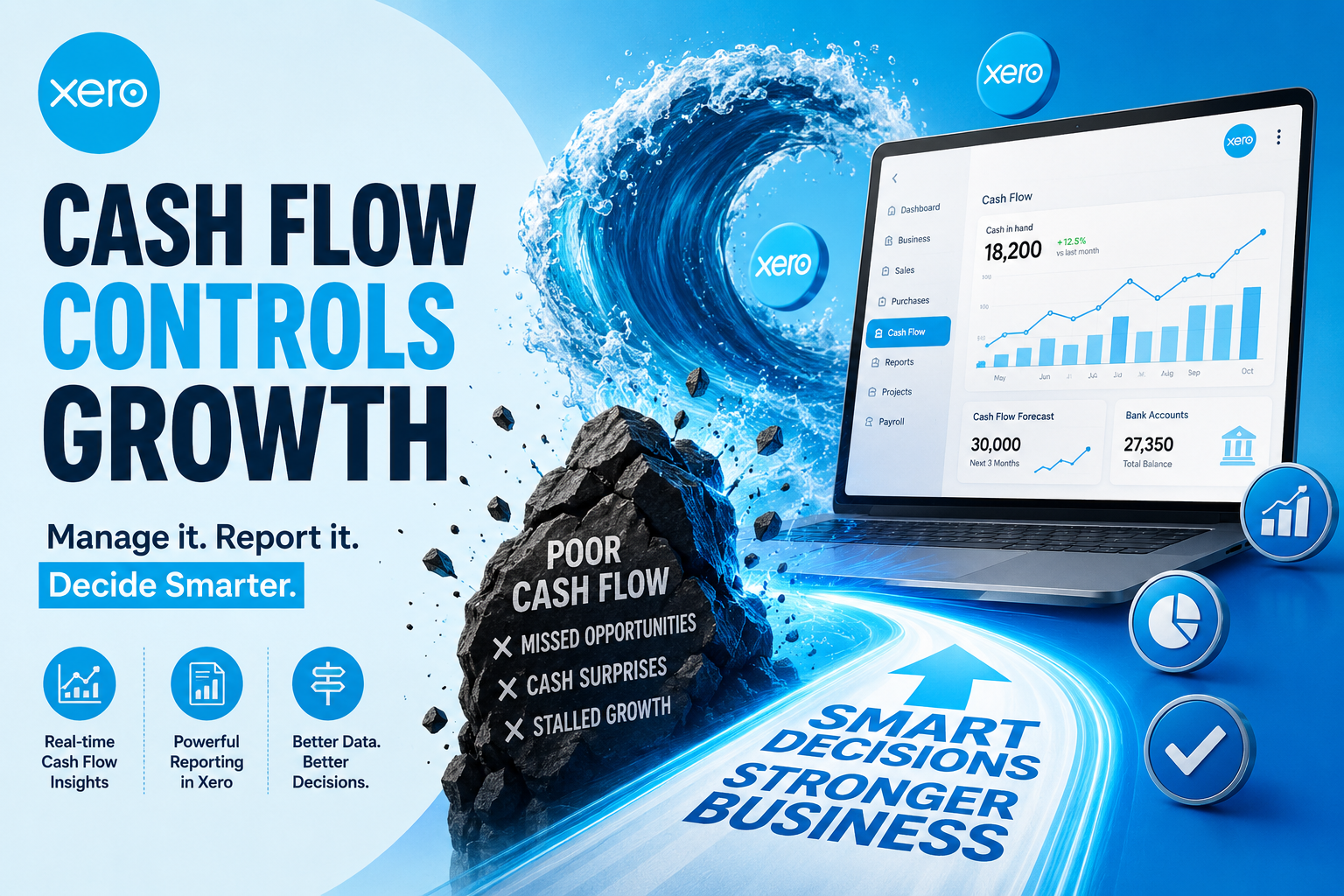
Running out of cash is one of the fastest ways a profitable business can still fail. A company can show a healthy profit on paper while struggling to pay suppliers on time simply because money is not arriving fast enough to cover outgoing bills. This is why cash flow management sits at the center of good financial decision-making, and it is also why so many business owners turn to Xero to keep a constant, accurate view of money moving in and out of their accounts. This article explains how businesses use Xero’s cash flow tools and reports to make smarter, faster decisions, rather than reacting to financial surprises after they have already happened.
Cash flow visibility is not just an accounting exercise; it directly shapes decisions about hiring, purchasing, expansion, and even day-to-day spending. Therefore, the quality of the reporting tools behind that visibility matters enormously. The sections below walk through exactly how Xero supports this process, from real-time bank feeds to forward-looking forecasts, so business owners can understand what the software actually offers before relying on it for critical decisions.
Additionally, cash flow problems rarely announce themselves clearly in advance. A business can look financially stable one month and face a serious shortfall the next, particularly if invoices are paid late or expenses arrive earlier than expected. Consequently, business owners increasingly want reporting tools that update automatically and flag potential issues early, rather than a static spreadsheet that only reflects last month’s numbers. This growing demand for real-time, decision-ready reporting is exactly why a closer look at Xero’s cash flow tools is worthwhile.
Table of contents
Quick Summary
Before diving into the details, here is a fast overview of what this article covers:
- Real-time visibility — Xero connects directly to bank accounts, showing balances and transactions as they happen.
- Cash Summary reports — a snapshot of cash moving in and out over a chosen period.
- Cash flow forecasting — short-term projections for the next 7 or 30 days based on invoices and bills.
- Invoicing and bill tracking — tools that speed up collections and help avoid late payments.
- Third-party app integrations — extended forecasting and multi-year planning through the Xero App Store.
- Decision-making impact — clearer cash data supports smarter choices about spending, hiring, and growth.
- Best fit — small and growing businesses that need clear, accessible financial reporting without a dedicated finance team.
What Is Xero and How Does It Relate to Cash Flow Management?
Xero is a cloud-based accounting software platform built for small and growing businesses that need to manage invoicing, bank reconciliation, expenses, and financial reporting in one place. Because Xero connects directly to business bank accounts and updates continuously, it becomes the natural home for tracking cash flow, rather than a separate spreadsheet updated only once a month.
This connection between everyday accounting and cash flow visibility is precisely why Xero relates so directly to this article’s topic. A business cannot make sound cash flow decisions without accurate, current financial data, and Xero exists specifically to keep that data current automatically. Instead of manually compiling numbers from bank statements, invoices, and bills, business owners using Xero see a live picture of their financial position, which then feeds directly into the reporting and forecasting tools this article covers in detail.
How Does Xero Provide Real-Time Cash Flow Visibility?

Before a business can manage cash flow effectively, it needs an accurate, current view of exactly how much money is available and where it is going.
How Does Xero’s Bank Feed Connection Work?
Xero connects directly to a business’s bank accounts, pulling in transactions automatically rather than requiring manual entry. As a result, the dashboard reflects actual account balances and recent activity without the delay that comes from waiting for a monthly bank statement or a manual reconciliation session.
What Does the Xero Dashboard Show About Cash Position?
The main dashboard gives business owners a quick overview of bank balances, unpaid invoices, and upcoming bills, all in one screen. Because this view updates continuously, a business owner can check their cash position at any moment rather than waiting for a formal report to be generated.
Why Does Automatic Bank Reconciliation Matter for Cash Accuracy?
Xero’s bank reconciliation feature automatically matches incoming transactions against invoices and bills, which reduces manual effort and keeps records accurate. Consequently, cash flow reports built on top of this reconciled data reflect what has actually happened in the business rather than relying on outdated or incomplete entries.
What Reports Does Xero Offer for Cash Flow Management?
Beyond the dashboard, Xero includes several dedicated reports designed specifically to help business owners understand their cash position in more depth.
What Does the Cash Summary Report Show?
Xero’s Cash Summary report gives a straightforward snapshot of cash moving in and out of the business over a selected period, which is useful for getting a quick overview without digging into every individual transaction. Business owners often use this report during monthly reviews to confirm that cash trends match their expectations.
How Does the Cash Flow Manager Tool Work Within Xero Analytics?
Xero’s Cash Flow Manager tool, found within its reporting and analytics area, projects short-term cash movements using historic bank transaction patterns combined with manually entered figures. The tool includes an overview tab along with separate cash-in and cash-out sections, giving business owners a structured way to see exactly where money is coming from and where it is going.
How Do These Reports Support Better Financial Conversations?
Because these reports present financial data in a clear, visual format, business owners can use them in conversations with accountants, lenders, or partners without needing deep accounting expertise to interpret the numbers. Therefore, Xero’s reporting tools do more than record data; they actively support communication around financial decisions.
How Does Cash Flow Forecasting Work in Xero?
Looking backward at past cash movement matters, but forward-looking forecasts are what actually shape upcoming decisions.
What Time Frames Does Xero’s Forecasting Tool Cover?
Xero’s built-in cash flow forecasting tool predicts cash flow for the upcoming 7 or 30 days, based on existing invoices and bills, including repeating payments. This shorter time frame works well for day-to-day decisions, such as confirming whether a business can cover payroll or an upcoming supplier payment.
How Does Xero Calculate These Short-Term Projections?
To generate a forecast, Xero factors in future one-off and repeating invoices, along with scheduled bills, and combines this data with selected bank accounts to estimate the cash position over the chosen period. Because the calculation draws on real invoice and bill data already stored in the system, business owners do not need to manually build a forecast from scratch each time.
What Are the Limitations of Xero’s Native Forecasting?
While Xero’s built-in forecasting tool works well for short-term projections, it does not natively support longer, multi-year forecasts or advanced scenario planning. Businesses that need this deeper level of financial planning typically connect a third-party forecasting app through the Xero App Store rather than relying solely on the native tool.
How Do Third-Party Apps Extend Xero’s Cash Flow Capabilities?
For businesses that need more advanced forecasting than Xero’s built-in tools provide, the Xero App Store offers a range of specialized add-ons.
What Kind of Extended Forecasting Do These Apps Offer?
Third-party apps connected to Xero allow for more specialized needs, including multi-year forecasting, three-way financial statement modeling, and detailed KPI tracking. Because these apps sync data directly with Xero, financial metrics stay up to date without requiring duplicate manual entry.
How Do Accounts Receivable Apps Improve Cash Flow?
Apps designed for accounts receivable automation help businesses get paid faster by chasing overdue invoices, applying prompt payment discounts, and sending automatic customer statements with age analysis. Consequently, businesses shorten the gap between issuing an invoice and actually receiving payment, which directly improves cash flow rather than just reporting on it after the fact.
How Do Payment Integration Apps Support Faster Collections?
Connecting payment tools that support multiple payment options makes it easier for customers to pay invoices quickly, which further accelerates cash coming into the business. Because these payment tools sync transactions back into Xero automatically, the resulting cash flow reports reflect payments almost as soon as they clear.
What Are the Most Useful Xero Reports for Financial Decision-Making?
The table below summarizes the core cash flow and financial reports business owners typically rely on within Xero.
| Report or Tool | What It Shows | Best Used For |
|---|---|---|
| Cash Summary | Cash moving in and out over a selected period | Quick monthly or quarterly reviews |
| Cash Flow Manager (Xero Analytics) | Historic and projected cash-in and cash-out activity | Understanding short-term trends and patterns |
| 7 or 30-Day Cash Flow Forecast | Predicted cash position based on invoices and bills | Confirming ability to cover upcoming payments |
| Aged Receivables Report | Outstanding customer invoices by age | Tracking overdue payments and collection priorities |
| Aged Payables Report | Outstanding bills owed by the business | Planning payment timing to avoid late fees |
| Profit and Loss Statement | Revenue and expenses over a period | Understanding overall financial performance alongside cash |
Because these reports work together rather than in isolation, business owners get a fuller financial picture than any single report could provide on its own. Reviewing cash flow reports alongside profit and loss data, for example, helps clarify situations where a business is profitable on paper but still experiencing cash shortages.
How Does Xero Support Cash Flow Budgeting and Planning?

Beyond reviewing past and current cash movement, many businesses use Xero to actively plan and budget for future periods.
How Does Budget Manager Help With Cash Flow Planning?
Xero’s Budget Manager tool lets business owners set expected income and expense targets for upcoming periods, then compare actual results against those targets as the period progresses. Because this comparison happens automatically as new transactions come in, business owners can see quickly whether spending is tracking ahead of or behind plan, rather than waiting until the end of the month to find out.
How Do Businesses Use Budget-Versus-Actual Reporting?
Comparing budgeted figures against actual cash flow highlights where a business is overspending or underspending relative to its plan. Consequently, this comparison becomes a practical tool for course-correcting mid-period, such as pausing a discretionary purchase when spending is already running ahead of the budgeted amount for that category.
Why Does Combining Budgets With Forecasts Improve Accuracy?
Using Xero’s forecasting tools alongside a formal budget gives business owners two different but complementary views: the budget reflects intended spending, while the forecast reflects what is actually likely to happen based on real invoice and bill data. Therefore, reviewing both together often reveals gaps between planned and probable outcomes well before those gaps become a genuine cash flow problem.
How Does Xero Handle Cash Flow for Businesses With Multiple Currencies or Locations?
Businesses operating across borders or multiple bank accounts face additional complexity when tracking cash flow, and Xero includes tools designed specifically for this situation.
How Does Multi-Currency Support Affect Cash Flow Reporting?
Xero supports multi-currency accounting, automatically converting foreign transactions using current exchange rates and reflecting these conversions within cash flow reports. Because this conversion happens automatically, businesses trading internationally get an accurate combined view of their cash position without needing to manually calculate currency conversions for every transaction.
How Do Businesses Track Cash Flow Across Multiple Bank Accounts?
Xero allows business owners to connect multiple bank accounts and view their combined or individual balances within the same reporting tools. As a result, a business with separate accounts for operating expenses, payroll, and tax reserves can still get a consolidated cash flow picture without switching between different banking platforms.
What Challenges Remain for Multi-Entity Businesses?
Some reviewers note that Xero’s native reporting can feel less flexible for businesses managing multiple separate company files at once, particularly when trying to view several entities side by side. Businesses in this situation often rely on additional consolidation tools or an experienced accounting partner to bring multi-entity cash flow data together effectively.
How Do Different Types of Businesses Use Xero’s Cash Flow Tools?
Cash flow challenges look different depending on the type of business, and Xero’s flexibility allows it to serve a wide range of use cases.
How Do Service-Based Businesses Use Xero for Cash Flow?
Service businesses that bill clients periodically, such as consultants or agencies, rely heavily on Xero’s invoicing and aged receivables reports to track which clients still owe payment and how overdue those payments have become. Because these businesses often depend on a small number of large invoices rather than many small transactions, staying on top of collections directly through Xero’s reporting becomes especially important for maintaining steady cash flow.
How Do Retail and E-Commerce Businesses Use Xero for Cash Flow?
Retail and e-commerce businesses typically connect sales platforms directly to Xero, syncing daily transactions automatically rather than entering them manually. Consequently, cash flow reports reflect real-time sales activity, which matters greatly for businesses managing inventory purchases that depend on accurately knowing how much cash is currently available.
How Do Seasonal or Project-Based Businesses Use Xero’s Forecasting Tools?
Businesses with uneven revenue, such as construction firms working on large projects or seasonal retailers, use Xero’s forecasting tools to anticipate slower periods and plan cash reserves in advance. Because these businesses cannot rely on steady month-to-month income, having a clear forecast becomes essential for deciding when to delay non-critical spending until cash flow improves.
How Does Better Cash Flow Reporting Improve Business Decision-Making?

Accurate, current cash flow data changes the kinds of decisions a business owner can confidently make.
How Does Cash Visibility Affect Hiring and Spending Decisions?
Knowing exactly how much cash is available, and when more is expected to arrive, helps business owners decide whether now is the right time to hire additional staff or invest in new equipment. Without this visibility, these decisions often rely on guesswork or overly cautious assumptions that can slow down growth unnecessarily.
How Does Forecasting Support Conversations With Lenders and Investors?
Financial forecasts built from accurate Xero data help win the confidence of investors and lenders, since these figures reflect real invoice and bill activity rather than rough estimates. Business owners can share these numbers directly during meetings, which builds credibility around the financial plan being presented.
Why Does Early Warning Matter for Avoiding Cash Flow Trouble?
Reviewing cash flow reports regularly helps business owners spot early warning signs of trouble, such as a growing gap between invoices sent and payments received. Consequently, businesses can adjust spending or accelerate collections before a shortage becomes a serious problem, rather than discovering the issue only after bills go unpaid.
What Common Cash Flow Challenges Do Xero’s Tools Help Address?
Certain recurring cash flow problems appear across nearly every small business, and Xero’s reporting tools are built to directly address them.
How Does Xero Help With Late-Paying Customers?
Xero’s invoicing features include automated reminders and the ability to send customer statements with age analysis, which helps push overdue invoices toward payment without requiring manual follow-up from the business owner. Because these reminders happen automatically, businesses recover cash faster without adding administrative work.
How Does Xero Help Businesses Avoid Late Payment Fees?
On the other side of the ledger, Xero tracks bills and their due dates, helping business owners stay on top of what they owe and pay on time. Therefore, businesses avoid late fees and maintain stronger relationships with their own suppliers by paying consistently and predictably.
How Does Xero Help Businesses With Seasonal Cash Flow Swings?
Businesses with seasonal revenue patterns benefit from reviewing historical cash flow reports in Xero to anticipate slower periods in advance. By comparing current cash trends against previous years using Xero’s reporting tools, a business owner can plan reserves ahead of a predictable slow season rather than reacting to it once it arrives.
Conclusion
Strong cash flow management depends on having accurate, current financial data readily available, and Xero was built specifically to deliver that. Between real-time bank feeds, the Cash Summary report, the Cash Flow Manager tool within Xero Analytics, and short-term forecasting based on actual invoices and bills, business owners gain a clear, continuously updated picture of their financial position.
Additionally, connecting third-party apps through the Xero App Store extends these capabilities further for businesses that need multi-year forecasting or more advanced financial modeling. Ultimately, better cash flow visibility through Xero leads to better decisions, whether that means confidently hiring a new employee, presenting credible numbers to a lender, or catching a potential shortfall before it becomes a crisis. For any business trying to move from reactive financial management to proactive decision-making, Xero’s cash flow tools provide a practical, accessible foundation.
Frequently Asked Questions
Xero’s native forecasting tool predicts cash flow for the next 7 or 30 days based on existing invoices and bills. Businesses that need longer-range, multi-year forecasts typically connect a specialized forecasting app through the Xero App Store.
Yes. Because Xero connects directly to business bank accounts and reconciles transactions automatically, cash flow reports and the main dashboard reflect current account activity rather than relying on manual updates.
Yes. Xero’s reports, including the Cash Summary and Cash Flow Manager tools, are designed to present financial information in a clear, visual format, allowing business owners to understand their cash position without needing a formal accounting background.
What Are the Benefits of Partnering With Solution for Guru?

Setting up Xero correctly and getting genuine value from its cash flow reporting tools often requires more than simply signing up for an account. Solution for Guru helps businesses configure, integrate, and optimize accounting platforms like Xero so that cash flow data actually supports better decision-making rather than sitting unused in a dashboard.
The team’s CRM and SaaS integration services ensure that Xero connects smoothly with other business systems, such as customer management platforms or e-commerce tools, so that sales and payment data flow into cash flow reports without manual re-entry or gaps between systems. This matters significantly for businesses juggling multiple sales channels, since fragmented data across disconnected tools makes cash flow reporting far less reliable. Solution for Guru’s tech consulting and strategy services also help business owners think through which third-party forecasting apps genuinely fit their needs, rather than adding unnecessary complexity to an already capable platform.
Beyond the technical integration work, Solution for Guru‘s cybersecurity and data protection services help ensure that sensitive financial data flowing through Xero and its connected apps stays secure at every point. Because cash flow reporting depends on continuously synced bank and invoice data, protecting that data pipeline matters just as much as protecting the payment transactions themselves. For businesses that want to move beyond basic bookkeeping and truly use Xero as a decision-making tool, working with an experienced partner like Solution for Guru turns a well-built accounting platform into a fully optimized, secure financial command center.
Recommended:
- What Financial Reports Should Every FreshBooks User Monitor?
- FreshBooks ROI: Is the Subscription Cost Worth It?
- FreshBooks Time Tracking: Is It Accurate Enough for Client Billing?
- Zoho Books vs Xero: Cloud Accounting Platforms Compared
- Zoho Books vs QuickBooks: Technical Comparison
- Xero Pricing Plans: Early/Starter, Growing/Standard, Established/Premium
- Overview of the Xero App Marketplace (1,000+ Integrations): What Are the Most Popular Ones?
- FreshBooks vs Xero for Technology Companies: Which One Should You Choose?
- FreshBooks Reporting Features: What Financial Insights Can You Actually Get?
- Xero for Small Business: Is It the Right Accounting Software for You?
- What is Xero — Overview of the Cloud Accounting Platform’s Features
- How Does FreshBooks Integrate with CRM, Payroll, and Project Management Tools?
- Financial Reporting Architecture in Zoho Books
- Zoho Books Architecture: Cloud Accounting Explained — How Does It All Work?
- FreshBooks for IT Consulting Firms: Managing Projects, Invoices, and Client Billing
- FreshBooks Review: Features, Pricing, Pros, and Cons
- Real-Time Financial Dashboards with Zoho Books
- How Can You Connect Zoho Books with Payment Gateways to Streamline Your Business Finances?