How ITSM Tools Support Internal IT Risk Management
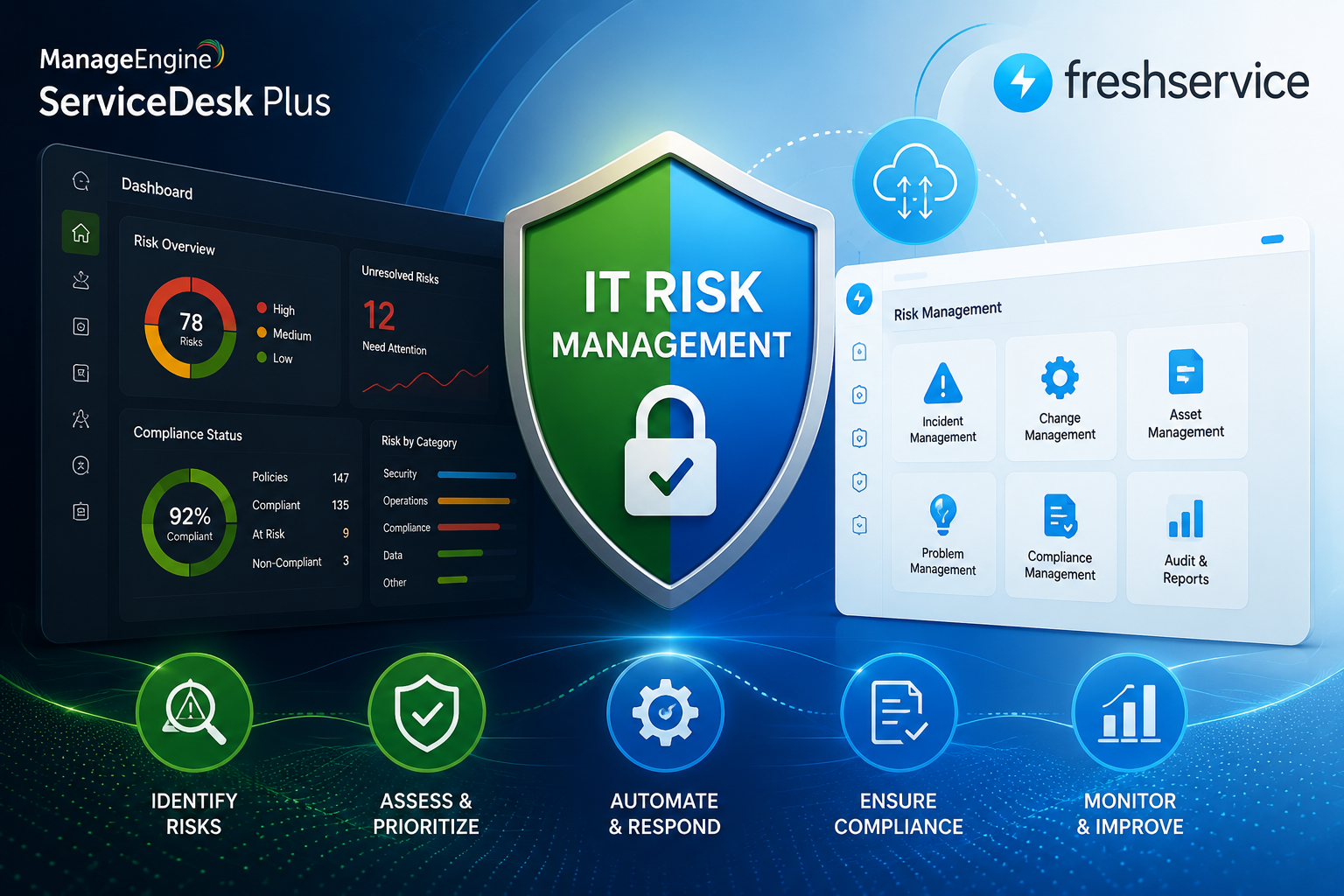
Every organization depends on IT systems that can fail, drift out of compliance, or expose sensitive data at any moment. Consequently, internal IT risk management has become a core business function rather than a side task for the help desk. IT Service Management (ITSM) tools sit at the center of this shift because they give teams a structured way to spot, track, and reduce risk before it turns into an outage, a breach, or a compliance failure.
This article explains how ITSM platforms support internal IT risk management in practice, and it looks closely at two widely used solutions — ManageEngine ITSM and Freshservice — to show how real-world tools apply these principles.
Table of contents
Quick Summary
- ITSM tools centralize incident, change, asset, and problem data, so IT teams can identify risk patterns early rather than reacting after damage occurs.
- A configuration management database (CMDB) gives teams visibility into dependencies, which reduces the chance that a single change triggers a chain of failures.
- Automated workflows, approvals, and audit trails turn risk management from an occasional exercise into an everyday, repeatable process.
- ManageEngine ITSM (ServiceDesk Plus) and Freshservice both embed risk controls directly into their service management workflows, though they take slightly different approaches to implementation and scale.
- Working with an experienced partner such as Solution for Guru helps organizations configure, integrate, and optimize these platforms so that risk management actually works as intended, instead of sitting unused.
Below, the article breaks down each of these points in more detail, then compares the two platforms side by side, and closes with practical takeaways and answers to common questions.
What Is Internal IT Risk Management, and Why Does It Matter Now?
Internal IT risk management refers to the ongoing process of identifying, assessing, and mitigating risks that arise from an organization’s own IT infrastructure, processes, and people. Unlike external cybersecurity threats, internal risk often comes from everyday operations: an unapproved change, an outdated asset, a missed patch, or an undocumented dependency between systems.
Why Has Risk Management Become a Daily IT Responsibility?
IT environments have grown far more complex over the past decade. Cloud services, remote work, and interconnected applications mean that a small misconfiguration in one system can ripple outward and disrupt several others. As a result, IT teams can no longer treat risk management as an annual audit exercise. Instead, they need continuous visibility into their environment, and this is exactly where ITSM platforms add value: they log every incident, change, and asset update in one place, so patterns become visible before they escalate.
How Does Poor Risk Visibility Lead to Bigger Problems?
When IT teams lack a centralized view of their systems, small issues tend to compound. For example, an unpatched server might go unnoticed for months, or a change made without proper approval might conflict with another team’s work. Over time, these gaps create blind spots that increase the likelihood of downtime, data exposure, or failed audits. Therefore, the foundation of good risk management is simply having accurate, current data about what exists in the environment and how it behaves.
How Do ITSM Tools Actually Reduce IT Risk?
ITSM platforms reduce risk by turning scattered, informal processes into structured, trackable workflows. Instead of relying on emails, spreadsheets, or verbal approvals, teams route every incident, change, and asset update through a system that records what happened, who approved it, and when.
Which ITSM Capabilities Directly Support Risk Management?
Several core ITSM capabilities work together to reduce risk:
| Capability | How It Reduces Risk |
|---|---|
| Incident management | Captures and categorizes disruptions so recurring issues are identified quickly |
| Change management | Requires approvals and impact analysis before changes go live |
| Configuration Management Database (CMDB) | Maps dependencies between assets to prevent unexpected side effects |
| Problem management | Investigates root causes so the same incident does not repeat |
| Asset management | Tracks the lifecycle of hardware and software to avoid unsupported or vulnerable systems |
| Reporting and analytics | Surfaces trends and recurring risks across the whole IT estate |
How Do Automated Workflows Change the Risk Equation?
Automation matters because manual processes are inconsistent by nature; one technician might follow every step, while another might skip a review under time pressure. ITSM tools remove this inconsistency by enforcing the same workflow every time. For instance, a change request can be automatically routed to a Change Advisory Board (CAB), blocked during a blackout period, or flagged if it affects a critical asset. As a result, risk controls apply uniformly, regardless of who submits the request or how busy the team happens to be.
How Does ManageEngine ITSM Support Risk Management?

ManageEngine ITSM, primarily delivered through its ServiceDesk Plus platform, positions itself as a way to turn everyday service management into what its own documentation calls a “compliance enabler.” ServiceDesk Plus embeds controls directly into incident, request, asset, and change workflows, helping organizations move from ad hoc service delivery to repeatable, auditable processes.
What Risk-Related Features Stand Out in ManageEngine ITSM?
A few features are particularly relevant to internal risk management:
- Integrated CMDB: ManageEngine tightly integrates IT asset management with a centralized CMDB, giving teams a trusted source of truth to govern assets, assess impact, and respond to disruptions confidently.
- Software Asset Management (SAM): The platform monitors license types and can track the use of restricted applications, which helps organizations enforce IT policy and limit information security exposure.
- Security-first architecture: ManageEngine states that every update and new feature goes through internal change management review and vulnerability assessment before release, and sensitive data is protected using AES-256 encryption.
- Broad process coverage: The platform covers incident, request, change, release, and project management in one suite, so risk data does not sit in disconnected silos.
Where Does ManageEngine ITSM Fit Best?
ManageEngine ITSM tends to suit organizations that want a comprehensive, configurable platform without paying enterprise-level pricing for every module. ManageEngine positions itself as a division of Zoho Corp that delivers IT management tools at a fraction of the price of larger enterprise rivals, which makes it attractive for mid-sized IT teams that still need strong governance and asset visibility. However, some reviewers note that certain asset-recognition tasks still require manual verification, so teams managing very large or highly dynamic environments may need to budget extra time for oversight.
How Does Freshservice Support Risk Management?

Freshservice, developed by Freshworks, takes a similarly integrated approach but places heavier emphasis on automated discovery, dependency mapping, and AI-assisted insights. Freshservice offers incident, problem, change, and asset management alongside a service catalog, workflow automation, configuration management, a self-service portal, and extensive reporting, all supported by AI-powered automation.
What Makes Freshservice’s CMDB Useful for Risk Management?
Freshservice’s CMDB plays a central role in its risk-reduction approach. The Freshservice CMDB serves as a centralized source of truth for all assets, which simplifies incident and change management while reducing risk by giving teams clear visibility into dependencies and relationships between assets. In addition, the platform documents asset interdependencies to support change management, which helps IT teams make informed decisions during upgrades or system integrations and minimizes service disruptions.
Freshservice also emphasizes proactive risk detection through automation. Discovery agents continuously update hardware and software details across devices, which helps organizations spot vulnerabilities early rather than discovering them after an incident occurs.
How Does Freshservice Handle Change-Related Risk?
Change management is another area where Freshservice builds risk assessment directly into the workflow. The platform uses business context, CMDB relationships, and associated assets to evaluate likely impact and identify risks earlier, then combines those risk signals with structured workflows and CAB input so teams can make better approval decisions before changes move forward. Furthermore, teams can view upcoming changes, maintenance windows, blackout periods, and CAB schedules in one place, which reduces the chance that two teams schedule conflicting changes without realizing it.
Why Does Freshservice’s Approach Appeal to Growing IT Teams?
Because Freshservice pairs automated discovery with topology maps and dependency visuals, IT teams can assess the blast radius of a potential change without manually cross-referencing spreadsheets. Visual maps and dashboards show upstream and downstream dependencies clearly, giving teams insight into asset relationships that reduces change risk and improves impact analysis. This makes Freshservice especially appealing to organizations scaling quickly, since the CMDB grows with the environment rather than requiring constant manual updates.
What Are the Practical Steps to Reduce IT Risk With an ITSM Tool?

Regardless of which platform a team chooses, several practical steps consistently reduce IT risk:
- Build and maintain an accurate CMDB. Outdated asset records undermine every other risk control, so discovery should run continuously rather than periodically.
- Require approvals for medium- and high-impact changes. Even simple sign-off workflows prevent a large share of avoidable outages.
- Track incidents back to root causes. Recurring incidents usually point to an underlying risk that has not yet been addressed.
- Review reports regularly, not just during audits. Monthly or quarterly reviews catch drift before it becomes a compliance issue.
- Align access and asset lifecycle policies. Retiring old hardware and software on schedule closes a common source of vulnerability.
Additionally, teams should avoid treating these steps as one-time setup tasks. Risk management works best as a continuous cycle: discover, assess, remediate, and review, repeated indefinitely as the environment evolves.
ManageEngine ITSM vs. Freshservice: How Do They Compare for Risk Management?
The table below summarizes how each platform approaches the core risk-management functions covered earlier.
| Feature Area |  | |
|---|---|---|
| CMDB and asset visibility | Centralized CMDB tightly integrated with ITAM, positioned as a trusted source of truth | Centralized, automated CMDB with continuous discovery agents |
| Change risk assessment | Change workflows tied to CMDB and approval stages | Risk signals combined with CMDB relationships and CAB input before approval |
| Vulnerability monitoring | Monitors restricted application usage to support IT policy enforcement | Discovery agents help spot vulnerabilities early through continuous updates |
| Compliance and audit readiness | Designed to make audit readiness part of everyday operations | Provides clean, centralized inventory that supports compliance and one-click reporting |
| Security architecture | AES-256 encryption, OWASP-compliant code review, and regular penetration testing | AI-assisted automation layered across ITSM and ITOM workflows |
| Best suited for | Mid-sized to large IT teams wanting broad, cost-effective process coverage | Organizations wanting automated discovery and fast-scaling dependency mapping |
| Ecosystem | Part of the wider ManageEngine/Zoho suite | Part of the wider Freshworks suite |
Naturally, no comparison table can capture every nuance of a live deployment. Consequently, organizations should validate both platforms against their own environment, ticket volume, and compliance requirements before committing to one over the other.
What Types of Internal IT Risk Should Organizations Track?
Not all IT risk looks the same, so an effective ITSM strategy needs to account for several distinct categories rather than treating “risk” as a single bucket. Understanding these categories helps teams configure their ITSM platform to catch the right signals instead of drowning in irrelevant alerts.
Which Risk Categories Matter Most for Internal IT Teams?
Four categories tend to dominate internal IT risk management:
- Operational risk: Outages, failed changes, and service disruptions that interrupt day-to-day business.
- Compliance risk: Gaps between documented policy and actual practice, which can surface during audits or regulatory reviews.
- Security risk: Vulnerabilities in unpatched software, misconfigured access, or unmonitored assets.
- Knowledge risk: Dependence on a small number of people who understand critical systems, without documentation to back them up.
How Should Teams Prioritize These Risks Inside an ITSM Tool?
Because no team has unlimited time or budget, prioritization matters. Most organizations start by mapping risk categories against business impact, then configure their ITSM platform’s reporting and alerting to highlight the highest-impact items first. For example, a team might configure critical-asset change requests to trigger mandatory CAB review, while lower-impact requests move through a lighter, faster approval path. This tiered approach keeps the process efficient without sacrificing oversight where it matters most.
Which Metrics Show Whether ITSM-Driven Risk Management Is Actually Working?
Implementing an ITSM tool is not the finish line; measuring its impact is equally important. Otherwise, teams cannot tell whether their risk posture is genuinely improving or simply generating more paperwork.
What KPIs Should IT Teams Monitor?
The following metrics tend to give the clearest picture of whether risk management efforts are paying off:
| Metric | What It Reveals |
|---|---|
| Change success rate | Whether approval and impact-analysis processes are catching problems before deployment |
| Mean time to resolve (MTTR) | Whether incident response has become faster as visibility improves |
| Percentage of unauthorized changes | Whether change control policies are actually being followed |
| Recurring incident rate | Whether root-cause analysis is preventing repeat issues |
| CMDB accuracy rate | Whether asset data can be trusted for impact analysis |
| Audit findings per cycle | Whether compliance gaps are shrinking over time |
How Often Should Teams Review These Metrics?
Monthly reviews work well for operational metrics like MTTR and change success rate, since these numbers shift quickly and respond to process tweaks. Compliance-related metrics, such as audit findings, typically move on a slower cycle and can be reviewed quarterly or ahead of scheduled audits. Either way, reviewing metrics on a fixed schedule, rather than only after something goes wrong, keeps risk management proactive instead of reactive.
What Common Mistakes Undermine ITSM-Based Risk Management?

Even with a capable platform like ManageEngine ITSM or Freshservice in place, certain mistakes consistently weaken risk management efforts. Recognizing these pitfalls in advance makes it easier to avoid them.
Why Do Some Organizations Struggle Despite Having the Right Tool?
Several recurring issues show up across organizations of every size:
- Treating CMDB setup as a one-time project. Asset and dependency data decays quickly if discovery is not continuous, which quietly erodes the accuracy that risk assessments depend on.
- Allowing change approval to become a rubber stamp. If approvers rush through requests without reviewing CMDB impact data, the workflow exists on paper but does not actually reduce risk.
- Ignoring low-severity incidents. Minor, recurring incidents often signal a larger underlying problem, so dismissing them removes an early warning system.
- Failing to align IT and security teams inside the same platform. When security operates outside the ITSM tool entirely, risk data becomes fragmented across two systems that do not talk to each other.
- Skipping staff training on the platform’s risk features. Even well-configured tools underperform if technicians do not understand how to use approval workflows, CMDB lookups, or reporting dashboards correctly.
How Can Teams Avoid These Pitfalls?
Avoiding these mistakes generally comes down to treating the ITSM platform as a living process rather than a static install. Scheduling regular CMDB audits, holding approvers accountable for genuine review instead of a quick sign-off, and integrating security alerts directly into the ITSM workflow all help keep risk management sharp over time. Moreover, ongoing training ensures that as new staff join or platform features evolve, the whole team keeps using the tool as intended.
How Should ITSM Risk Management Fit Into the Wider Technology Stack?
Risk management rarely lives inside a single system. IT teams also rely on CRM platforms, payroll software, monitoring tools, and project management systems, and each of these can introduce its own operational or compliance risk if it stays disconnected from the ITSM platform.
Why Does Integration Reduce Blind Spots?
When an ITSM tool operates in isolation, teams end up manually cross-checking data between systems, which introduces delay and human error. For instance, if a payroll system change affects a connected application, but the ITSM platform has no visibility into that dependency, the resulting incident may take much longer to diagnose. Integrating the ITSM platform with adjacent business systems closes this gap by extending the CMDB’s reach beyond core IT infrastructure and into the broader technology environment the business actually depends on.
What Should Organizations Look for When Connecting Systems?
When evaluating integrations between an ITSM platform and other business tools, organizations should prioritize a few things: reliable, well-documented APIs; consistent data formatting between systems; and clear ownership of which team maintains each integration over time. Without this clarity, integrations tend to break quietly, and risk visibility degrades without anyone noticing until an incident exposes the gap. This is precisely the kind of cross-platform work that an experienced technology partner can manage on an ongoing basis, rather than leaving it to already-stretched internal IT staff.
Conclusion
Internal IT risk management no longer works as an occasional checklist; it needs to run continuously, backed by accurate data and consistent processes. ITSM tools make this possible by centralizing incident data, mapping asset dependencies, and enforcing structured approval workflows for every change.
Both ManageEngine ITSM and Freshservice demonstrate how these principles translate into real features. ManageEngine ITSM offers broad, cost-effective process coverage backed by a security-focused architecture, while Freshservice leans on automated discovery and AI-assisted risk signals to keep dependency data current as environments scale. Neither platform is universally “better”; instead, the right choice depends on an organization’s size, budget, and existing technology ecosystem.
Ultimately, selecting a platform is only the first step. Working with an experienced implementation partner, such as Solution for Guru, helps organizations configure ManageEngine or Freshservice correctly, integrate it with the rest of their technology stack, and keep risk management processes aligned with how the business actually operates.
Frequently Asked Questions
Yes, small IT teams benefit as much as large ones, if not more. Because small teams often lack dedicated risk or compliance staff, an ITSM tool’s automated workflows and CMDB effectively act as a built-in risk manager, catching issues that a stretched-thin team might otherwise miss.
Most organizations notice improvements within the first few months, particularly around change-related incidents, since approval workflows immediately reduce unauthorized or poorly reviewed changes. However, the full benefit of CMDB-driven risk visibility usually builds over six to twelve months, as asset and dependency data becomes more complete and accurate.
Both platforms support integrations with broader IT ecosystems, and each vendor maintains its own suite of complementary tools (Zoho for ManageEngine, Freshworks for Freshservice). That said, the depth and reliability of any given integration depends on specific configuration, which is another reason organizations often work with an implementation partner to connect these platforms with their existing monitoring, security, and business systems.
Why Does the Right ITSM Implementation Matter as Much as the Right Tool?
Choosing between ManageEngine ITSM and Freshservice is only half the equation. Even the most capable ITSM platform will underperform if it is configured poorly, integrated incompletely, or adopted inconsistently across teams. In fact, many organizations that struggle with IT risk have already purchased a strong ITSM tool; they simply have not implemented it in a way that reflects their actual risk landscape.

What Benefits Come From Working With Solution for Guru?
This is where a specialized partner adds real value. Solution for Guru describes itself as a technology solutions provider that focuses on custom web development, AI and automation, and CRM or SaaS platform integrations, and the company’s client work already includes both Freshservice and ManageEngine among its supported platforms. Partnering with a team like this offers several concrete advantages:
- Faster, more accurate configuration: Experienced consultants can set up CMDB structures, change workflows, and approval chains correctly the first time, avoiding costly reconfiguration later.
- Better integration with existing systems: Because Solution for Guru works across CRM, payroll, and project management tools as well as ITSM platforms, they can connect an ITSM tool to the rest of a company’s technology stack rather than leaving it isolated.
- Ongoing optimization: Risk management is not static, so a partner who understands both the platform and the business can adjust workflows as the environment changes.
- Reduced internal workload: Delegating setup and integration work frees internal IT staff to focus on responding to risk rather than configuring the tool meant to manage it.
In short, the technology provides the framework, but skilled implementation determines whether that framework actually reduces risk in practice.
Recommended:
- How AI Is Changing ITSM Workflows in Freshservice?
- How ITSM Platforms Like Freshservice Support Digital Transformation
- Freshservice CMDB Explained: Structure, Relationships, and Best Practices
- Freshservice for Remote and Hybrid Work Environments
- Automating Employee Onboarding and Offboarding with Freshservice
- ManageEngine ServiceDesk Plus for Mid-Size Business: Is It the Right ITSM Fit?
- ManageEngine ITSM: Standard vs Professional vs Enterprise — Which Edition Fits Your Team?
- ManageEngine SLA Management: How Does It Help IT Teams Meet Every Deadline?
- Freshservice for Growing Companies: When Is the Right Time to Upgrade ITSM?
- Freshservice Change Management: Real-World Configuration Strategies
- What Are the Best Automation Use Cases for ITSM Platforms in Growing Businesses?
- How Does Freshservice Support Compliance and Audit Readiness?
- Freshservice vs Traditional Help Desk Systems: What Has Changed?
- What Reporting and Dashboard Strategies Do High-Performing ITSM Leadership Teams Actually Use?
- What Are ITSM KPIs and Why Do They Matter for Your IT Organization?
- What Is a Self-Service Portal in ITSM and Why Does Your Business Need One?
- ESM vs ITSM: What Is the Difference and Which One Does Your Business Need?