How Does Whitevision Help Shared Service Centers Automate Document Workflows?

Shared service centers (SSCs) process thousands of invoices, receipts, and expense claims every week. Each document passes through several hands before it reaches the ledger. When teams handle this work by email, paper, and spreadsheets, errors multiply, and delays grow.
This article explains how document workflow automation changes that picture. It also shows how Whitevision B.V. supports SSCs with mobile receipt capture, approval workflows, accounting integrations, and centralized expense visibility.
Table of contents
What Is the Quick Summary?
Here is the short version for busy finance and operations leaders:
- The problem: Manual document handling slows close cycles, hides spend, and exposes SSCs to compliance risk.
- The solution: Whitevision automates expense capture, routes approvals by rule, syncs data with accounting systems, and gives finance teams one view of spend.
- The payoff: Faster processing, fewer corrections, cleaner audit trails, and employees who spend less time on admin.
- The next step: Define your workflows first, then configure the platform around them. A specialist partner such as Solution for Guru can speed up that process.
What Is Whitevision B.V. and How Does It Relate to This Topic?
Whitevision B.V. provides an expense management platform that digitizes how organizations capture, approve, and book business costs. The platform emphasizes five capabilities: automation, mobile receipt capture, approval workflows, accounting integrations, and centralized expense visibility. Each of these capabilities targets a pain point that SSCs know well.
SSCs centralize repetitive finance, HR, and procurement tasks for many business units. Their value depends on scale, standardization, and speed. Document workflows sit at the center of all three. If an SSC processes an expense claim in ten minutes instead of thirty, it multiplies that gain across every claim in every entity.
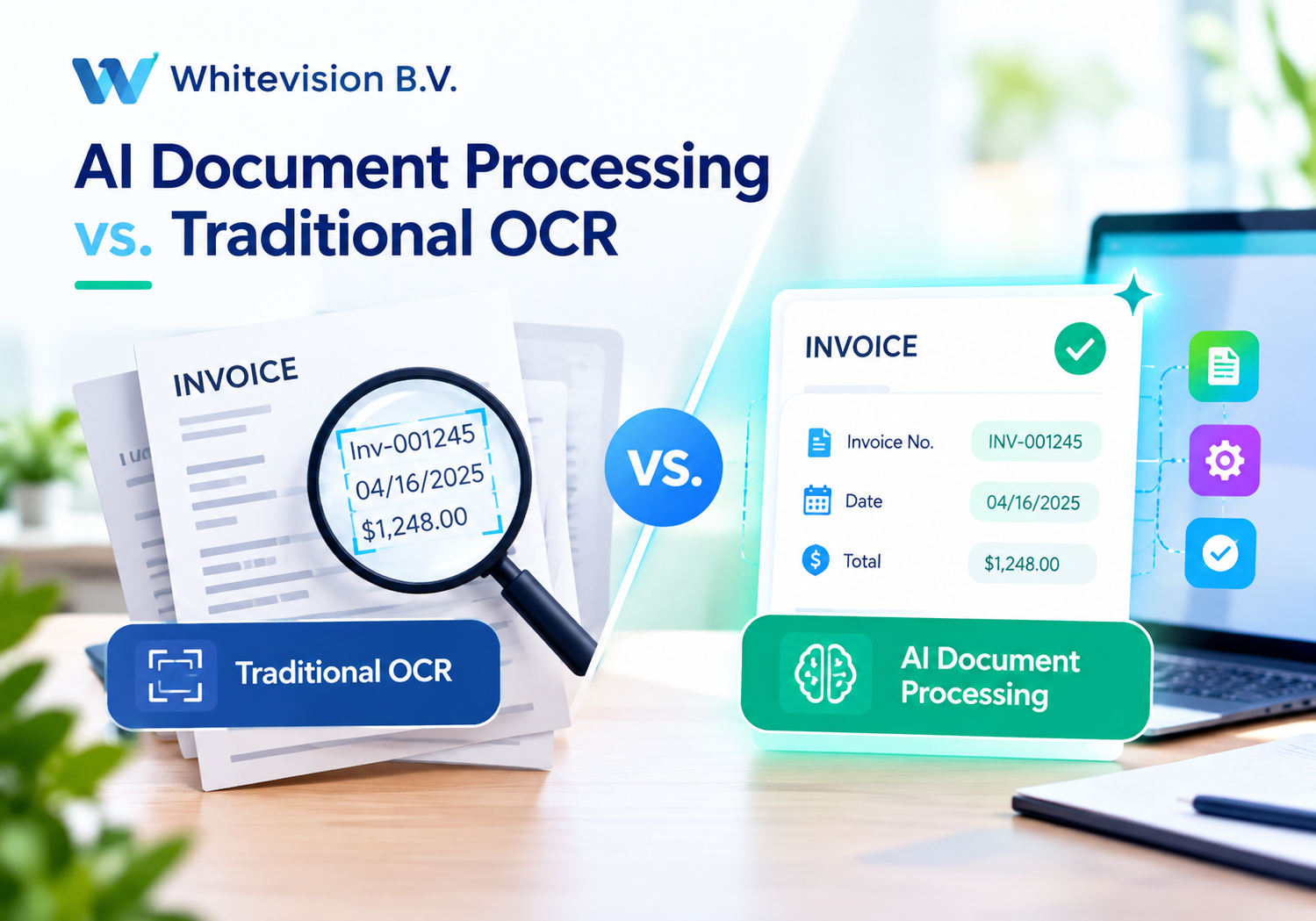
Whitevision fits this model because it standardizes the path a document takes. An employee photographs a receipt, the system extracts the data, a rule routes the claim to the right approver, and the approved record flows to the accounting system. The SSC defines the rules once and applies them everywhere.
Why Does This Match the SSC Operating Model?
SSCs thrive on repeatable processes. Whitevision rewards that discipline because it executes rules consistently and logs every step. Therefore, the more standardized the SSC, the more value the platform delivers.
What Is a Shared Service Center and Why Do Document Workflows Strain It?

A shared service center consolidates back-office functions into one organizational unit that serves multiple business units or countries. According to the Deloitte Global Shared Services and Outsourcing Survey, organizations commonly pursue SSCs to reduce cost, improve quality, and standardize processes. Over time, many SSCs also take on analytics and advisory work.
Document-heavy processes challenge this model. Expense claims, supplier invoices, purchase approvals, and employee reimbursements all generate files that someone must read, check, and route. Each step adds delay and risk.
Which Document Problems Appear Most Often?
SSC leaders report similar issues across industries:
- Lost or late receipts: Employees forget paper receipts or submit them weeks after the purchase.
- Re-keying errors: Staff retype amounts, dates, and vendor names into the finance system.
- Unclear approval status: Managers lose requests in email inboxes, and requesters chase them.
- Policy leakage: Reviewers miss out-of-policy spend because they check claims by hand.
- Fragmented reporting: Each business unit keeps its own records, so group finance cannot see total spend.
How Do These Problems Affect the Business?
Delays push expenses into later periods, which complicates accruals and the month-end close. Errors consume rework time. Weak controls raise audit findings. Furthermore, employees lose patience with slow reimbursements, and that hurts morale in a way no dashboard captures.
What Does Document Workflow Automation Mean in an SSC?
Document workflow automation replaces manual handoffs with rule-based, system-driven steps. The platform captures a document, extracts its data, validates it against policy, routes it for approval, and posts it to the ledger. Humans step in only for exceptions and decisions.
APQC, a respected process benchmarking organization, consistently highlights standardization and automation as drivers of lower cost per transaction in finance operations. The principle is simple: the fewer times a person touches a document, the cheaper and faster the process becomes.
How Does Manual Processing Compare with Automation?
| Process Step | Manual Approach | Automated Approach with Whitevision |
| Receipt collection | Employees save paper and email scans | Employees capture receipts on a phone |
| Data entry | Staff retype fields | The platform extracts data automatically |
| Policy check | Reviewers read each claim | Rules flag violations instantly |
| Approval | Email chains and chasing | Workflow routes requests to approvers |
| Accounting entry | Manual upload or re-keying | Integration posts approved records |
| Reporting | Spreadsheets per entity | One centralized view |
Does Automation Remove People from the Process?
No. Automation removes repetitive work, and people keep the judgment work. Analysts investigate unusual spend, managers decide on exceptions, and SSC leaders improve the rules. As a result, teams shift from data entry to data interpretation.
How Does Whitevision Capture Receipts and Expenses on Mobile?
Mobile receipt capture addresses the first and most fragile step in the workflow. Employees spend money in restaurants, taxis, hotels, and shops, and they hold the receipt at that moment. Whitevision lets them photograph it immediately instead of carrying paper receipts for weeks.
The platform then reads the document and populates the claim. Employees review the extracted details and submit. This approach reduces typing, shortens submission time, and improves the quality of the data that enters the system.
What Benefits Does Mobile Capture Bring to SSC Teams?
Mobile capture helps both employees and processors:
- Fewer lost receipts: A photo exists the moment the purchase happens.
- Faster submission: Employees file claims in minutes, so SSCs receive them sooner.
- Cleaner data: Automated extraction reduces typos in amounts and dates.
- Better evidence: A digital image attaches directly to each claim for later audits.
How Does Mobile Capture Support Distributed Workforces?
Large organizations employ travelers, field staff, and remote teams across many countries. These employees rarely visit an office. Mobile capture gives them the same submission experience as head-office colleagues. Consequently, the SSC receives consistent, complete claims regardless of location.
How Do Approval Workflows Keep Documents Moving?
Approval workflows decide who reviews a claim, in what order, and under which conditions. Whitevision lets SSCs configure these rules so the system routes each document to the right person automatically. Nobody needs to forward emails or guess who the approver is.
Consider a typical rule set. A claim under a set amount goes only to the line manager. A larger claim also goes to a department head. A claim in a restricted category goes to finance for review. The platform applies these rules to every claim without exception.
What Approval Rules Do SSCs Commonly Configure?
SSCs often build approval logic around a few dimensions:
- Amount thresholds: Higher values trigger additional approvers.
- Cost centers: The owner of the budget approves the spend.
- Expense categories: Sensitive categories, such as gifts or entertainment, trigger extra review.
- Entity or country: Local rules and legal requirements shape the route.
- Delegation: The system reassigns approvals when a manager is absent.
How Do Automated Approvals Improve Speed and Control?
Automated routing shortens waiting time because requests reach the approver immediately. Reminders nudge slow reviewers. In addition, the system records who approved what and when. This record builds a reliable audit trail, which supports both internal control and external review.
Moreover, managers can approve from a phone. They no longer need to wait until they sit at a desk, and that single change often removes days from the cycle.
How Do Accounting Integrations Reduce Reconciliation Work?

An expense platform delivers little value if finance staff must retype its output. Whitevision therefore emphasizes accounting integrations. Approved expenses flow into the accounting system with the correct general ledger codes, cost centers, and tax details.
This connection removes duplicate entry. It also keeps the expense platform and the ledger in sync, so reconciliation becomes a check instead of a rebuild. Finance teams close the books faster because fewer open items remain at month-end.
What Should SSCs Check Before Integrating?
Before connecting systems, SSC leaders should confirm several points:
- Chart of accounts mapping: Align expense categories with ledger accounts.
- Tax handling: Define how the platform treats VAT and other taxes in each country.
- Master data ownership: Decide who maintains cost centers, entities, and employee records.
- Error handling: Plan how the team resolves rejected postings.
- Testing: Run sample batches before going live.
Why Does Integration Matter for Multi-Entity SSCs?
SSCs often serve entities that run different accounting systems. A flexible integration approach lets the SSC feed each ledger correctly while it keeps one standardized front end for employees. Consequently, the organization harmonizes the user experience without forcing an immediate system consolidation.
How Does Centralized Expense Visibility Support SSC Governance?
Centralized visibility turns scattered claims into a single, searchable data set. Whitevision gathers expense data from every entity and presents it in one place. Group finance can then see spend by category, vendor, department, or period without chasing spreadsheets.
This visibility helps SSCs in three ways. First, it exposes patterns, such as repeated out-of-policy purchases. Second, it supports budget control because managers see spend while it happens. Third, it improves negotiation, since consolidated data shows where the company can bundle purchasing power.
Which Metrics Should an SSC Track?
| Metric | What It Shows | Why It Matters |
| Claim cycle time | Days from submission to payment | Measures speed and employee experience |
| First-pass approval rate | Share of claims approved without rework | Indicates data quality |
| Policy violation rate | Share of claims flagged by rules | Reveals control gaps |
| Cost per processed claim | Total effort divided by volume | Tracks efficiency gains |
| Spend by category | Distribution of costs | Guides purchasing decisions |
How Does Visibility Change Management Conversations?
Leaders stop debating whose numbers are right. Instead, they discuss what the shared numbers mean. That shift saves meeting time and focuses attention on decisions.
How Does Automation Strengthen Compliance and Audit Readiness?

Compliance pressure keeps growing for finance functions. Auditors expect complete evidence, consistent controls, and traceable approvals. Digital workflows meet these expectations more reliably than paper and email.
Several frameworks and rules shape SSC practices. The EU General Data Protection Regulation (GDPR) governs how organizations handle employee personal data in expense records. Directive 2014/55/EU on electronic invoicing promotes structured digital invoicing across the European Union. The ISO/IEC 27001 standard offers a recognized framework for information security management. SSCs should confirm that any platform they adopt supports these obligations and should verify details with their legal and security teams.
What Compliance Benefits Does a Digital Workflow Provide?
A well-configured platform supports compliance in practical ways:
- Complete evidence: Every claim carries its receipt image and approval history.
- Consistent rules: The system enforces policy the same way for every employee.
- Access control: Role-based permissions limit who can view or change records.
- Retention: Digital archives make retrieval faster during audits.
Does Automation Reduce Fraud Risk?
Automation reduces opportunities for duplicate claims and altered documents because the system checks and logs each submission. Nevertheless, no tool replaces vigilance. Organizations should combine automated checks with periodic sampling and a clear culture of accountability. The Association of Certified Fraud Examiners (ACFE) publishes research on occupational fraud that SSC leaders can use to design these controls.
How Should an SSC Implement Whitevision Step by Step?
Successful rollouts follow a disciplined sequence. SSCs that rush straight to configuration often automate a broken process, which only speeds up the mess. Therefore, map the workflow first and tool it second.
What Is a Practical Implementation Roadmap?
- Document the current process. List every step, owner, and delay for expense claims.
- Define the target workflow. Decide which steps the system automates and which need human review.
- Standardize the policy. Harmonize limits, categories, and approval levels across entities.
- Configure the platform. Build approval rules, categories, and integrations around the policy.
- Pilot with one entity. Test with a small group and collect feedback.
- Train users. Show employees how to capture receipts and managers how to approve on mobile.
- Roll out in waves. Add entities gradually and resolve issues between waves.
- Review and improve. Track metrics and refine rules every quarter.
How Can SSCs Drive User Adoption?
Adoption determines success. Employees embrace tools that save them time, so SSCs should highlight the faster reimbursement they gain. Clear communication, short training sessions, and visible leadership support help as well. Additionally, a responsive helpdesk during the first weeks prevents frustration from taking root.
What Results Can SSCs Expect from Automating Document Workflows?
Results vary by organization, starting maturity, and volume. Rather than promise fixed numbers, SSCs should set baselines and measure improvement over time. Industry benchmarking from sources such as APQC and the Shared Services & Outsourcing Network (SSON) helps teams compare their performance with peers.
Typical improvement areas include shorter cycle times, fewer manual touches per claim, and fewer corrections after approval. Teams also report better employee satisfaction because reimbursements arrive sooner and submission takes less effort.
How Can Teams Build a Business Case?
Start with three simple inputs: monthly claim volume, average handling time per claim, and the loaded cost of an hour of processing work. Multiply them to estimate the current cost of manual processing. Then estimate the time saved per claim after automation. The difference gives a defensible starting point, which you can refine with pilot data.
What Are the Key Conclusions?
Shared service centers succeed when they standardize and scale. Document workflows often limit that success because manual handling slows processing, hides spend, and weakens control. Automation solves these problems at their source.
Whitevision B.V. gives SSCs a practical way to act. First, its mobile receipt capture secures documents at the moment of purchase. Second, its approval workflows route requests by rule and record every decision. Third, its accounting integrations remove duplicate entry and speed up the close. Fourth, its centralized expense visibility gives group finance a single, reliable view of spend.
To benefit fully, SSCs should map their processes, harmonize policies, and roll out in controlled waves. Pairing the platform with an experienced implementation partner such as Solution for Guru strengthens each of these steps. Start small, measure results, and expand with confidence.
What Are the Frequently Asked Questions?
Yes, the platform’s workflow rules, accounting integrations, and centralized visibility suit organizations that serve several entities. SSCs configure entity-specific approval paths and ledger mappings while they keep one standardized experience for employees. Confirm the specific requirements of each entity during the discovery phase.
Employees photograph receipts when they spend money, so fewer documents get lost or forgotten. The platform extracts the key fields automatically, which reduces typing errors. Employees review the details before they submit, and that quick check adds a layer of accuracy.
Timelines depend on the number of entities, the complexity of approval rules, and the accounting systems involved. A single-entity pilot moves faster than a multi-country rollout. Therefore, most SSCs start with a pilot and expand in waves. An implementation partner can give a realistic estimate after reviewing your processes.
Why Should You Partner with Solution for Guru?
Software alone does not transform a shared service center. Process design, system configuration, integration, and change management all determine the outcome. Solution for Guru is a consultancy that specializes in CRM and software implementation, and it helps organizations turn tools into working processes.

What Benefits Does Cooperation with Solution for Guru Offer?
- Implementation expertise: Consultants configure workflows, approvals, and integrations around your real processes.
- Faster time to value: Experienced guidance helps teams avoid common rollout mistakes.
- Process alignment: Specialists help you standardize policies before you automate them.
- Integration support: The team connects expense data with accounting and business systems.
- Training and adoption: Practical enablement helps employees and managers use the platform confidently.
- Ongoing improvement: Continued support helps you refine rules as your SSC grows.
How Do You Get Started?
Visit solution4guru.com to discuss your SSC’s document workflows. A short discovery conversation will clarify your current pain points, your target process, and the steps needed to reach it.
Recommended:
- How Does Moss Simplify Corporate Expense Management?
- AI Document Processing vs. Traditional OCR: What Businesses Need to Know
- How Intelligent Data Extraction Works in Whitevision
- HR Analytics in HoorayHR
- Digital HR Transformation with HoorayHR
- How Whitevision Helps Finance Teams Manage High Document Volumes
- Employee Onboarding Best Practices with HoorayHR
- Integrating Whitevision with Accounts Payable Software
- Whitevision AI Document Processing: Common Business Use Cases
- What KPIs Should You Track in Expense Management?
- Zoho Expense Pricing Explained: Plans, Features, and Costs
- Whitevision vs Moss: Which Platform Fits Your Finance Workflow Better?
- Key Features of HoorayHR
- Zoho Expense Review: Pros, Cons, and Key Features
- HoorayHR ROI: How Businesses Save Time with HR Automation
- How Long Does It Take to Implement HoorayHR?
- HoorayHR Review: Features, Pros, Cons, and Best Use Cases
- What Is HoorayHR? A Complete Overview
- Best Expense Automation Software: Which Platform Fits Your Business?
- What ROI Can Businesses Expect From Expense Automation Software?
- Multi-Currency Expense Management with Zoho Expense