When Bigin Stops Being Enough: What Signs Show You Need Full Zoho CRM?
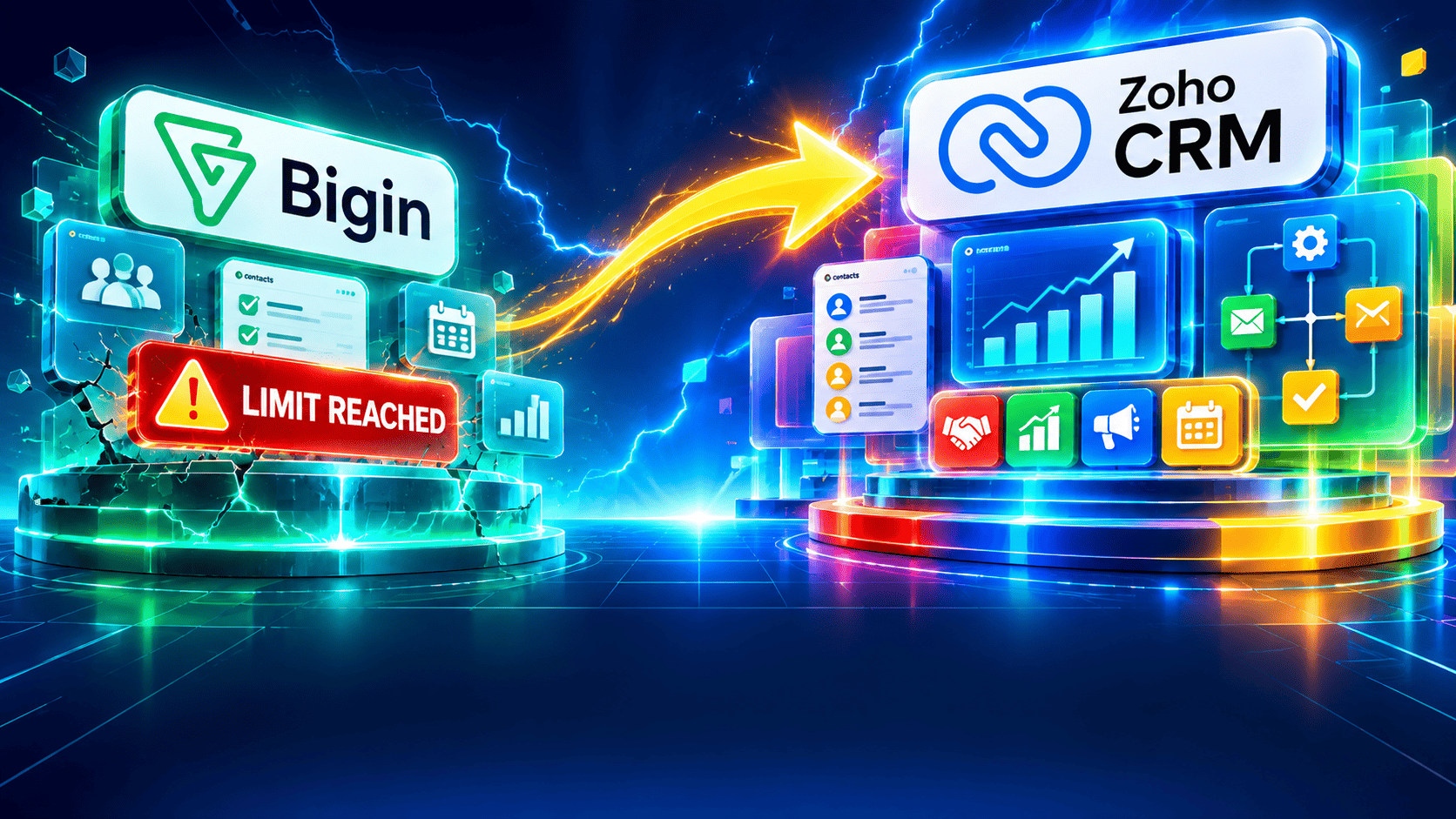
Every growing business starts with a simple question: how do we stop losing track of customers? For many small teams, Bigin by Zoho CRM answers that question brilliantly. It is fast to set up, easy to learn, and affordable. Yet growth changes requirements. Processes multiply, teams expand, and reporting demands rise. At that point, the tool that once felt perfect starts to feel tight. This article explains how to spot that moment and what to do next.
Table of contents
What Is the Quick Summary of This Article?
- Bigin is excellent for early-stage sales. It manages contacts, pipelines, tasks, and communication without heavy configuration.
- Growth exposes its limits. Automation caps, basic reporting, restricted customization, and lighter AI features become obstacles as complexity rises.
- Eight clear signs signal a move. They include process complexity, reporting gaps, team size, and compliance needs.
- Zoho CRM is the natural next step. It keeps you inside the Zoho ecosystem, so your data and your team’s habits carry over.
- A planned migration protects your pipeline. A specialist partner such as Solution for Guru shortens the transition and reduces risk.
How Is Bigin by Zoho CRM Related to This Topic?
Bigin by Zoho CRM sits at the center of this discussion because it is the entry point of the Zoho CRM family. Zoho built it specifically for micro and small businesses that find a full CRM too heavy. Reviewers on Capterra consistently praise its visual pipelines and Kanban views, and the platform keeps its price low compared with the full product.
Because Bigin and Zoho CRM share the same parent company, they also share a design philosophy and a data foundation. That relationship matters. You do not abandon your CRM when you outgrow Bigin; you graduate to a bigger sibling. So the real question isn’t whether Bigin is good. It is whether Bigin still fits the business you run today.
Why Do Small Businesses Choose Bigin First?

Small teams choose Bigin for three practical reasons:
- Speed. You can launch in an afternoon rather than a quarter.
- Cost. Entry-level plans cost a fraction of enterprise CRM licenses.
- Simplicity. Staff adopt it quickly because the interface stays clean.
These strengths explain why G2 reviewers describe Bigin’s pricing and feature set as well suited to smaller organizations. However, the same focus on simplicity also defines its ceiling.
What Is the Real Topic: When Does Bigin Stop Being Enough?
This article explores the tipping point. Bigin does not fail; your business outgrows what a lightweight CRM was designed to handle. A comparison from ZoomInfo’s sales team notes that Bigin delivers CRM value without a steep learning curve. Still, teams hit limits on automation, reporting, and customization as they grow, particularly beyond roughly twenty people.
That tipping point rarely arrives with a bang. Instead, small frictions accumulate. A workaround here, a spreadsheet there, a manager who exports data every Friday to build a report by hand. Each workaround feels harmless. Together, they signal that your CRM no longer supports your process, and your people now support the CRM instead.
The sections below describe the most reliable warning signs. Read them with your own team in mind, and count how many apply.
What Is the Difference Between Bigin and Zoho CRM?
Before reviewing the signs, understand how the two products differ. Both share a similar look and feel, but they target different stages of growth.
How Do the Two Platforms Compare Side by Side?
| Area |  |  |
|---|---|---|
| Target business | Micro and small businesses | Growing teams to enterprises |
| Setup time | Hours to days | Days to weeks, depending on scope |
| Pipelines | Team Pipelines for sales, support, and operations | Multiple pipelines with Blueprint process enforcement |
| Automation | Basic workflow rules with lower caps | Extensive workflow rules, Blueprint, approvals, and scheduled actions |
| Reporting | Standard reports and dashboards | Advanced analytics, custom reports, and forecasting |
| AI assistance | Limited | Zia AI for predictions and anomaly detection |
| Customization | Light field and layout changes | Custom modules, layouts, and functions |
| Territory and approvals | Not available | Territory management and approval processes |
| Sandbox testing | Not available | Available on higher editions |
| Best fit | Founders and small teams with simple sales | Teams with defined, multi-step sales processes |
Note that plan details change often. Verify current limits and prices on Zoho’s official pricing pages before you decide, because third-party reviews report slightly different numbers.
Why Does the Difference Matter?
The table shows the gap isn’t about quality. It is about depth. Bigin gives you one clear view of your deals. Full Zoho CRM gives you the structure to enforce a sales process, forecast revenue, and automate work across departments. One analysis from Codestringers puts it neatly: Zoho CRM suits a fifteen-rep team with a real sales process, while Bigin suits two founders tracking a dozen deals.
What Are the Signs You Need Full Zoho CRM?
Eight signs appear again and again among growing businesses. If three or more describe your situation, an upgrade deserves serious consideration.
Sign 1: Do You Keep Hitting Automation Limits?
Automation is usually the first wall. You start by automating a welcome email. Soon you want follow-up reminders, stage-change alerts, task assignments, and lead routing. Bigin handles the basics well, but its per-module rule limits restrict how much you can automate. According to a Prospeo comparison, teams on lower Bigin tiers often exhaust their workflow rules quickly.
When you ration automations or delete old rules to make room for new ones, you pay for the limit with your team’s time. Full Zoho CRM raises those ceilings substantially and adds Blueprint, which guides reps through each stage of the sales process.
Sign 2: Do You Need More Than a Simple Pipeline?
Bigin supports Team Pipelines, which suit businesses that run sales, onboarding, and support side by side. Nevertheless, complexity grows. Perhaps you sell several products, each with its own stages. Perhaps different regions follow different rules. Maybe deals need approval before a quote goes out.
Full Zoho CRM handles these scenarios with multiple pipelines, Blueprint enforcement, approval processes, and scoring rules. If your pipeline diagram no longer fits on one whiteboard, you have likely outgrown the simple model.
Sign 3: Are Your Reports Too Basic for Management?
Owners and managers eventually ask harder questions. Which lead source produces the highest lifetime value? Which rep converts best at each stage? What will revenue look like next quarter? Standard dashboards answer the first layer of these questions, but not the deeper ones.
Signs of a reporting gap include:
- Managers export data to spreadsheets to build monthly reports
- Forecasts rely on gut feeling rather than weighted pipeline data
- Leadership cannot compare performance across teams or regions
- Reports take hours to prepare instead of minutes
Zoho CRM offers advanced analytics, custom reports, and forecasting tools that remove this manual layer.
Sign 4: Does Your Team Keep Growing?

Team size changes how a CRM must behave. Five users can coordinate informally. Twenty users cannot. As headcount grows, you need role-based permissions, shared visibility rules, territory assignment, and clear ownership of every record.
Growth also brings new managers who want visibility without asking reps for updates. Full Zoho CRM supports hierarchical roles, profiles, and territory management. Bigin covers basic permissions, but it lacks that depth. Consequently, larger teams often feel either over-exposed or under-informed.
Sign 5: Do You Need Custom Modules or Deeper Customization?
Every business tracks something unique: projects, properties, policies, subscriptions, equipment, or applications. Bigin lets you add custom fields and adjust layouts, which covers many needs. However, it cannot model entirely new objects the way a full CRM can.
If you store critical information in a separate spreadsheet because the CRM has no place for it, you have found a customization gap. Zoho CRM‘s custom modules, layouts, validation rules, and functions close that gap and keep your data in one place.
Sign 6: Do You Want AI-Driven Insights?
Artificial intelligence now shapes how leading sales teams prioritize work. Zoho CRM includes Zia, an assistant that predicts deal outcomes, flags unusual activity, and suggests the best time to contact a lead. The Prospeo analysis identifies AI and intelligence as one of the biggest gaps between the two products.
If your team spends hours deciding which leads to call first, AI-assisted scoring can give that time back. Moreover, predictive insights help you spot at-risk deals before they stall.
Sign 7: Do You Face Compliance, Approval, or Testing Needs?
Regulated industries and larger organizations need controls. They need approval chains for discounts, audit trails for changes, and a safe place to test new automations before they affect live data. Full Zoho CRM provides approval processes and, in higher editions, sandbox environments.
Without these controls, every change carries risk. One faulty workflow can accidentally email hundreds of customers. Therefore, businesses that handle sensitive data or complex pricing should treat these features as essential, not optional.
Sign 8: Do You Rely on Many Integrations and Departments?
As a company grows, sales no longer works alone. Marketing, finance, support, and operations all need customer data. Full Zoho CRM connects more deeply with the wider Zoho suite and with third-party tools, and it supports advanced APIs and custom integrations. G2 reviewers note that Bigin offers a narrower range of partner applications, which some users find restrictive.
If you build manual bridges between systems, you waste effort and invite errors. A full CRM becomes the hub that keeps every department aligned.
How Can You Quickly Check Your Own Situation?

Use the following self-assessment. Score one point for every statement that is true for your business.
| Question | Yes = 1 point |
|---|---|
| Do you ration or delete automation rules to stay within limits? | ☐ |
| Do you run several products or sales processes with different stages? | ☐ |
| Do managers build reports manually in spreadsheets? | ☐ |
| Does your team exceed ten to fifteen CRM users? | ☐ |
| Do you track custom objects outside the CRM? | ☐ |
| Do you want predictive scoring or forecasting? | ☐ |
| Do you need approval workflows or audit controls? | ☐ |
| Do multiple departments need the same customer data? | ☐ |
How to read your score:
- 0 to 2 points: Bigin still fits well. Keep optimizing it.
- 3 to 5 points: Plan an upgrade within the next six to twelve months.
- 6 to 8 points: Move soon. Delay is already costing you time and revenue.
Is Upgrading Always the Right Answer?

Not always. Upgrading adds cost and complexity, so confirm the need first. Some problems come from poor setup rather than product limits.
When Should You Stay With Bigin?
Stay with Bigin when your sales process remains simple, your team stays small, and your reports answer your questions. Likewise, stay when you use less than half of the features you already pay for. In these cases, better training and cleaner data often deliver more value than a bigger platform.
A short checklist can help you decide:
- Fewer than ten users who work from one simple pipeline
- Automation needs that fit comfortably within current limits
- No requirement for approvals, territories, or custom modules
- Reporting needs limited to basic deal and activity counts
What Does It Cost to Wait Too Long?
Waiting carries hidden costs. Staff lose hours to manual work. Data scatters across spreadsheets. Leads slip through gaps in follow-up. Meanwhile, the longer you wait, the more records you must migrate and the more habits you must change. Many teams find that an earlier, planned upgrade costs less than a rushed one made under pressure.
How Does Upgrading From Bigin to Zoho CRM Work?
The move between the two products is smoother than switching to a competitor because both are part of the Zoho family. Contacts, companies, deals, and activities map across naturally. Still, a good migration needs planning.
What Are the Main Steps of the Migration?
| Phase | What Happens | Typical Outcome |
|---|---|---|
| 1. Audit | Review current data, pipelines, fields, and automations | A clear list of what to keep, change, or remove |
| 2. Design | Define target modules, layouts, roles, and Blueprints | A blueprint for the new system |
| 3. Data cleanup | Remove duplicates and standardize fields | Reliable records from day one |
| 4. Build and test | Configure workflows, reports, and integrations in a test environment | Verified processes before launch |
| 5. Migrate | Transfer data and switch users over | Minimal downtime |
| 6. Train and support | Coach users and monitor adoption | Confident teams and measurable results |
How Can You Avoid Common Migration Mistakes?
Teams often stumble in predictable ways. Avoid these pitfalls:
- Copying a messy setup. An upgrade offers a chance to simplify. Redesign processes instead of replicating old problems.
- Skipping data cleanup. Dirty data makes a powerful CRM look broken.
- Ignoring user training. People adopt tools they understand. Schedule hands-on sessions.
- Overbuilding at launch. Start with core features, then add advanced ones in phases.
- Choosing the wrong edition. One analysis warns that the Standard tier may not offer much more than Bigin‘s top plans for some teams, so compare editions against your actual needs.
What Are the Conclusions About Bigin and Zoho CRM?
Bigin by Zoho CRM remains a strong choice for small businesses that need clarity, speed, and low cost. It helps teams replace spreadsheets, track deals visually, and follow up consistently. Nothing about its limits reflects a flaw; they reflect its purpose.
However, businesses change. When automation caps slow you down, reports fall short, teams and processes multiply, or you need AI, approvals, and custom modules, you have likely outgrown the entry-level tool. Full Zoho CRM offers the depth to match that growth while keeping you inside the Zoho ecosystem you already know.
To move forward with confidence:
- Run the self-assessment above and count your signs.
- Audit your current Bigin setup and data.
- Compare Zoho CRM editions against your real needs and verify current prices on Zoho’s website.
- Plan a phased migration with clear owners and deadlines.
- Work with an experienced partner such as Solution for Guru to protect your data and speed up adoption.
Start small if you must, but plan ahead. The best time to upgrade is just before your current tool begins to hold you back.
What Are the Frequently Asked Questions?
Yes. Both products belong to the Zoho ecosystem, so contacts, companies, deals, and activities transfer in a structured way. Nevertheless, you should clean your data first, map fields carefully, and test the import before the final switch. A specialist partner can handle these steps and reduce the risk of lost or duplicated records.
No single number applies to every business. Industry comparisons often suggest that teams start to feel Bigin‘s limits around fifteen to twenty users. However, a five-person team with a complex, multi-step sales process may need Zoho CRM sooner, while a larger team with a simple process may stay on Bigin longer. Process complexity matters more than headcount alone.
Zoho CRM generally costs more per user because it offers more features. Pricing varies by edition and billing cycle, and third-party sources report different figures. Therefore, check Zoho’s official pricing page for current numbers. Also weigh the cost against the time you save through automation, better reporting, and fewer manual workarounds.
How Can Solution for Guru Help With the Move?
A capable partner turns a risky project into a controlled one. Solution for Guru helps businesses implement, customize, and support Zoho products, and its experience with both Bigin and Zoho CRM makes the transition easier.

What Benefits Does Working With Solution for Guru Offer?
- Expert guidance. Specialists assess your process and recommend the right edition, so you pay only for what you need.
- Faster implementation. Experienced consultants configure pipelines, automations, and reports faster than an internal team learning as it goes.
- Safe data migration. Careful mapping and cleanup protect your records and in-progress deals.
- Tailored customization. Custom modules, Blueprints, and integrations match your real workflow rather than a generic template.
- Training and adoption support. Your team learns the system and uses it, which protects your investment.
- Ongoing support. As your business changes, your CRM changes with it.
Why Does a Partner Improve Your Return on Investment?
A CRM delivers value only when people use it well. Partners shorten the learning curve, prevent costly configuration errors, and help you reach measurable results sooner. An external team also brings lessons from many similar projects, so you benefit from patterns that already work.
In practice, this means less downtime, cleaner data, and quicker adoption. For a growing business, those gains often outweigh the consulting fee within the first few months.
Recommended:
- How Does AI-Powered Customer Support Work With Salesforce Einstein?
- Is Bigin by Zoho CRM the Right CRM for Real Estate Agents?
- How monday CRM Dashboards Help Sales Managers
- How Does monday CRM Help Manage Customer Relationships?
- Top Integrations for Bigin by Zoho CRM
- Why Startups Choose Bigin Over Complex CRM Platforms
- How Can You Improve CRM Proficiency Across Your Organization in 7 Ways?
- How to Track Sales KPIs in monday CRM: What Should You Measure and How Do You Set It Up?
- How Can monday.com CRM Improve Sales Team Productivity?
- Email Integration in Bigin: Gmail and Outlook for Small Business Sales
- How Does monday CRM Work?
- How Do Bigin’s Automation Features Save Time for Growing Teams?
- What Is monday CRM? A Complete Guide to monday.com CRM
- Bigin Mobile App Review: Managing Sales on the Go
- CRM Proficiency Is the New Digital Literacy: Do You Agree?
- Bigin by Zoho CRM Pricing Explained: Is It Worth It?
- Using Creatio to Standardize Business Processes Across Departments
- Best Pipedrive Reports for Sales Managers
- Pipedrive Insights Explained: How Sales Reporting Works
- Pipedrive Automation Examples for Sales Teams
- Pipedrive Sales KPIs: 15 Metrics Every Team Should Track
- How Pipedrive AI Helps Sales Teams Save Time
- CRM Roles 101: From CRM Administrator to CRM Developer